Get 10% back in Relic Coins on every order
Rush: A Disney Pixar Adventure cover

Xbox One Europe - All Countries· Key

Rush: A Disney Pixar Adventure

€11.54

+€1.15 cashback eligibility in Relic Coins

Check before you play

Platform
Xbox One
Region
Europe - All Countries
Product type
Key
Developer
Asobo Studio
Publisher
Microsoft Studios
Supplier release date
2017-10-31
Genres
Action, Adventure

About this product

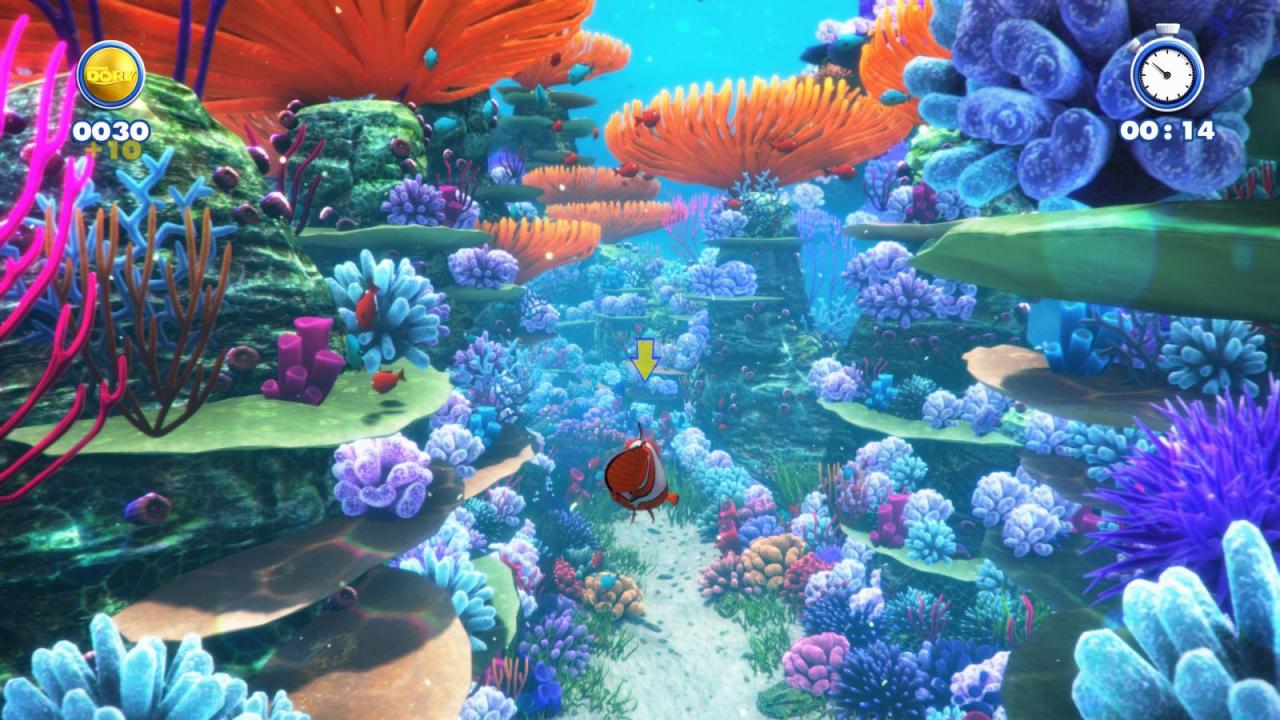
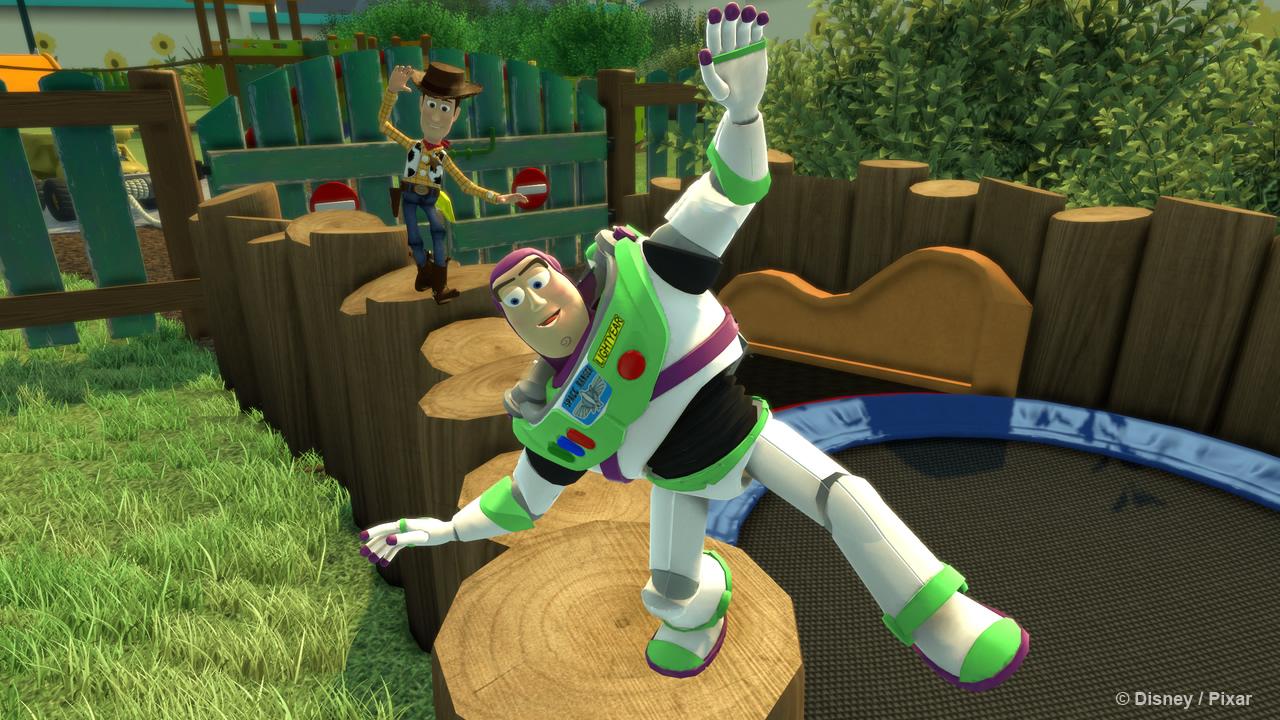
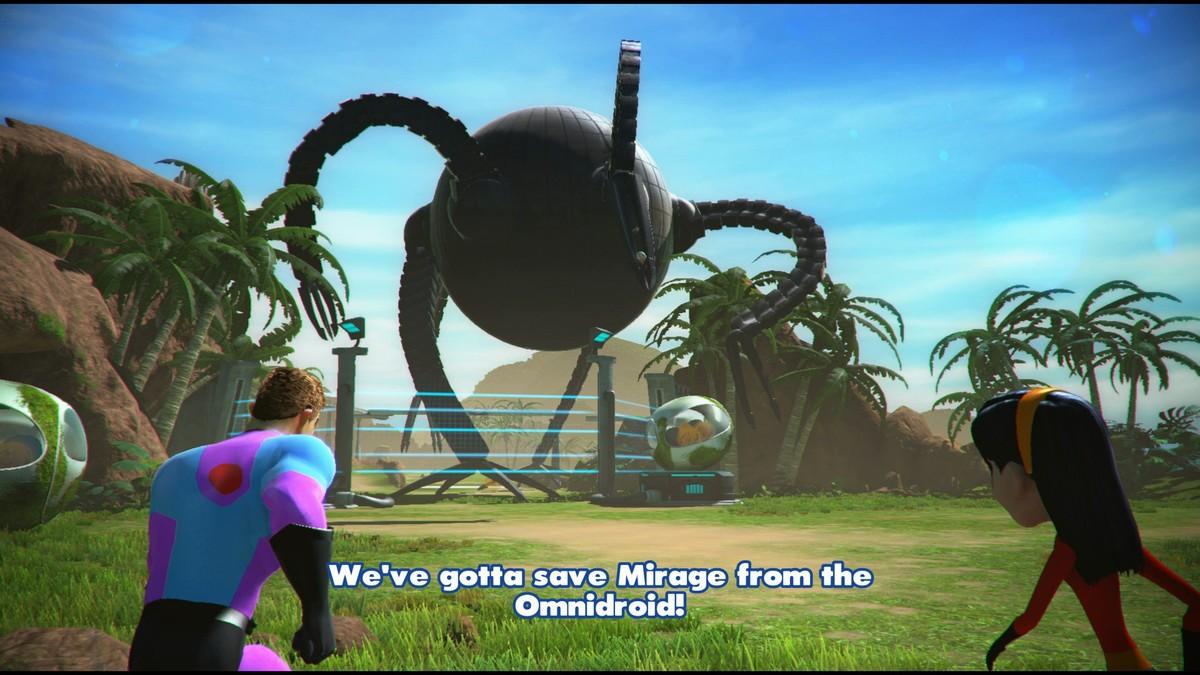
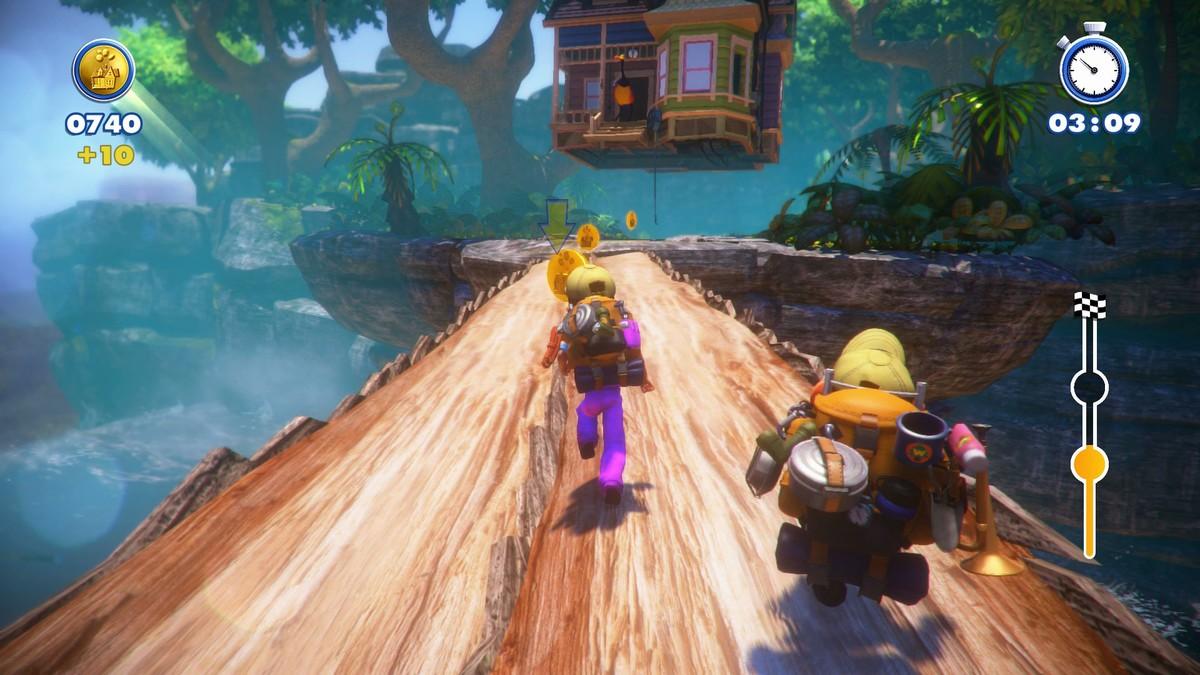
“Rush: A Disney•Pixar Adventure” invites families and fans of all ages to experience the worlds of six beloved Disney•Pixar films like never before. Play cooperatively and team up with characters from “The Incredibles, ” “Ratatouille, ” “Up, ” “Cars”, “Toy Story”, and “Finding Dory” or a friend to solve puzzles and uncover hidden secrets all remastered in 4K Ultra HD and HDR. Features Save the dayInvite your whole family to join Woody, Lightning McQueen and others in this one-of-a-kind Pixar experience. Cooperative playTeam up with Pixar characters to help you through each challenge or play on the same screen through split-screen couch co-op at home with a friend. Explore and discoverExperience the sights and sounds of each Pixar world as you solve puzzles and uncover hidden secrets. Meet new friends and unlock adventures as you progress.

Rush: A Disney Pixar Adventure screenshotRush: A Disney Pixar Adventure screenshotRush: A Disney Pixar Adventure screenshotRush: A Disney Pixar Adventure screenshotRush: A Disney Pixar Adventure screenshotRush: A Disney Pixar Adventure screenshot

How to redeem

  1. 1Check your Xbox One account and the listed region before purchasing.
  2. 2Find your code and supplier activation instructions in your confirmed order.
  3. 3Open the redeem-code section on Xbox One, enter the code and follow the platform’s prompts.

Supplier instructions

Go to https://www.xbox.com Login to your account Hover over your account link (the top right of the screen) a menu will appear, click on the "Redeem Code" button. On the next page, click "Redeem" Enter your code Click "Confirm" Click "Confirm" again to assign the key to your account.

You might also like