Get 10% back in Relic Coins on every order
Just Dance 2023 Edition cover

PlayStation 5United States· Key

Just Dance 2023 Edition

€29.40

+€2.94 cashback eligibility in Relic Coins

Check before you play

Platform
PlayStation 5
Region
United States
Product type
Key
Developer
Konami Computer Entertainment Shinjuku
Publisher
Konami Computer Entertainment Shinjuku
Supplier release date
2022-11-22
Genres
Simulation, Music / Soundtrack, Casual

About this product

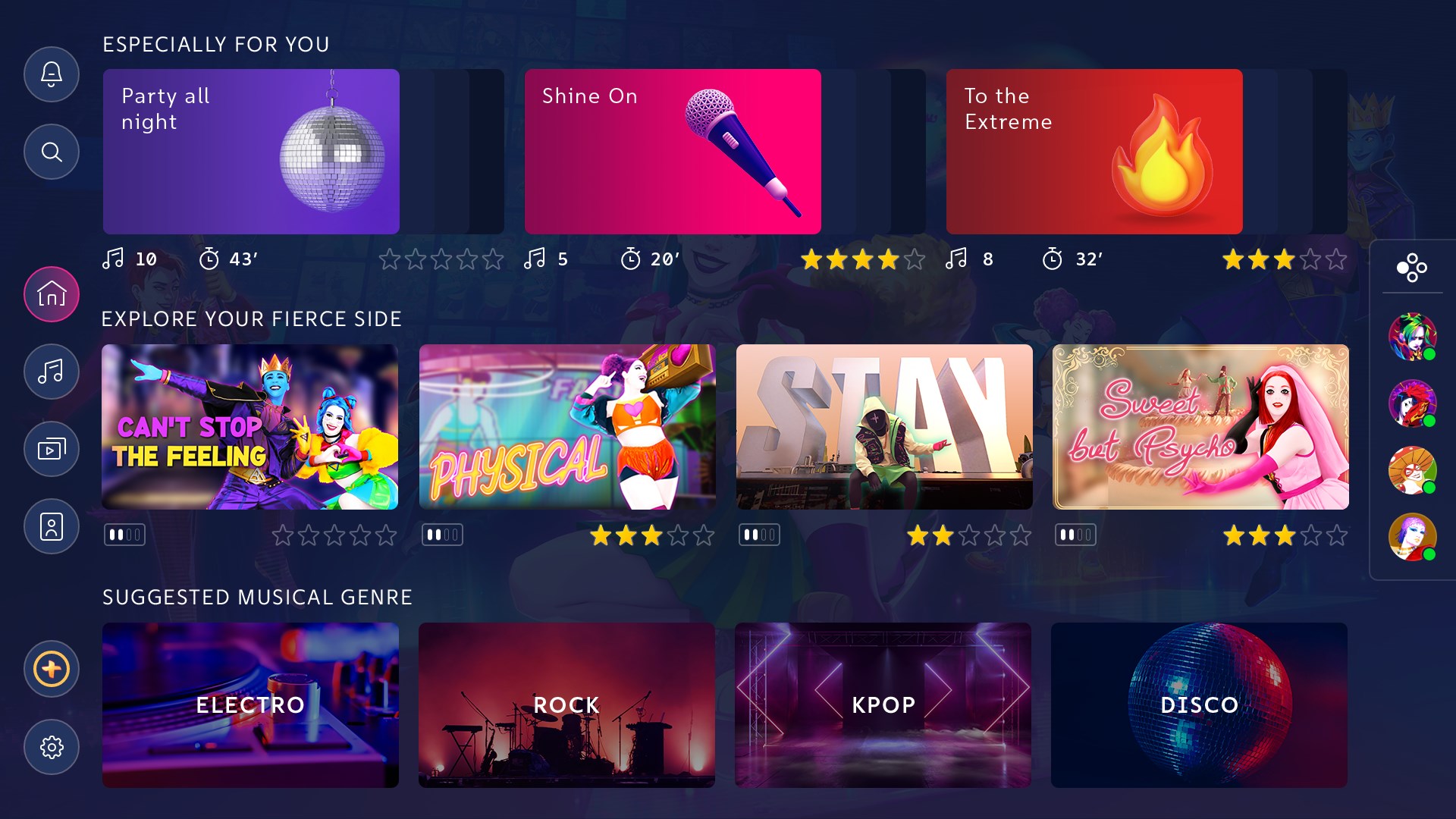
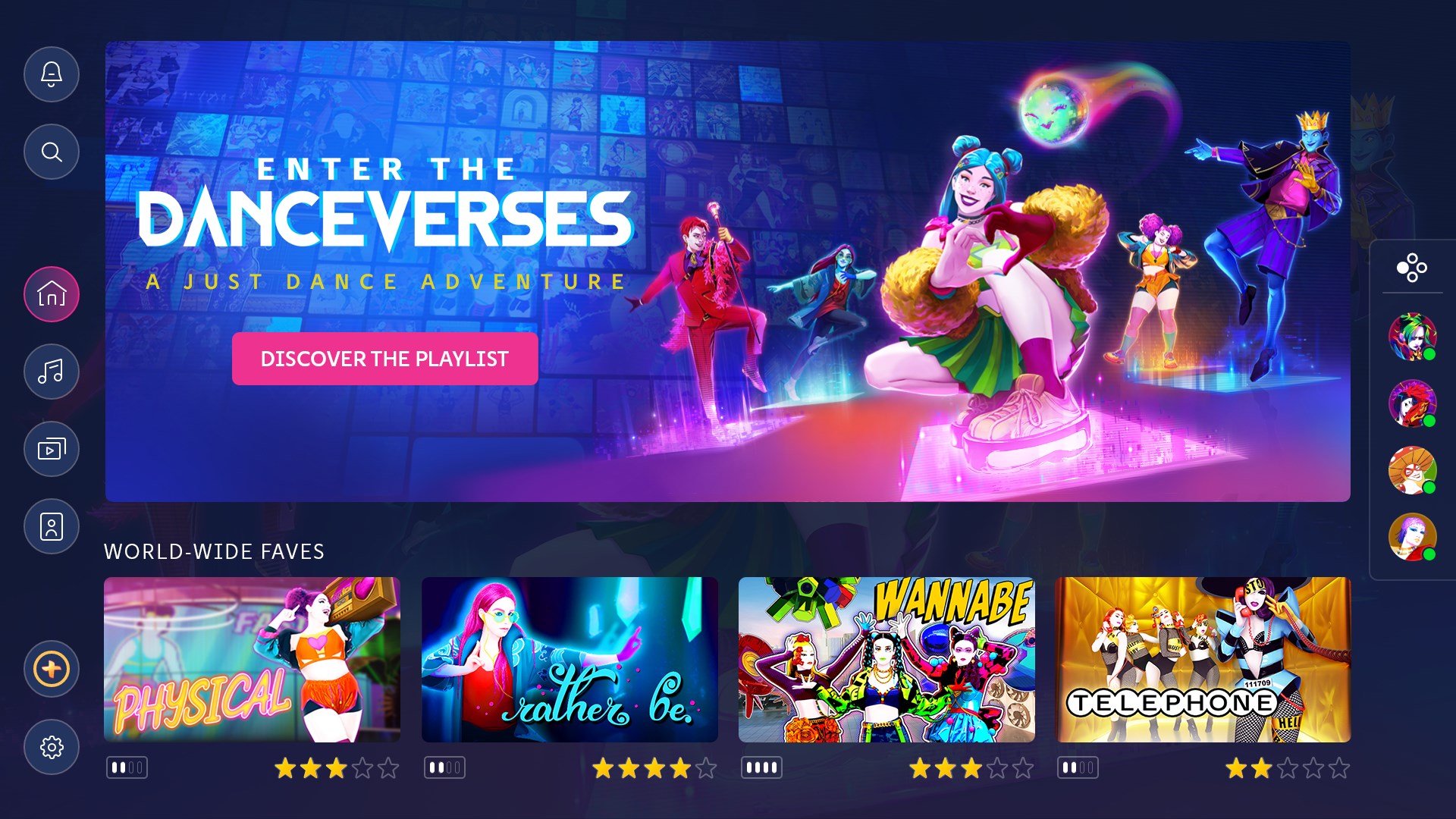
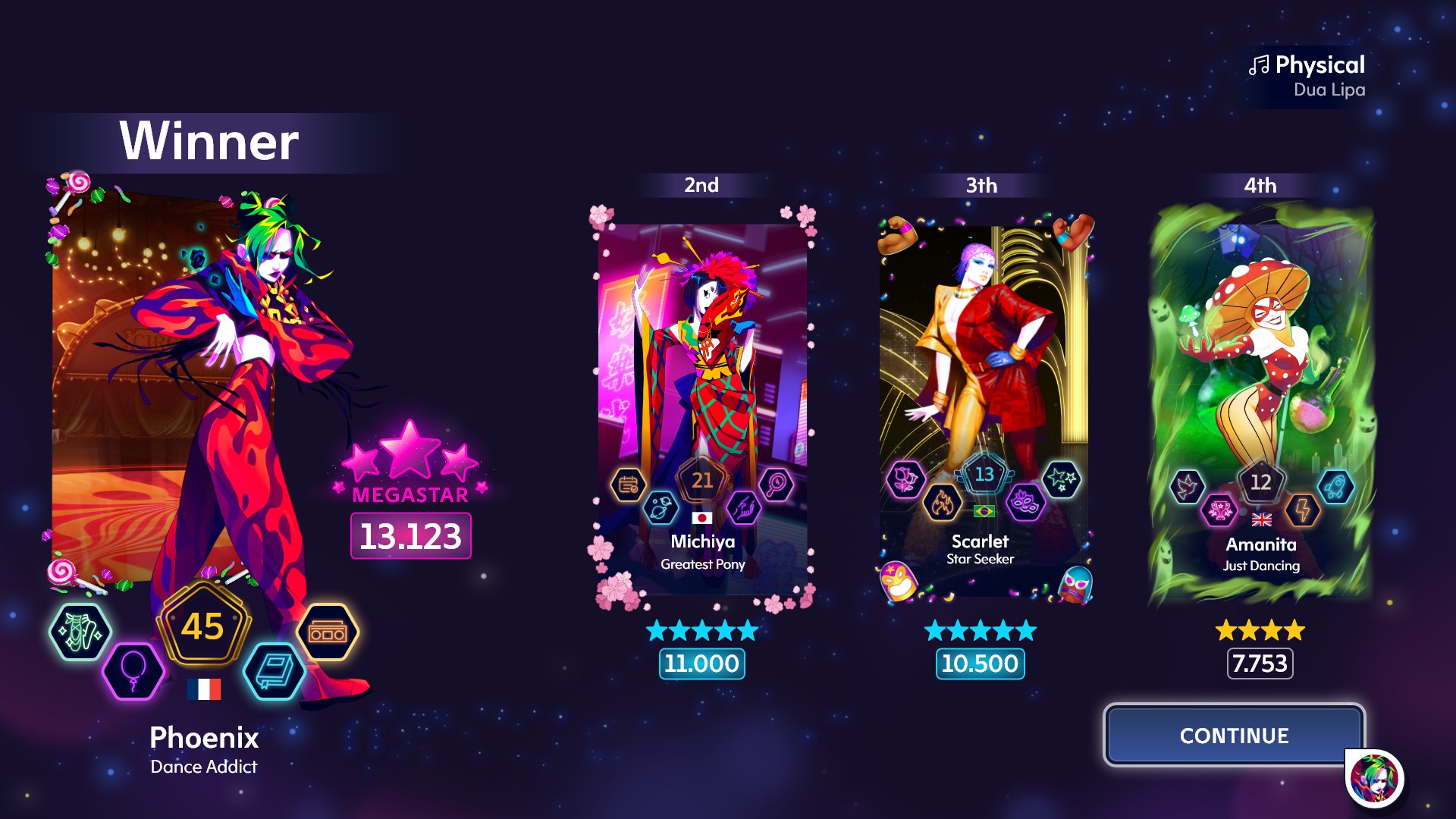
Just Dance 2023 is your on-demand dancing platform! Welcome to a new era of dance with Just Dance® 2023 Edition! Now with online multiplayer, personalization, 3D immersive worlds, and new songs and modes year-round, you can experience a never-ending dance party all year long! Features Online Multiplayer: Play Just Dance with whoever you want, wherever they are, with this brand-new feature! Invite up to five players to dance with and find out who has the best moves. New User Interface: Spend more time dancing and less time searching thanks to a new, more modern, and intuitive user interface. Everything is one click away: playlists, game modes and songs! Personalized Experiences: Unlock custom-made sessions and songs tailored to your preferences and playing habits. Plus, Just Dance will keep track of your progress and scores, so you can show off your dancing skills!


Just Dance 2023 Edition screenshotJust Dance 2023 Edition screenshotJust Dance 2023 Edition screenshotJust Dance 2023 Edition screenshotJust Dance 2023 Edition screenshot

How to redeem

  1. 1Check your PlayStation 5 account and the listed region before purchasing.
  2. 2Find your code and supplier activation instructions in your confirmed order.
  3. 3Open the redeem-code section on PlayStation 5, enter the code and follow the platform’s prompts.

Supplier instructions

In order to redeem Playstation Network Code please follow instruction below: Go to http://www.SonyEntertainmentNetwork.com Click "Manage Account" and sign in with your Sign-In ID(E-mail Address) and Password. Click on "Redeem Prepaid Card". Enter the code printed on the voucher or PlayStation Network Card and click "Continue". If the code is valid, you will be presented with a description of what the code will deliver to your account. Press "Redeem..." button to add the item or funds to your account.

You might also like