Get 10% back in Relic Coins on every order
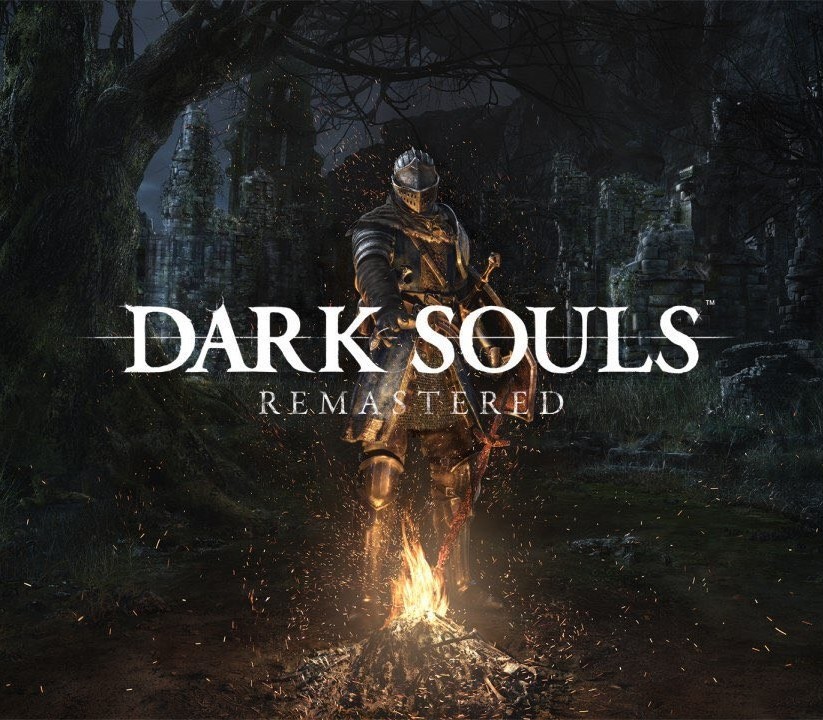
Dark Souls: Remastered Access cover

Nintendo SwitchGlobal· Key

Dark Souls: Remastered Access

€22.55

+€2.26 cashback eligibility in Relic Coins

Check before you play

Platform
Nintendo Switch
Region
Global
Product type
Key
Developer
FromSoftware
Publisher
BANDAI NAMCO Entertainment
Supplier release date
2018-10-19
Genres
Action, Adventure, RPG

About this product

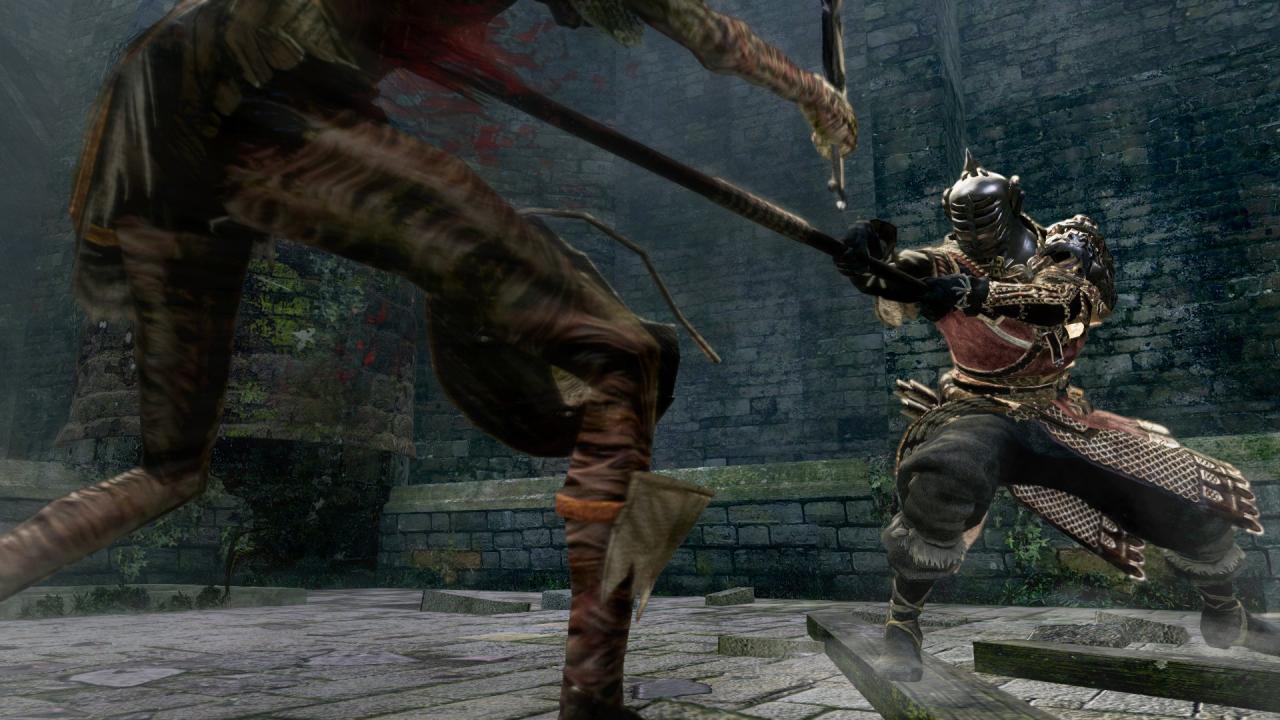
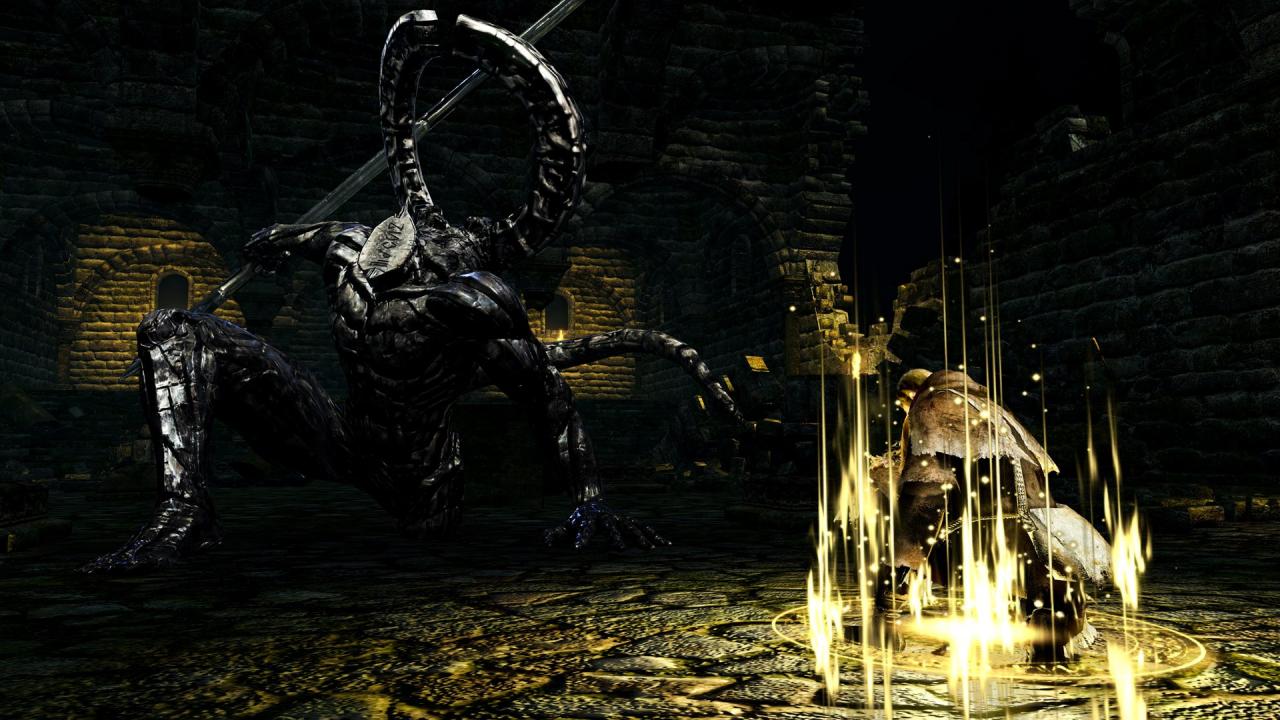
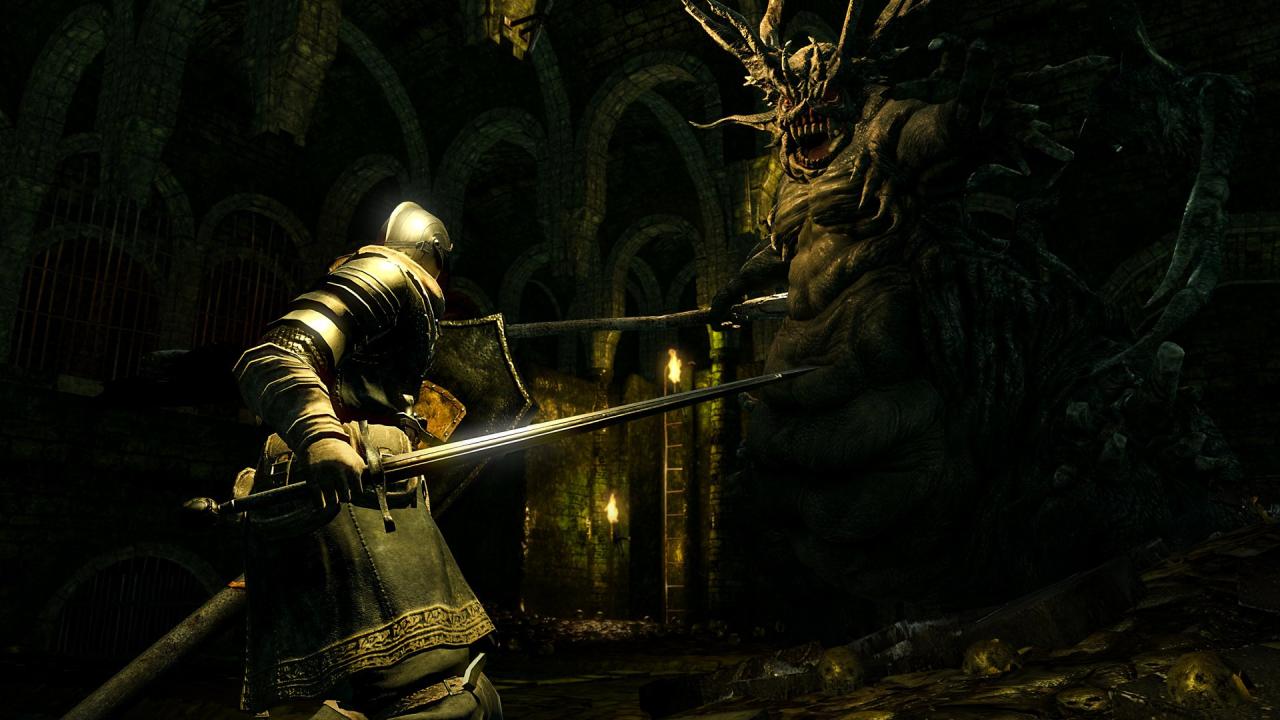
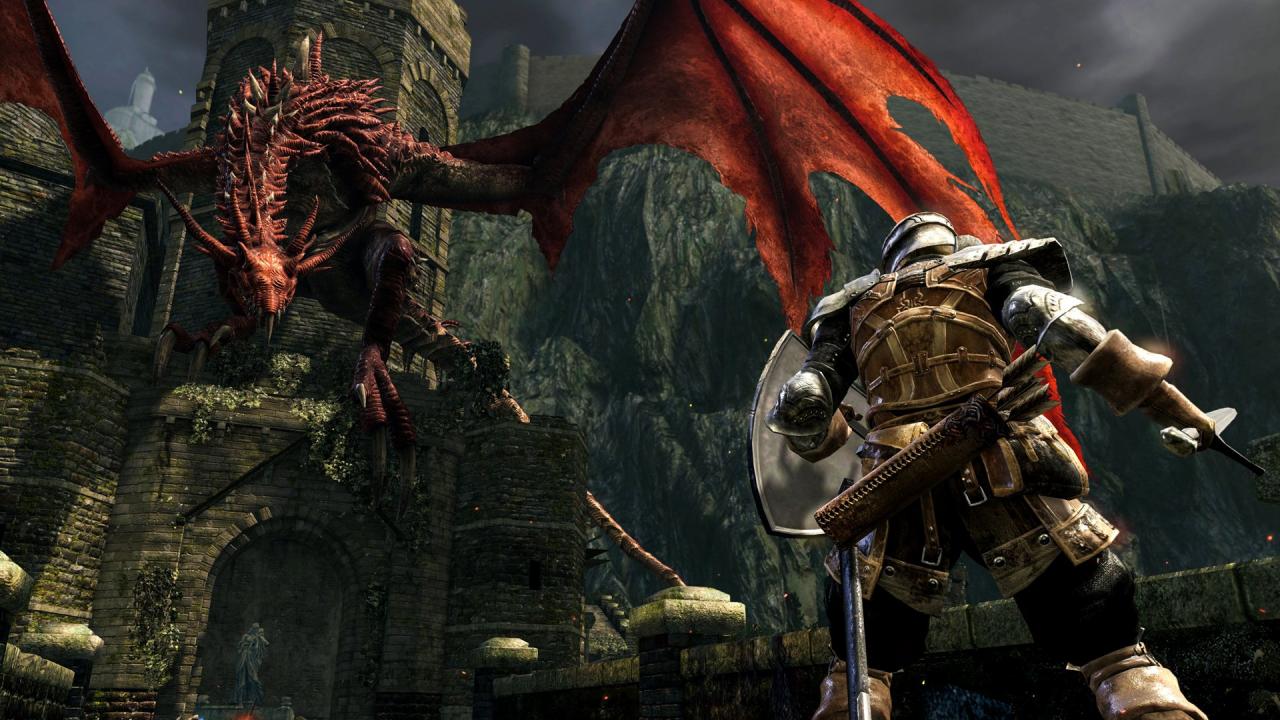
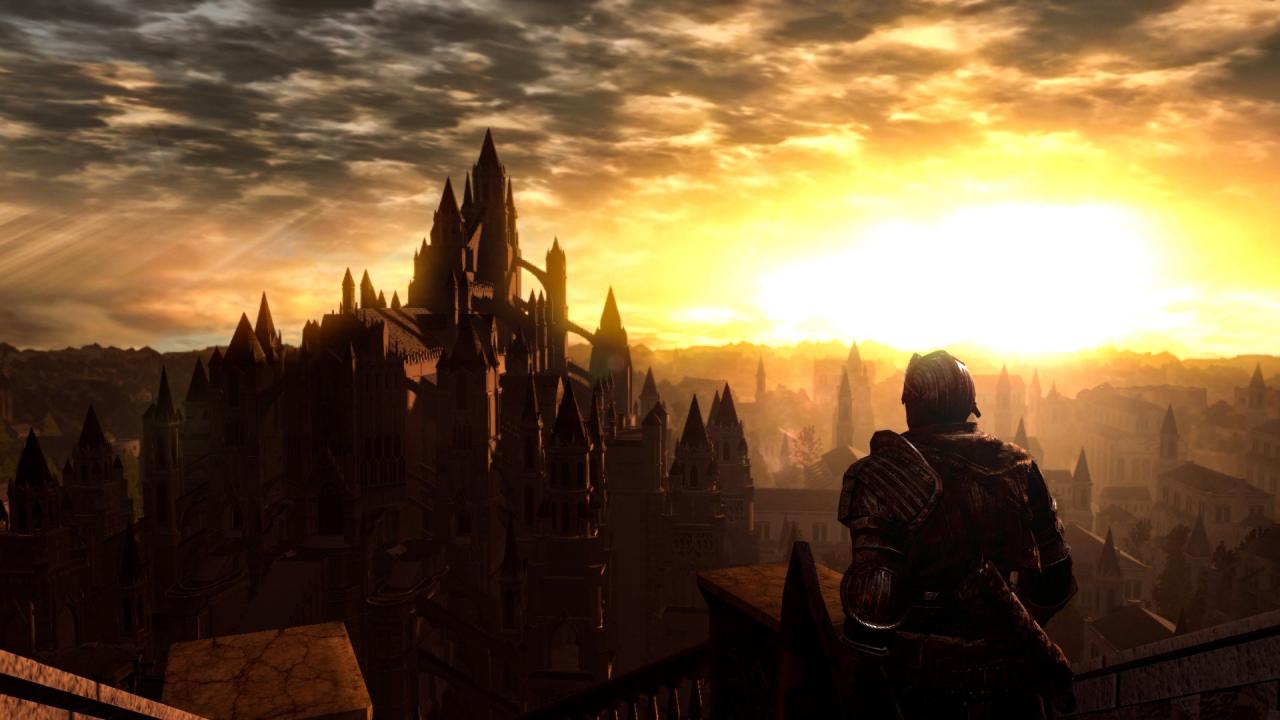
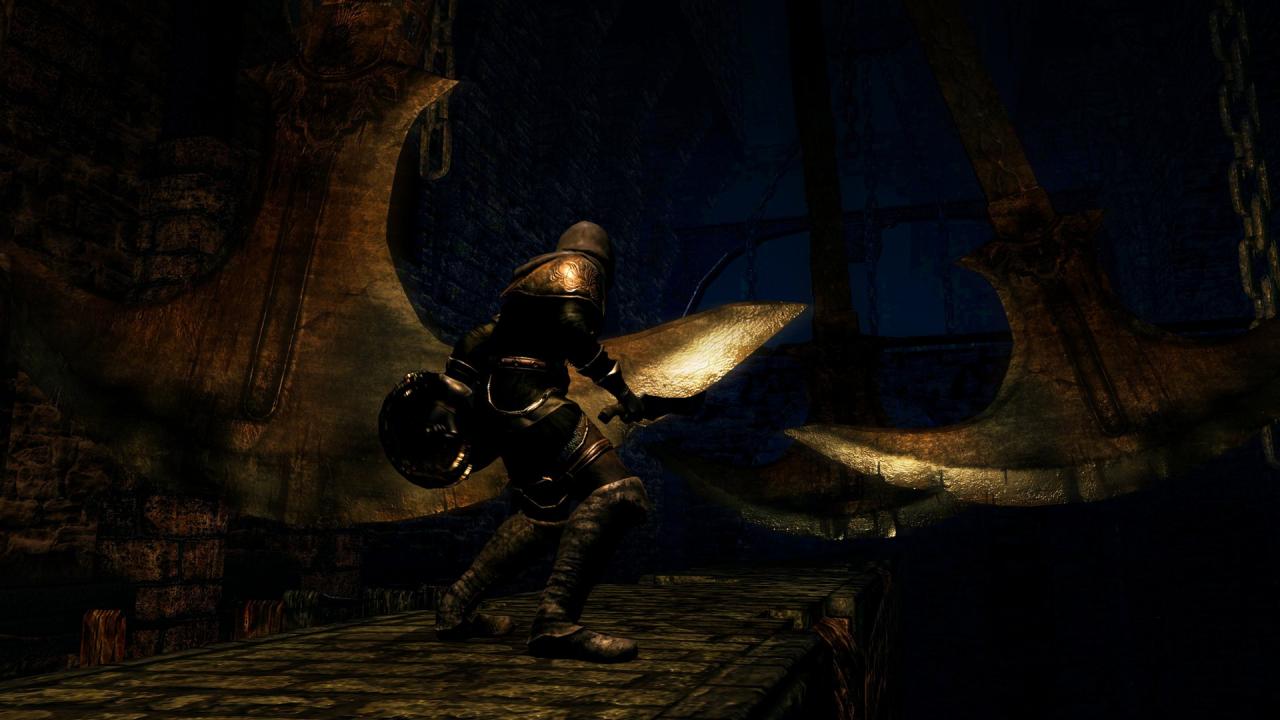
Then, there was fire. Re-experience the critically acclaimed, genre-defining game that started it all. Beautifully remastered, return to Lordran in stunning high-definition detail running at 60fps. Dark Souls Remastered includes the main game plus the Artorias of the Abyss DLC. Features Then, There Was Fire.Re-experience the critically acclaimed, genre-defining game that started it all. Beautifully remastered, return to Lordran in stunning high-definition detail running at 60fps. Dark Souls Remastered includes the main game plus the Artorias of the Abyss DLC. Deep and Dark UniverseDelve into an epic dark fantasy universe stricken by decline and the Curse. Explore its intricate world design - full of hidden passages, dungeons and secrets - and uncover its deeply rooted lore. Each End is a New BeginningEach playthrough surprises you with new challenges and unexpected facets of the game. Don’t bet on completing the game only once. Gameplay Richness and PossibilitiesHundreds of unique combinations of weaponry, armor, magic and crafting options to create your own playstyle and gaming experience.

Dark Souls: Remastered Access screenshotDark Souls: Remastered Access screenshotDark Souls: Remastered Access screenshotDark Souls: Remastered Access screenshotDark Souls: Remastered Access screenshotDark Souls: Remastered Access screenshot

How to redeem

  1. 1Check your Nintendo Switch account and the listed region before purchasing.
  2. 2Find your code and supplier activation instructions in your confirmed order.
  3. 3Open the redeem-code section on Nintendo Switch, enter the code and follow the platform’s prompts.

Supplier instructions

Select “Nintendo eShop” on the HOME Menu to launch the Nintendo eShop. Select the account you want to use. Select “Enter Code” on the left side of the screen. Enter the 16-character download code.Any letters and symbols not used with prepaid codes (i.e. O, I, Z, commas, hyphens, etc.) will be disabled from the on-screen keyboard. Select “Send” to confirm. The game will begin downloading once the code is confirmed.The game icon will appear on the HOME menu, with a download status bar. The status bar will disappear once the game download is complete.

You might also like