Get 10% back in Relic Coins on every order
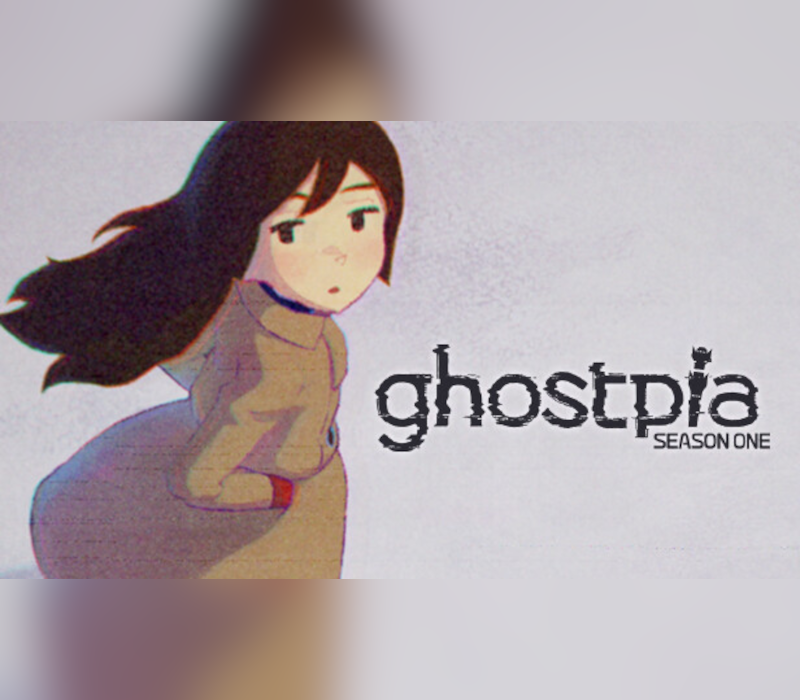
ghostpia Season One cover

Nintendo Switch Europe - All Countries· Key

ghostpia Season One

€2.63

+€0.26 cashback eligibility in Relic Coins

Check before you play

Platform
Nintendo Switch
Region
Europe - All Countries
Product type
Key
Developer
Chosuido
Publisher
Yokaze
Supplier release date
2023-05-23
Genres
Adventure, Visual Novel

About this product

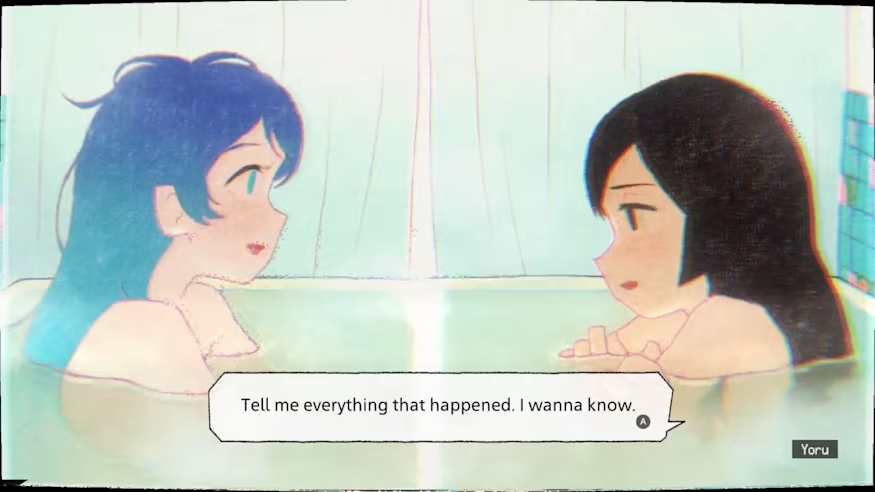
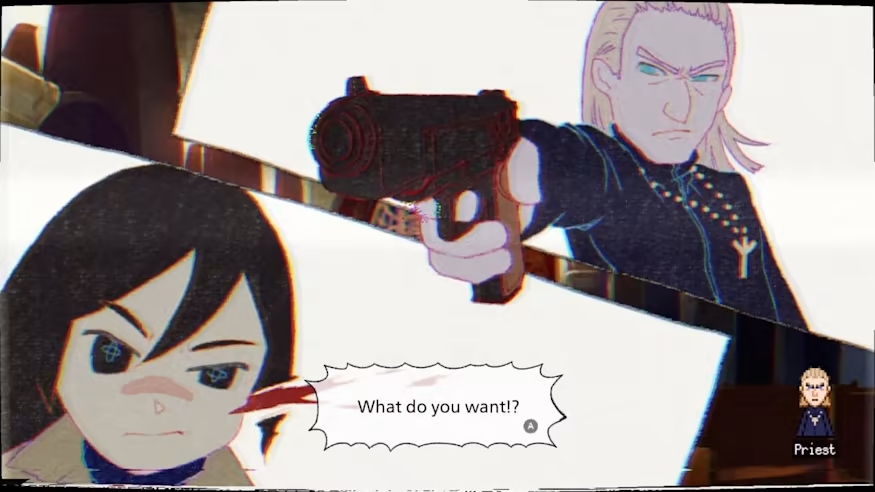
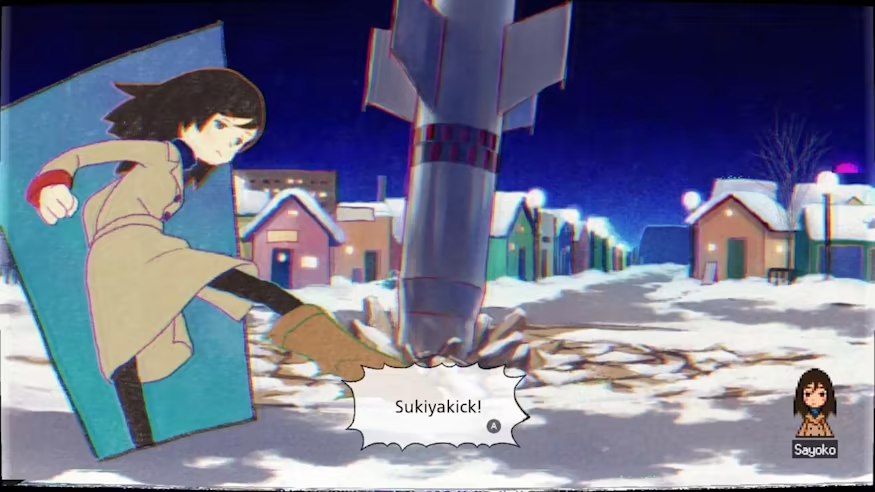
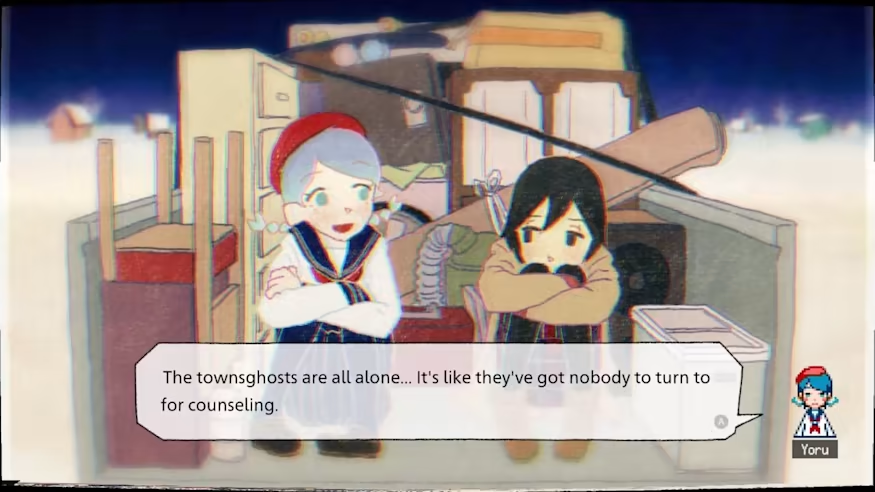
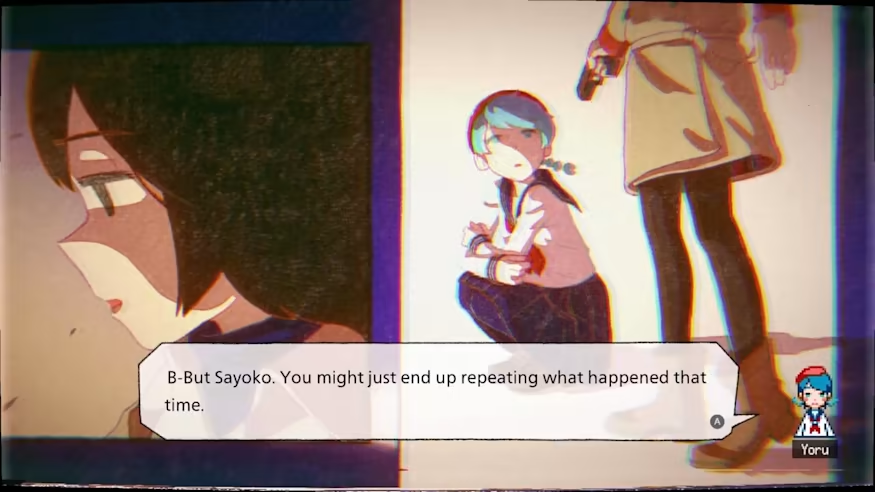
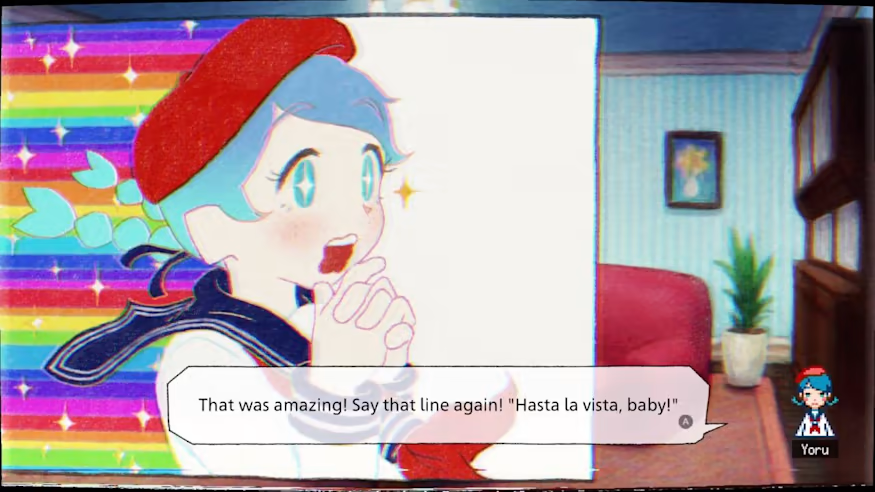
"ghostpia Season 1" is a story-enjoying reading game featuring warm visuals like a picture book and nostalgic expressions colored with glitches and noise.Enjoy the story of mystery and friendship - and sometimes violence - of a girl who lives alone in a haunted town closed at night."ghostpia season one" contains the first episode of the ghostpia story, which is currently scheduled for two seasons.Please look forward to the story of ghostpia that will continue after this work. A colourful, picture book style visual novel, set in a town full of ghosts. They say this is an ideal town, a true utopia for ghosts…but is it really? Can you really call this place a utopia? More than anything Sayoko longs to return home, but that may prove harder than it seems. With forgotten memories to recover and a mysterious girl to investigate Sayoko has her hands full. Ghostpia is a kinetic, visual novel with colourful visuals that look like a picture book. Adorned with glitches and noise, ghostpia is inspired by a deep sense of longing and nostalgia. Follow Sayoko’s captivating story as she searches for answers in this isolated town, surrounded by a vast desert of snow and unable to fit in with the ghostly atmosphere. Enjoy a rich cinematic experience with a beautiful melancholic soundtrack and unique sound effects, to fully immerse yourself in the moving, sometimes sombre, sometimes exciting, narrative that ghostpia is trying to tell.

ghostpia Season One screenshotghostpia Season One screenshotghostpia Season One screenshotghostpia Season One screenshotghostpia Season One screenshotghostpia Season One screenshot

How to redeem

  1. 1Check your Nintendo Switch account and the listed region before purchasing.
  2. 2Find your code and supplier activation instructions in your confirmed order.
  3. 3Open the redeem-code section on Nintendo Switch, enter the code and follow the platform’s prompts.

Supplier instructions

Select “Nintendo eShop” on the HOME Menu to launch the Nintendo eShop. Select the account you want to use. Select “Enter Code” on the left side of the screen. Enter the 16-character download code.Any letters and symbols not used with prepaid codes (i.e. O, I, Z, commas, hyphens, etc.) will be disabled from the on-screen keyboard. Select “Send” to confirm. The game will begin downloading once the code is confirmed.The game icon will appear on the HOME menu, with a download status bar. The status bar will disappear once the game download is complete.

You might also like