Get 10% back in Relic Coins on every order
Monster Menu: The Scavenger's Cookbook NA cover

PlayStation 5North America· Key

Monster Menu: The Scavenger's Cookbook NA

€24.68

+€2.47 cashback eligibility in Relic Coins

Check before you play

Platform
PlayStation 5
Region
North America
Product type
Key
Developer
Nippon Ichi Software
Publisher
NIS America
Supplier release date
2023-05-23
Genres
Strategy, Anime, RPG

About this product

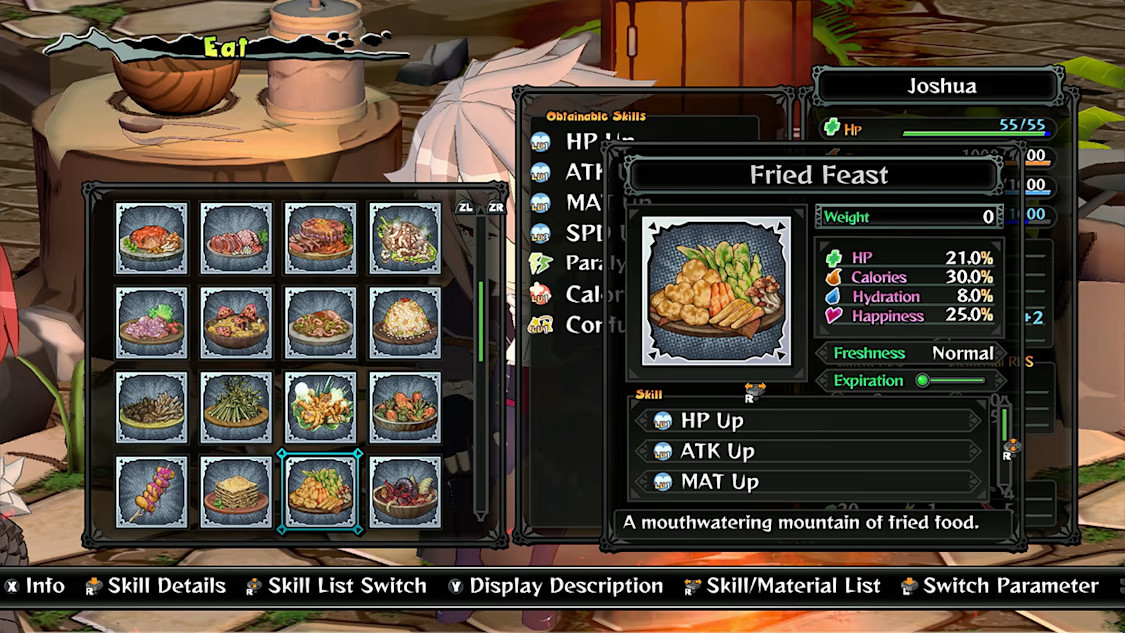
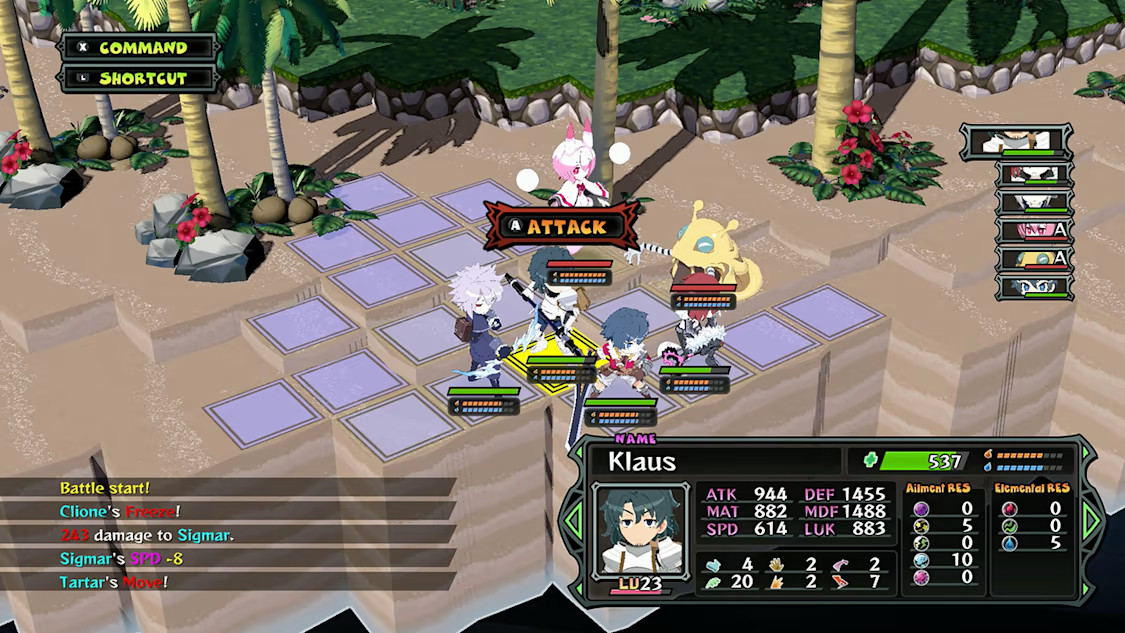
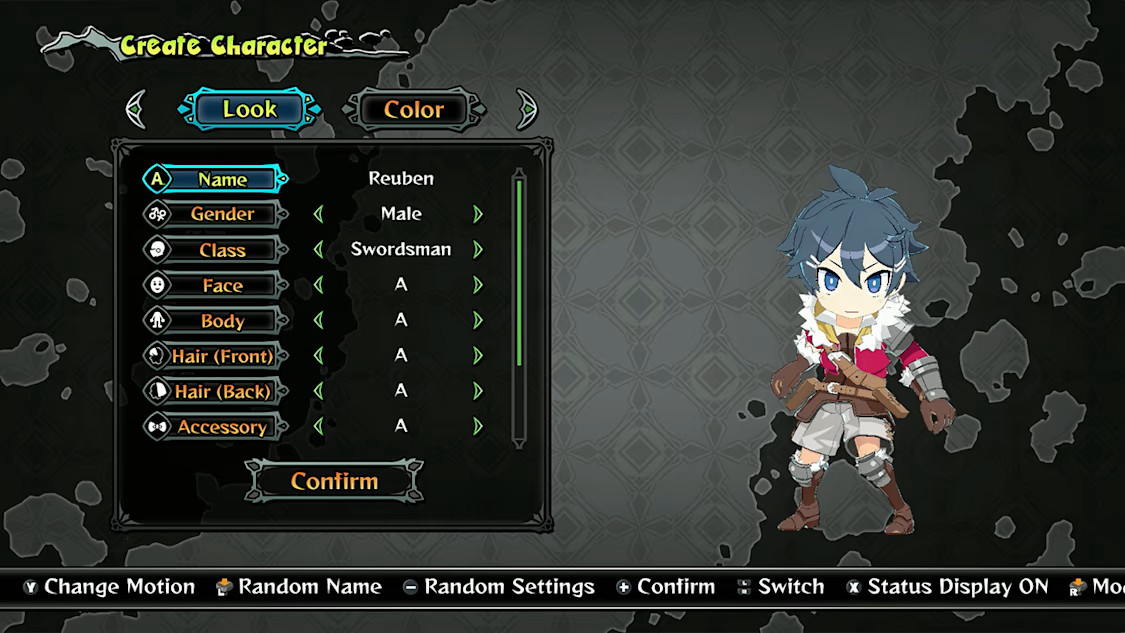
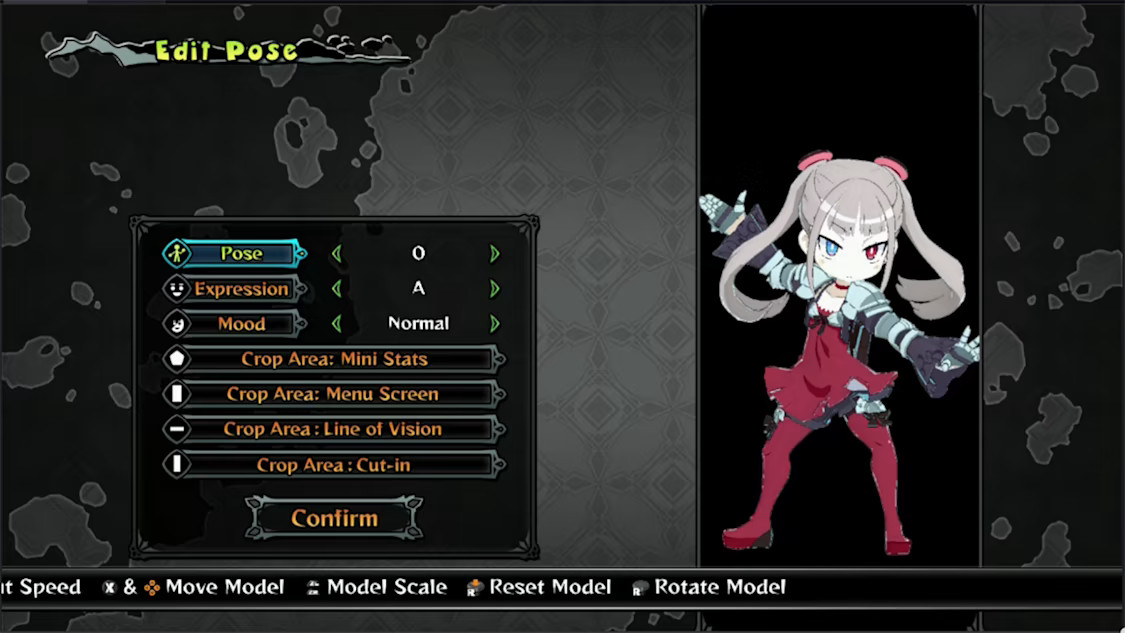
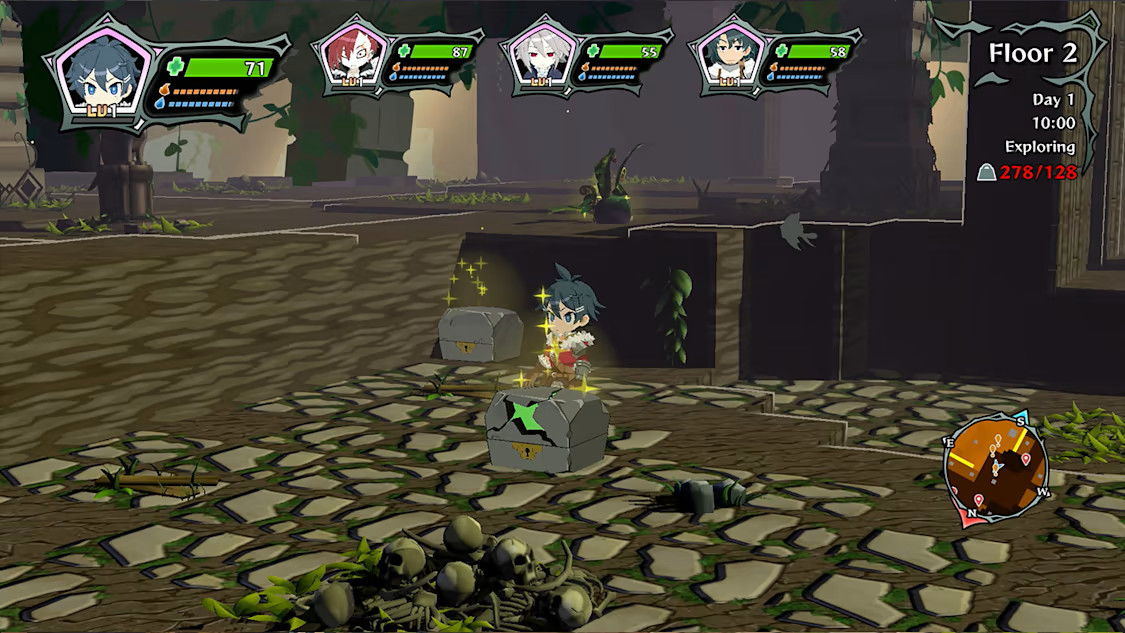
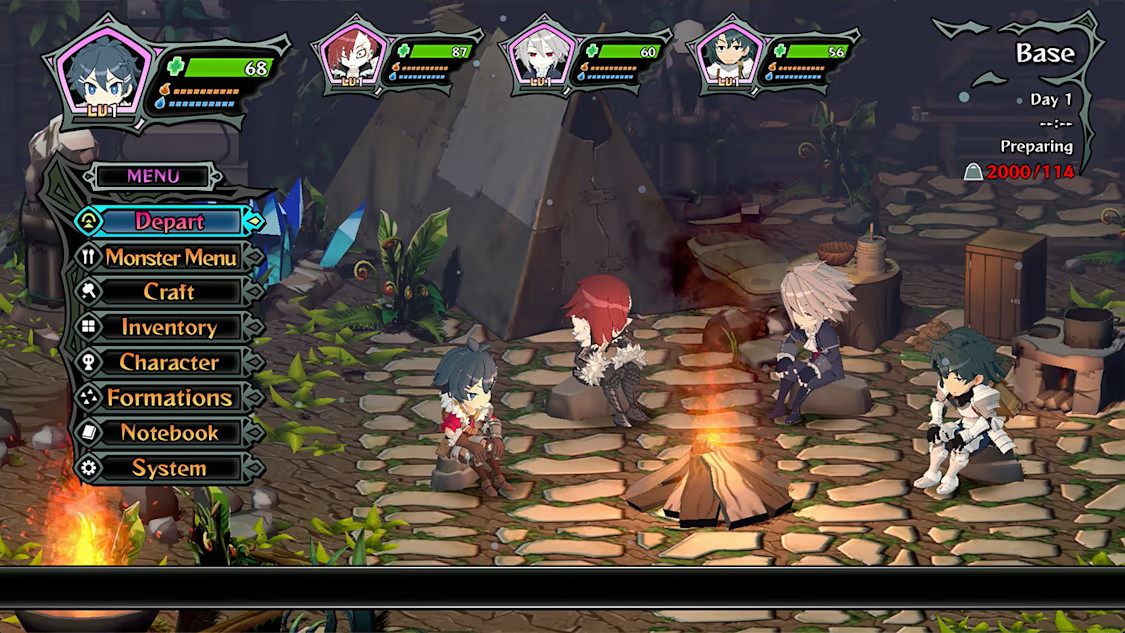
An all-you-can-eat survival adventure! Tighten your pack and loosen your belt before digging into this dungeon-crawling adventure! Monster Menu: The Scavenger’s Cookbook spices up the classic SRPG formula with deliciously fun cooking-based mechanics. Indulge in detailed character creation for your party, gather resources, ingredients, and items while exploring, and fight monsters in tactical combat. Then kick back by the campfire as you use what you’ve collected to cook meals that can give you the edge for your next course of dungeon delving.

Monster Menu: The Scavenger's Cookbook NA screenshotMonster Menu: The Scavenger's Cookbook NA screenshotMonster Menu: The Scavenger's Cookbook NA screenshotMonster Menu: The Scavenger's Cookbook NA screenshotMonster Menu: The Scavenger's Cookbook NA screenshotMonster Menu: The Scavenger's Cookbook NA screenshot

How to redeem

  1. 1Check your PlayStation 5 account and the listed region before purchasing.
  2. 2Find your code and supplier activation instructions in your confirmed order.
  3. 3Open the redeem-code section on PlayStation 5, enter the code and follow the platform’s prompts.

Supplier instructions

In order to redeem Playstation Network Code please follow instruction below: Go to http://www.SonyEntertainmentNetwork.com Click "Manage Account" and sign in with your Sign-In ID(E-mail Address) and Password. Click on "Redeem Prepaid Card". Enter the code printed on the voucher or PlayStation Network Card and click "Continue". If the code is valid, you will be presented with a description of what the code will deliver to your account. Press "Redeem..." button to add the item or funds to your account.

You might also like