Get 10% back in Relic Coins on every order
Plants vs. Zombies: Battle for Neighborville cover

EA App Europe - All Countries· Key

Plants vs. Zombies: Battle for Neighborville

€8.86

+€0.89 cashback eligibility in Relic Coins

Check before you play

Platform
EA App
Region
Europe - All Countries
Product type
Key
Developer
PopCap Games
Publisher
PopCap Games
Supplier release date
2019-10-18
Genres
Action, Co-op

About this product

Except that a crazy new coniferous conflict between brain-less and botanicals is brewing! What are you gonna do – call the crops? Soil your plants? Prepare to kick some grass in a plant-on-zombie conflict that will take you to the outer edges of Neighborville and back again. Features Go All Out in Online Multiplayer - Jump into the fray with up to 24 players in online multiplayer across a gigantic suburban skirmish. Bring the unique abilities of each character class to 6 PvP modes–including the new Battle Arena–and experience the unbeleafable thrills of combat. Venture to the Outer Edges of Neighborville - The tension across the terra has expanded with free-roam regions that extend beyond the town of Neighborville. Squad up with up to 3 friends in the Giddy Park social region and take back Weirding Woods, Mount Steep and Neighborville Town Centre. It’s grow time! Customize Every Character for Battle - Join the newest bloom in the age-old battle between plants and zombies with 20 fully customizable classes at launch, including a Team Play class for each faction. Deck every character out with ludicrous looks and wacky weapons that show off your unique personality.

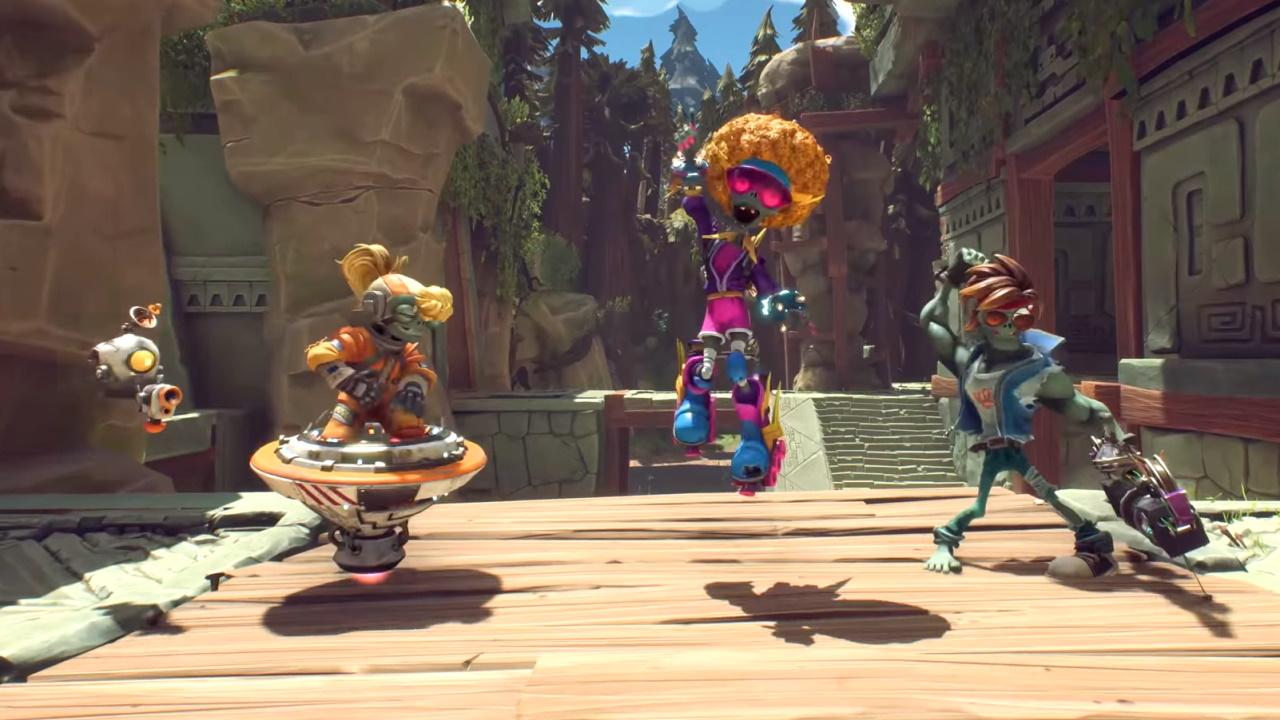
Plants vs. Zombies: Battle for Neighborville screenshotPlants vs. Zombies: Battle for Neighborville screenshotPlants vs. Zombies: Battle for Neighborville screenshotPlants vs. Zombies: Battle for Neighborville screenshot

How to redeem

  1. 1Check your EA App account and the listed region before purchasing.
  2. 2Find your code and supplier activation instructions in your confirmed order.
  3. 3Open the redeem-code section on EA App, enter the code and follow the platform’s prompts.

Supplier instructions

Go to: http://www.origin.com/us/about Click "Download Origin" (from the upper left corner) Login into downloaded application Install and start application, login with your Account name and Password (create one here: http://store.origin.com/ if you don't have). Redeem Product Code From the "Origin" drop-down menu (upper right corner) choose "Redeem Product Code...", enter your code and click "Next". Download your Game After successful code verification go to the "MY GAMES" tab and start downloading.

You might also like