Get 10% back in Relic Coins on every order
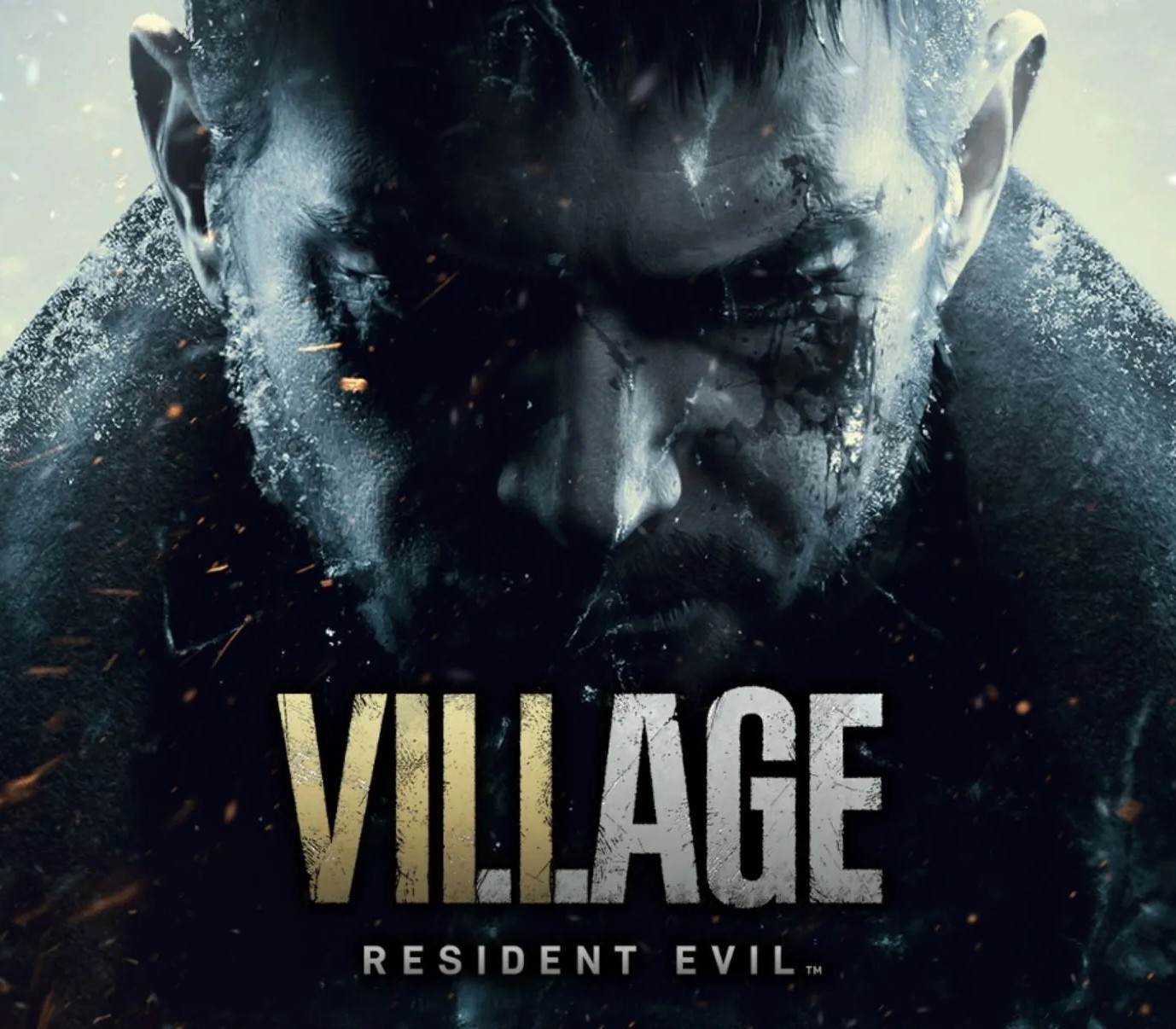
Resident Evil Village cover

PlayStation 4Global· Account

Resident Evil Village

€10.91

+€1.09 cashback eligibility in Relic Coins

Check before you play

Platform
PlayStation 4
Region
Global
Product type
Account

This listing delivers an account, not a game key. Read the supplier’s conditions before purchasing.

Developer
Capcom Development Division 1
Publisher
Capcom
Supplier release date
2021-05-07
Genres
Action, Story rich, Horror

About this product

Play the next chapter of the legendary survival horror. Explore a remote village, where dark shadows of powerful creatures change ordinary life into hell. Resident Evil: Village is a first-person survival horror seamlessly merging exploration with action, puzzles, and fear. Continue the story of Ethan Winters, a survivor of a mutant outbreak incident, who discovers a whole new threat in the dark woods of Europe. Reveal the secret behind the vampire and werewolf mythos, and the involvement of the nefarious Umbrella corporation. Run, hide, and shoot your way through this masterpiece of horror. Features First-person survival horror gameplay Gorgeous visuals Face a new kind of supernatural threat Reveal the deepest secrets of the Resident Evil lore Face the iconic villain - Lady Dimitrescu

Resident Evil Village screenshotResident Evil Village screenshotResident Evil Village screenshotResident Evil Village screenshotResident Evil Village screenshotResident Evil Village screenshot

How to redeem

  1. 1Read the account conditions and regional restrictions before purchasing.
  2. 2Open your confirmed order in your Relic Key account to view the supplier’s account details.
  3. 3Follow the supplied sign-in and setup instructions. This is an account, not a redeemable key.

Supplier instructions

Go to: http://store.steampowered.com/ and download STEAM client Click "Install Steam" (from the upper right corner) Install and start application, login with your Account name and Password (create one if you don't have). Please follow these instructions to activate a new retail purchase on Steam: Launch Steam and log into your Steam account. Click the Games Menu. Choose Activate a Product on Steam... Follow the onscreen instructions to complete the process. After successful code verification go to the "MY GAMES" tab and start downloading.

You might also like