Get 10% back in Relic Coins on every order
Forza Motorsport 8 / Windows 10 cover

Xbox Series X|S· Key

Forza Motorsport 8 / Windows 10

€30.11

+€3.01 cashback eligibility in Relic Coins

Check before you play

Platform
Xbox Series X|S
Product type
Key
Developer
Turn 10
Publisher
Xbox Game Studios
Supplier release date
2023-10-10
Genres
Racing

About this product

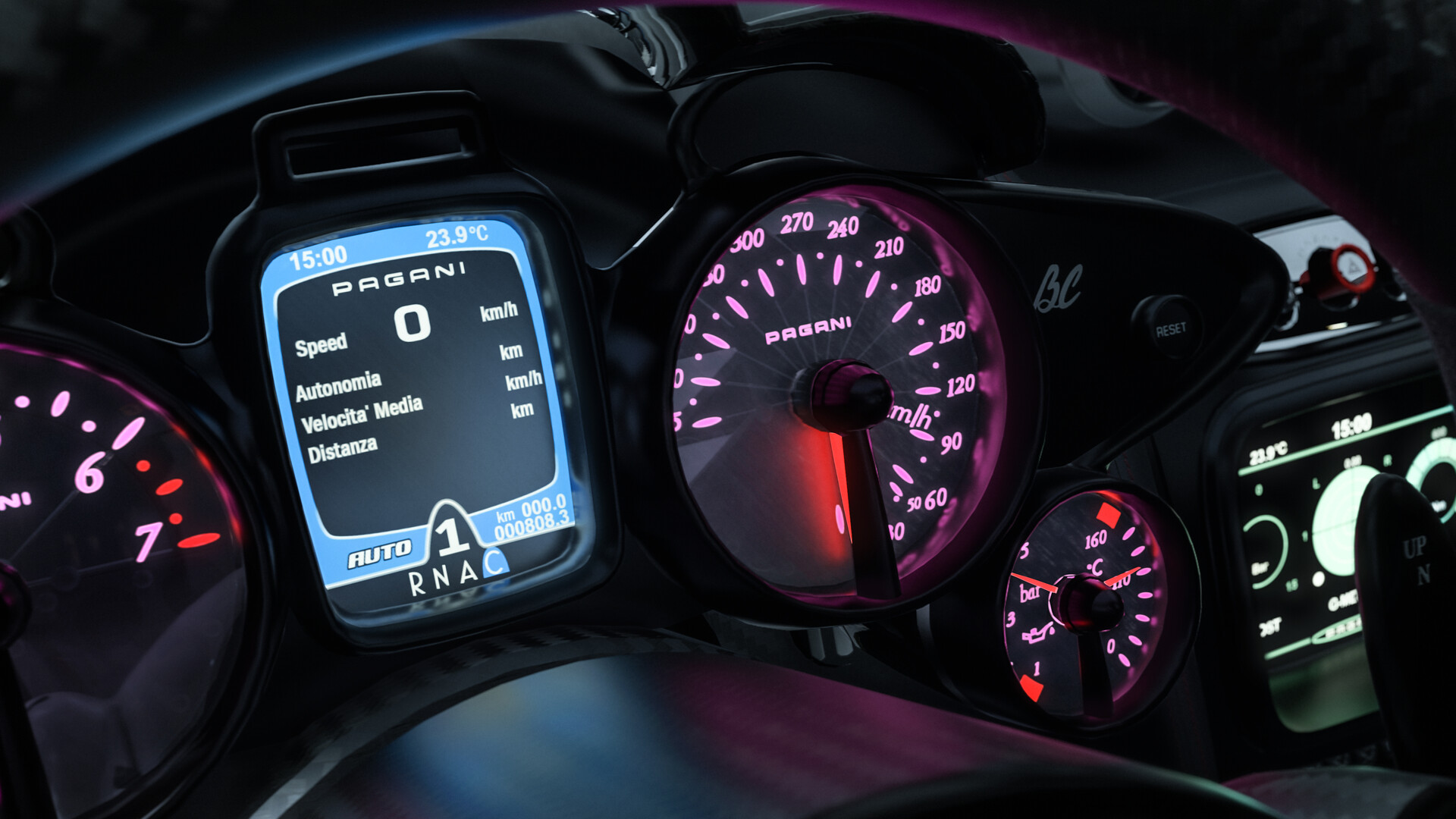
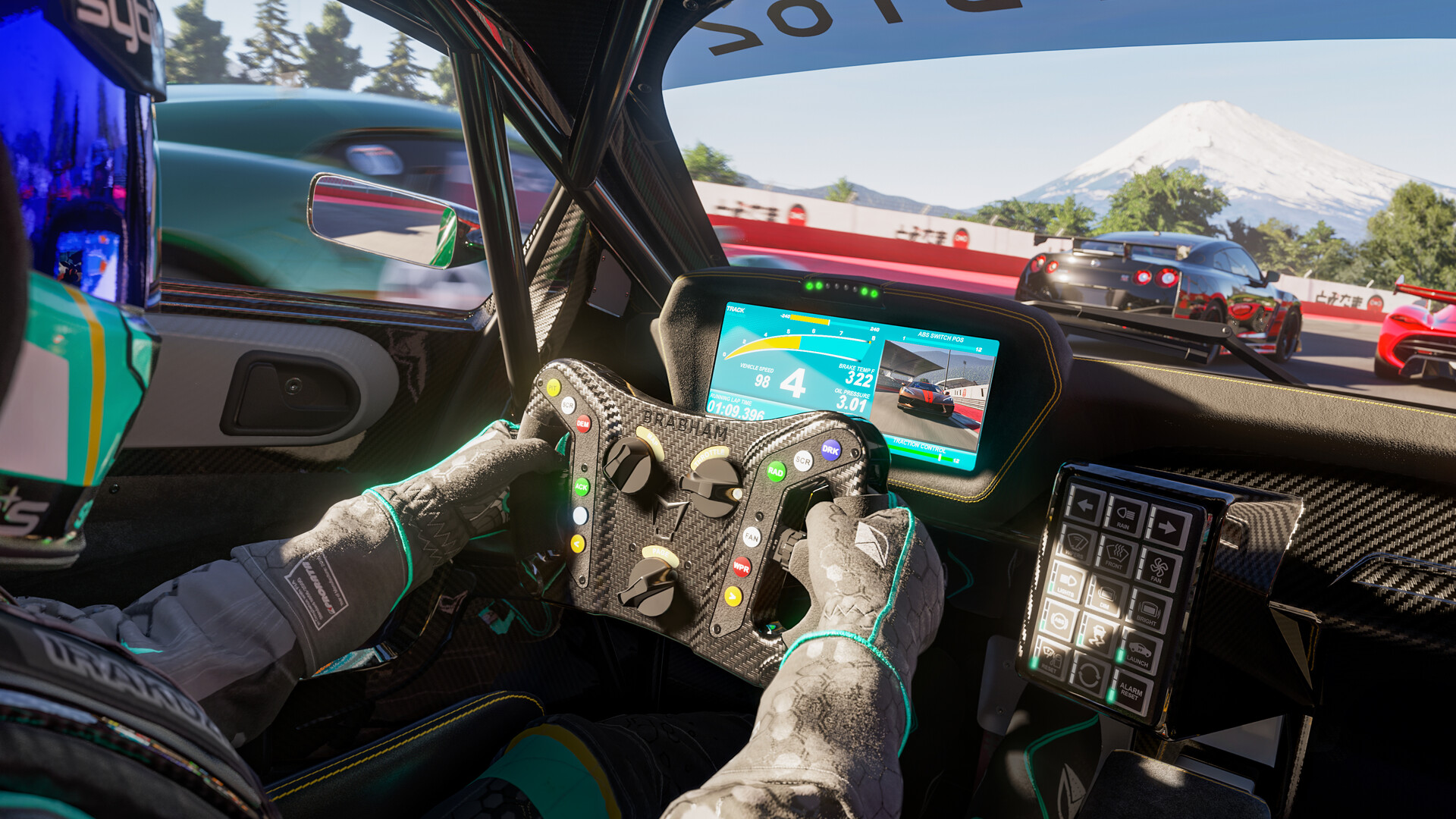
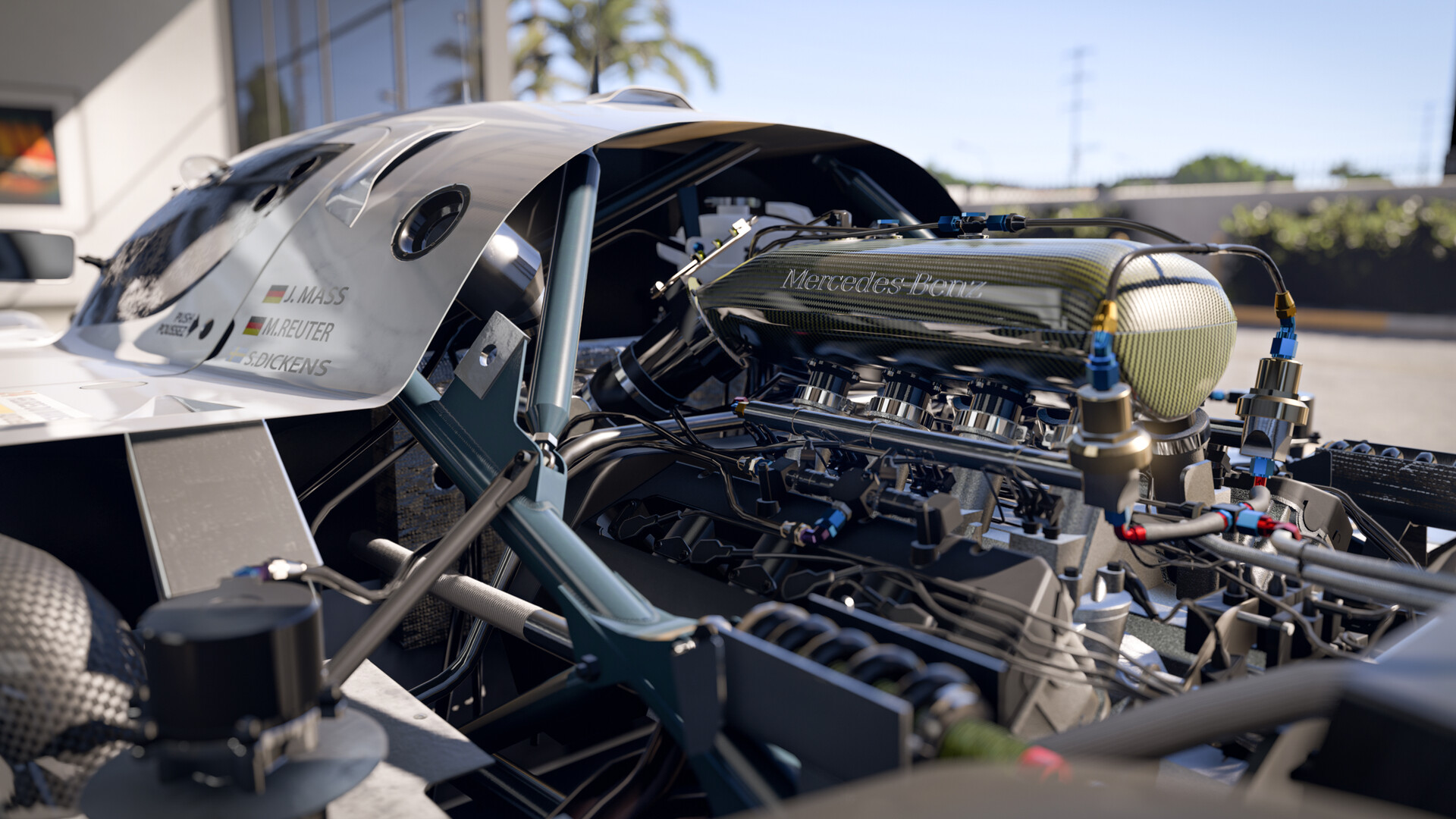
Outbuild the competition in the all-new career. Race your friends in adjudicated multiplayer events. Compete in over 500 cars on world-famous tracks with cutting-edge AI, advanced physics, and tire and fuel strategy. Features Outbuild the competition using over 800 performance upgrades in the all-new, fun, and rewarding single-player experience, the Builders Cup Career Mode.  Race alongside your friends in adjudicated multiplayer events with tire and fuel strategy, a race weekend-inspired structure, and new driver and safety ratings.  Compete with cutting-edge AI opponents, advanced physics, powerful assists, new damage and dirt systems, and photorealistic visuals with real-time ray tracing on-track.  Immerse yourself in over 500 real cars across 20 world-famous environments, including fan-favorite locations and multiple track layouts, each featuring fully dynamic time-of-day with weather and unique driving conditions. *(online console multiplayer requires Xbox Game Pass Ultimate or Xbox Live Gold, sold separately)

Forza Motorsport 8 / Windows 10 screenshotForza Motorsport 8 / Windows 10 screenshotForza Motorsport 8 / Windows 10 screenshotForza Motorsport 8 / Windows 10 screenshotForza Motorsport 8 / Windows 10 screenshotForza Motorsport 8 / Windows 10 screenshot

How to redeem

  1. 1Check your Xbox Series X|S account and the listed region before purchasing.
  2. 2Find your code and supplier activation instructions in your confirmed order.
  3. 3Open the redeem-code section on Xbox Series X|S, enter the code and follow the platform’s prompts.

Supplier instructions

In order to use the key follow the instruction below: Go to https://www.xbox.com Login to your account Hover over your account link (the top right of the screen) a menu will appear, click on the "Redeem Code" button. On the next page, click "Redeem" Enter your code Click "Confirm" Click "Confirm" again to assign the key to your account. In order to download and install your game on Windows 10 follow the instructions below: Using your Microsoft account, sign in to the PC where you want to install your games. On the Start screen, select the Store icon. In the Store, select Games from the menu. Browse to and select the game you want to buy.

You might also like