Get 10% back in Relic Coins on every order
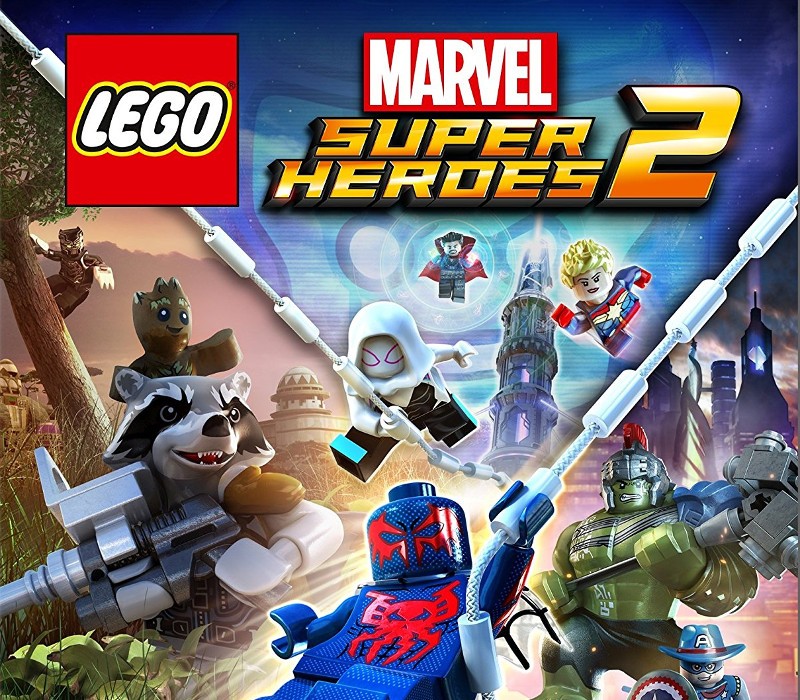
LEGO Marvel Super Heroes 2 cover

PlayStation 4Global· Account

LEGO Marvel Super Heroes 2

€16.28

+€1.63 cashback eligibility in Relic Coins

Check before you play

Platform
PlayStation 4
Region
Global
Product type
Account

This listing delivers an account, not a game key. Read the supplier’s conditions before purchasing.

Developer
Traveller's Tales
Publisher
WB Games
Supplier release date
2017-11-14
Genres
Action

About this product

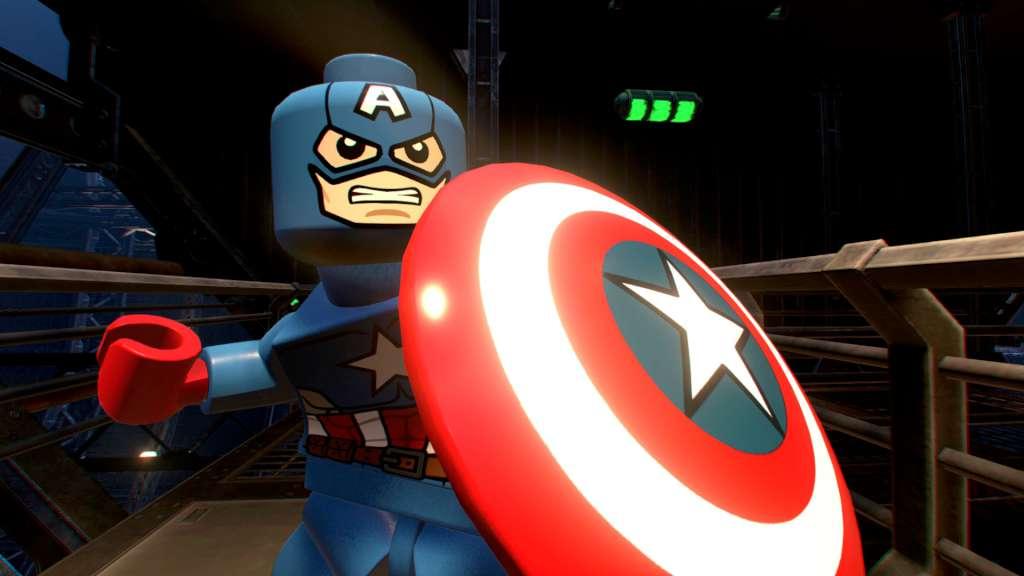
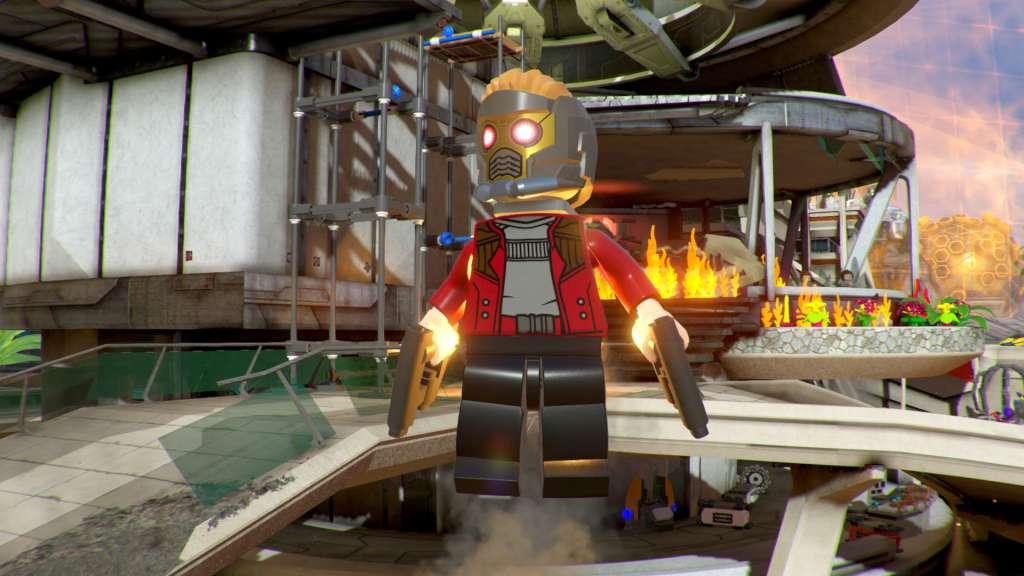
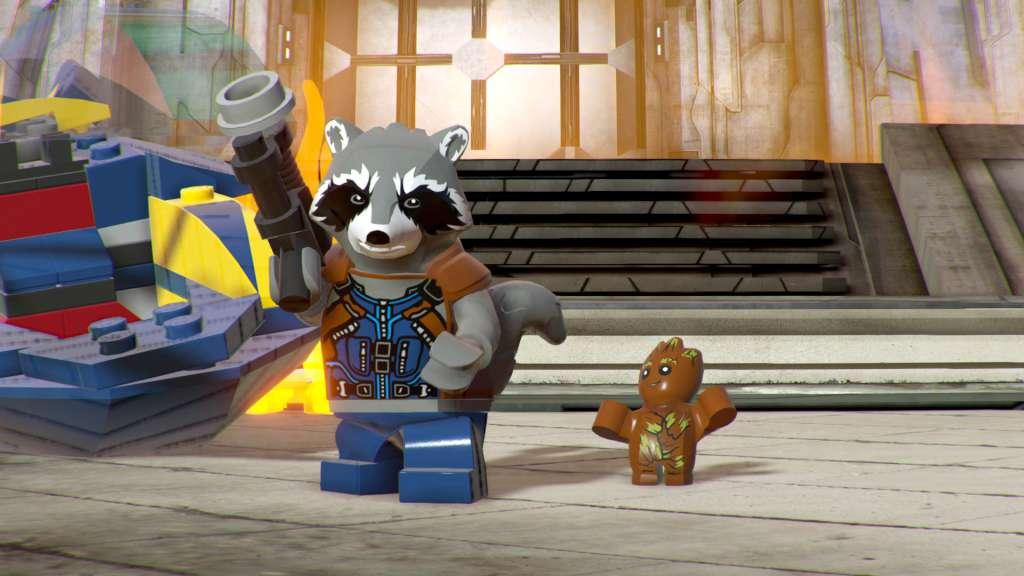
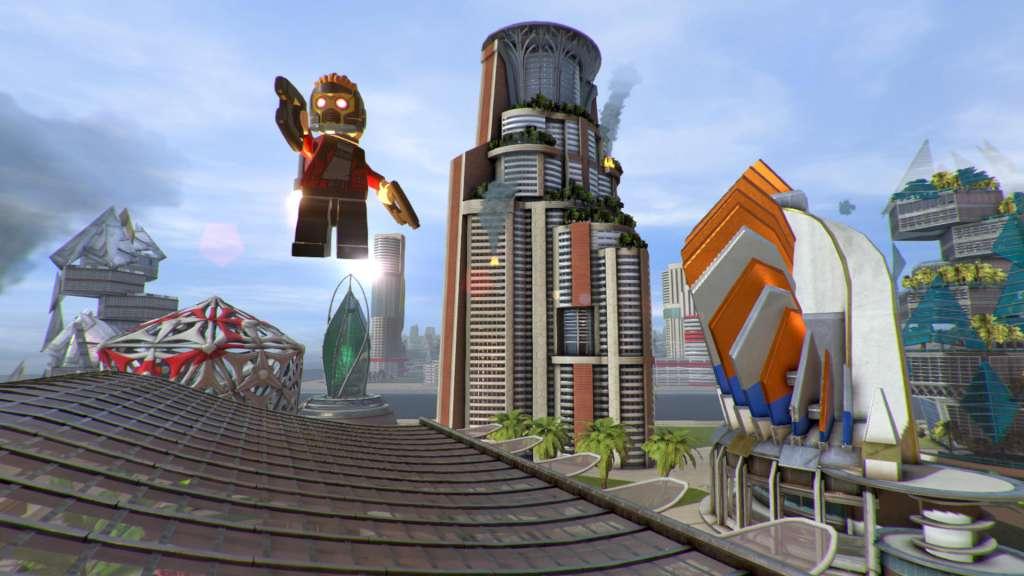
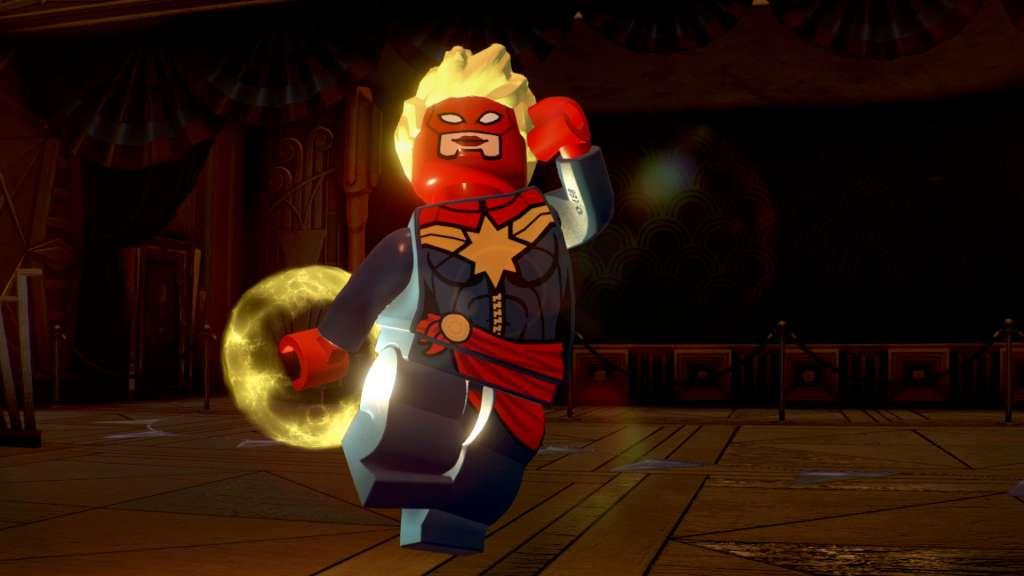
It's about TIME! Join your favorite Super Heroes and Super Villains from different eras and realities as they go head-to-head with the time-traveling Kang the Conqueror in the all-new, original adventure, LEGO Marvel Super Heroes 2! Play as the Guardians of the Galaxy, Spider-Man, Thor, Hulk, Black Panther, Captain Marvel, Doctor Strange, Green Goblin and dozens of other Marvel Super Heroes and Villains in this cosmic battle across the time-tossed city of Chronopolis! Travel across lands -- from Ancient Egypt to The Old West, Sakaar and New York City in 2099 -- and transport objects or characters through the centuries! And, with new battle modes, friends and family can play against each other in a series of themed challenges and battle arenas!

LEGO Marvel Super Heroes 2 screenshotLEGO Marvel Super Heroes 2 screenshotLEGO Marvel Super Heroes 2 screenshotLEGO Marvel Super Heroes 2 screenshotLEGO Marvel Super Heroes 2 screenshot

How to redeem

  1. 1Read the account conditions and regional restrictions before purchasing.
  2. 2Open your confirmed order in your Relic Key account to view the supplier’s account details.
  3. 3Follow the supplied sign-in and setup instructions. This is an account, not a redeemable key.

Supplier instructions

Go to: http://store.steampowered.com/ and download STEAM client Click "Install Steam" (from the upper right corner) Install and start application, login with your Account name and Password (create one if you don't have). Please follow these instructions to activate a new retail purchase on Steam: Launch Steam and log into your Steam account. Click the Games Menu. Choose Activate a Product on Steam... Follow the onscreen instructions to complete the process. After successful code verification go to the "MY GAMES" tab and start downloading.

You might also like