Get 10% back in Relic Coins on every order
Smurfs Kart cover

Nintendo Switch Europe - All Countries· Key

Smurfs Kart

€12.81

+€1.28 cashback eligibility in Relic Coins

Check before you play

Platform
Nintendo Switch
Region
Europe - All Countries
Product type
Key
Developer
Eden Games
Publisher
Microids
Supplier release date
2022-11-15
Genres
Racing

About this product

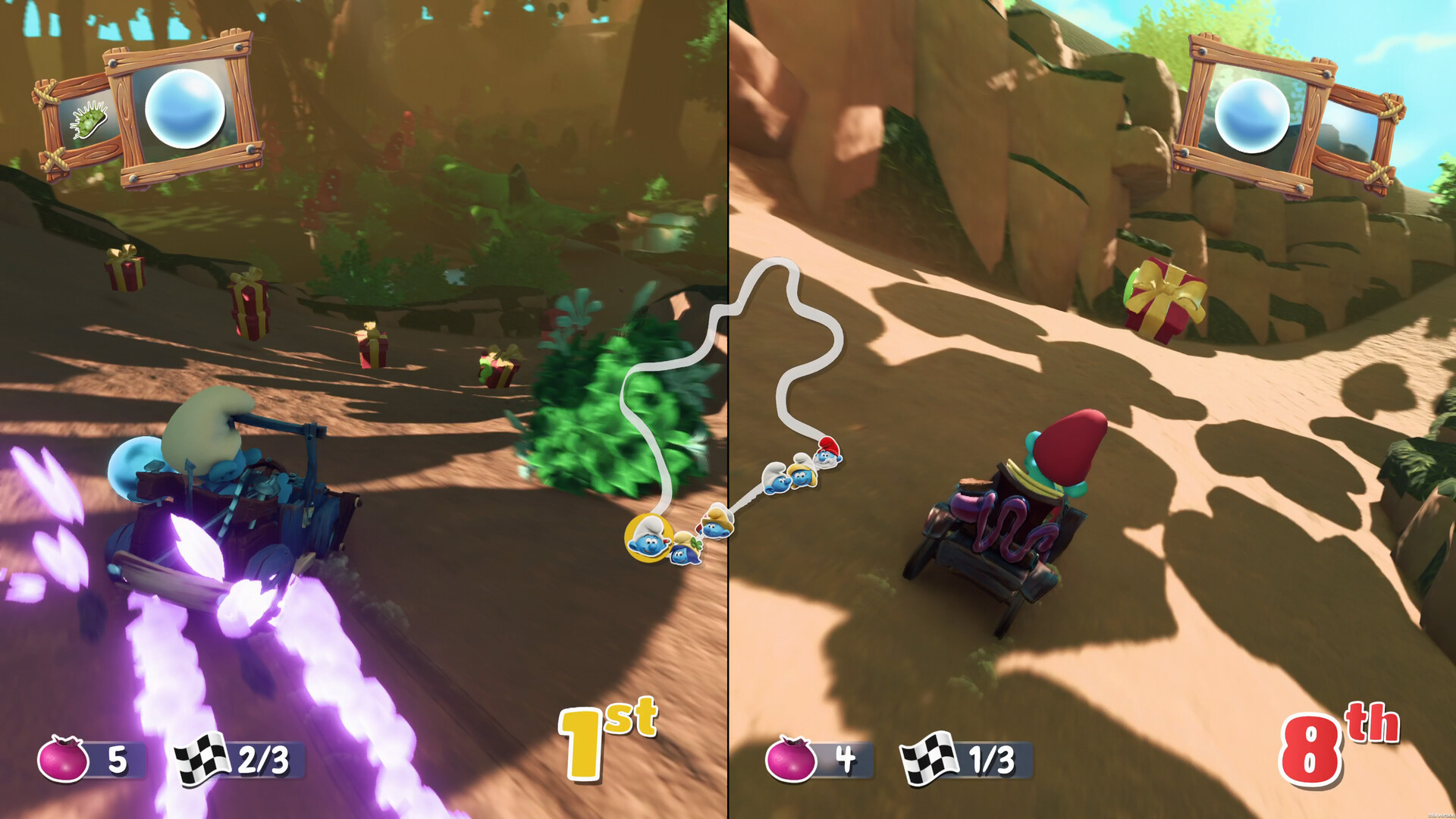
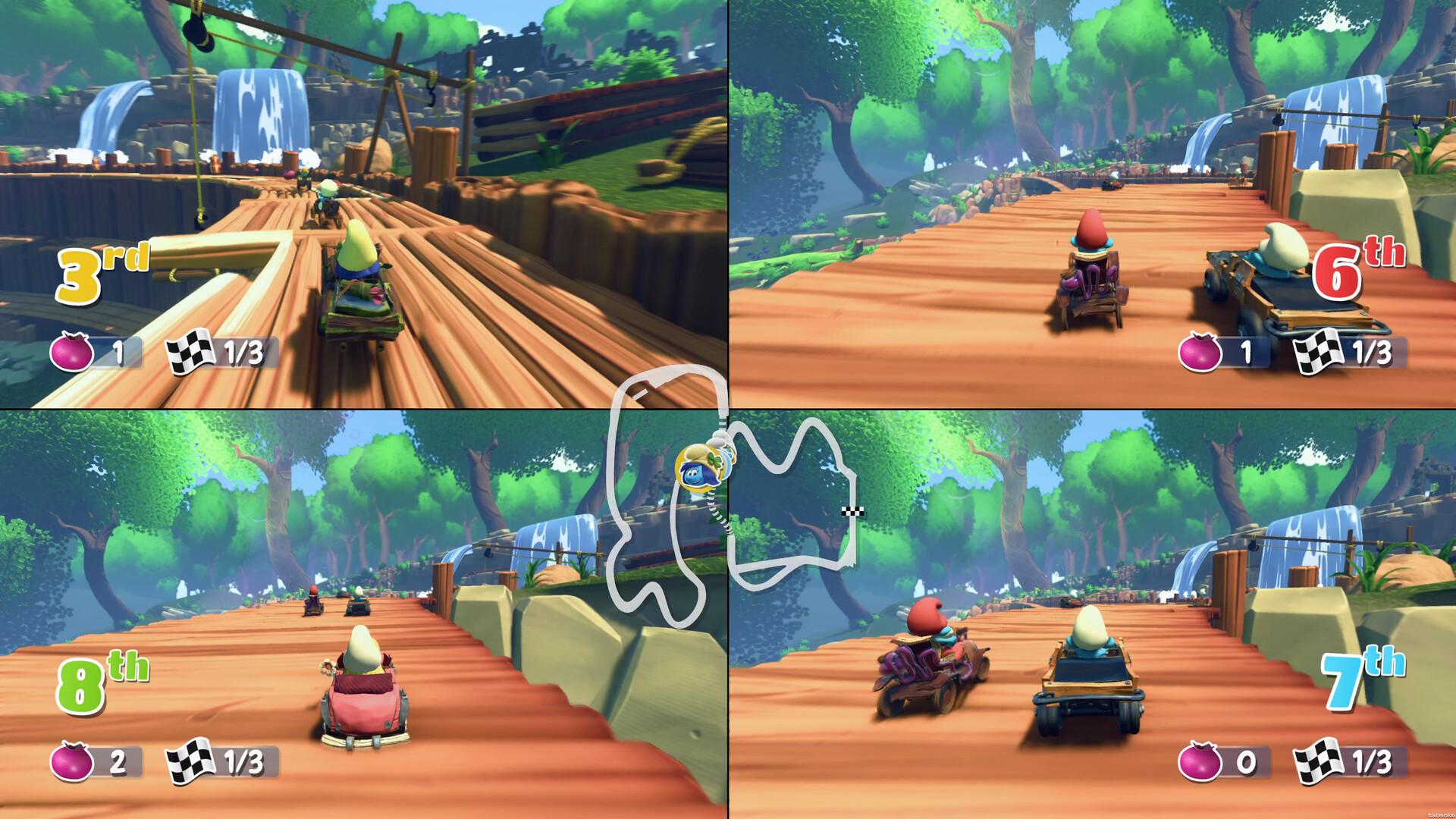
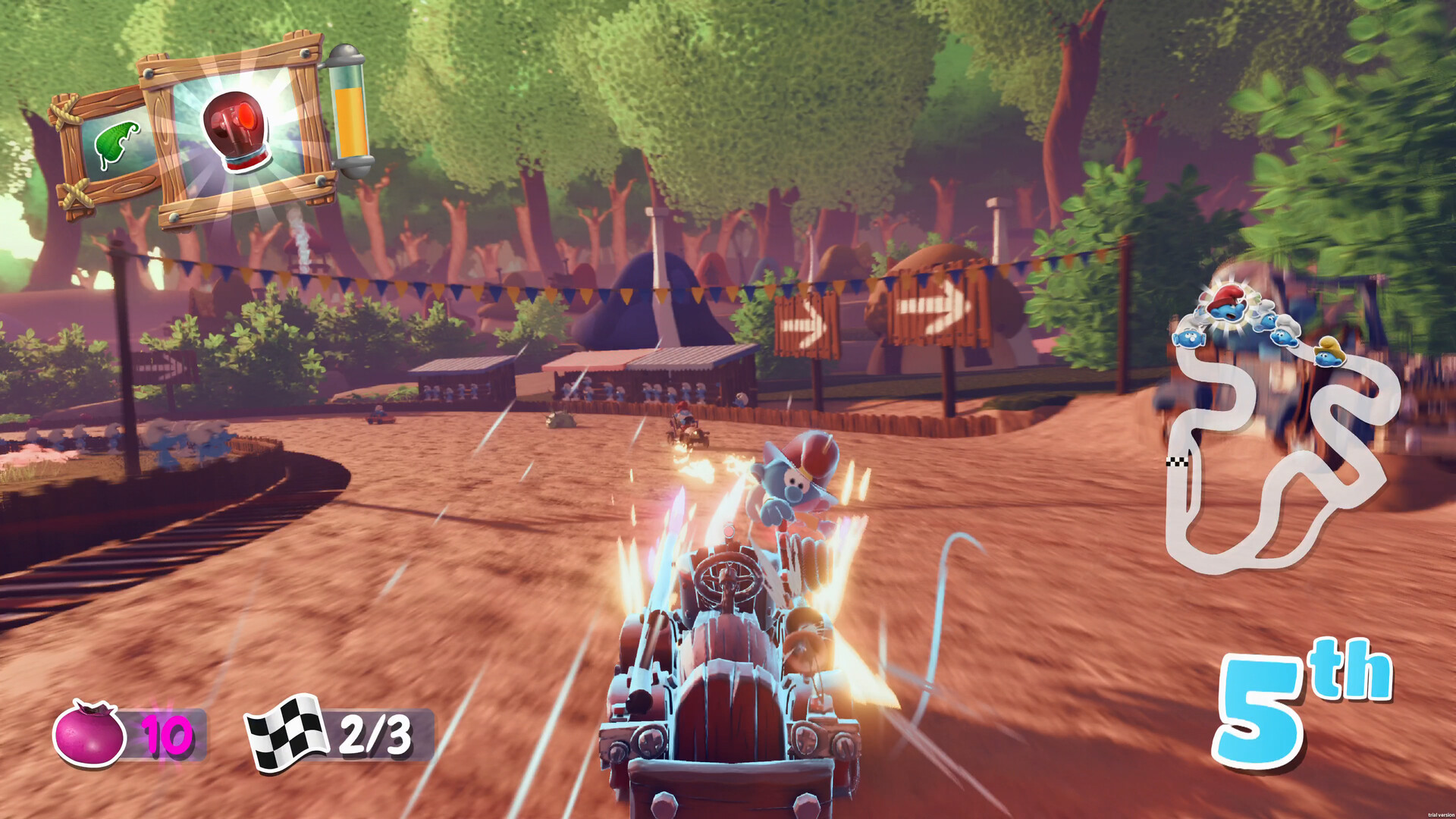
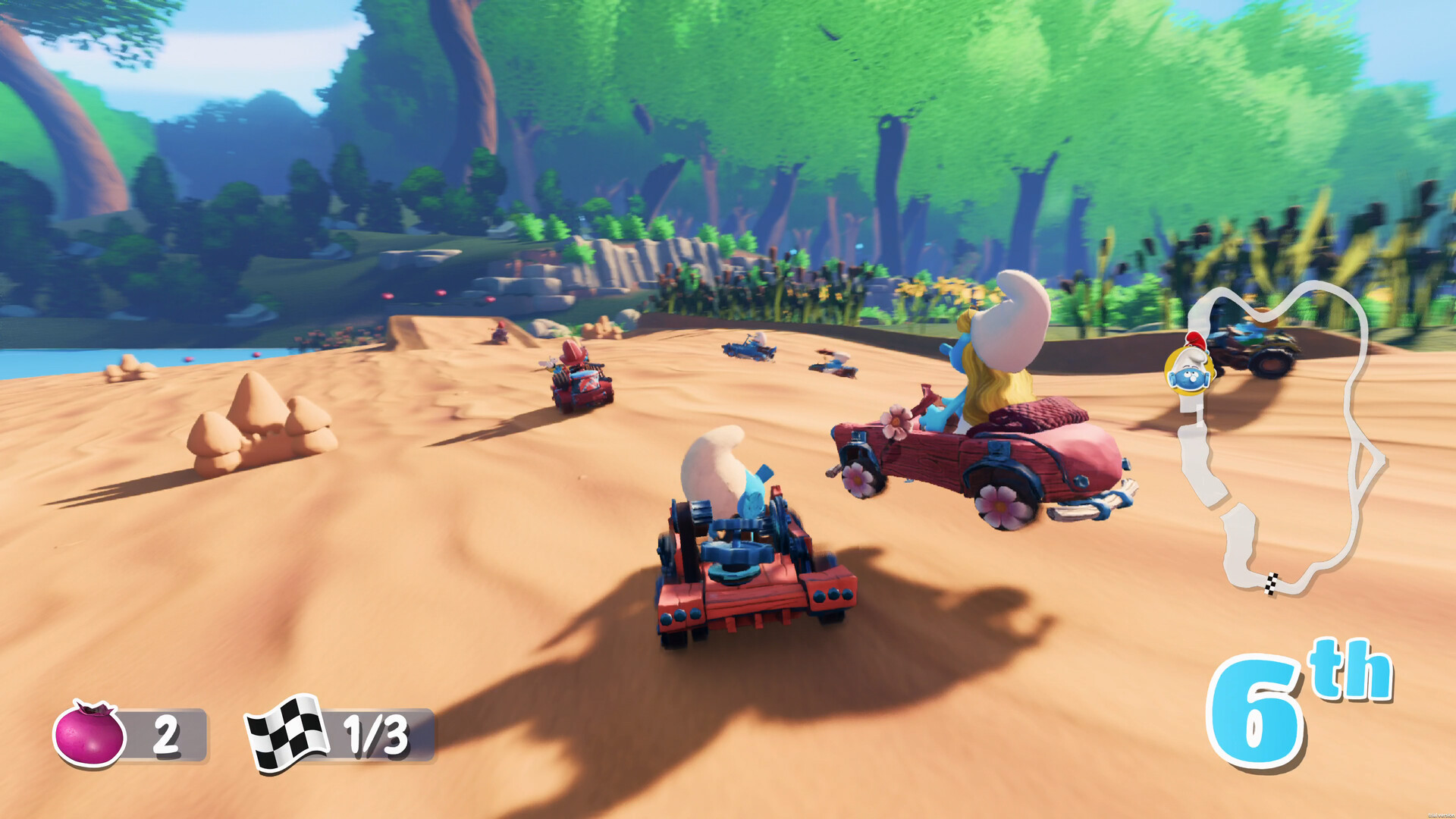
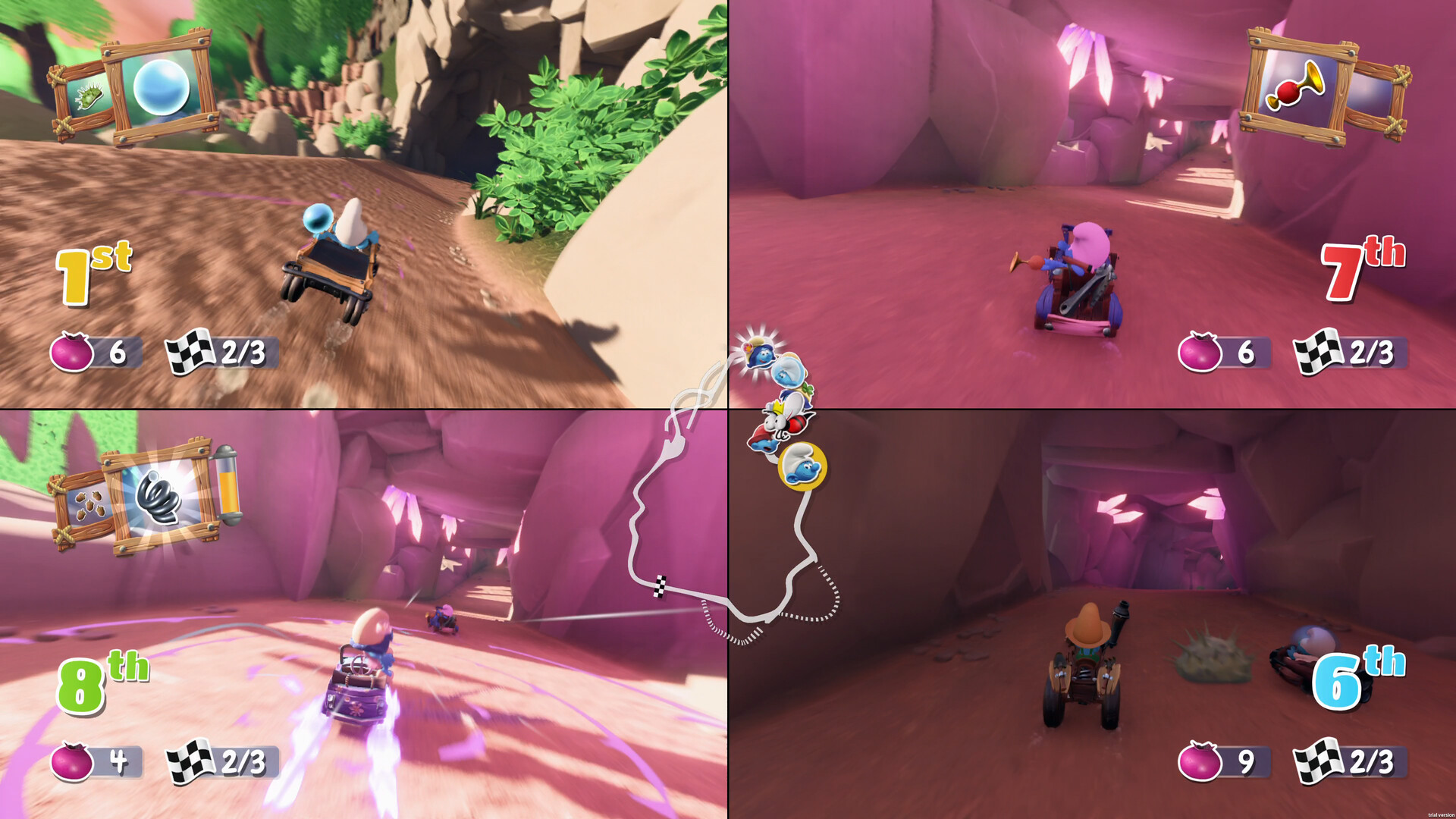
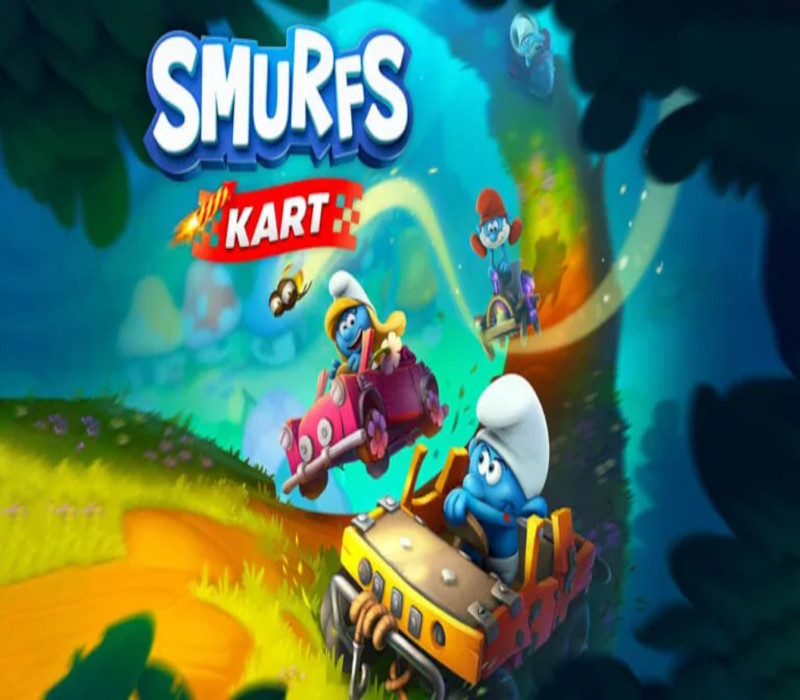
Who will be the fastest Smurf in town? That is the question you will need to answer in this dynamic kart racing game in the world of Smurfs!The whole family can choose one Smurf, its kart and special power, then you’re ready to go on wild races! Make the best start, find shortcuts, and use the right items at the right time to pass your opponents!Play solo or with friends and family, should you be a beginner or the most trained driver… you can get 1st place and show others who the fastest Smurf of all time is! FEATURES 12 tracks taken from the Smurfs’ universe: the village, the forest, the dam, the swamps… even Gargamel’s house! 12 playable Smurfs: chose the Smurf you want to drive with. Each Smurf has its own kart and a very handy special item to help you breeze past your opponents. Reach 1st place by using the environment around you: bonus items, boosts, ramps, destructible boxes, shortcuts and more! Play solo or with family and friends, up to 4 players in split-screen local multiplayer game mode. Try to beat every Smurf at their own racetrack in the “Time Challenge” mode and reach the top of the online rankings with your best time! Unlock original bonuses race after race, win after win, and try to Smurf them all in your personal album!

Smurfs Kart screenshotSmurfs Kart screenshotSmurfs Kart screenshotSmurfs Kart screenshotSmurfs Kart screenshot

How to redeem

  1. 1Check your Nintendo Switch account and the listed region before purchasing.
  2. 2Find your code and supplier activation instructions in your confirmed order.
  3. 3Open the redeem-code section on Nintendo Switch, enter the code and follow the platform’s prompts.

Supplier instructions

Select “Nintendo eShop” on the HOME Menu to launch the Nintendo eShop. Select the account you want to use. Select “Enter Code” on the left side of the screen. Enter the 16-character download code.Any letters and symbols not used with prepaid codes (i.e. O, I, Z, commas, hyphens, etc.) will be disabled from the on-screen keyboard. Select “Send” to confirm. The game will begin downloading once the code is confirmed.The game icon will appear on the HOME menu, with a download status bar. The status bar will disappear once the game download is complete.

You might also like