Get 10% back in Relic Coins on every order
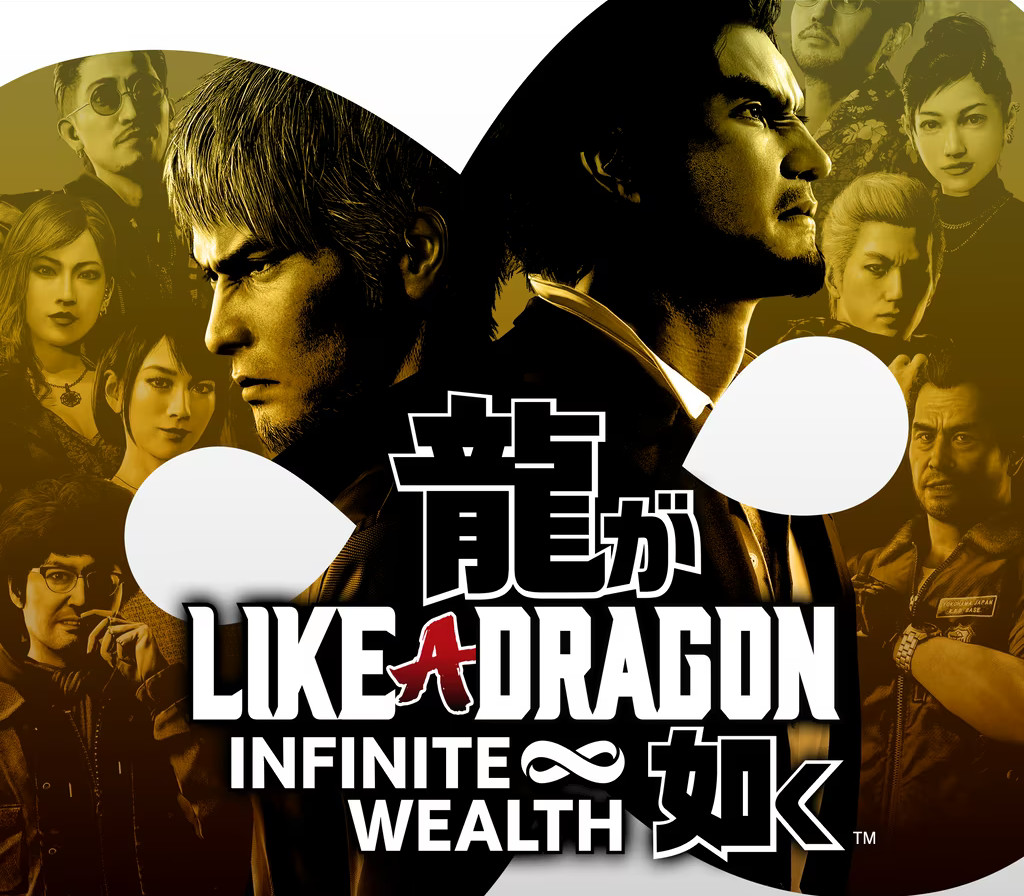
Like a Dragon: Infinite Wealth UK / / Windows 10 cover

Xbox OneUnited Kingdom· Key

Like a Dragon: Infinite Wealth UK / / Windows 10

€30.78

+€3.08 cashback eligibility in Relic Coins

Check before you play

Platform
Xbox One
Region
United Kingdom
Product type
Key
Developer
Ryu Ga Gotoku Studio
Publisher
SEGA
Supplier release date
2024-01-26
Genres
Action, Adventure, Story rich, RPG

About this product

Epic emotional drama

Two larger-than-life heroes brought together by the hand of fate, or perhaps something more sinister… Ichiban Kasuga, an unstoppable underdog who’s no stranger to crawling up from rock bottom, and Kazuma Kiryu, a broken man facing down his last days.

Best-in-class rpg action

Experience one-of-a-kind combat with dynamic, fast-paced RPG battles where the battlefield becomes your weapon, and anything goes. Adapt your party’s skills to the situation with outlandish jobs and customizations to strategically subdue enemies with over-the-top moves. INFINITE ADVENTURE Live it up in Japan and explore all that Hawaii has to offer in an adventure so big it spans the Pacific. Unforgettable moments await at every step of the journey with a unique mix of quests and activities to enjoy at your leisure.

Like a Dragon: Infinite Wealth UK / / Windows 10 screenshotLike a Dragon: Infinite Wealth UK / / Windows 10 screenshotLike a Dragon: Infinite Wealth UK / / Windows 10 screenshotLike a Dragon: Infinite Wealth UK / / Windows 10 screenshotLike a Dragon: Infinite Wealth UK / / Windows 10 screenshot

How to redeem

  1. 1Check your Xbox One account and the listed region before purchasing.
  2. 2Find your code and supplier activation instructions in your confirmed order.
  3. 3Open the redeem-code section on Xbox One, enter the code and follow the platform’s prompts.

Supplier instructions

FROM A WEB BROWSER: Go to this website. Log into your Microsoft Account. Enter the key and click Next. Follow the prompts. IN THE MICROSOFT STORE ON WINDOWS: Press the Start button , and then enter store into the search bar. Choose Microsoft Store from the results to open the app. Select your account in the top-right corner of the screen, and then select Redeem code or gift cards. Enter the 25-character code, select Next, and then follow the prompts. ON XBOX ONE AND XBOX SERIES X|S: Press the Xbox button to open the guide, and then select Store. Press the View button to open the side menu, and then select Redeem. Enter the 25-character code, select Next, and then follow the prompts. ON XBOX 360: Press the Guide button on your controller. Select Games & Apps, and then select Redeem Code. Enter the 25-character code, and then follow the prompts to complete your redemption. Please note that Xbox 360 codes can ONLY be activated on the Xbox 360 console directly!

You might also like