Get 10% back in Relic Coins on every order
Minecraft 700 Tokens (without DE) cover

PlayStation 4· Key

Minecraft 700 Tokens (without DE)

€7.34

+€0.73 cashback eligibility in Relic Coins

Check before you play

Platform
PlayStation 4
Product type
Key
Developer
Mojang
Publisher
Microsoft Studios
Supplier release date
2019-12-24
Genres
Adventure, Casual

About this product

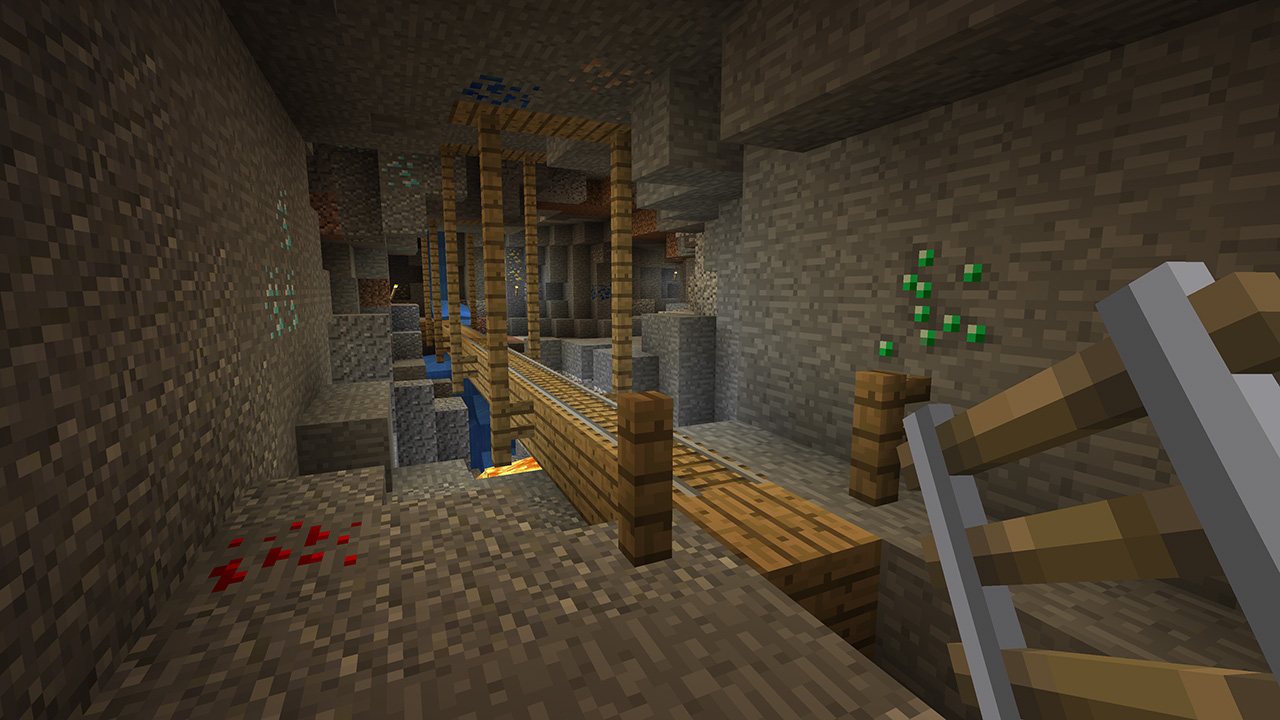
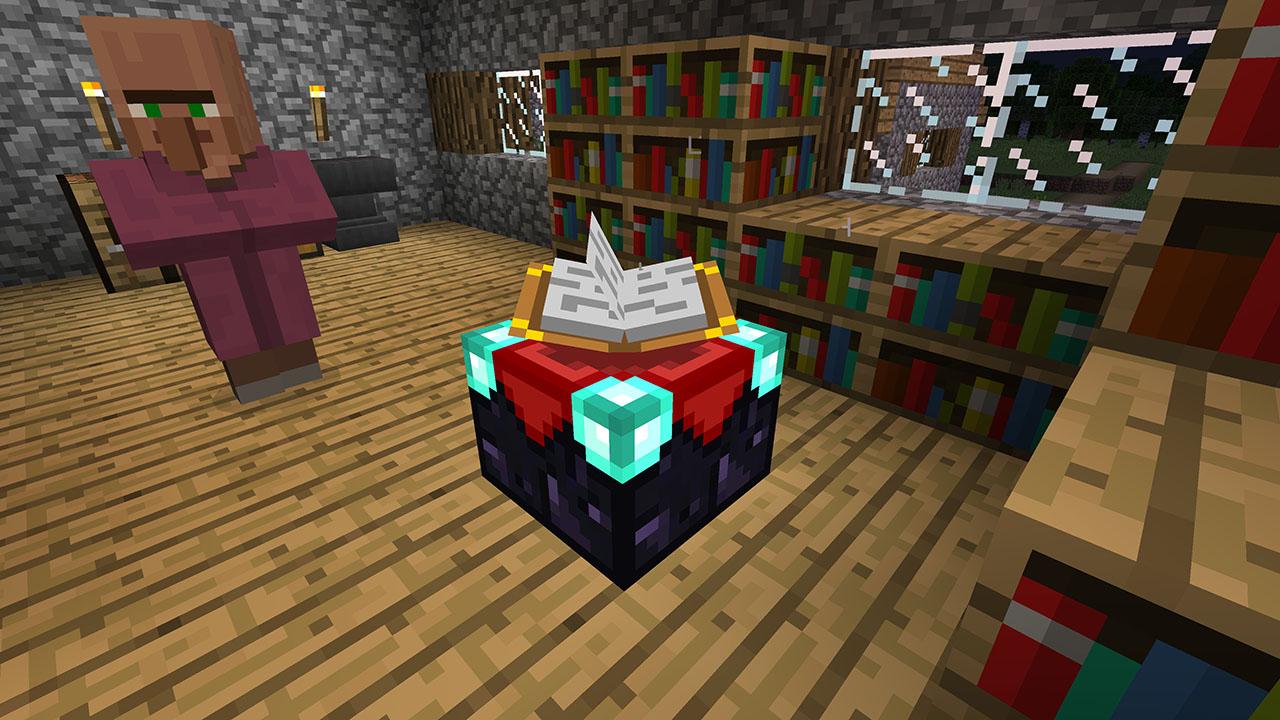
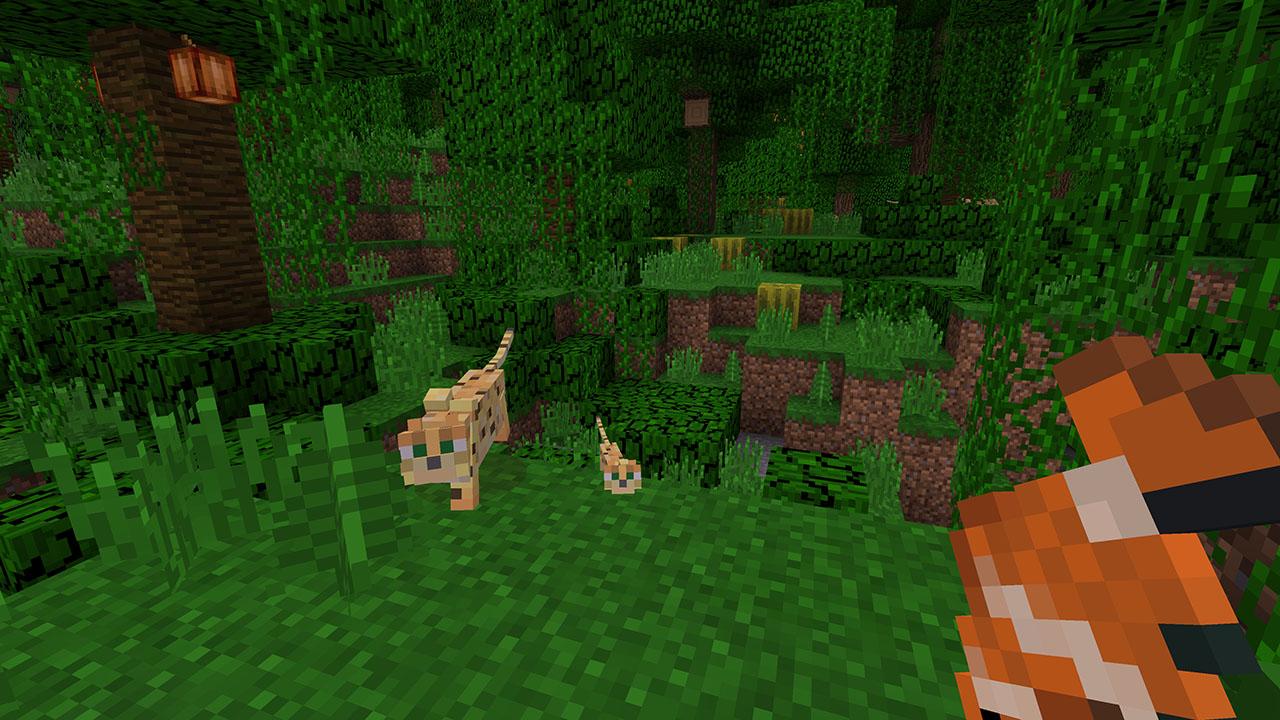
Includes: 700 Minecraft Tokens Minecraft is a game about placing blocks and going on adventures. Build anything you can imagine with unlimited resources in Creative mode, or go on grand expeditions in Survival, journeying across mysterious lands and into the depths of your own infinite worlds. Will you hide from monsters or craft tools, armor and weapons to fight back? No need to go alone! Share the adventure with friends in split-screen multiplayer and online! With constant updates and community creations, Minecraft is bigger, better and more beautiful than ever before. Explore amazing player-made maps, thrilling minigames and more! Band together with friends playing on phone, Windows 10 or console, set up your own online world with Realms, or join one of the massive player-run servers! There are so many ways to play!

Minecraft 700 Tokens (without DE) screenshotMinecraft 700 Tokens (without DE) screenshotMinecraft 700 Tokens (without DE) screenshotMinecraft 700 Tokens (without DE) screenshot

How to redeem

  1. 1Check your PlayStation 4 account and the listed region before purchasing.
  2. 2Find your code and supplier activation instructions in your confirmed order.
  3. 3Open the redeem-code section on PlayStation 4, enter the code and follow the platform’s prompts.

Supplier instructions

In order to redeem Playstation Network Code please follow instruction below: Go to http://www.SonyEntertainmentNetwork.com Click "Manage Account" and sign in with your Sign-In ID(E-mail Address) and Password. Click on "Redeem Prepaid Card". Enter the code printed on the voucher or PlayStation Network Card and click "Continue". If the code is valid, you will be presented with a description of what the code will deliver to your account. Press "Redeem..." button to add the item or funds to your account.

You might also like