Get 10% back in Relic Coins on every order
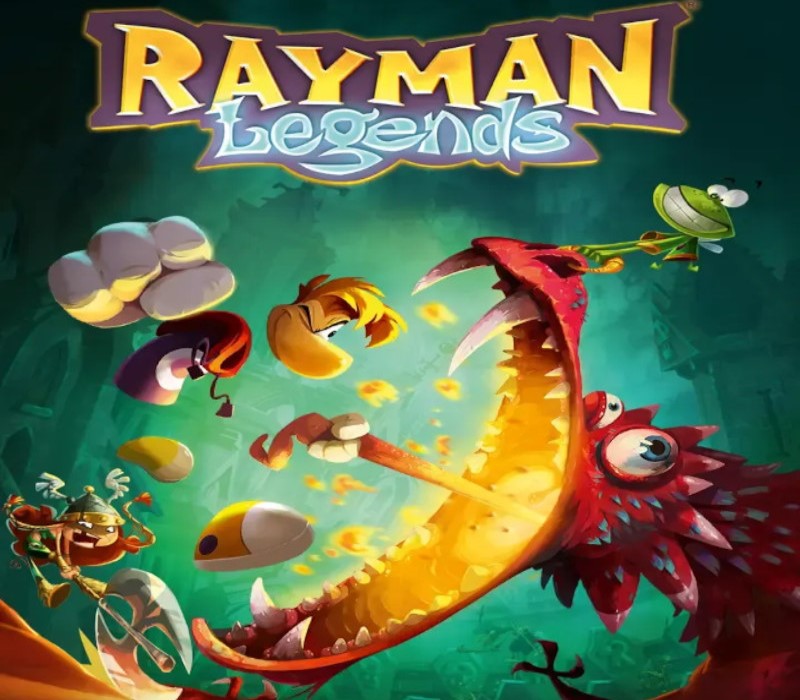
Rayman Legends cover

PlayStation 4Global· Account

Rayman Legends

€20.10

+€2.01 cashback eligibility in Relic Coins

Check before you play

Platform
PlayStation 4
Region
Global
Product type
Account

This listing delivers an account, not a game key. Read the supplier’s conditions before purchasing.

Developer
Ubisoft Montpellier
Publisher
Ubisoft
Supplier release date
2014-02-18
Genres
Action, Adventure

About this product

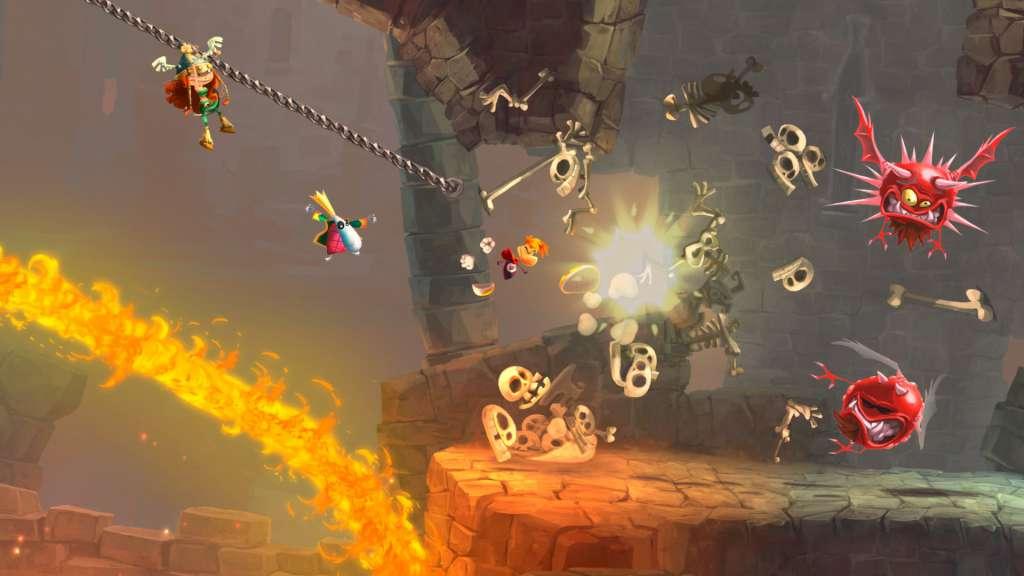
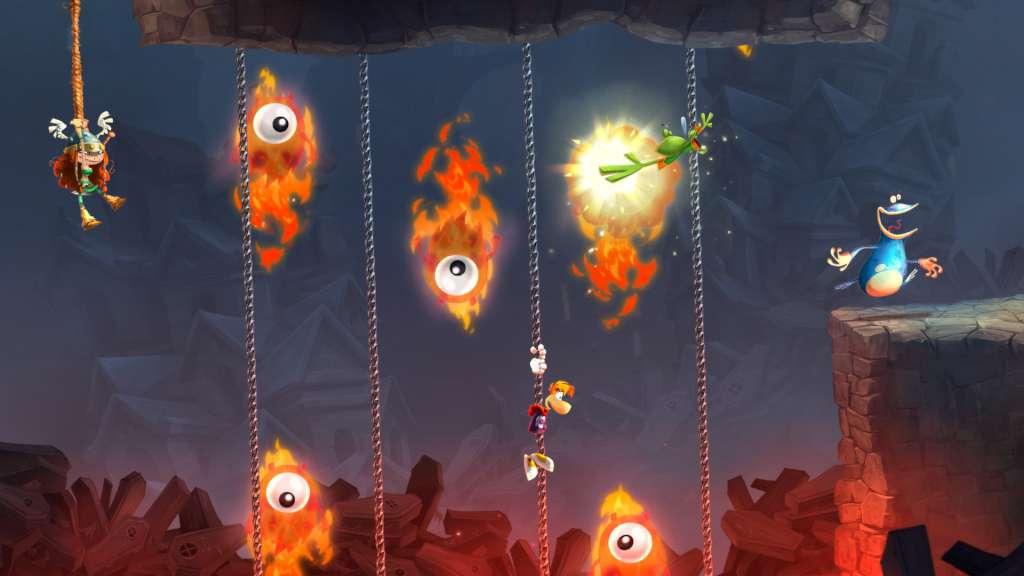
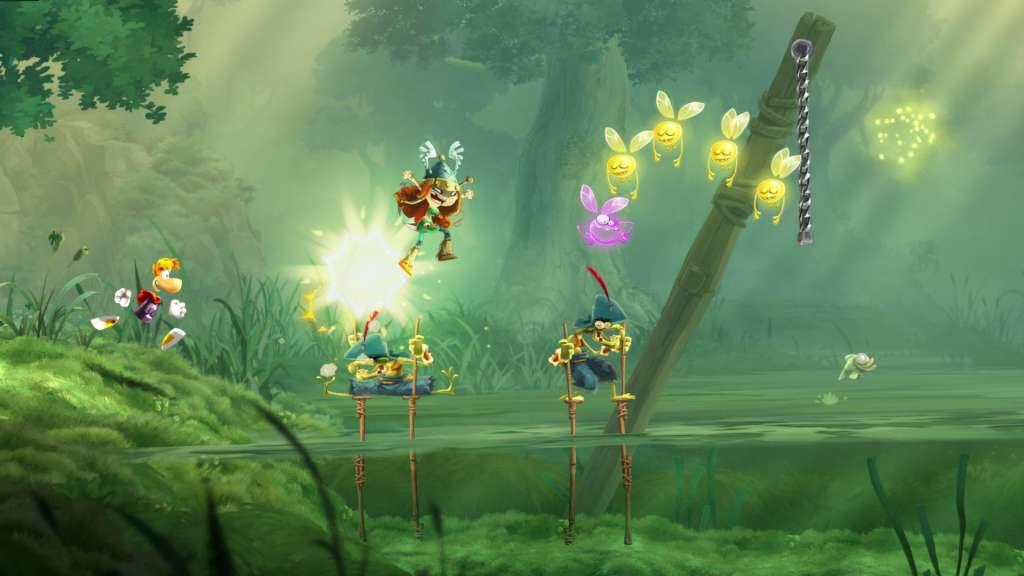
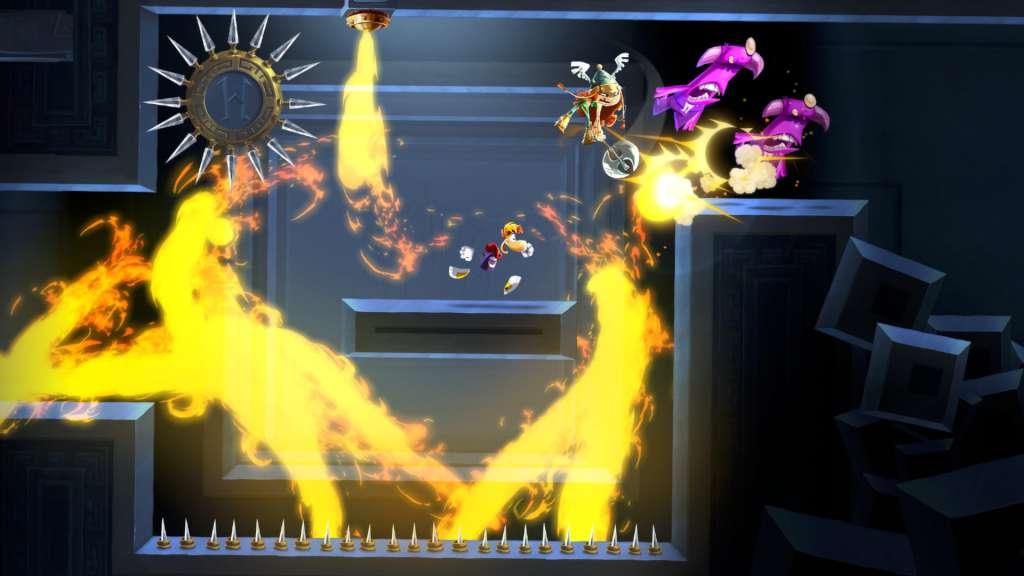
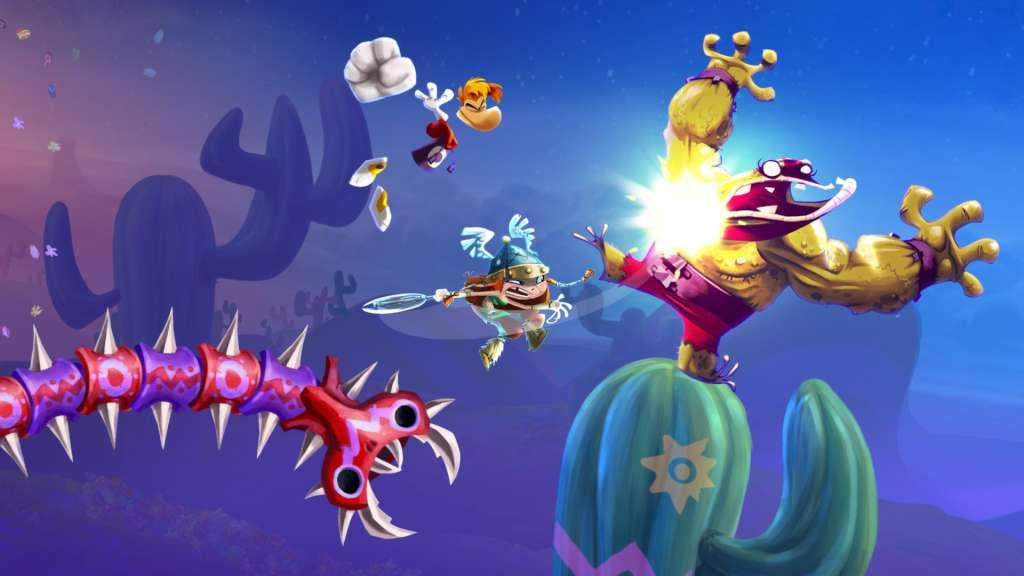
The Glade of Dreams is in trouble once again! During a 100-year nap, the nightmares multiplied and spread, creating new monsters even more terrifying than before! These creatures are the stuff of legend… Dragons, giant toads, sea monsters, and even evil luchadores. With the help of Murfy, Rayman, and Globox awake and must now help fight these nightmares and save the Teensies! Features 4-Player CO-OP: You and three friends can seamlessly jump in and drop out of the action for non-stop fun! 3D BOSS BATTLES: Battle dragons and other epic creatures in an extra dimension! They can attack from all angles, so you’ll have to be on top of your game to defeat them. ROCKIN’ RAYMAN: Jump to the beat of a drum, punch to the bass line, even zip-line during amazing guitar riffs. Timing and rhythm is the key to beat these maps set to original and licensed musical tracks. NEW ONLINE CHALLENGES MODE: Connect with your friends through an endless variety of challenges through 5 different stages that will test more than your skill and speed! Return for new challenges both daily and weekly and check the leader boards to see where you rank around the world.

Rayman Legends screenshotRayman Legends screenshotRayman Legends screenshotRayman Legends screenshotRayman Legends screenshotRayman Legends screenshot

How to redeem

  1. 1Read the account conditions and regional restrictions before purchasing.
  2. 2Open your confirmed order in your Relic Key account to view the supplier’s account details.
  3. 3Follow the supplied sign-in and setup instructions. This is an account, not a redeemable key.

Supplier instructions

If you have a PlayStation Code, follow these step-by-step instructions to use it at PlayStation Store on your Playstation: Go to Redeem Codes. Follow the on-screen instructions to enter the voucher code details. (Once complete, select Continue.) Select Confirm. Select Download. (Once complete, the item will be added to your Download List.) Access your content. (Go to the relevant category on the XMB™ Menu to start playing your content.)

You might also like