Get 10% back in Relic Coins on every order
Horror Adventure : Zombie Edition VR cover

PlayStation 4United States· Key

Horror Adventure : Zombie Edition VR

€7.84

+€0.78 cashback eligibility in Relic Coins

Check before you play

Platform
PlayStation 4
Region
United States
Product type
Key
Developer
Yash Future Tech Solutions Pvt Ltd
Publisher
Yash Future Tech Solutions Pvt Ltd
Supplier release date
2024-01-19
Genres
Action, Adventure, VR Games, FPS, Horror

About this product

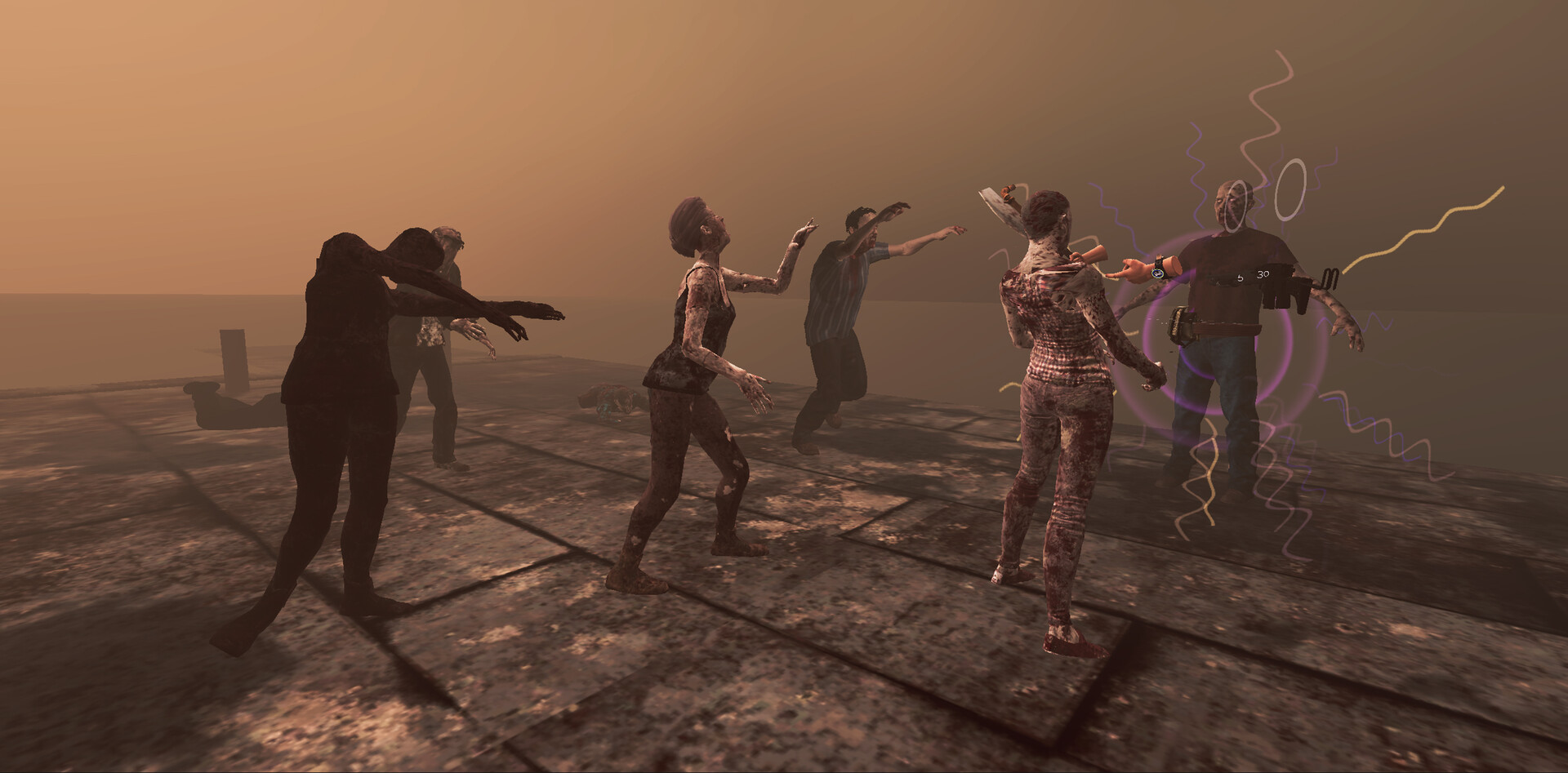
Horror Adventure : Zombie Edition is a zombie shooter set in a post-apocalyptic world. There has been an outbreak of a mysterious virus killing people and transforming them into zombies. There are a few survivors left. As one of the few people left on this planet, experience what it’s like to live in the city of the undead. Fight the dead, save other people, hunt in the world and find ways to survive. Kill the virus infected people and protect your family. Features: Single Player Story: A full fledged narrative campaign to give you a taste of what it’s like in a post-apocalyptic world. Interaction System: Heavy physics based realistic interactions including support for weapon pickup, reload and ladder climbing system. Weapons system: Support for more than 15+ unlockable weapons throughout the story. High quality graphics: Realistic graphics for an unparalleled Virtual Reality Experience. Multi-player experience with PVP option for the players. Get Ready for Extreme Horror Adventure ahead.


Horror Adventure : Zombie Edition VR screenshotHorror Adventure : Zombie Edition VR screenshotHorror Adventure : Zombie Edition VR screenshotHorror Adventure : Zombie Edition VR screenshotHorror Adventure : Zombie Edition VR screenshotHorror Adventure : Zombie Edition VR screenshot

How to redeem

  1. 1Check your PlayStation 4 account and the listed region before purchasing.
  2. 2Find your code and supplier activation instructions in your confirmed order.
  3. 3Open the redeem-code section on PlayStation 4, enter the code and follow the platform’s prompts.

Supplier instructions

In order to redeem Playstation Network Code please follow instruction below: Go to http://www.SonyEntertainmentNetwork.com Click "Manage Account" and sign in with your Sign-In ID(E-mail Address) and Password. Click on "Redeem Prepaid Card". Enter the code printed on the voucher or PlayStation Network Card and click "Continue". If the code is valid, you will be presented with a description of what the code will deliver to your account. Press "Redeem..." button to add the item or funds to your account.

You might also like