
OtherGlobal· Key
CyberGhost VPN Subscription (1 Year / 7 Devices)
€32.91
+€3.29 cashback eligibility in Relic Coins
Check before you play
- Region
- Global
- Product type
- Key
- Genres
- Software
OtherGlobal· Key
€32.91
+€3.29 cashback eligibility in Relic Coins
CyberGhost VPN lets you access your favorite content wherever you go. You can bypass local network blocks at work and school. You can also change your IP address so you can access local platforms, like your online banking and streaming service accounts, when you travel. It offers top-notch security and anonymity without being complicated to use or slowing down your internet connection. PrivacyCyberGhost VPN hides your IP and replaces it with one of your choice. This way, you surf anonymously. SecurityWe encrypt your connection and don’t keep logs, so you don’t have to worry about the security of your data. FreedomWith CyberGhost VPN you gain access to censored or geo-restricted content from all around the world. Features Unlimited Bandwidth Unlimited Traffic Encryption Protocols Number of Servers Number of Countries Anti Fingerprinting System Number of Devices
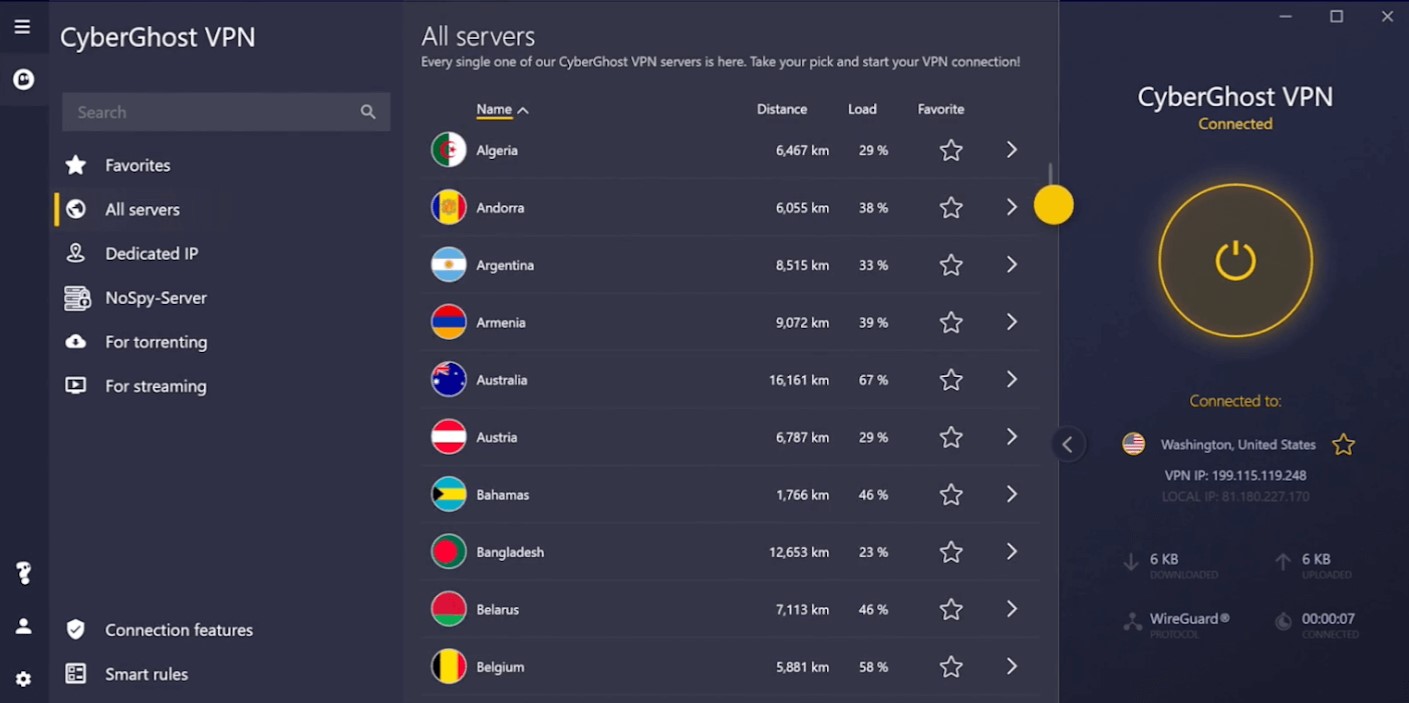
In order to activate the key follow the instructions below: If you bought a valid subscription you can activate it right inside the client. Activation keys can be purchased both online and from a retail store by buying the CyberGhost VPN Premium. Just click on 'Activate key' in the upper menu and enter your activation code into the empty field. Click on 'OK', to activate your subscription. Alternatively one can activate his or her new serial number on the online account page. Just visit 'https://account.cyberghostvpn.com/', log-in and click on 'My subscriptions' in the left handed side menu. Now enter your activation code and click on 'Activate'.