Get 10% back in Relic Coins on every order
Orcs Must Die! 3 cover

Steam Asia - All Countries· Key

Orcs Must Die! 3

€2.02

+€0.20 cashback eligibility in Relic Coins

Check before you play

Platform
Steam
Region
Asia - All Countries
Product type
Key
Developer
Robot Entertainment
Publisher
Robot Entertainment
Supplier release date
2021-07-23
Genres
Action, Adventure, Indie, Strategy, Third-Person Shooter, Co-op

About this product

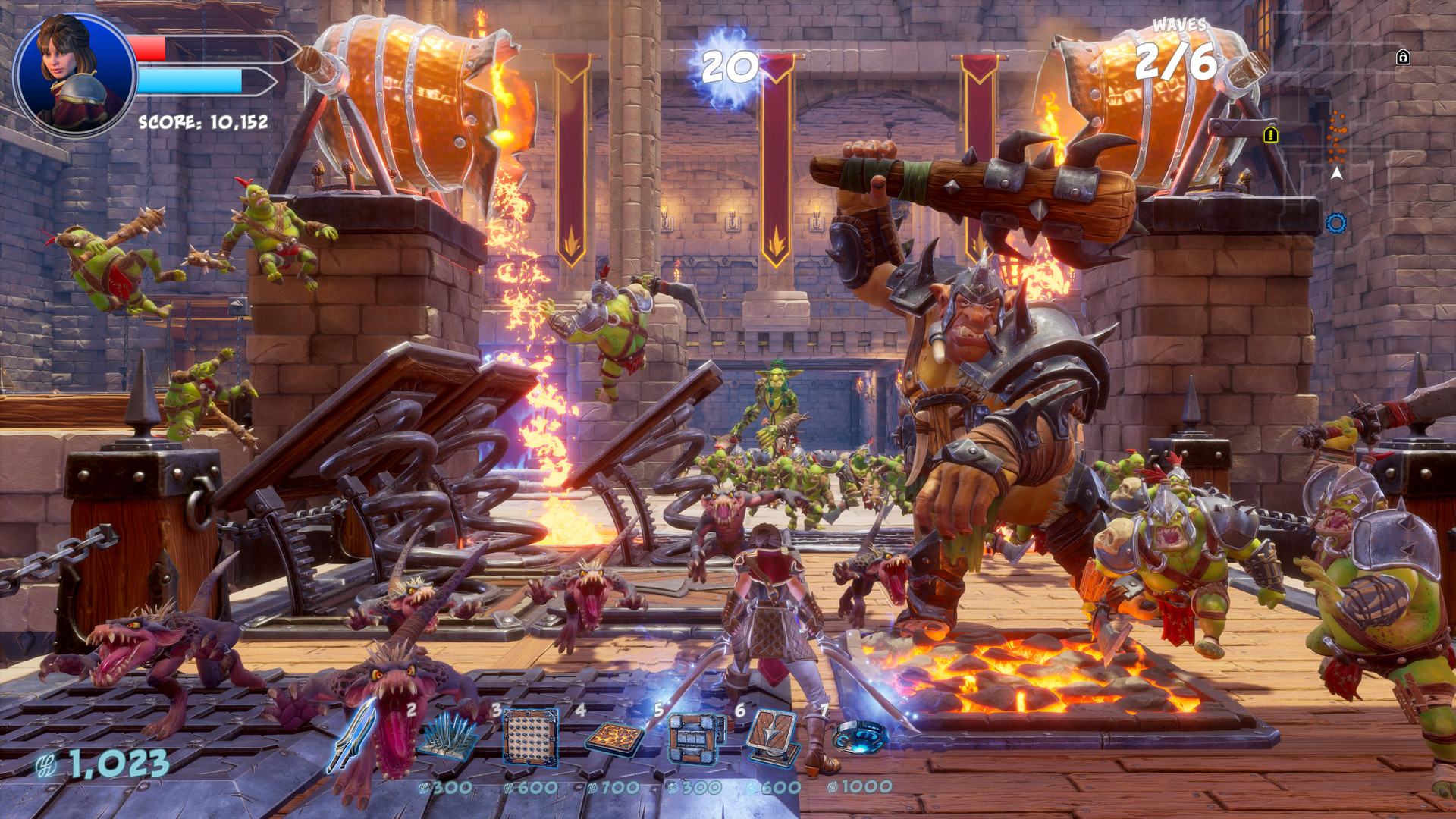
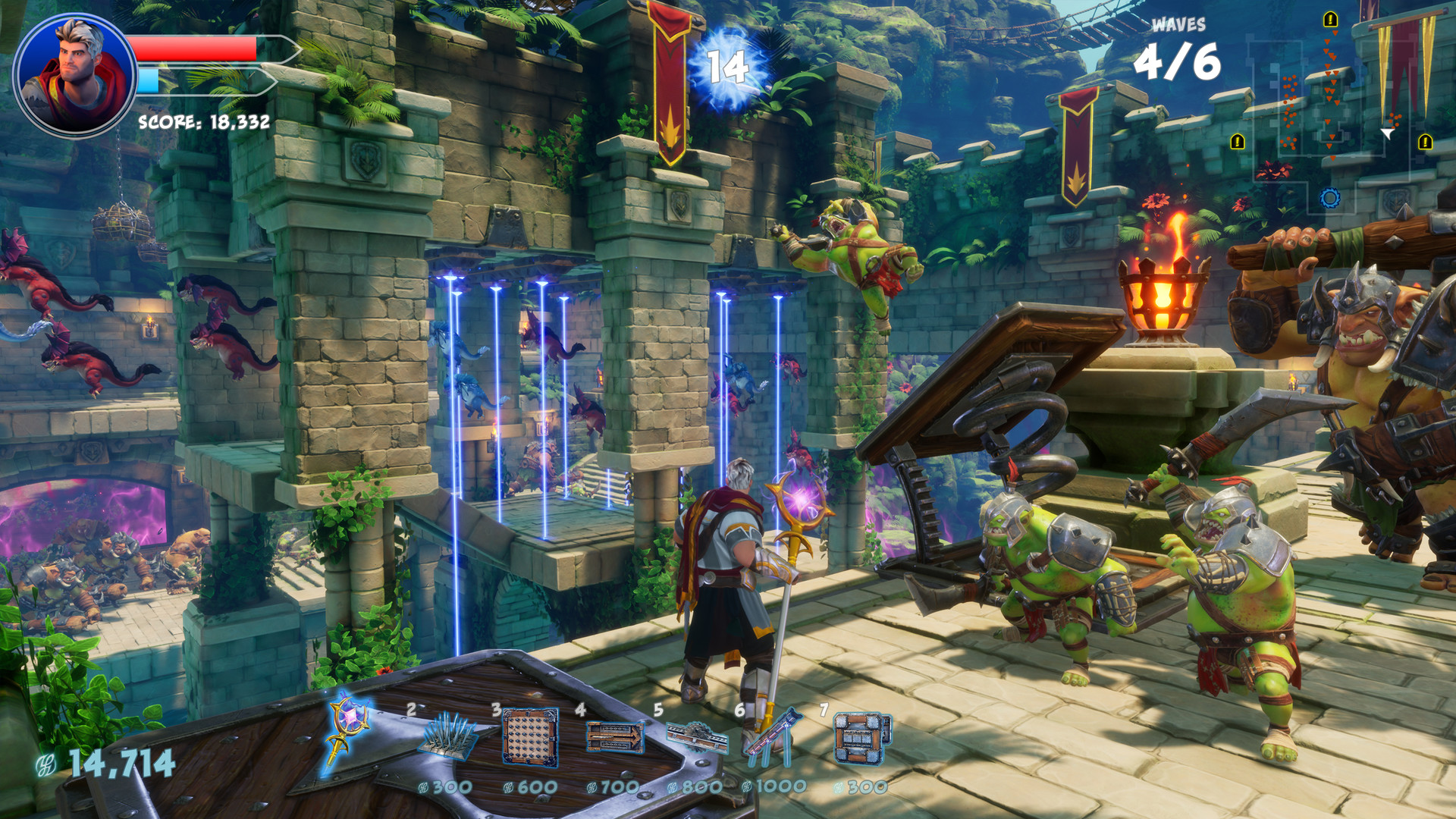
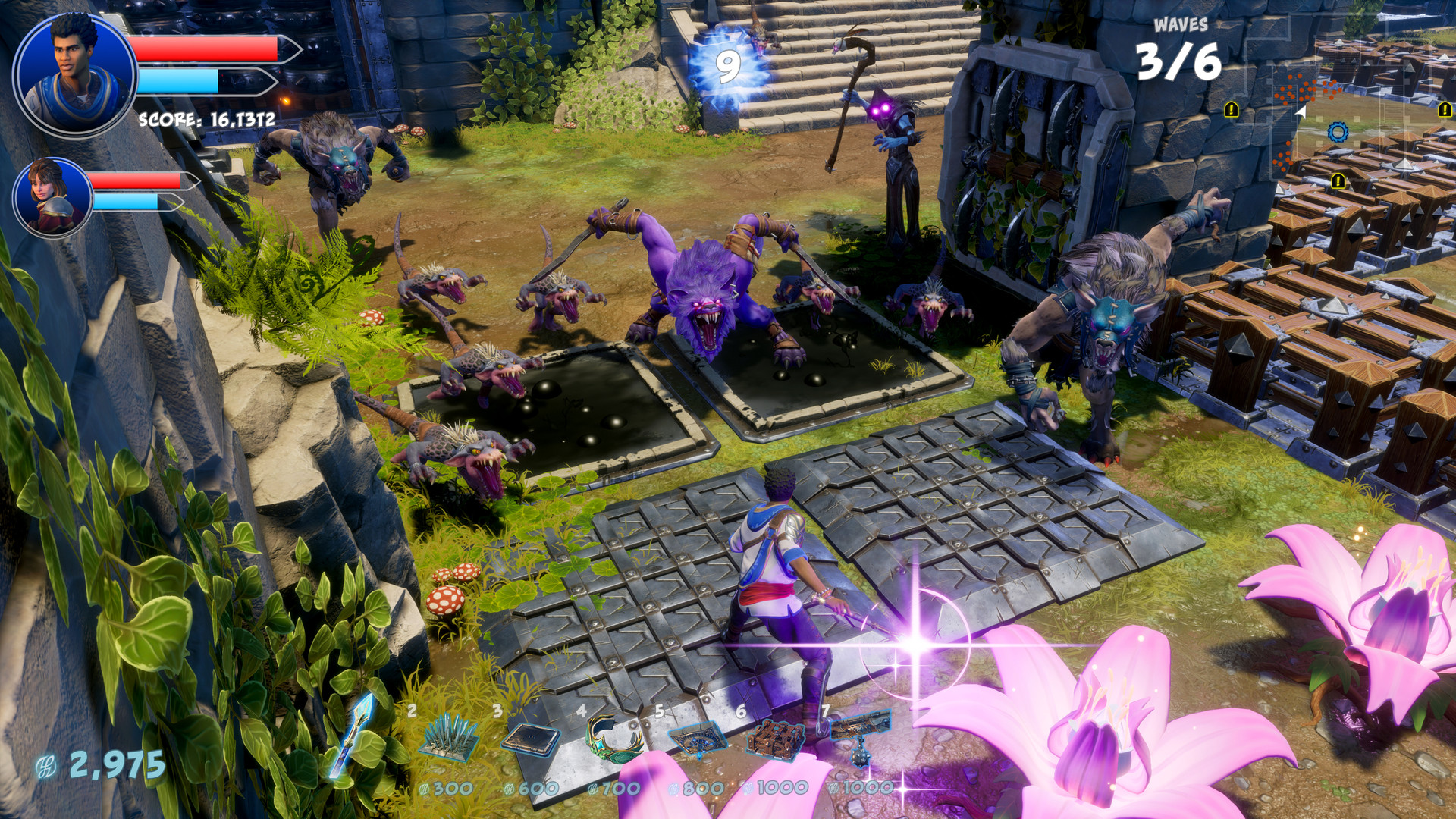
Slay hordes of orcs with a rich arsenal of traps and weapons! Orcs Must Die! 3 is the next generation of the iconic tower defense game. Test your wits and reflexes as enemies keep pushing to conquer your land. Play through a varied story campaign or surprising war scenarios. The fun never stops as you can keep playing even after finishing the final story mission! Orcs Must Die! 3 takes the best aspects of its predecessors and multiplies them. Enjoy better visuals, better missions, bigger battles, and the largest weapons in the series’ history. They feel SO awesome to use! Features Long campaign taking place 20 years later War scenarios on a massive scale Scramble mode with evolving orcs Huge and destructive War Machines More weapons and upgrades than ever!


Orcs Must Die! 3 screenshotOrcs Must Die! 3 screenshotOrcs Must Die! 3 screenshotOrcs Must Die! 3 screenshotOrcs Must Die! 3 screenshotOrcs Must Die! 3 screenshot

How to redeem

  1. 1Check your Steam account and the listed region before purchasing.
  2. 2Find your code and supplier activation instructions in your confirmed order.
  3. 3Open the redeem-code section on Steam, enter the code and follow the platform’s prompts.

Supplier instructions

Go to: http://store.steampowered.com/ and download STEAM client Click "Install Steam" (from the upper right corner) Install and start application, login with your Account name and Password (create one if you don't have). Please follow these instructions to activate a new retail purchase on Steam: Launch Steam and log into your Steam account. Click the Games Menu. Choose Activate a Product on Steam... Follow the onscreen instructions to complete the process. After successful code verification go to the "LIBRARY" tab and start downloading.

You might also like