Get 10% back in Relic Coins on every order
Killzone Shadow: Fall cover

PlayStation 4Global· Account

Killzone Shadow: Fall

€11.38

+€1.14 cashback eligibility in Relic Coins

Check before you play

Platform
PlayStation 4
Region
Global
Product type
Account

This listing delivers an account, not a game key. Read the supplier’s conditions before purchasing.

Developer
Guerrilla
Publisher
Sony Interactive Entertainment
Supplier release date
2013-11-15
Genres
Action, Third-Person Shooter

About this product

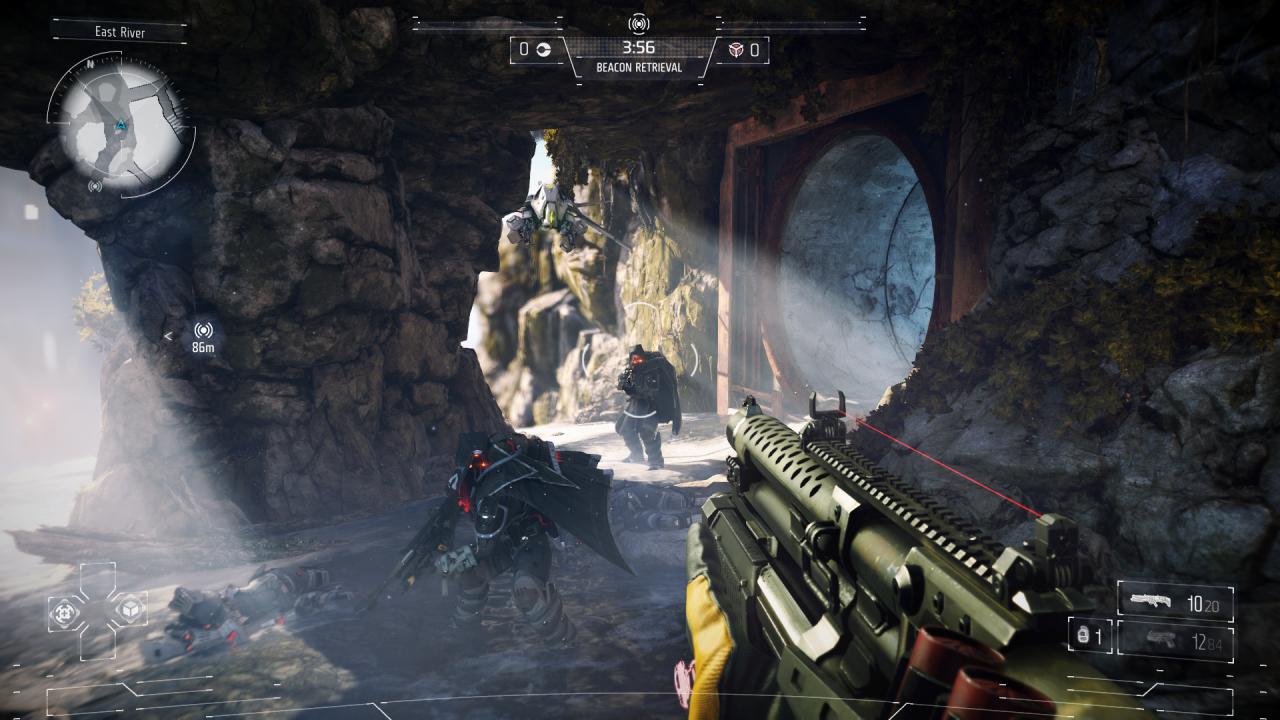
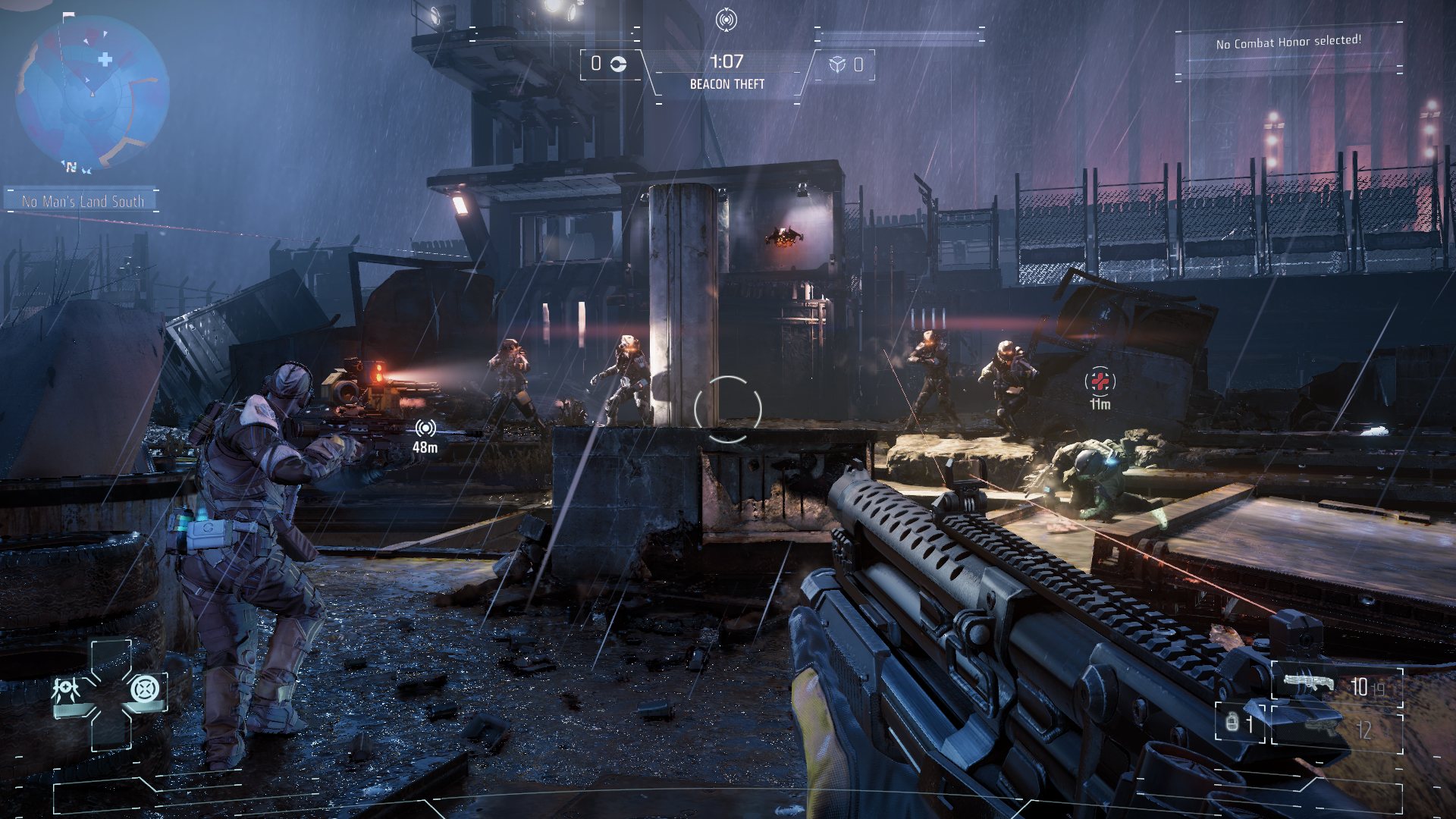
Thirty years after the events of Killzone 3, the world is a very different place with two rival factions, the Helghast and the Vektans, living side by side in a futuristic city divided by a vast wall. In the midst of all the tension stands a Shadow Marshal, the best of the best, tasked with one mandate above all else: preserve the peace, no matter the cost. Features Play as Shadow Marshal Lucas Kellan, equal parts elite soldier and master spy. Representing the VSA’s finest and entrusted with stabilizing an ever-deteriorating cold war, your choices will determine the world’s fate. The benchmark cinematic shooter of the next generation of gaming: With breathtaking environments, jaw-dropping futuristic setpieces and deviously smart enemy AI—Killzone Shadow Fall is a true showcase for the unbridled power of the PS4™ system. Utilize an expansive arsenal of futuristic weapons and gadgetry: As an elite operative of the ISA, you have a vast selection of multi-purpose weapons and tech at your disposal. The game-changer, however, is the OWL, a versatile, combat drone that functions as an extension of you, dramatically augmenting your abilities and offering a host of new tactical options.


Killzone Shadow: Fall screenshotKillzone Shadow: Fall screenshotKillzone Shadow: Fall screenshotKillzone Shadow: Fall screenshotKillzone Shadow: Fall screenshotKillzone Shadow: Fall screenshot

How to redeem

  1. 1Read the account conditions and regional restrictions before purchasing.
  2. 2Open your confirmed order in your Relic Key account to view the supplier’s account details.
  3. 3Follow the supplied sign-in and setup instructions. This is an account, not a redeemable key.

Supplier instructions

If you have a PlayStation Code, follow these step-by-step instructions to use it at PlayStation Store on your Playstation: Go to Redeem Codes. Follow the on-screen instructions to enter the voucher code details. (Once complete, select Continue.) Select Confirm. Select Download. (Once complete, the item will be added to your Download List.) Access your content. (Go to the relevant category on the XMB™ Menu to start playing your content.)

You might also like