Get 10% back in Relic Coins on every order
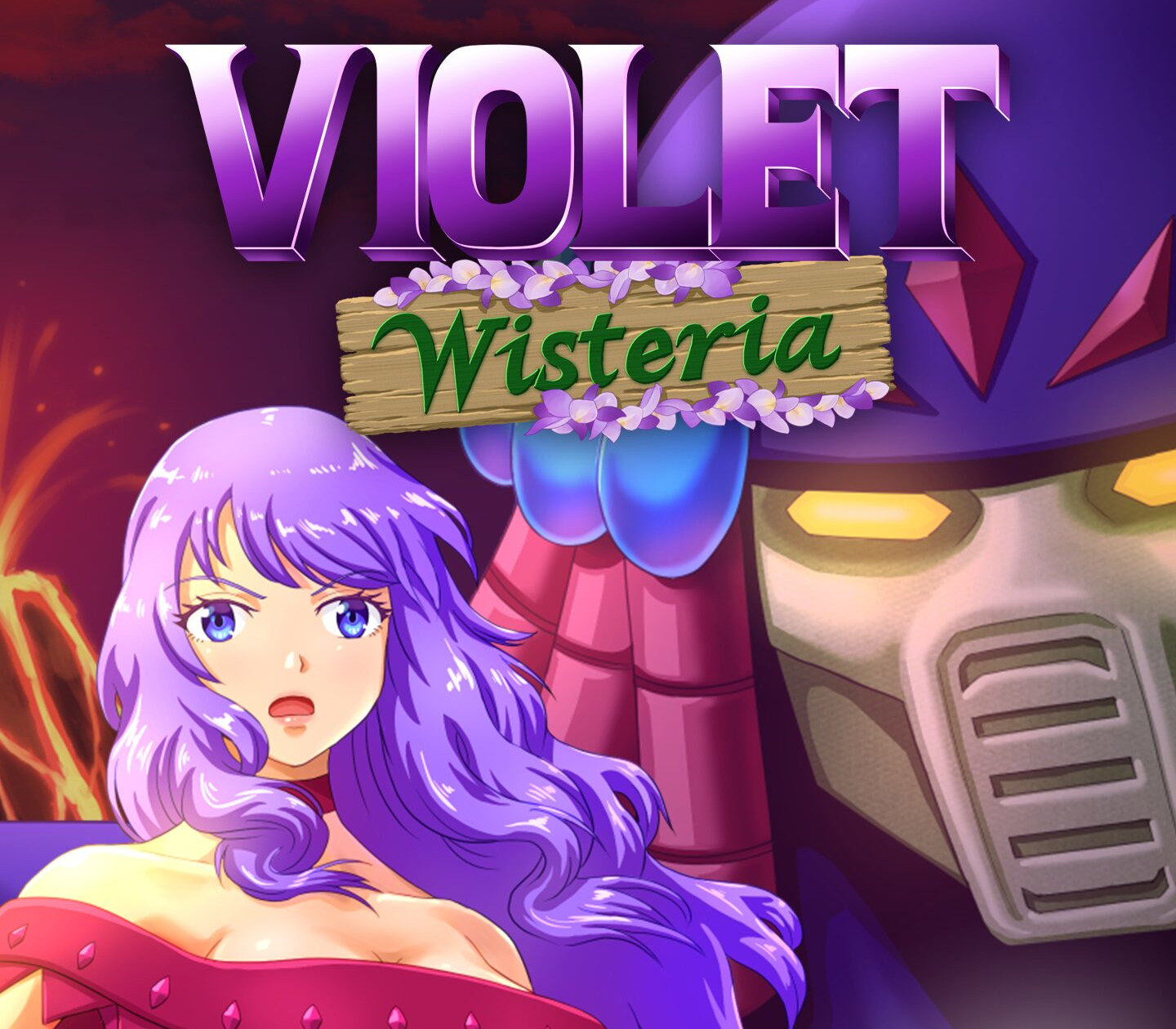
Violet Wisteria (without DE/NL/PL) cover

Nintendo Switch· Key

Violet Wisteria (without DE/NL/PL)

€1.04

+€0.10 cashback eligibility in Relic Coins

Check before you play

Platform
Nintendo Switch
Product type
Key
Developer
Kanipro Games
Publisher
Kanipro Games
Supplier release date
2023-03-13
Genres
Action, Anime, Platformer

About this product

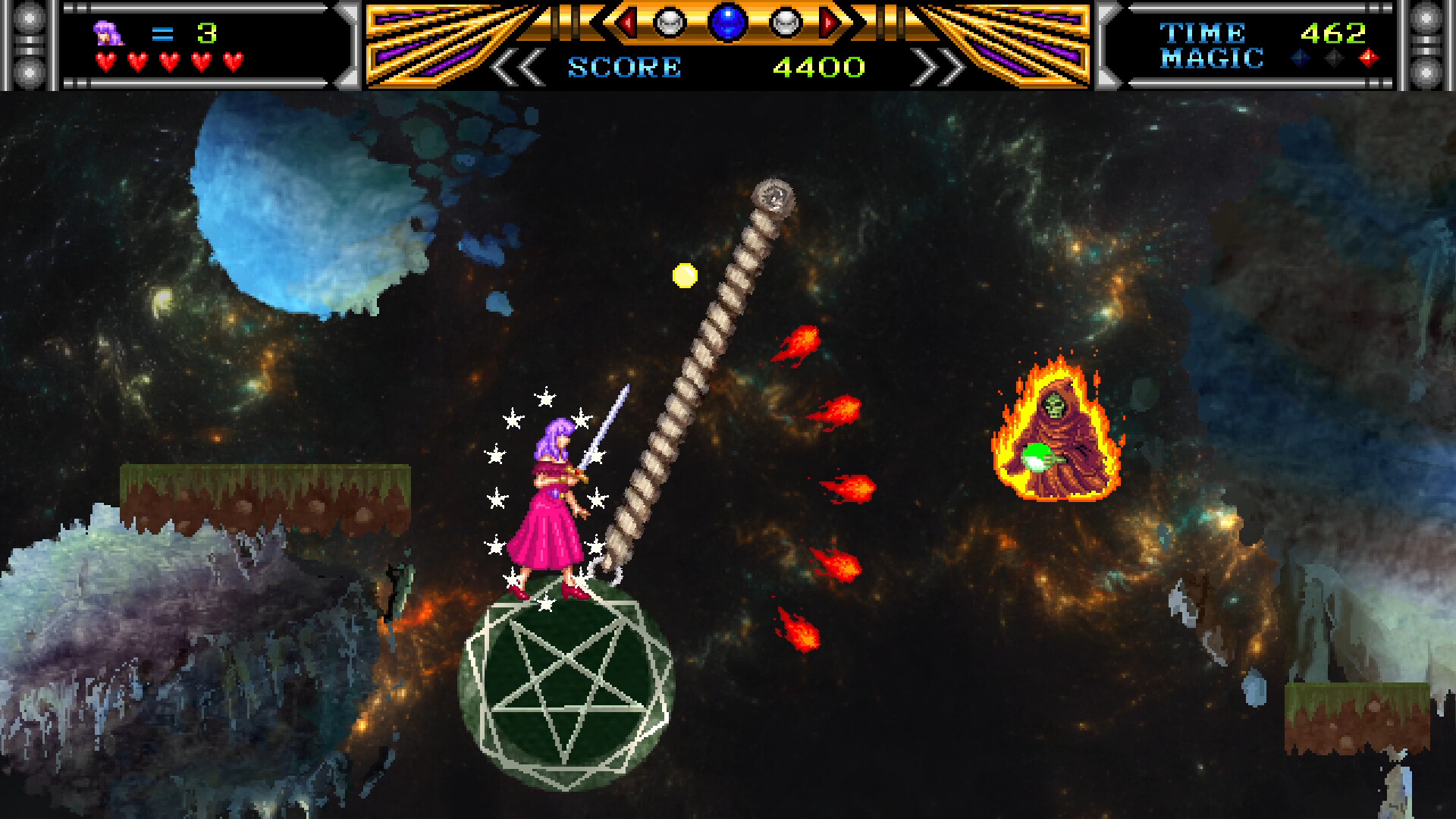
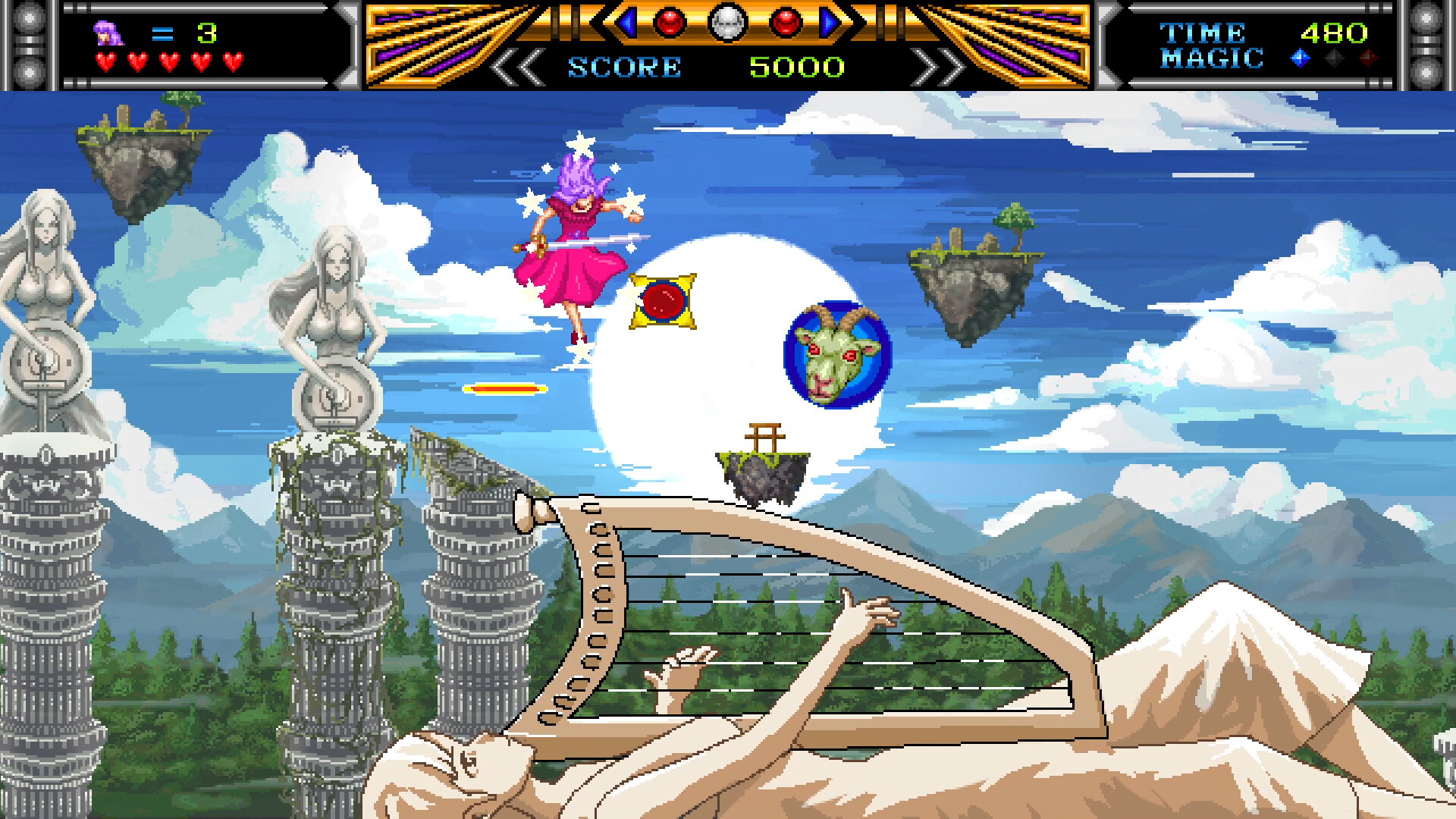
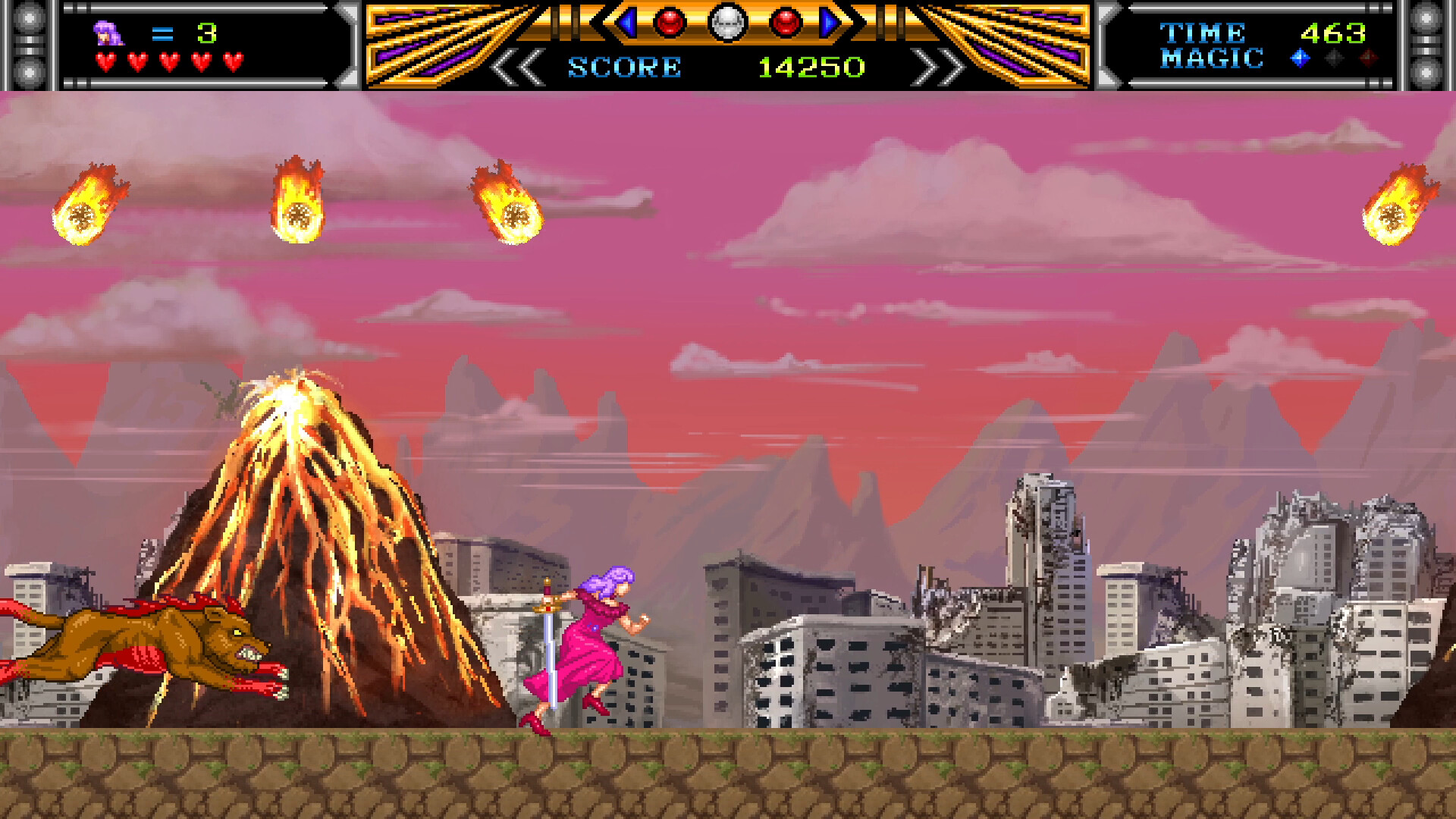
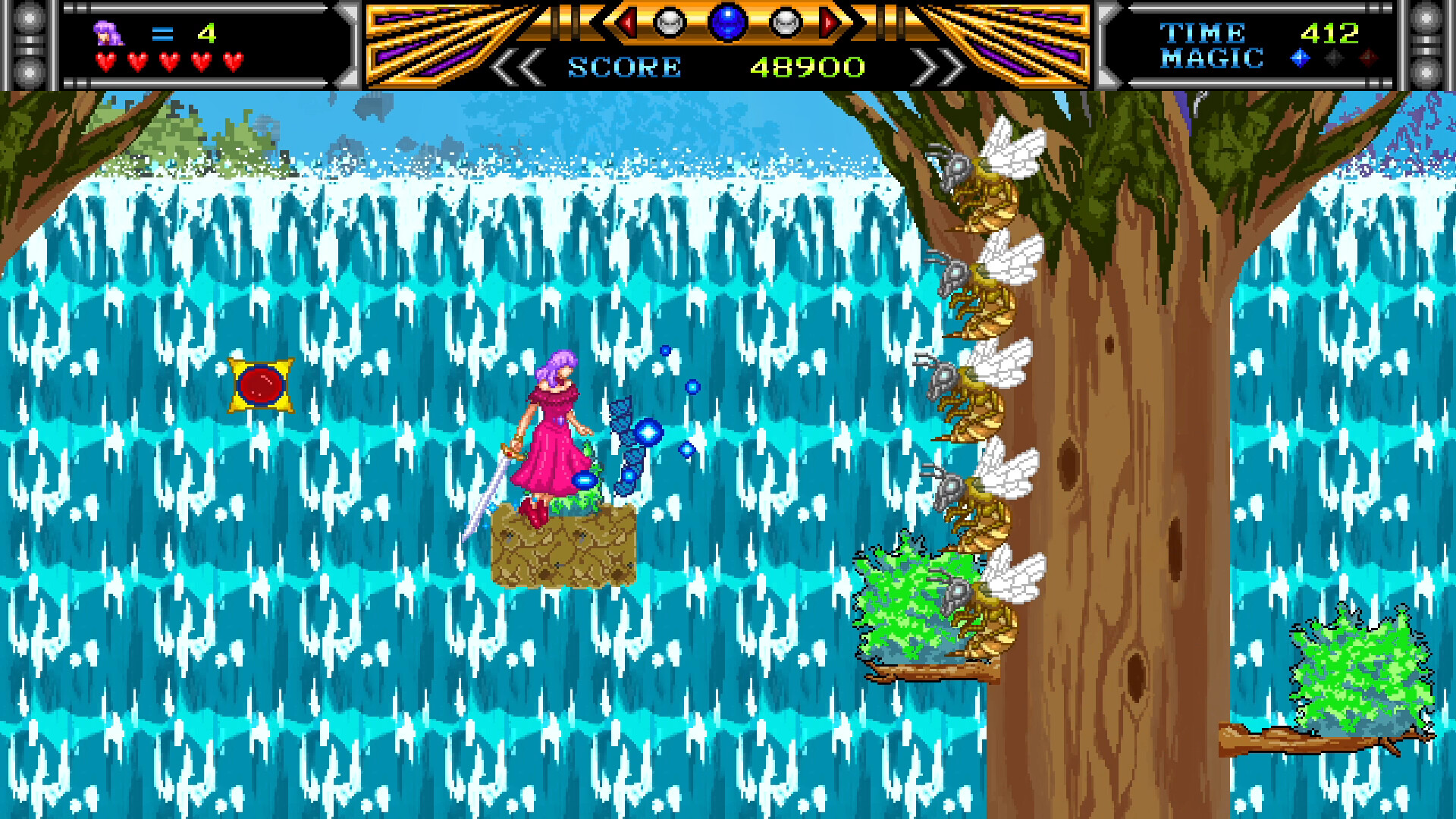
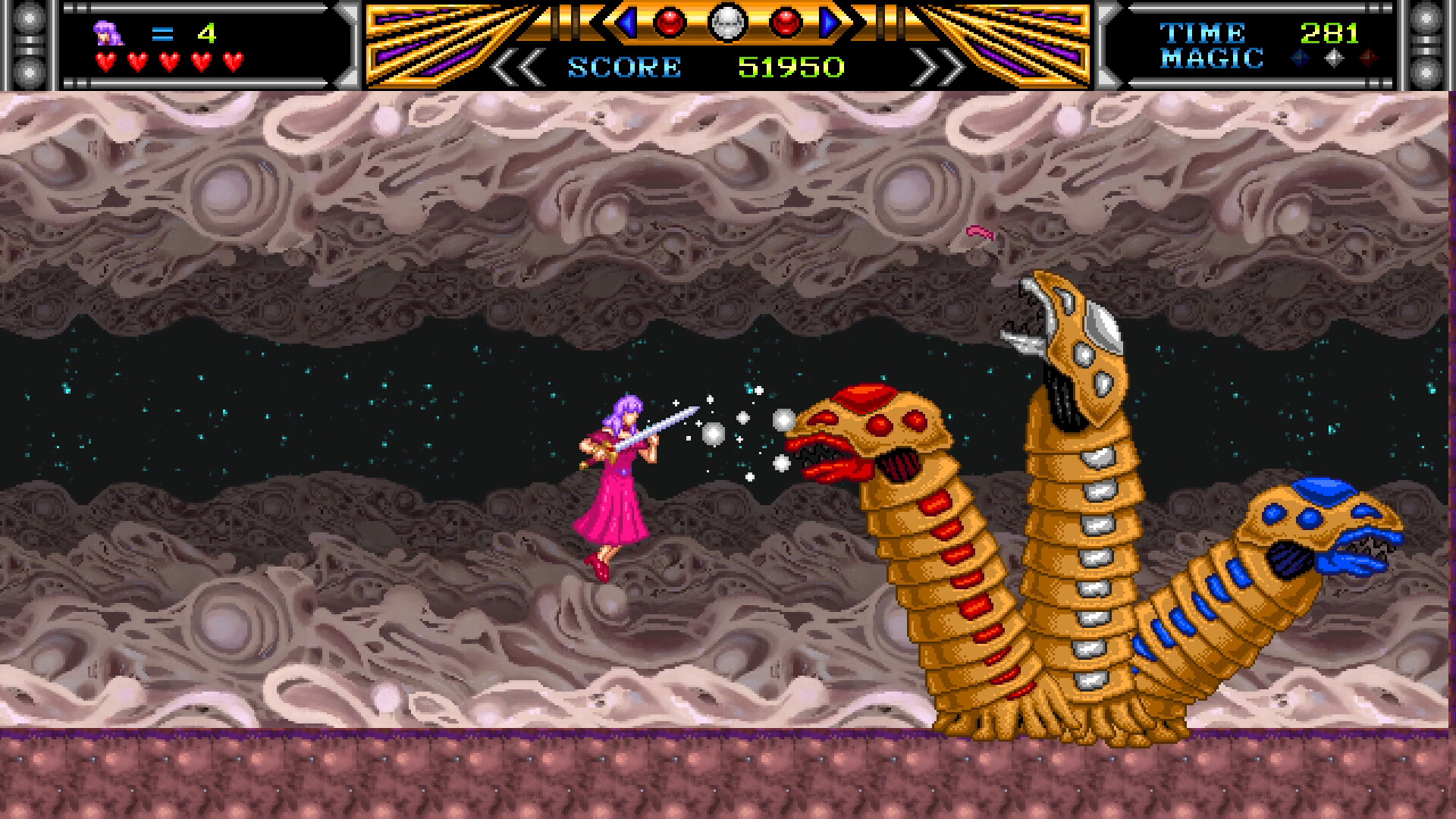
Return to the style of Japanese fantasy platformers from the ’80s and ’90s as you take command of brave heroine Wisteria Asagiri on her quest to save Earth, the Higher Realm and the Under-Realms from the dark wizard Maskandes! Violet Wisteria is a side-scrolling action platformer with a unique tri-color attack system. Requiring quick judgment and precision, this system allows Wisteria to execute sword slashes and thrusts based on an enemy’s color, where only the correct attack will strike true. Enemy colors are randomized to keep players on their toes across 8 carefully crafted stages, each leading up to an exciting boss battle! Travel between dimensions, from floating islands and serene forests to ruined cityscapes and the ends of the cosmos, wielding your sword for the sake of peace and justice! Features: Take the role of a magical heroine inspired by classic Japanese fantasy games, anime, and manga! Slash your way through mystical landscapes and starfields in a nostalgic side-scrolling style. Use the tri-color attack system to strategically take down various enemy types! Enjoy an empowering narrative told through pixel art cutscenes. Face off against tricky bosses and end their rule of terror!

Violet Wisteria (without DE/NL/PL) screenshotViolet Wisteria (without DE/NL/PL) screenshotViolet Wisteria (without DE/NL/PL) screenshotViolet Wisteria (without DE/NL/PL) screenshotViolet Wisteria (without DE/NL/PL) screenshot

How to redeem

  1. 1Check your Nintendo Switch account and the listed region before purchasing.
  2. 2Find your code and supplier activation instructions in your confirmed order.
  3. 3Open the redeem-code section on Nintendo Switch, enter the code and follow the platform’s prompts.

Supplier instructions

Select “Nintendo eShop” on the HOME Menu to launch the Nintendo eShop. Select the account you want to use. Select “Enter Code” on the left side of the screen. Enter the 16-character download code.Any letters and symbols not used with prepaid codes (i.e. O, I, Z, commas, hyphens, etc.) will be disabled from the on-screen keyboard. Select “Send” to confirm. The game will begin downloading once the code is confirmed.The game icon will appear on the HOME menu, with a download status bar. The status bar will disappear once the game download is complete.

You might also like