Get 10% back in Relic Coins on every order
Until Dawn (2015) cover

PlayStation 4Global· Account

Until Dawn (2015)

€20.10

+€2.01 cashback eligibility in Relic Coins

Check before you play

Platform
PlayStation 4
Region
Global
Product type
Account

This listing delivers an account, not a game key. Read the supplier’s conditions before purchasing.

Developer
Supermassive Games
Publisher
Sony Interactive Entertainment Europe
Supplier release date
2015-08-28
Genres
Adventure, Horror

About this product

Only your choices determine who survives! Eight friends are trapped together on a remote mountain retreat, and they aren’t alone. Gripped by dread, with tensions running high, they must fight through their fear if they all hope to make it through the night in one piece. Play as each of the eight characters and experience fear like you never have before. Every decision you make in your terrifying search for answers could mean the difference between life and death, but for whom? Your actions alone will decide who survives Until Dawn. Features Choice & Consequence - Make the impossible choices, where every decision in your terrifying search for answers could mean the difference between life and death, but for who? Next-Gen Horror - Harnessing the power of an evolved Killzone Shadow Fall engine, Until Dawn will shock you with realistic graphics and terrify you edge-of-your seat gameplay. Butterfly Effect - Carve your path to survival with branching story lines that promise no two experiences will be the same. The choices you make may ripple unseen into moments of grave peril, or they may very well save a life. Gripping Story - Immerse yourself in a truly spine-tingling story written in collaboration with famed cult writer/directors Larry Fessenden & Graham Reznick.

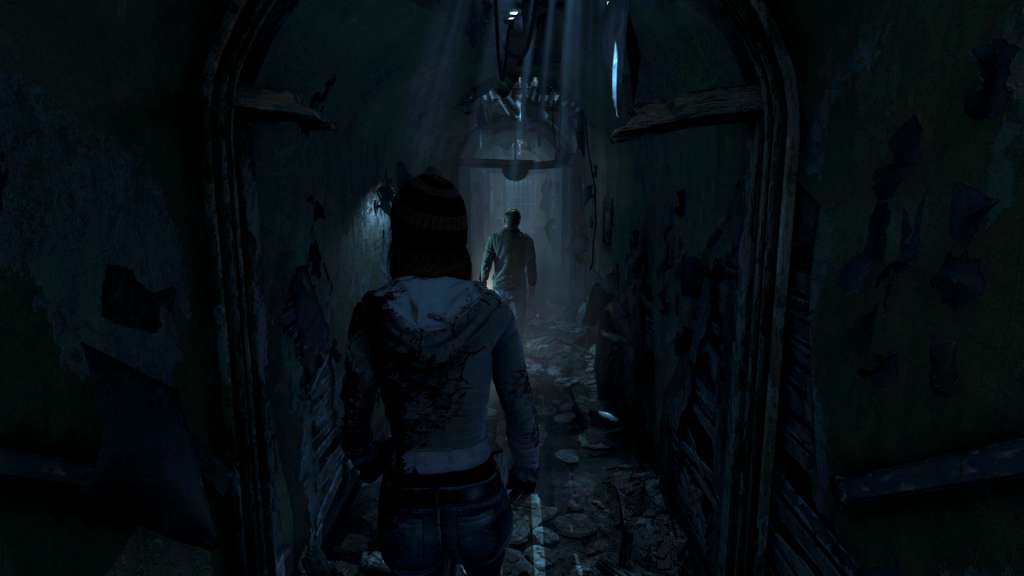
Until Dawn (2015) screenshotUntil Dawn (2015) screenshotUntil Dawn (2015) screenshotUntil Dawn (2015) screenshot

How to redeem

  1. 1Read the account conditions and regional restrictions before purchasing.
  2. 2Open your confirmed order in your Relic Key account to view the supplier’s account details.
  3. 3Follow the supplied sign-in and setup instructions. This is an account, not a redeemable key.

Supplier instructions

If you have a PlayStation Code, follow these step-by-step instructions to use it at PlayStation Store on your Playstation: Go to Redeem Codes. Follow the on-screen instructions to enter the voucher code details. (Once complete, select Continue.) Select Confirm. Select Download. (Once complete, the item will be added to your Download List.) Access your content. (Go to the relevant category on the XMB™ Menu to start playing your content.)

You might also like