Get 10% back in Relic Coins on every order
WRC 7 FIA World Rally Championship cover

PlayStation 4Global· Account

WRC 7 FIA World Rally Championship

€4.10

+€0.41 cashback eligibility in Relic Coins

Check before you play

Platform
PlayStation 4
Region
Global
Product type
Account

This listing delivers an account, not a game key. Read the supplier’s conditions before purchasing.

Developer
Kylotonn Racing Games
Publisher
Bigben Interactive
Supplier release date
2017-09-15
Genres
Racing

About this product

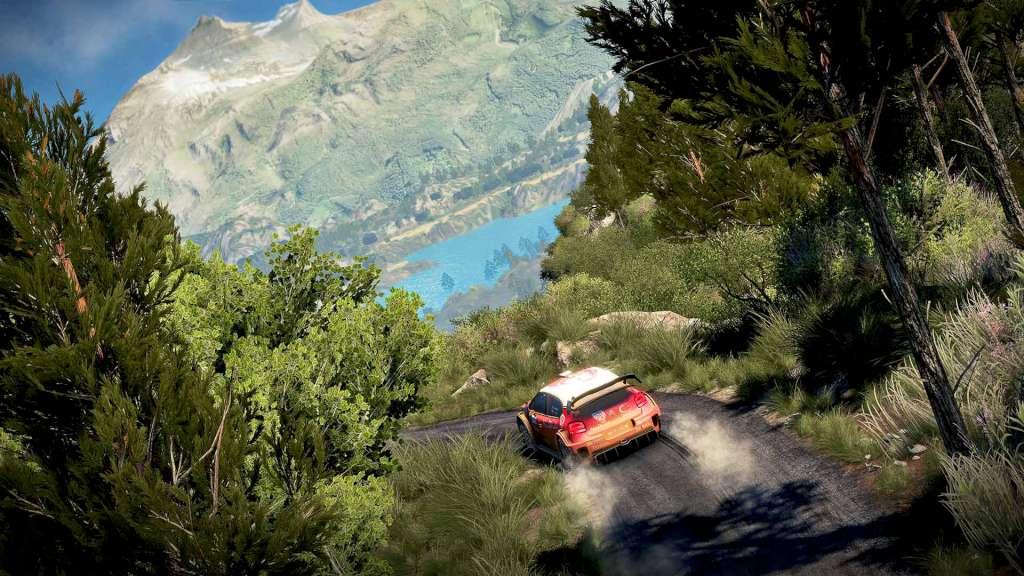
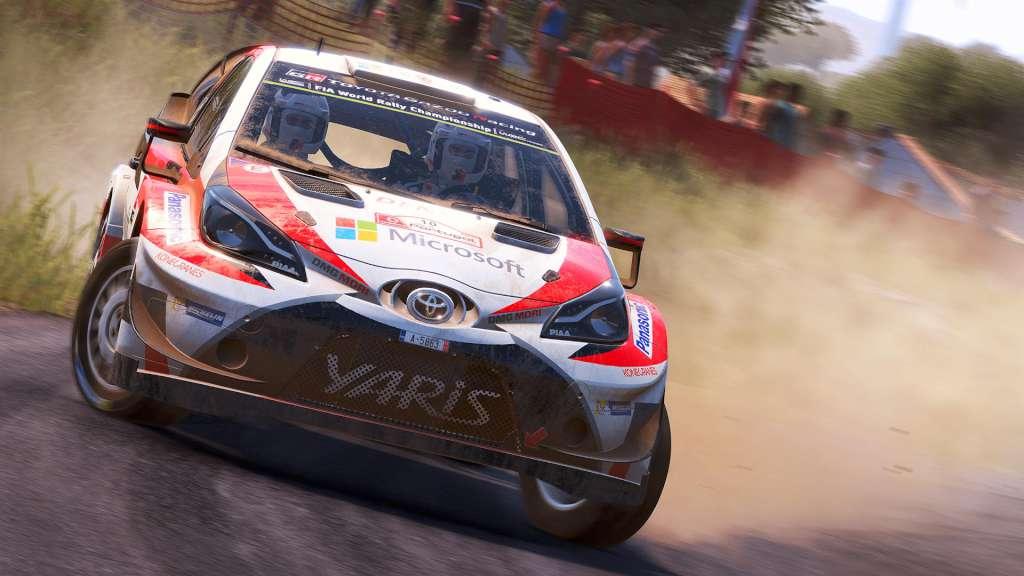
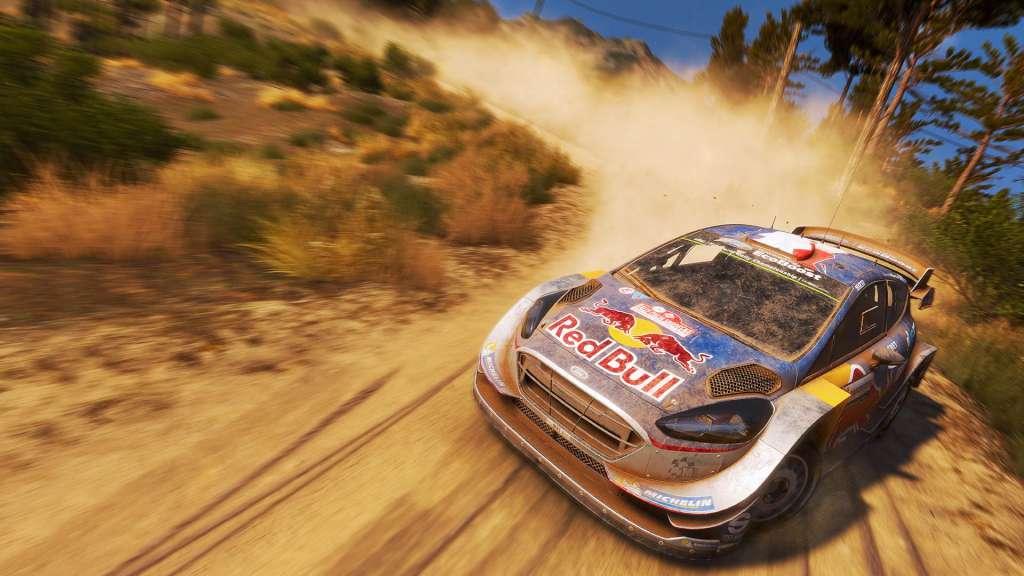
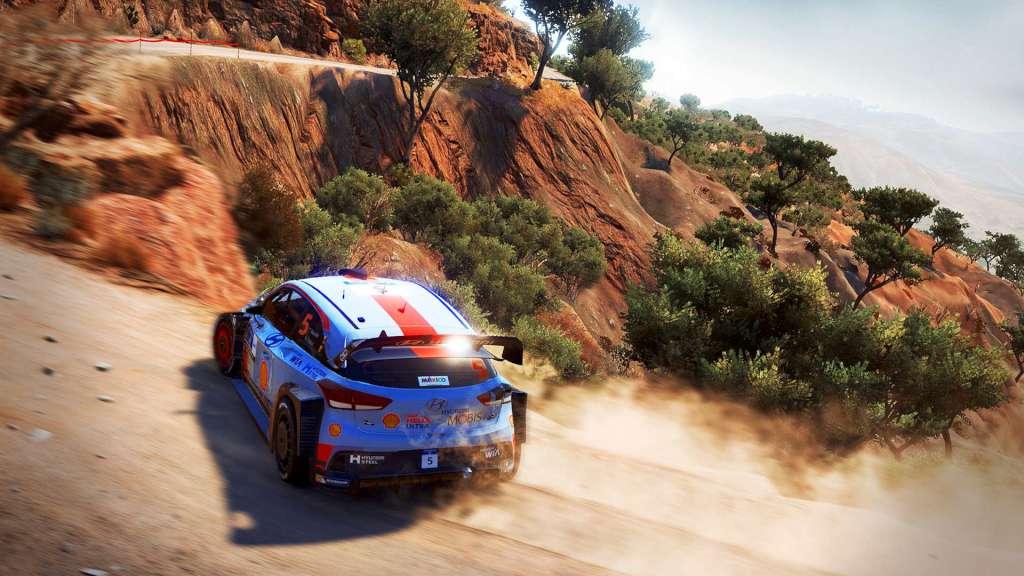
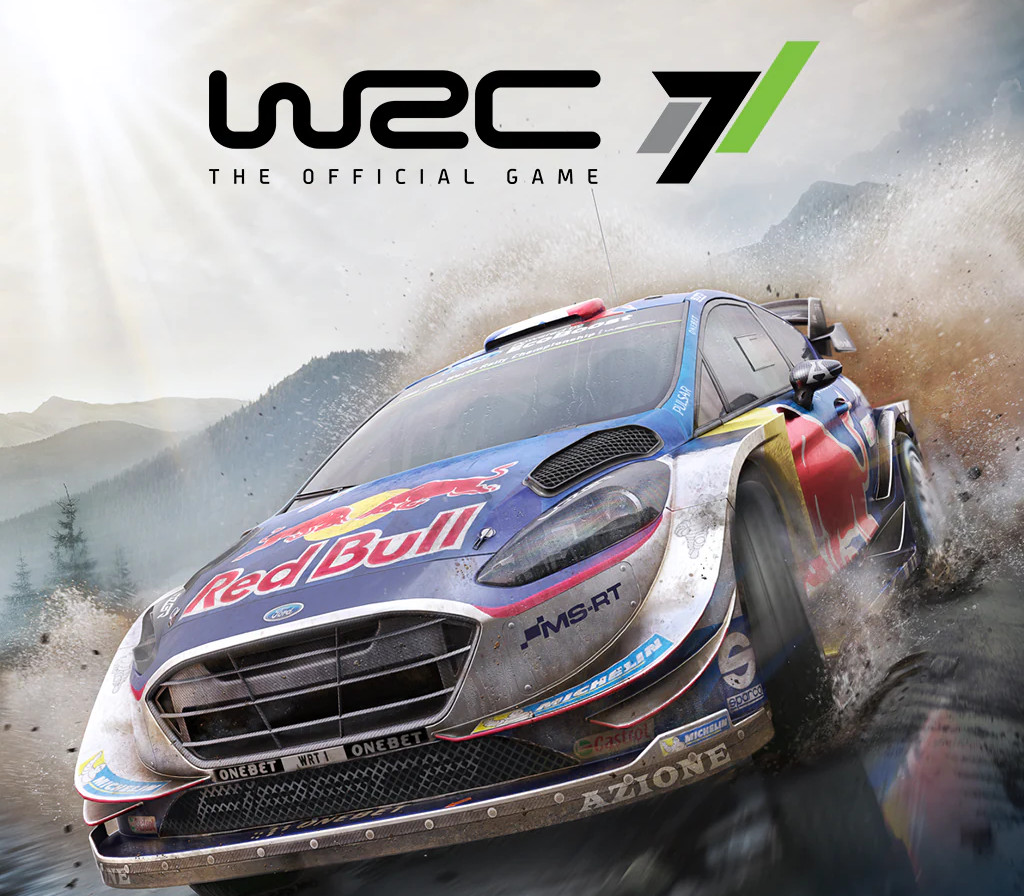
Take on all the challenges of the 2017 World Rally Championship: the official cars and drivers, 13 countries, 52 Special Stages, every surface, more powerful cars, more demanding physics, longer races, and an eSports mode to keep you on the edge of your seat all year round. Choose among cars from prestigious manufacturers such as Hyundai, Toyota, Citroën, and Ford, perfectly recreated for a realistic driving experience. 55 official teams are available, including a large selection of WRC 2 and WRC Junior drivers. The 13 Epic Stages offer an unprecedented gaming experience with special stages that last more than 15 minutes: the ultimate endurance test for both drivers and WRC fans! Features New physics bring to life all the power of the WRC 2017 cars. Completely overhauled tracks provide an ultra-realistic driving experience. Local split screen multiplayer. New online challenges each week.

WRC 7 FIA World Rally Championship screenshotWRC 7 FIA World Rally Championship screenshotWRC 7 FIA World Rally Championship screenshotWRC 7 FIA World Rally Championship screenshotWRC 7 FIA World Rally Championship screenshotWRC 7 FIA World Rally Championship screenshot

How to redeem

  1. 1Read the account conditions and regional restrictions before purchasing.
  2. 2Open your confirmed order in your Relic Key account to view the supplier’s account details.
  3. 3Follow the supplied sign-in and setup instructions. This is an account, not a redeemable key.

Supplier instructions

Go to: http://store.steampowered.com/ and download STEAM client Click "Install Steam" (from the upper right corner) Install and start application, login with your Account name and Password (create one if you don't have). Please follow these instructions to activate a new retail purchase on Steam: Launch Steam and log into your Steam account. Click the Games Menu. Choose Activate a Product on Steam... Follow the onscreen instructions to complete the process. After successful code verification go to the "MY GAMES" tab and start downloading.

You might also like