Get 10% back in Relic Coins on every order
Armored Core VI: Fires of Rubicon cover

Xbox One· Account

Armored Core VI: Fires of Rubicon

€24.95

+€2.50 cashback eligibility in Relic Coins

Check before you play

Platform
Xbox One
Product type
Account

This listing delivers an account, not a game key. Read the supplier’s conditions before purchasing.

Developer
FromSoftware Inc.
Publisher
FromSoftware Inc.
Supplier release date
2023-08-25
Genres
Action, Co-op

About this product

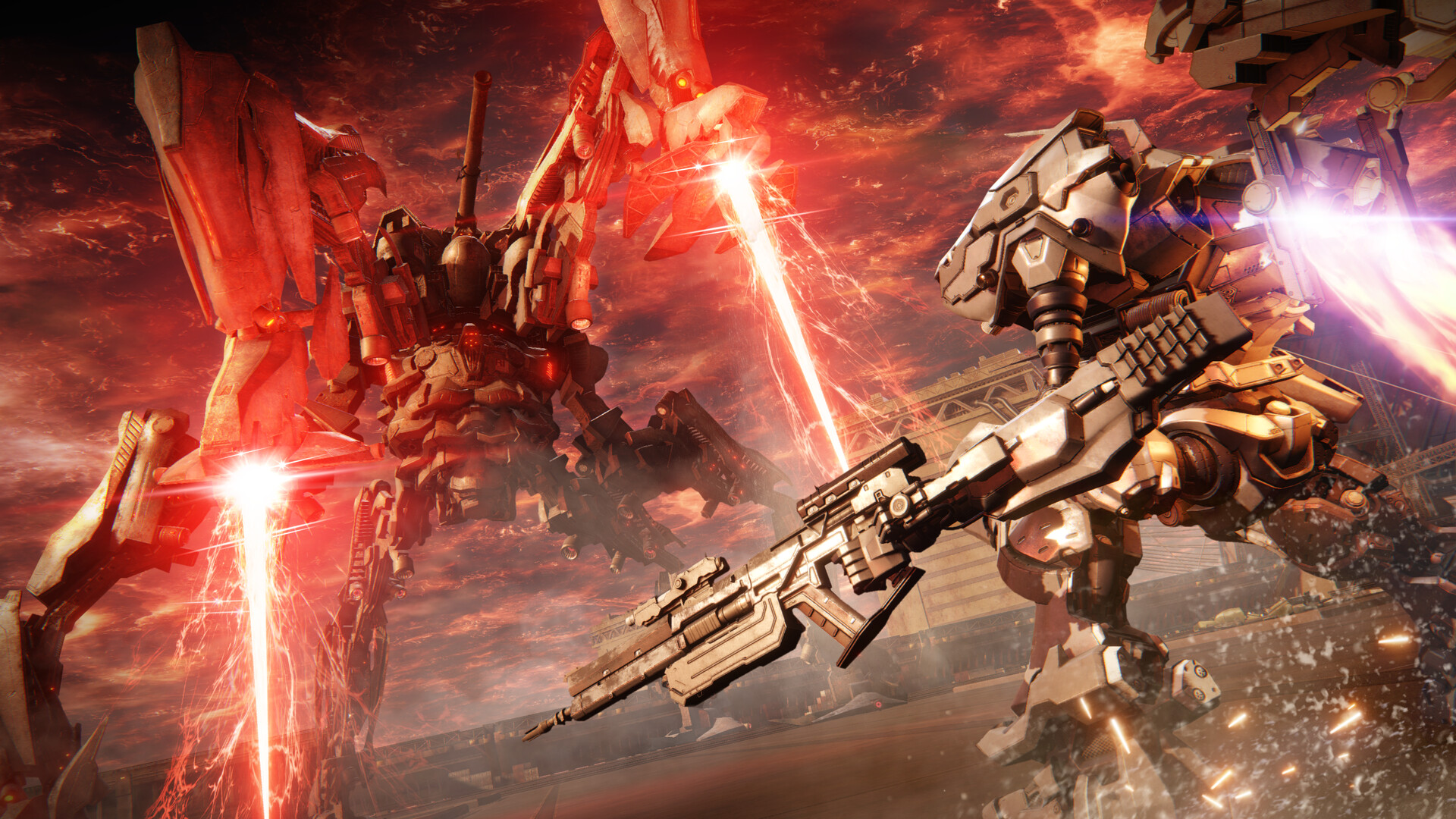
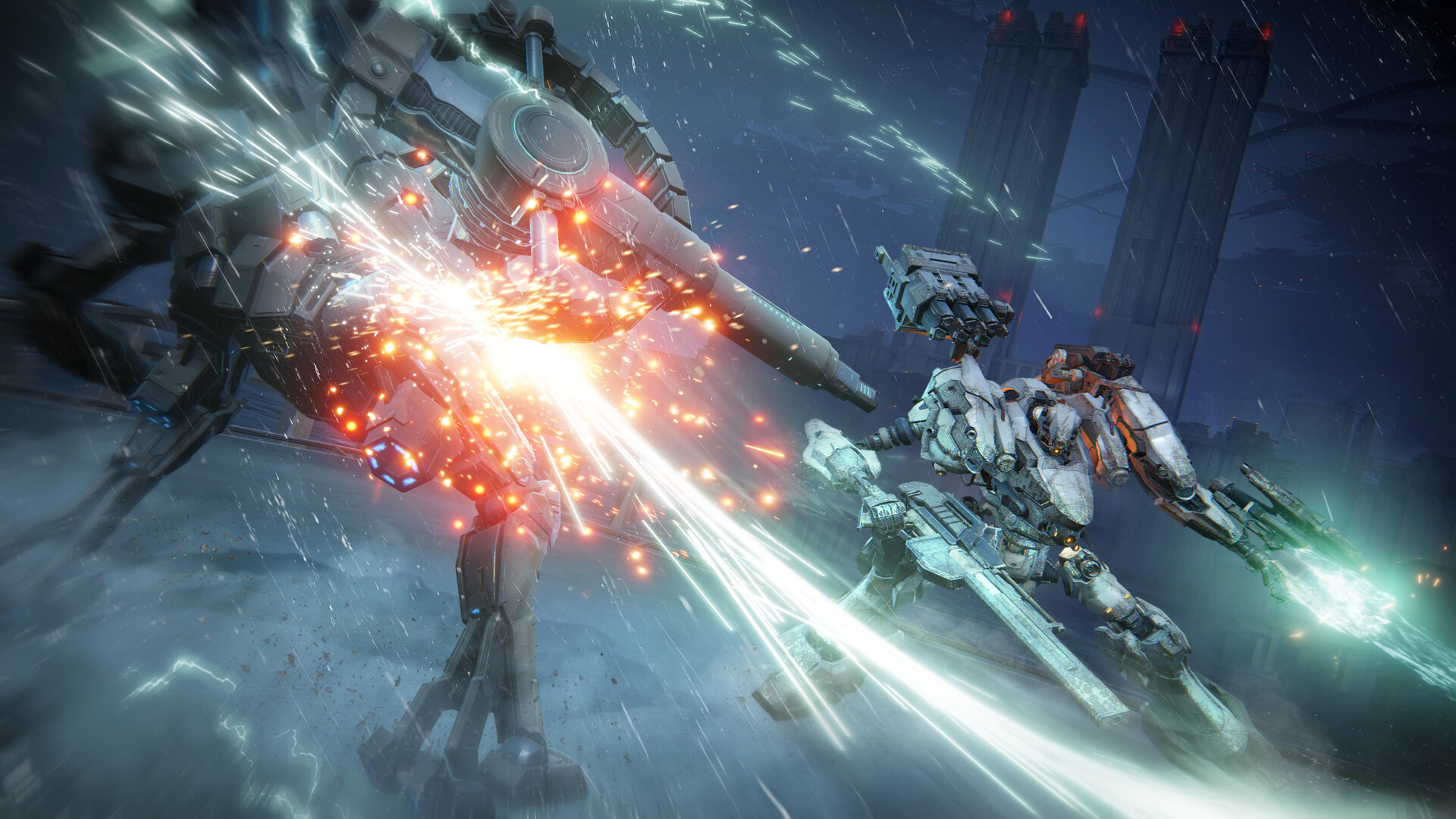
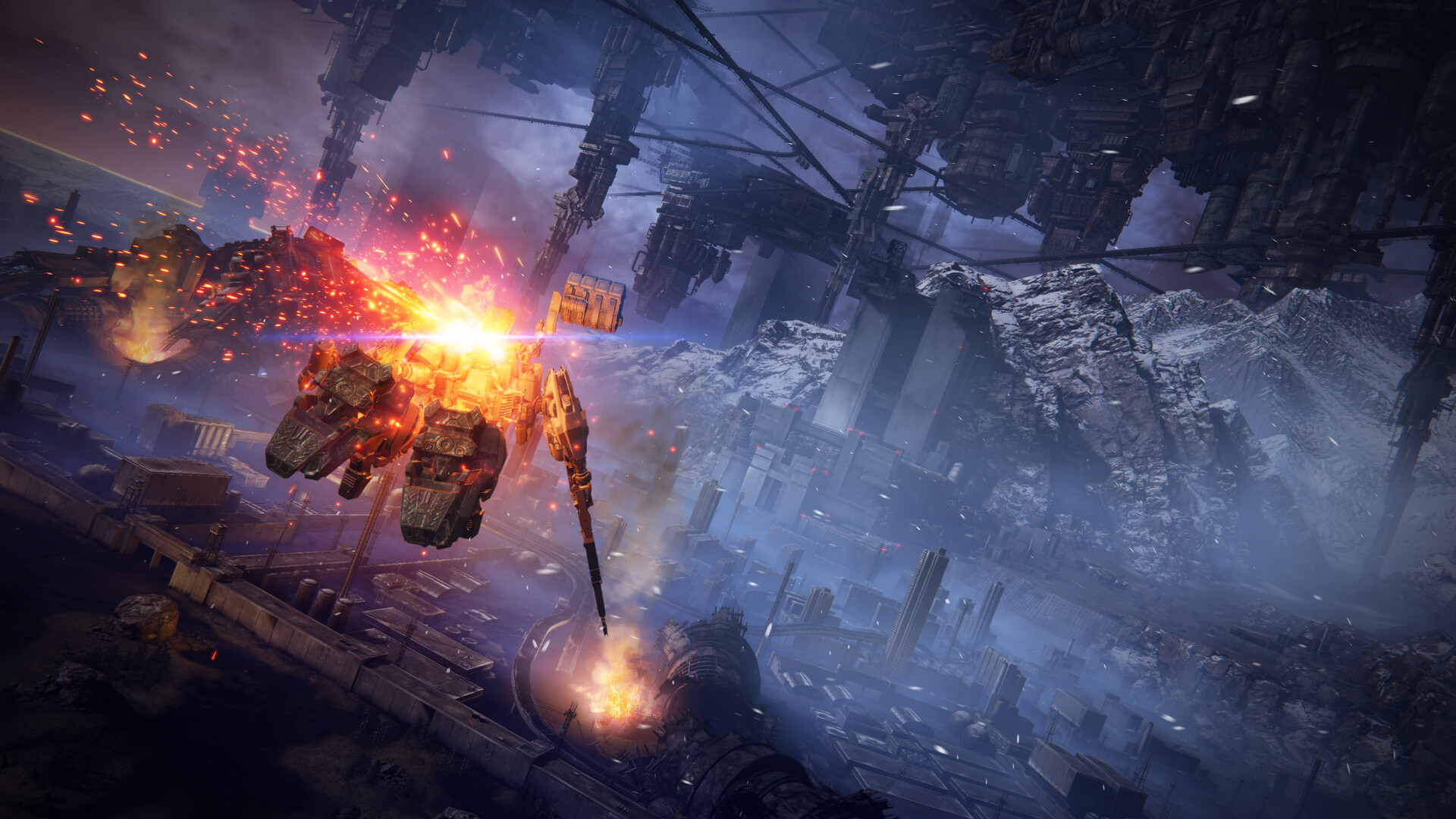
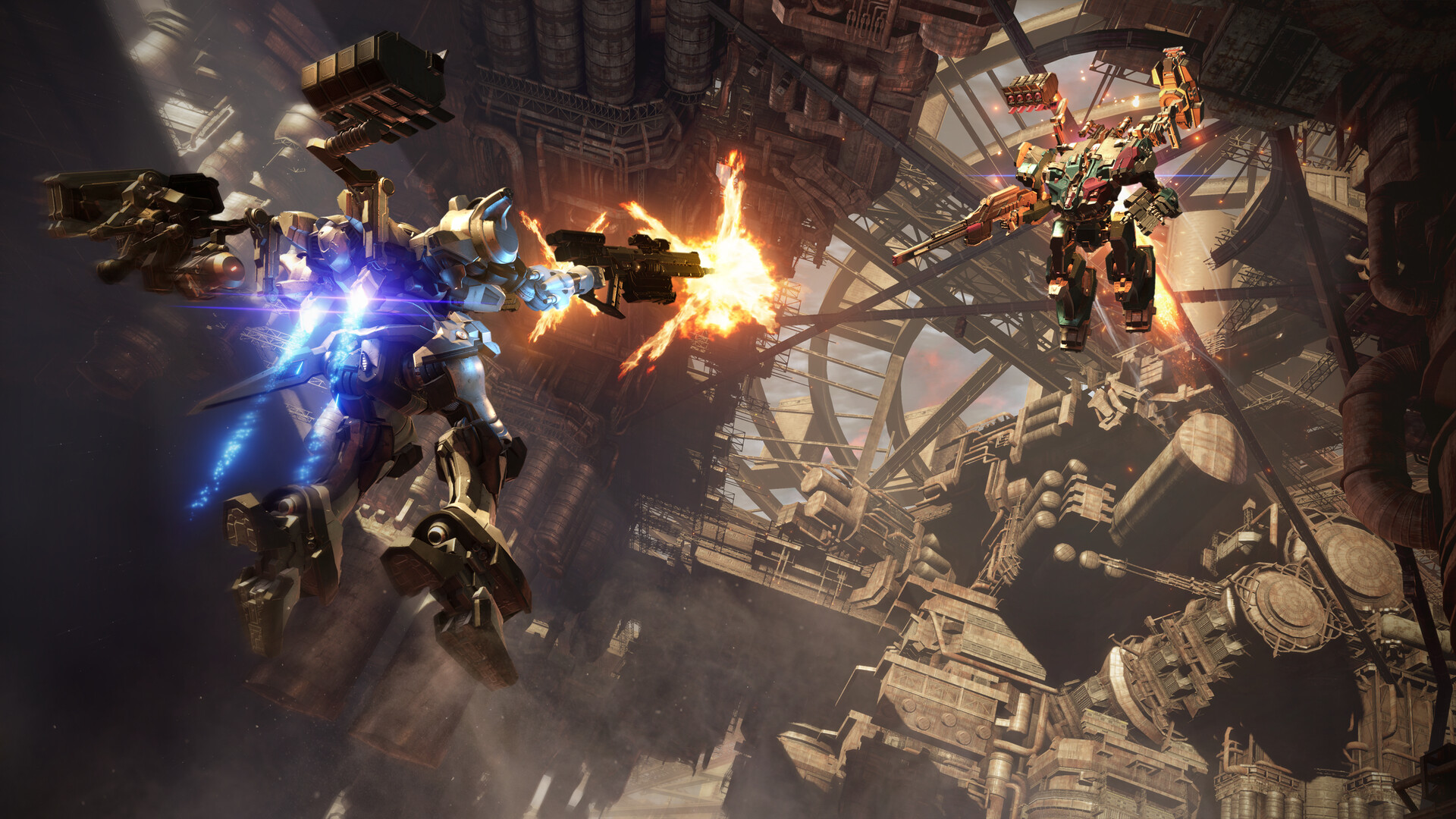
Combining FromSoftware’s longstanding expertise in mech games with their signature action gameplay, ARMORED CORE VI FIRES OF RUBICON brings a brand-new action experience to the series. Features Dynamic, Omni-directional BattlesPlayers will pilot their mech in fast-paced, omni-directional battles, taking advantage of massive stages and their mech’s mobility on land and in the air to ensure victory. Customized Parts for Individual Battle StylesCustomize Armored Core parts to suit a large variety of playstyles. Selecting different parts not only changes the mech’s attacks, but also directly affects its movement and battle style, so each mission can be approached with a unique mech strategy. Thrilling Boss BattlesDeploy a wide variety of offensive and defensive tactics at close and long range to take down powerful enemy bosses.

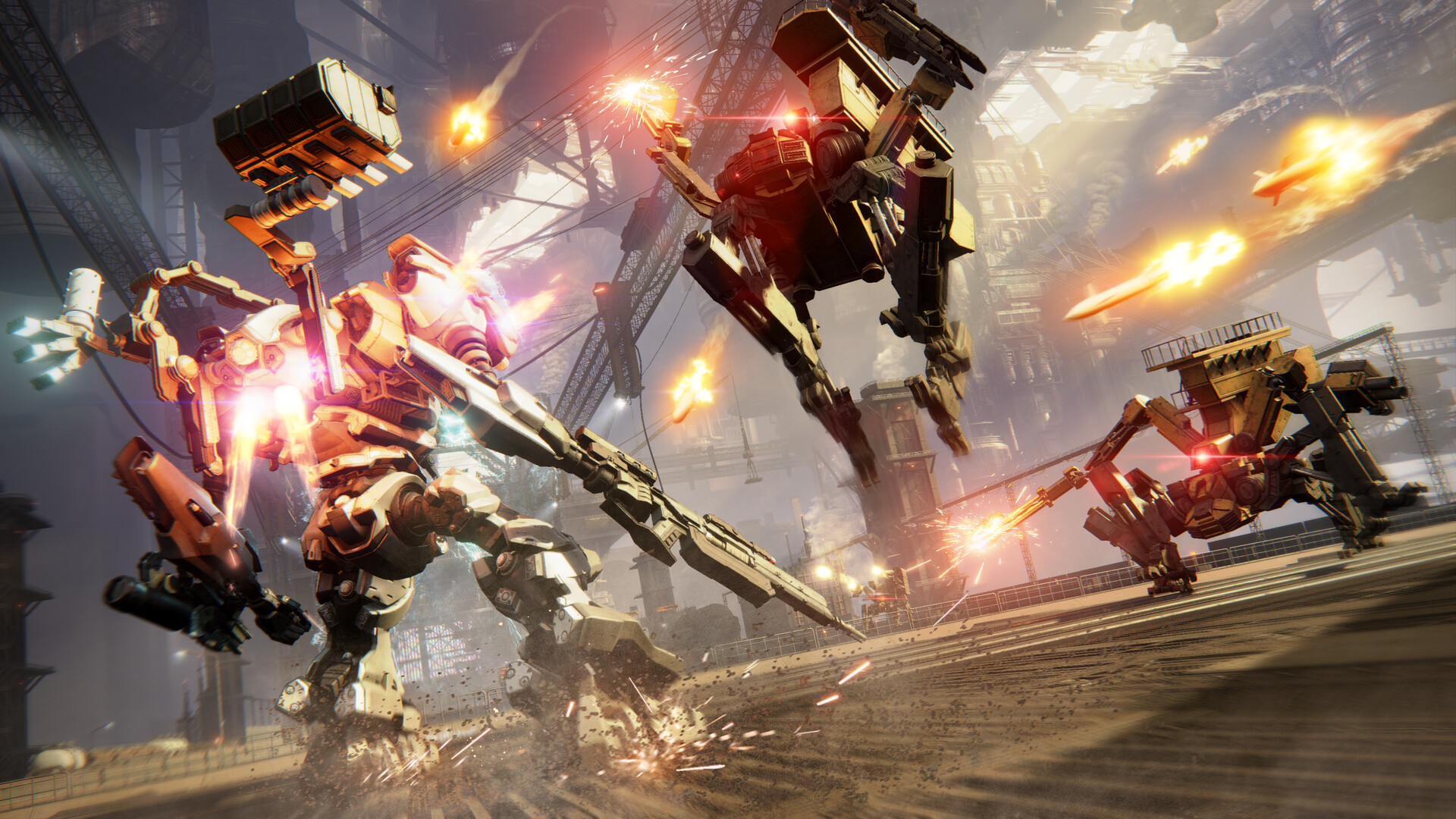
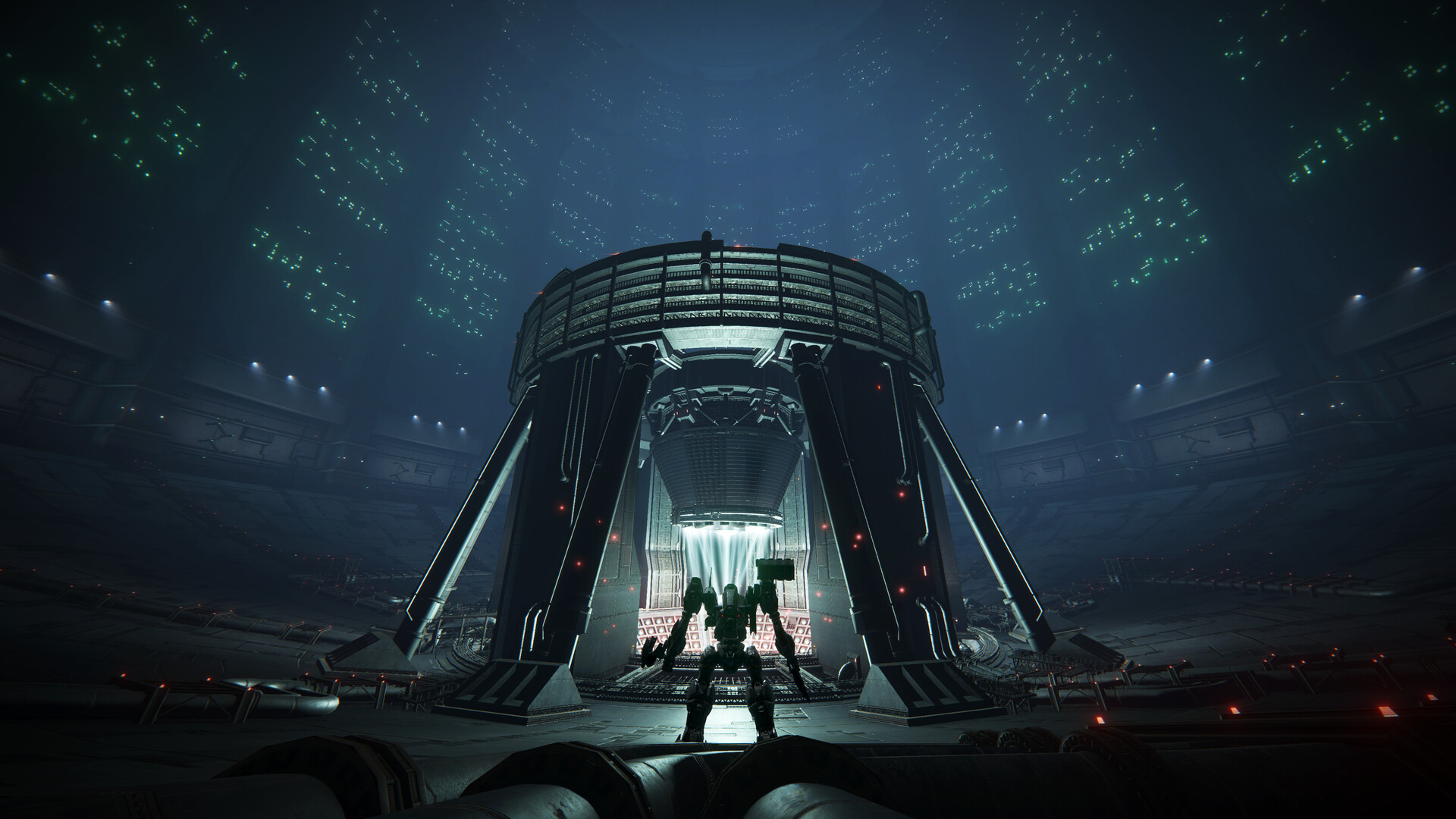
Armored Core VI: Fires of Rubicon screenshotArmored Core VI: Fires of Rubicon screenshotArmored Core VI: Fires of Rubicon screenshotArmored Core VI: Fires of Rubicon screenshotArmored Core VI: Fires of Rubicon screenshotArmored Core VI: Fires of Rubicon screenshot

How to redeem

  1. 1Read the account conditions and regional restrictions before purchasing.
  2. 2Open your confirmed order in your Relic Key account to view the supplier’s account details.
  3. 3Follow the supplied sign-in and setup instructions. This is an account, not a redeemable key.

Supplier instructions

Use the credentials you received (directly or via an external website) and log into the account. Make sure that the content on the account is correct (correct edition of the game, no playtime etc.) Add the purchased account to your console and set it as Xbox home account: Purchased account has to be added as a new user, not as a guest30 Xbox Series X S How to Make Account Primary! Change the credentials to make the account your own: Change the email Change the password Add 2FANOTE: Applying any changes to the purchased account, such as adding a payment method or changing the region, may result in the account being banned. In such cases, no refund is applicable. Once the account is added to your console (as a Xbox home account), download the game and switch back to the account you would like to play from. This way your progress will be saved on the account you are using.* The account should be used as a way of accessing the game/content you are interested in. It is not recommended to use it as your main account, as you might have issues with making purchases on it. *Note: Some content available in the Special Editions like in-game currency, skins, bonuses etc. may not be accessible from your main account.

You might also like