Get 10% back in Relic Coins on every order
Ultra Mega Xtra Party Challenge cover

Nintendo Switch Europe - All Countries· Key

Ultra Mega Xtra Party Challenge

€3.23

+€0.32 cashback eligibility in Relic Coins

Check before you play

Platform
Nintendo Switch
Region
Europe - All Countries
Product type
Key
Developer
Xaloc Studios
Publisher
JUST FOR GAMES
Supplier release date
2022-10-07
Genres
Co-op, Casual

About this product

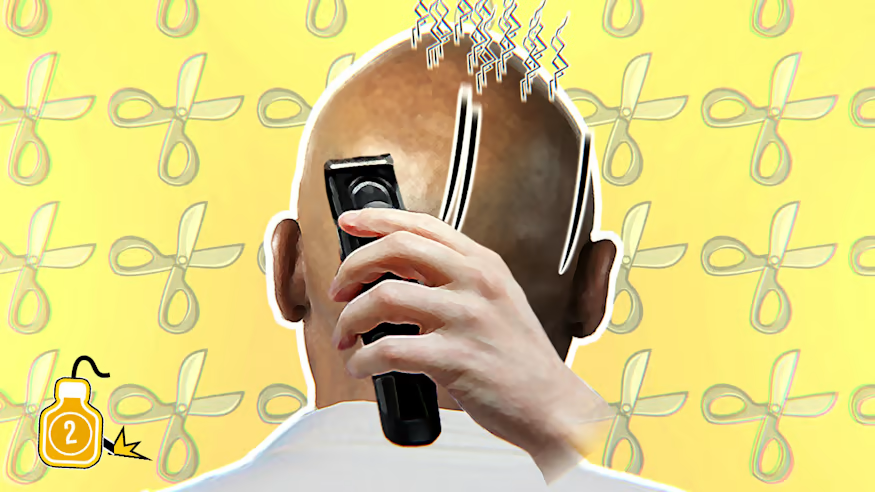
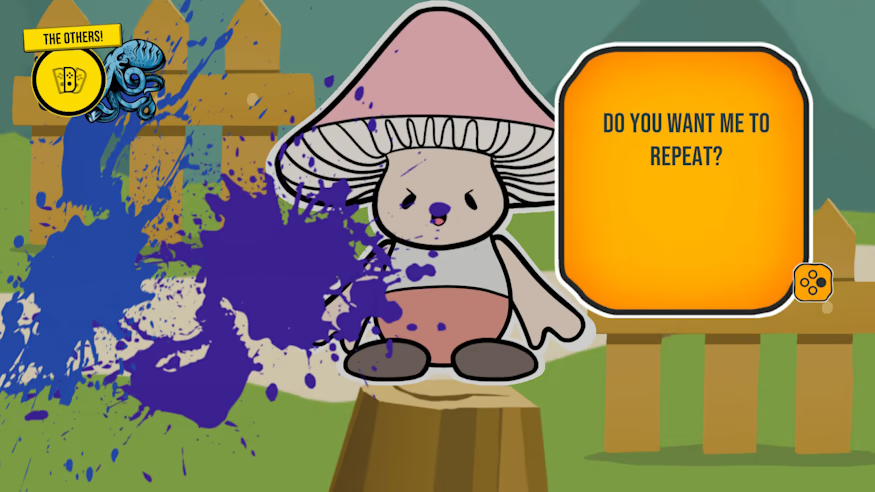
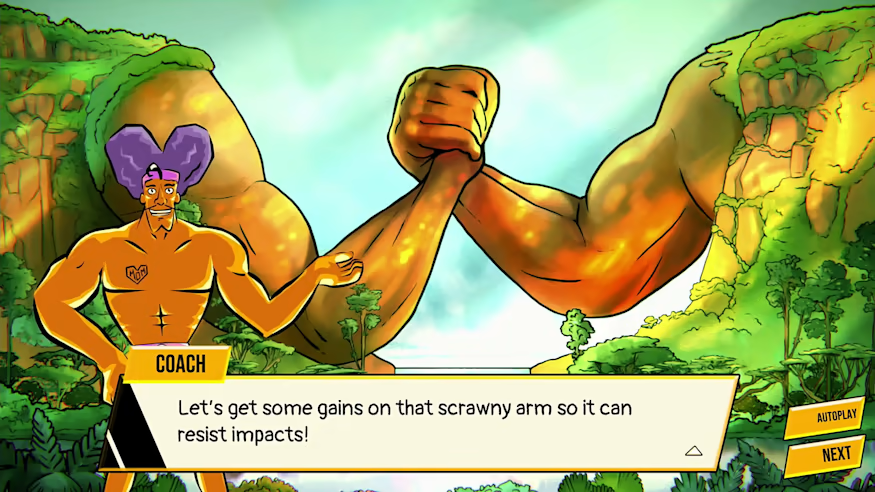
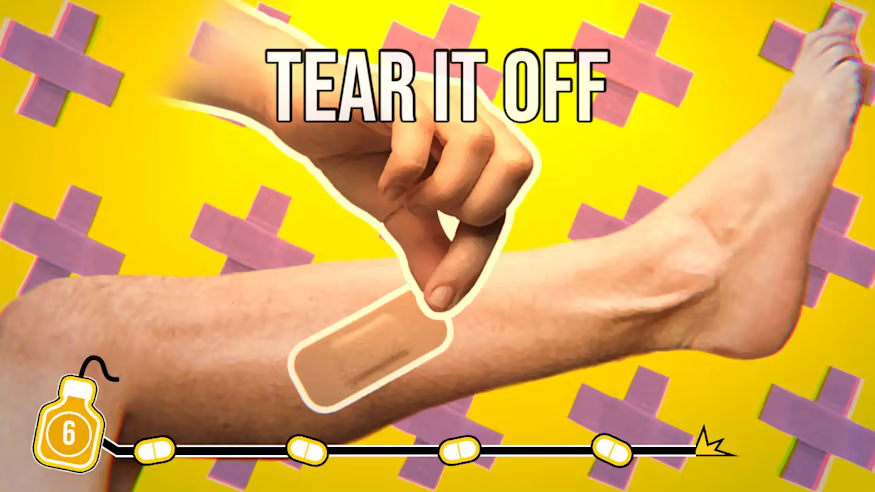
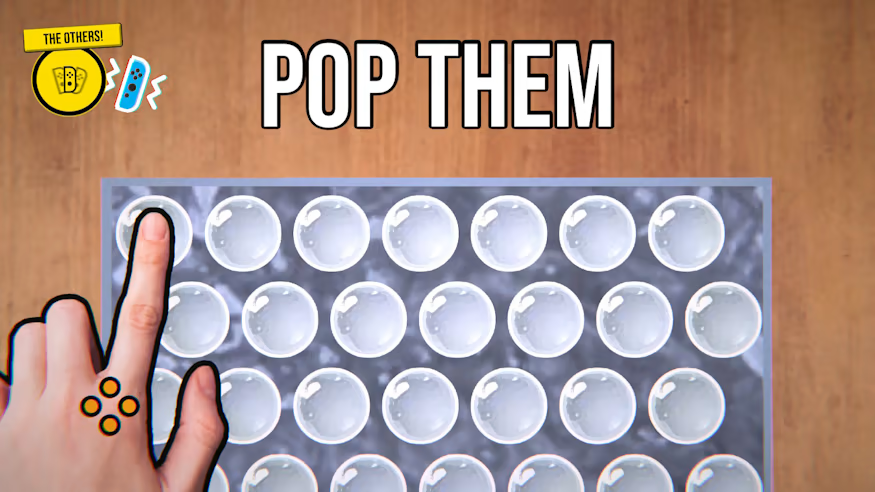
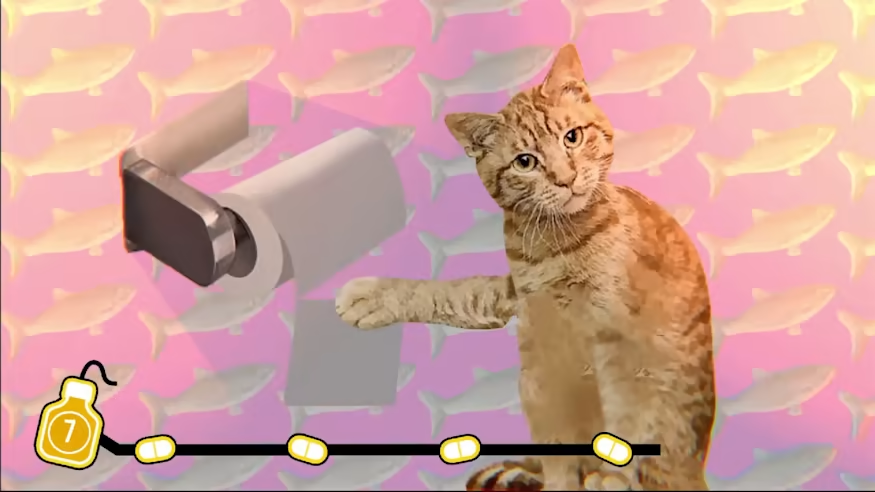
A party game like you've never seen before! Compete with friends, or work together to win. Here, everyone plays at the same time in over 90 mini-games! Ultra Mega Xtra Party Challenge is a frenzied party game with up to 4 players (also solo-player compliant). Features: Over 99 ULTRA, MEGA, and XTRA minigames to enjoy with your friends! Yes, we have MUCH more than 99 ones… Okay… We have 100 ULTRA, MEGA, and XTRA minigames!! You might even spot some inspirations from pop culture and meme culture. Will you get all the hidden easter eggs? Wash, unbox, shave, peel off, mown, cut, dodge, unroll, fan… All skills required. Even the ones you didn't realize you had! Multiplayer: Play against or with your friends. Versus or coop, whatever you choose, everyone will play simultaneously, with no ULTRA, MEGA, or XTRA downtime! Lacking friends? No worries. We get you covered with our exclusive Ultra Mega Xtra Story Mode! You’re the weakest player on Earth… A very mysterious character will come to you and train you to become the most powerful “gamer” in the Universe!


Ultra Mega Xtra Party Challenge screenshotUltra Mega Xtra Party Challenge screenshotUltra Mega Xtra Party Challenge screenshotUltra Mega Xtra Party Challenge screenshotUltra Mega Xtra Party Challenge screenshotUltra Mega Xtra Party Challenge screenshot

How to redeem

  1. 1Check your Nintendo Switch account and the listed region before purchasing.
  2. 2Find your code and supplier activation instructions in your confirmed order.
  3. 3Open the redeem-code section on Nintendo Switch, enter the code and follow the platform’s prompts.

Supplier instructions

Select “Nintendo eShop” on the HOME Menu to launch the Nintendo eShop. Select the account you want to use. Select “Enter Code” on the left side of the screen. Enter the 16-character download code.Any letters and symbols not used with prepaid codes (i.e. O, I, Z, commas, hyphens, etc.) will be disabled from the on-screen keyboard. Select “Send” to confirm. The game will begin downloading once the code is confirmed.The game icon will appear on the HOME menu, with a download status bar. The status bar will disappear once the game download is complete.

You might also like