Get 10% back in Relic Coins on every order
Richman 11 / / Windows 10 cover

Xbox One· Key

Richman 11 / / Windows 10

€12.59

+€1.26 cashback eligibility in Relic Coins

Check before you play

Platform
Xbox One
Product type
Key
Developer
CMGE
Publisher
SOFTSTAR ENTERTAINMENT
Supplier release date
2024-04-19
Genres
Casual, Strategy, Co-op

About this product

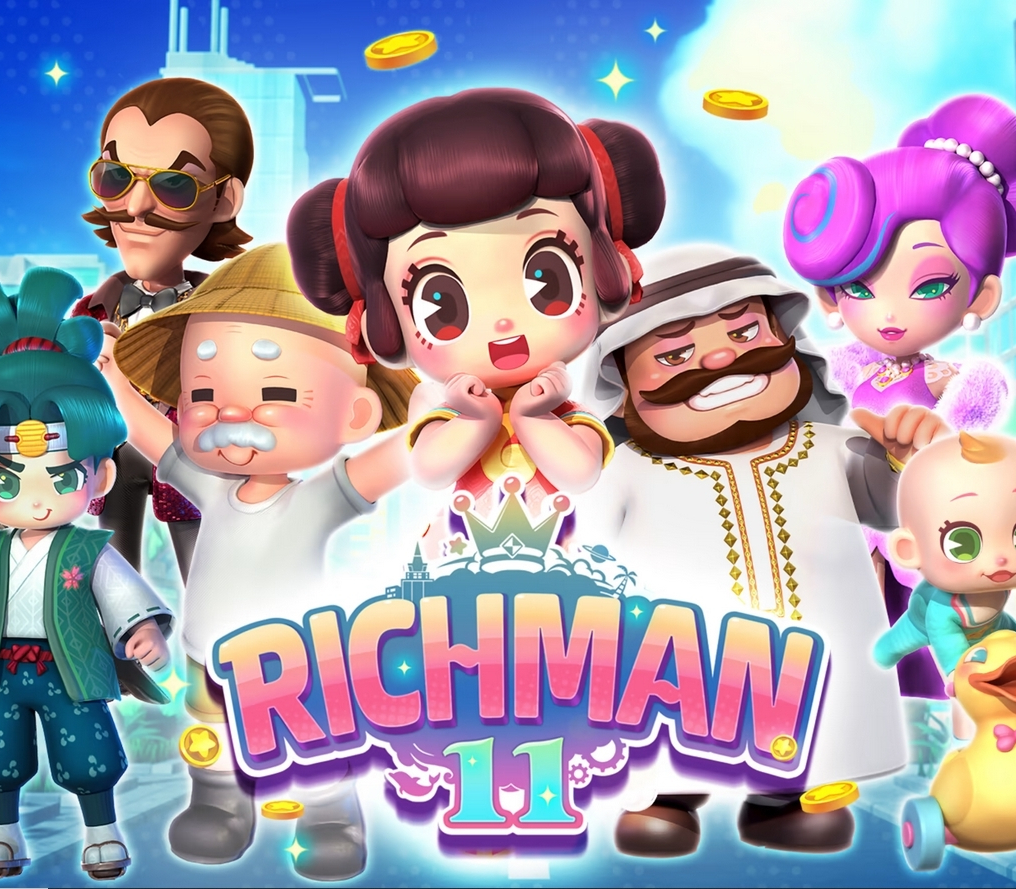
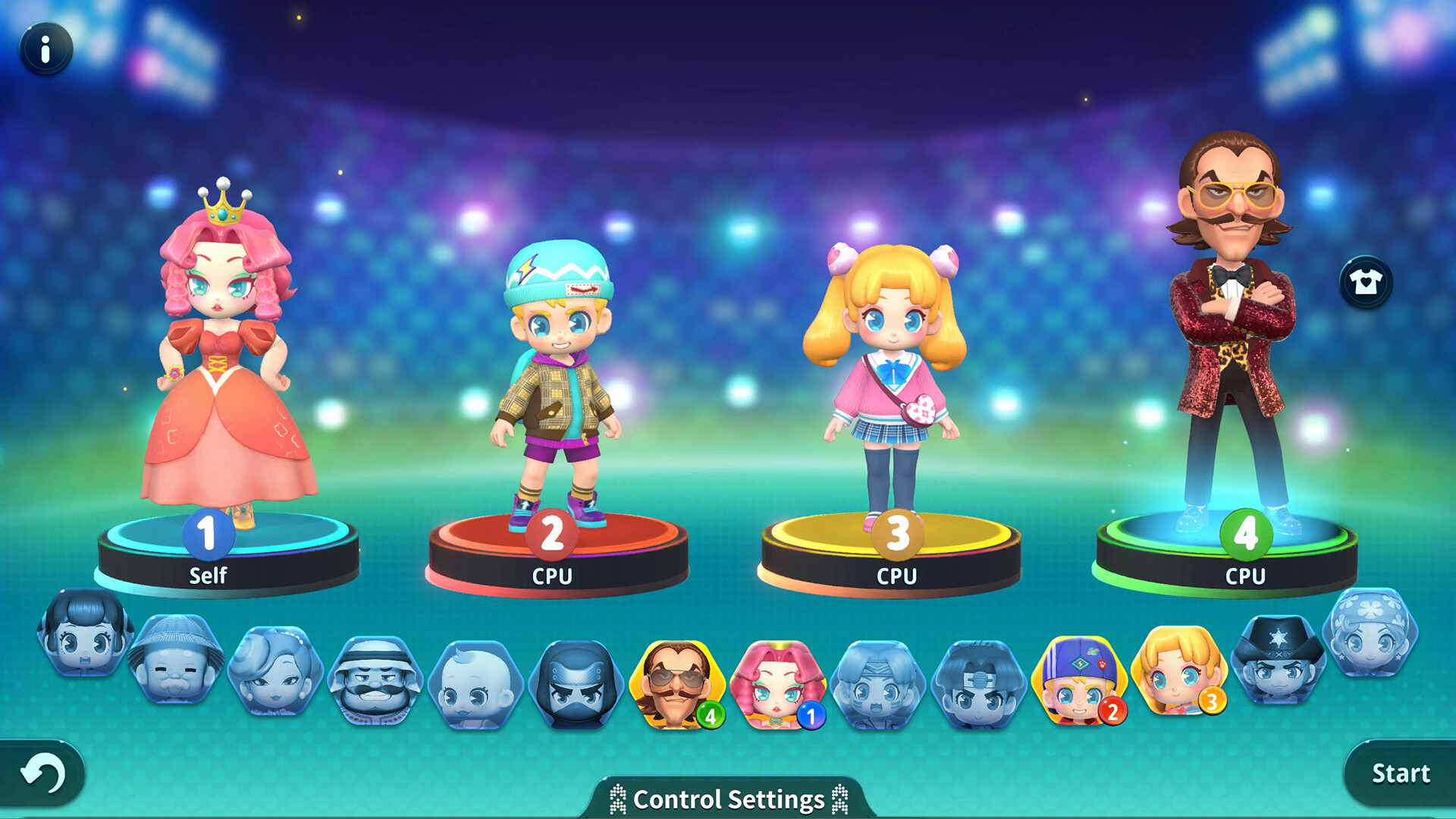
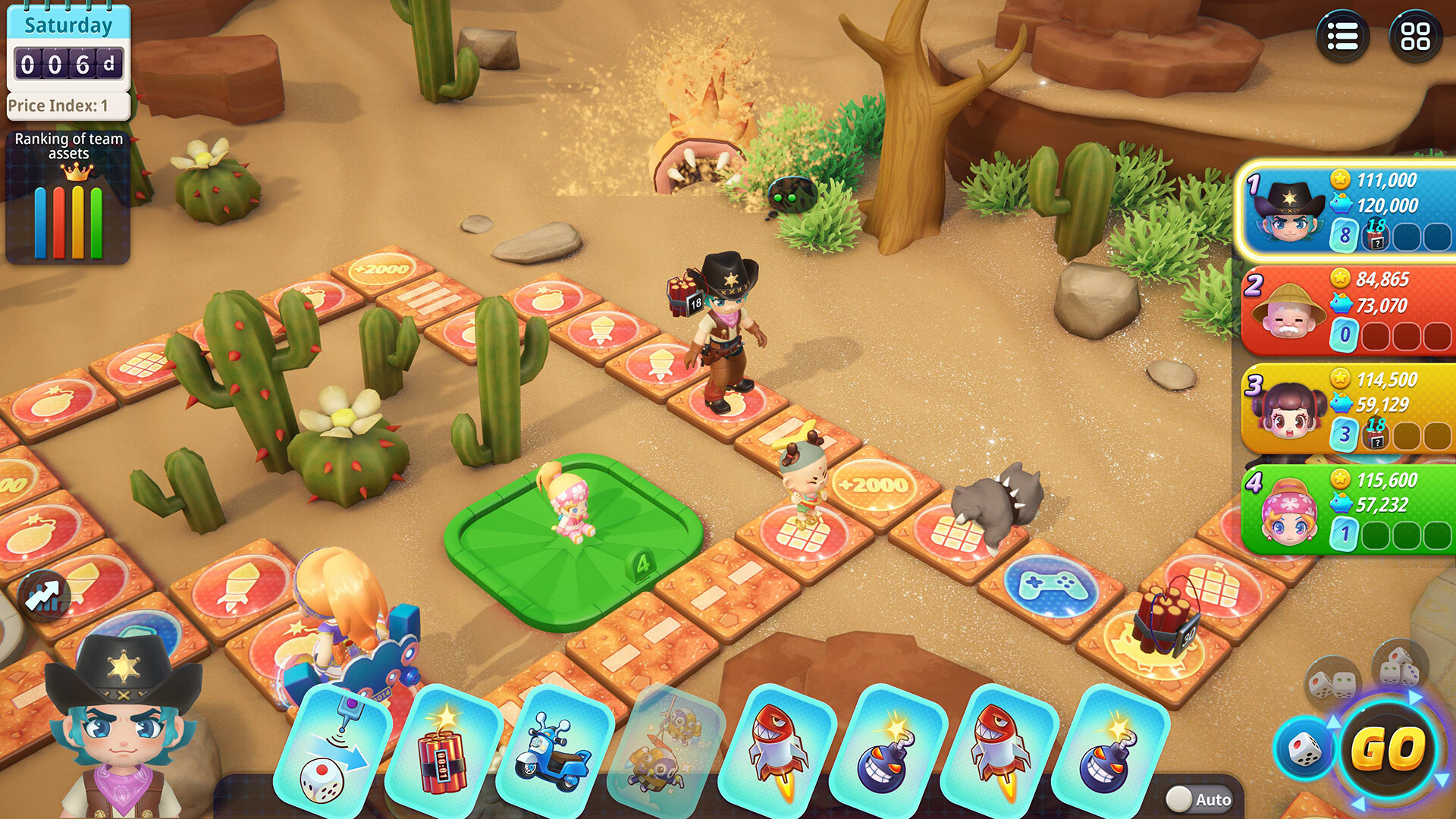
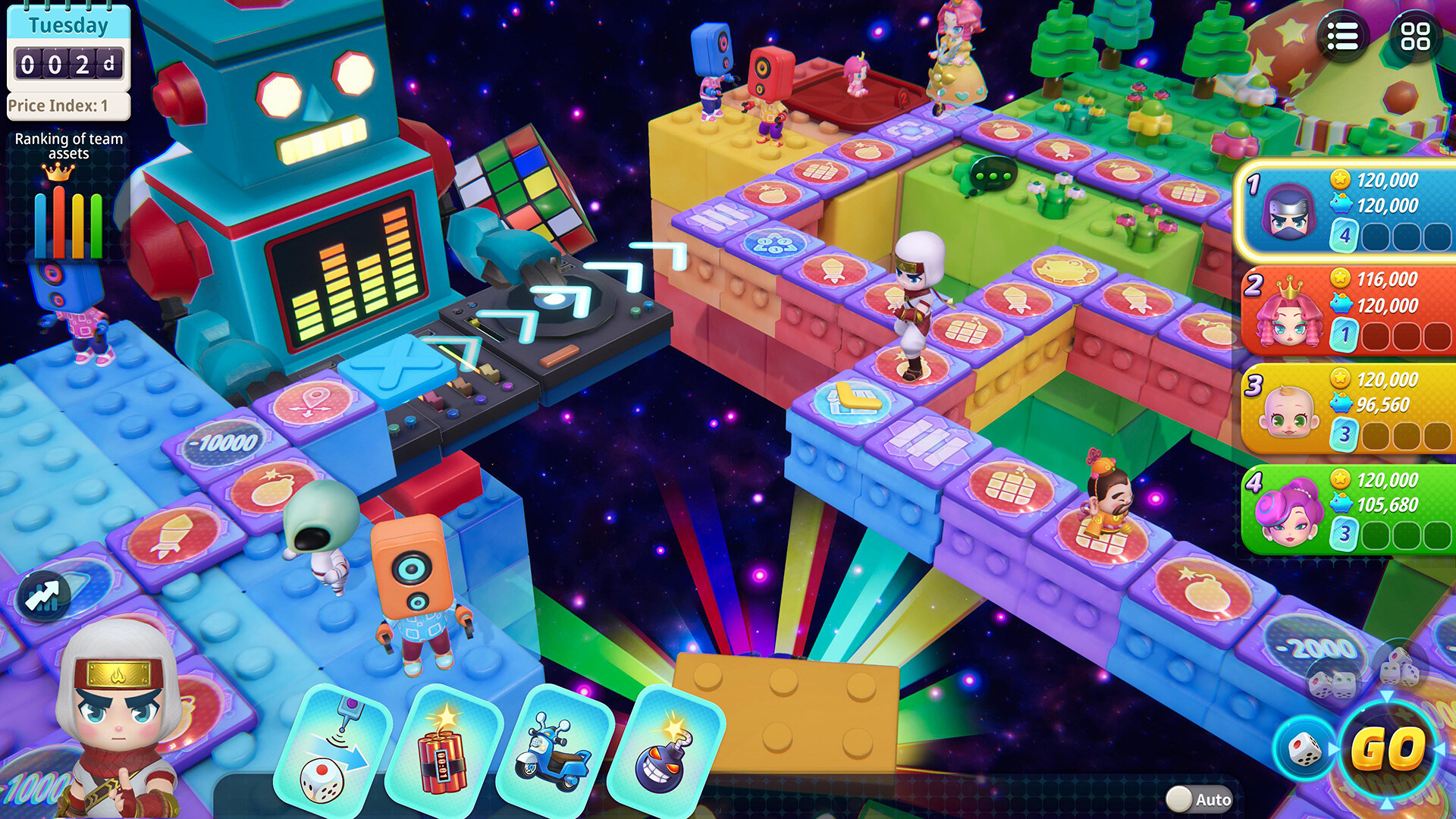
The long-running Richman series arrives with its most advanced and addictive entry yet, Richman 11! In this high-stakes 3D board game of investments and property control, players can choose from a wide variety of fancy and energetic characters to represent them, set the number of players and enter a hilariously immersive game world all about getting rich and staying on top! From classic maps paying homage to the series’ 1989 origins to brawl boards with missiles and bombs, there are many ways to keep the multiplayer mayhem fresh and exciting no matter how many times you play, solo or against friends and family! Roll dice to move across the board, draw cards, buy empty land, build houses or chain stores, level up buildings to collect higher rent, make deposits when passing banks and punish the competition on your path to financial victory! Features: Choose from 16 playable characters to represent you on the game board! Enjoy the game with friends and family or play against CPU-controlled opponents. Level up the buildings and property you own to increase rent and profits! Outlast your competition as they go broke to emerge victorious. Land on certain tiles to alter the game board, changing the direction of paths and more!

Richman 11 / / Windows 10 screenshotRichman 11 / / Windows 10 screenshotRichman 11 / / Windows 10 screenshotRichman 11 / / Windows 10 screenshotRichman 11 / / Windows 10 screenshotRichman 11 / / Windows 10 screenshot

How to redeem

  1. 1Check your Xbox One account and the listed region before purchasing.
  2. 2Find your code and supplier activation instructions in your confirmed order.
  3. 3Open the redeem-code section on Xbox One, enter the code and follow the platform’s prompts.

Supplier instructions

In the xbox app on windows

Press the Start button, and then enter Xbox into the search bar. Choose the Xbox app from the results to open the app. Select your gamerpic, and then select Settings. Select Redeem under Redeem a code. Enter the 25-character code, select Next, and then follow the prompts.

In the microsoft store on windows

Press the Start button, and then enter store into the search bar. Choose Microsoft Store from the results to open the app. Select your account in the top-right corner of the screen, and then select Redeem code or gift cards. Enter the 25-character code, select Next, and then follow the prompts.

From a pc or mobile web browser

Follow this link, enter the 25-character code, select Next, and then follow the prompts.

You might also like