Get 10% back in Relic Coins on every order
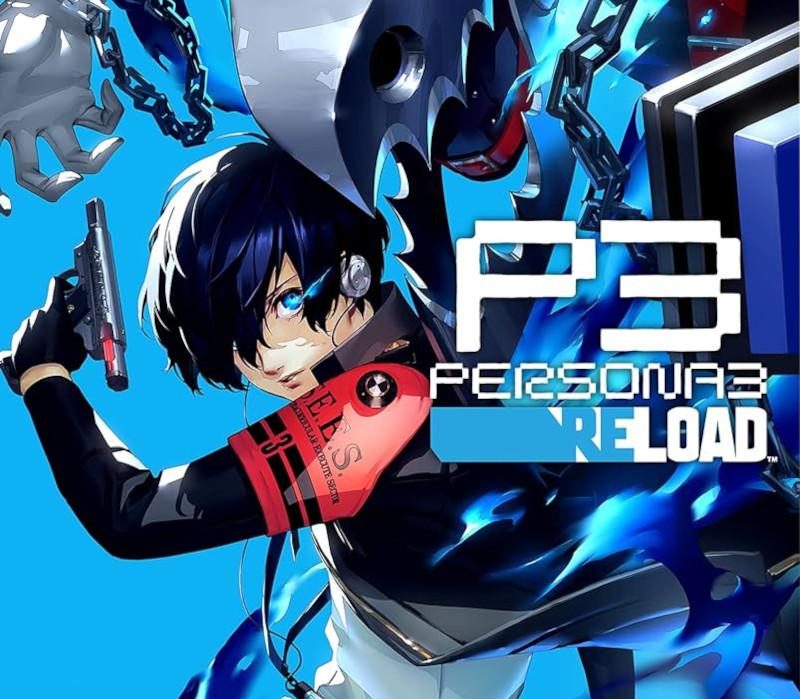
Persona 3 Reload / / Windows 10 cover

Xbox One· Key

Persona 3 Reload / / Windows 10

€70.21

+€7.02 cashback eligibility in Relic Coins

Check before you play

Platform
Xbox One
Product type
Key
Developer
ATLUS
Publisher
SEGA
Supplier release date
2024-02-02
Genres
Adventure, RPG, Strategy, Anime

About this product

Step into the shoes of a transfer student thrust into an unexpected fate when entering the hour "hidden" between one day and the next. Awaken an incredible power and chase the mysteries of the Dark Hour, fight for your friends, and leave a mark on their memories forever. Persona 3 Reload is a captivating reimagining of the genre-defining RPG, reborn for the modern era. Features Experience the pivotal game of the Persona series faithfully remade with cutting-edge graphics, modernized quality-of-life features, and signature stylish UI. Fully immerse yourself in an emotional, gripping journey with new scenes, character interactions, and additional voiceover. Choose how to meaningfully spend each day through various activities from exploring the Port Island to forging genuine bonds with beloved characters. Build and command your optimal team to take down otherworldly Shadows and climb closer to the truth.

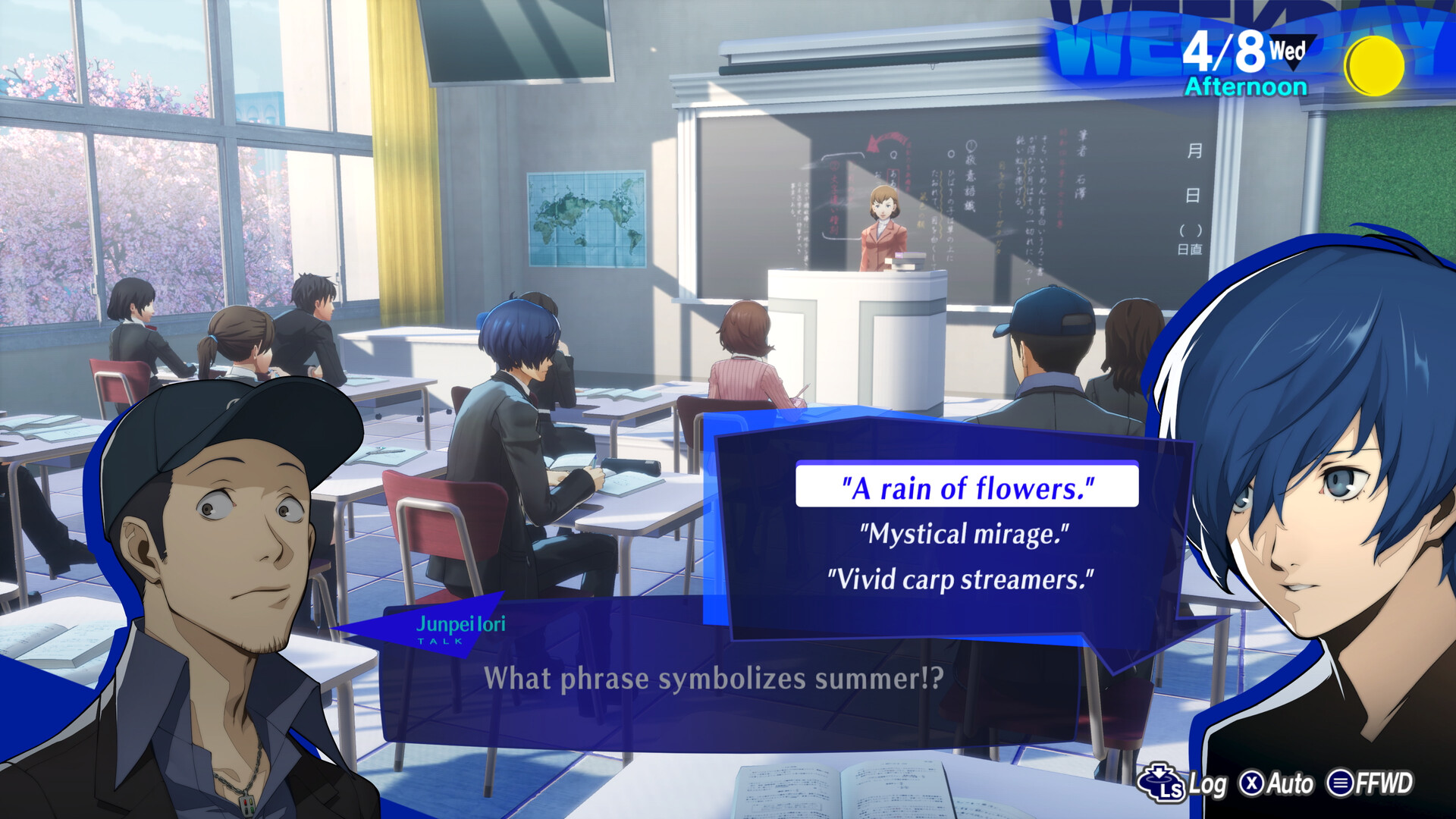
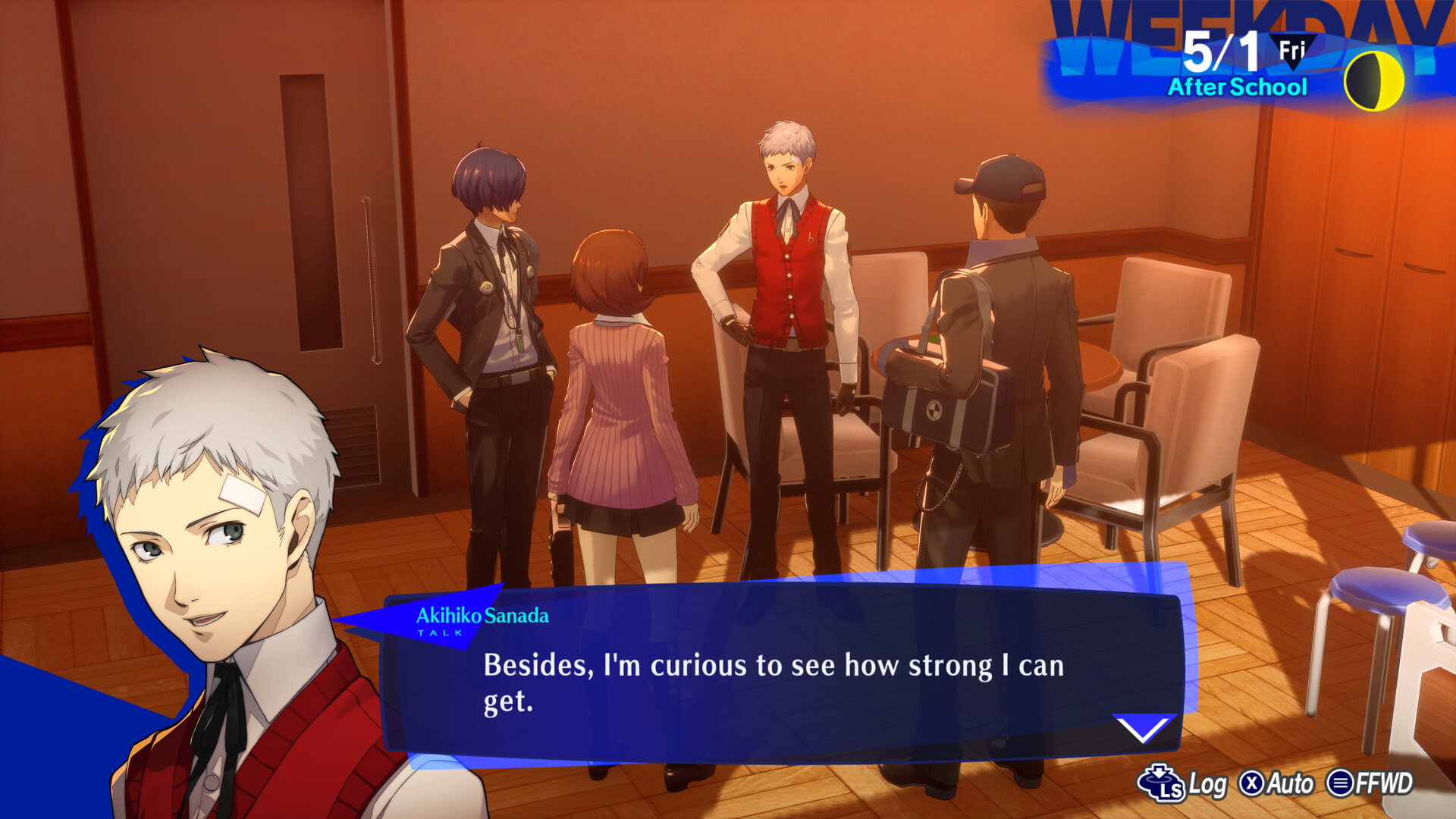
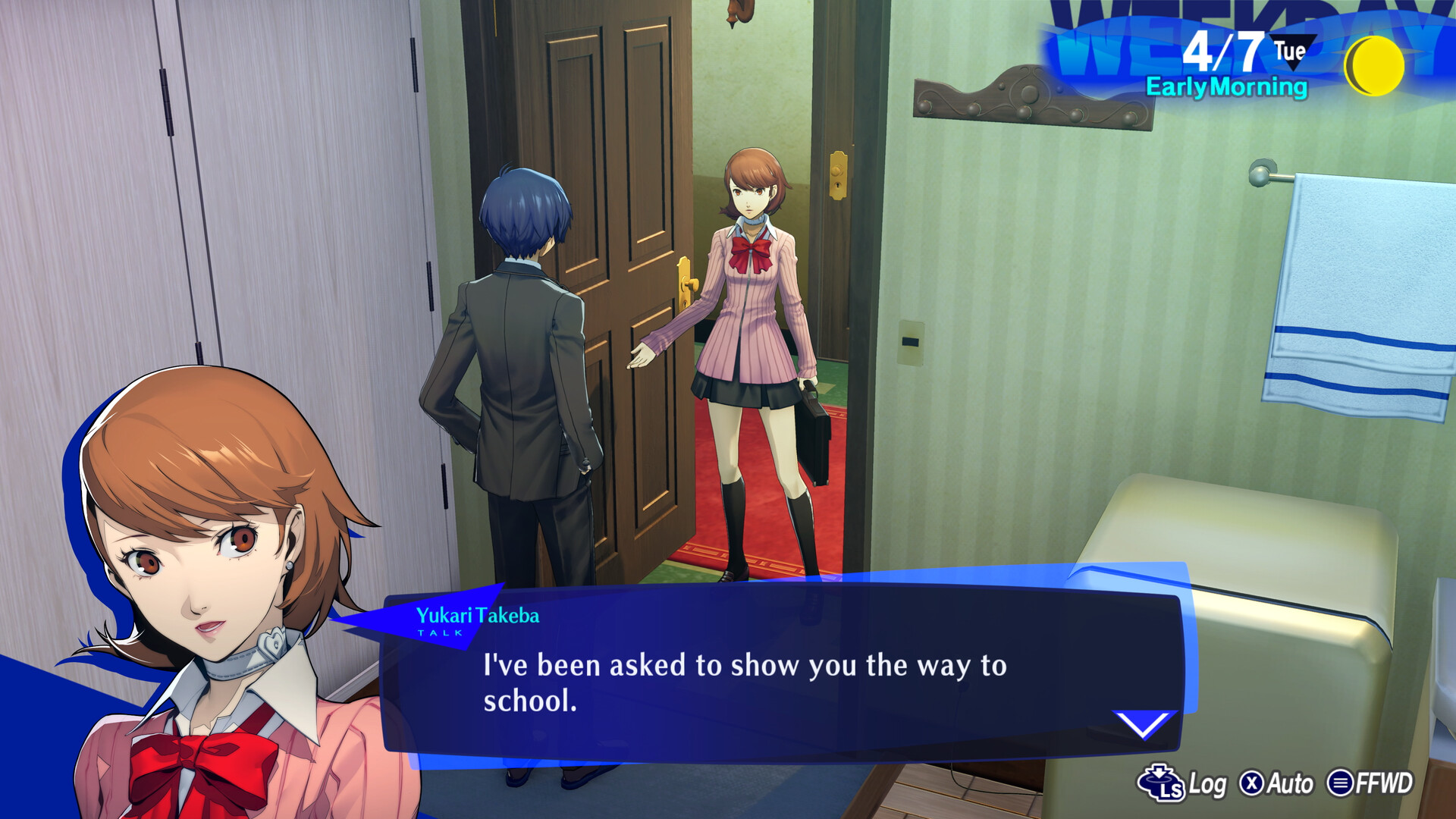
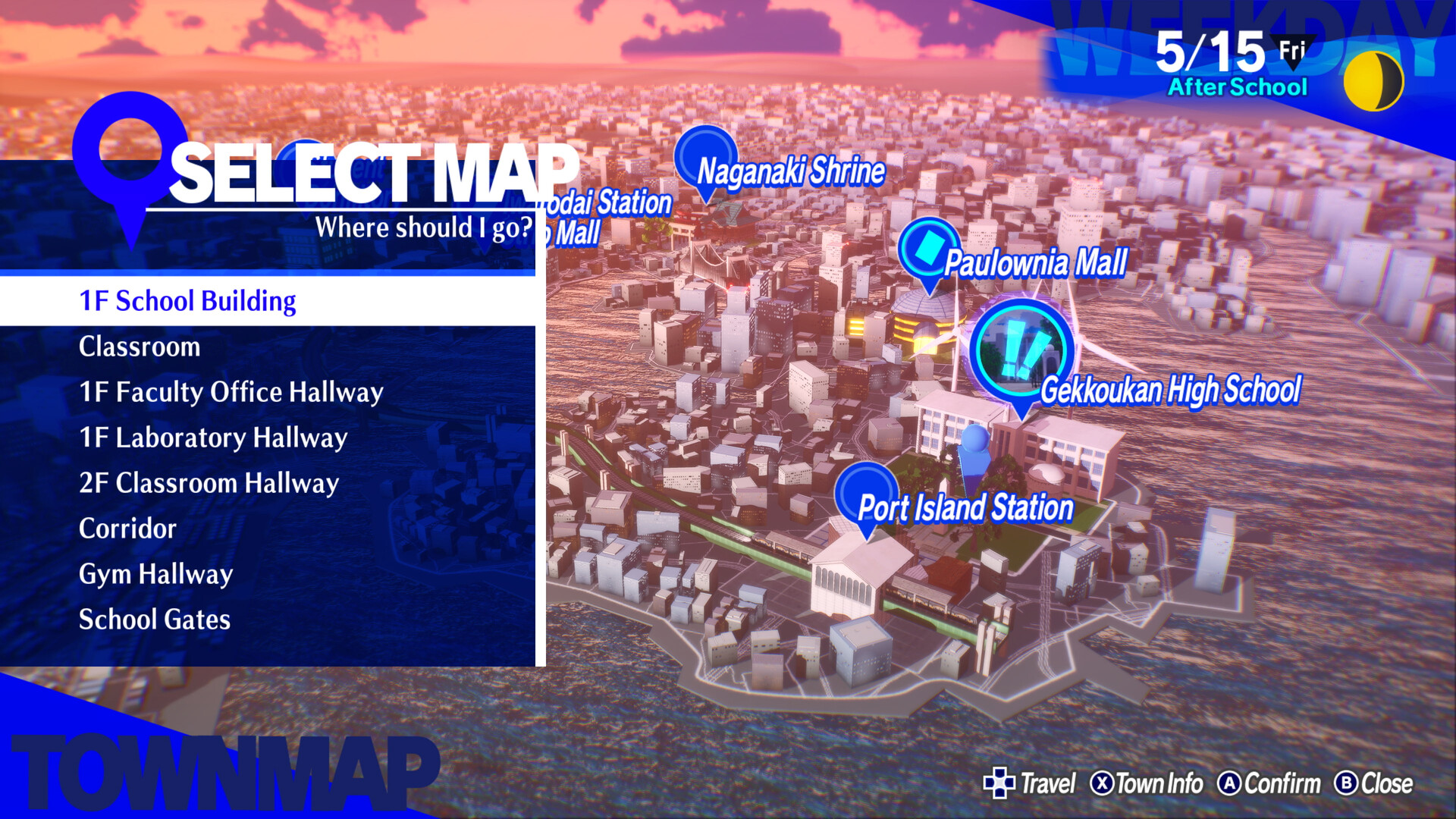
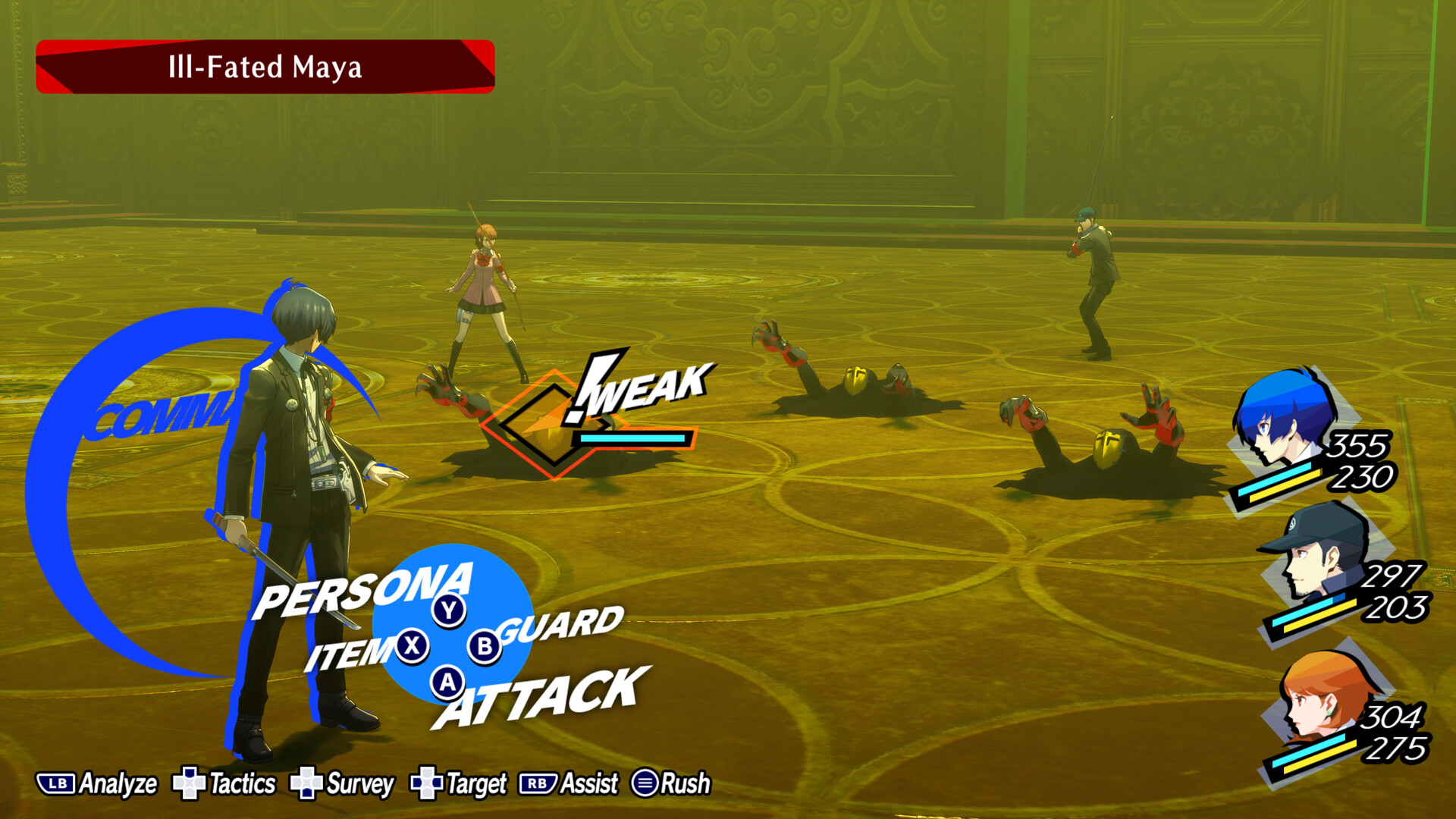
Persona 3 Reload / / Windows 10 screenshotPersona 3 Reload / / Windows 10 screenshotPersona 3 Reload / / Windows 10 screenshotPersona 3 Reload / / Windows 10 screenshotPersona 3 Reload / / Windows 10 screenshot

How to redeem

  1. 1Check your Xbox One account and the listed region before purchasing.
  2. 2Find your code and supplier activation instructions in your confirmed order.
  3. 3Open the redeem-code section on Xbox One, enter the code and follow the platform’s prompts.

Supplier instructions

FROM A WEB BROWSER: Go to this website. Log into your Microsoft Account. Enter the key and click Next. Follow the prompts. IN THE MICROSOFT STORE ON WINDOWS: Press the Start button , and then enter store into the search bar. Choose Microsoft Store from the results to open the app. Select your account in the top-right corner of the screen, and then select Redeem code or gift cards. Enter the 25-character code, select Next, and then follow the prompts. ON XBOX ONE AND XBOX SERIES X|S: Press the Xbox button to open the guide, and then select Store. Press the View button to open the side menu, and then select Redeem. Enter the 25-character code, select Next, and then follow the prompts. ON XBOX 360: Press the Guide button on your controller. Select Games & Apps, and then select Redeem Code. Enter the 25-character code, and then follow the prompts to complete your redemption. Please note that Xbox 360 codes can ONLY be activated on the Xbox 360 console directly!

You might also like