Get 10% back in Relic Coins on every order
Monomals (without DE/NL/PL/AT) cover

Nintendo Switch· Key

Monomals (without DE/NL/PL/AT)

€13.50

+€1.35 cashback eligibility in Relic Coins

Check before you play

Platform
Nintendo Switch
Product type
Key
Developer
Picomy B.V., Rogue Games, Inc.
Publisher
Picomy B.V., Rogue Games, Inc., Mindscape B.V.
Supplier release date
2021-10-21
Genres
Adventure, Action, Music / Soundtrack

About this product

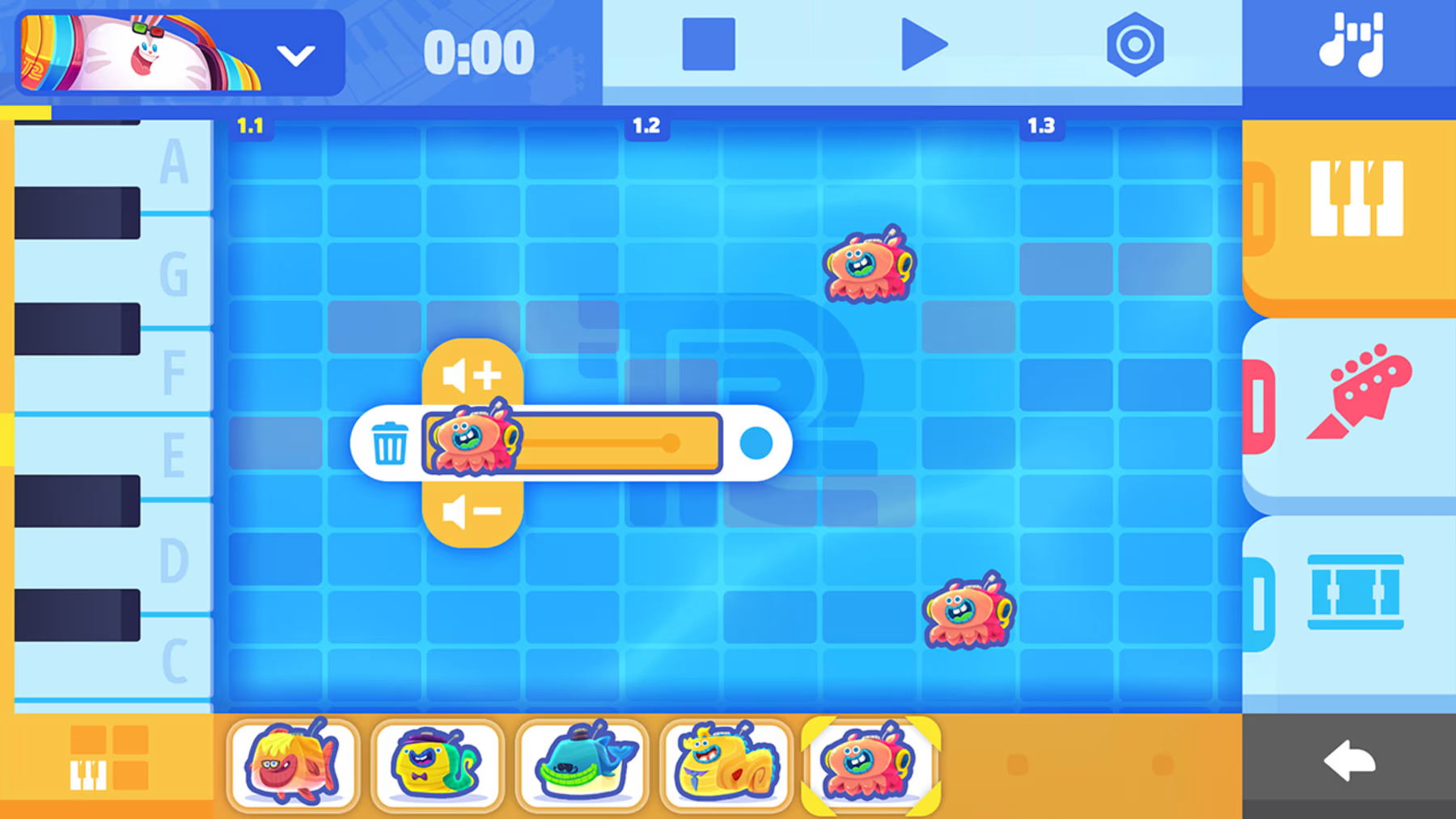
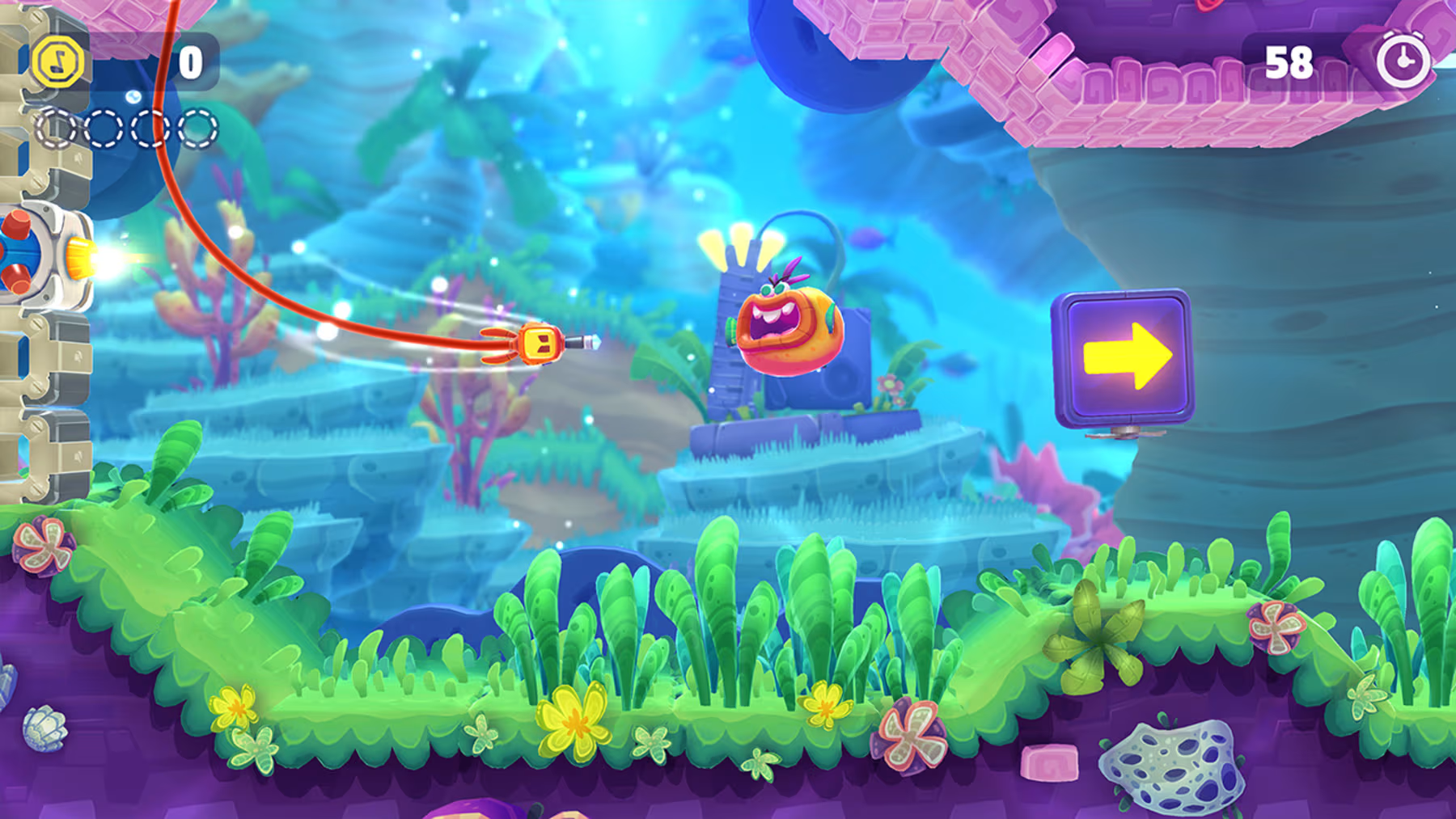
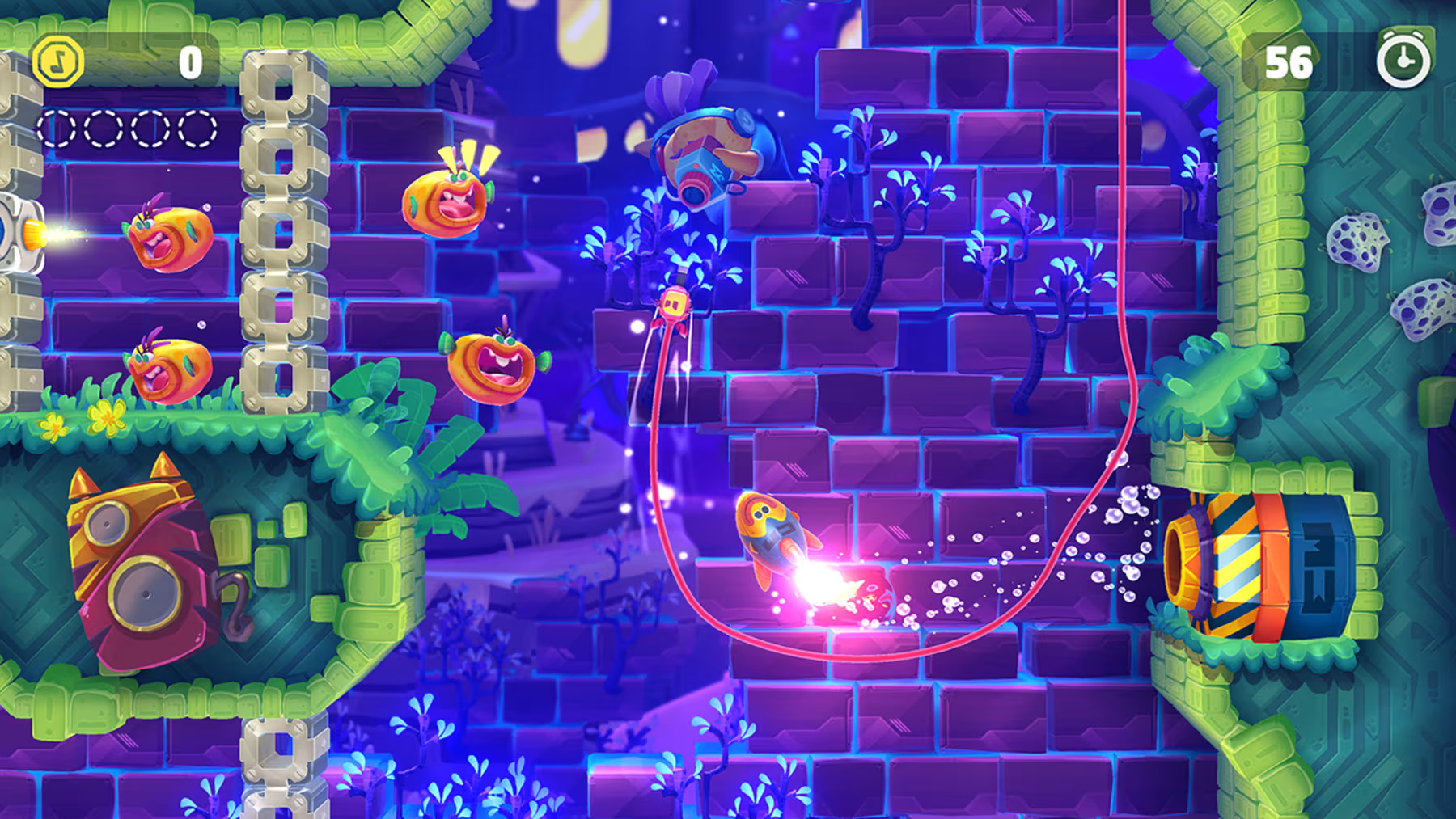
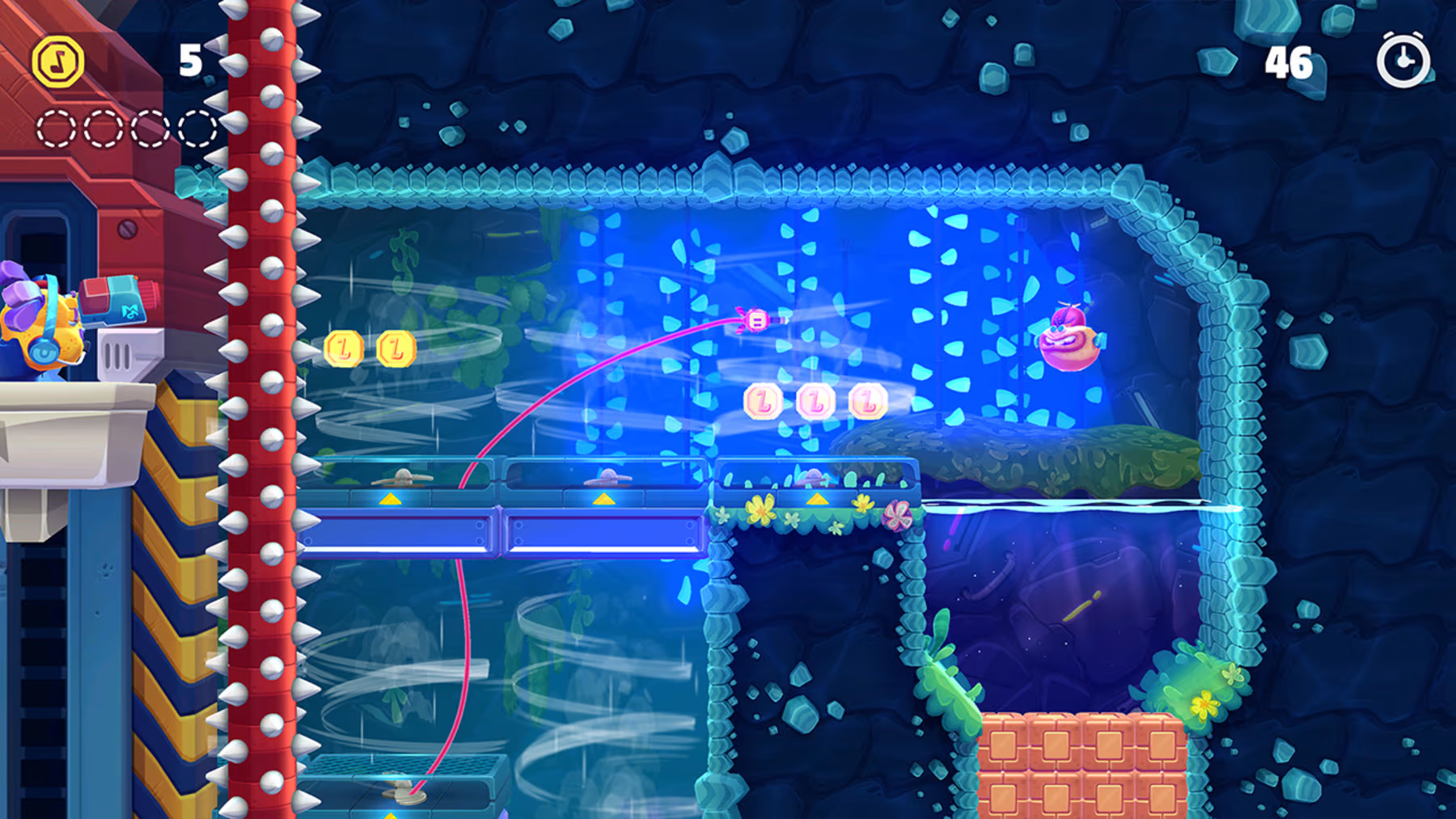
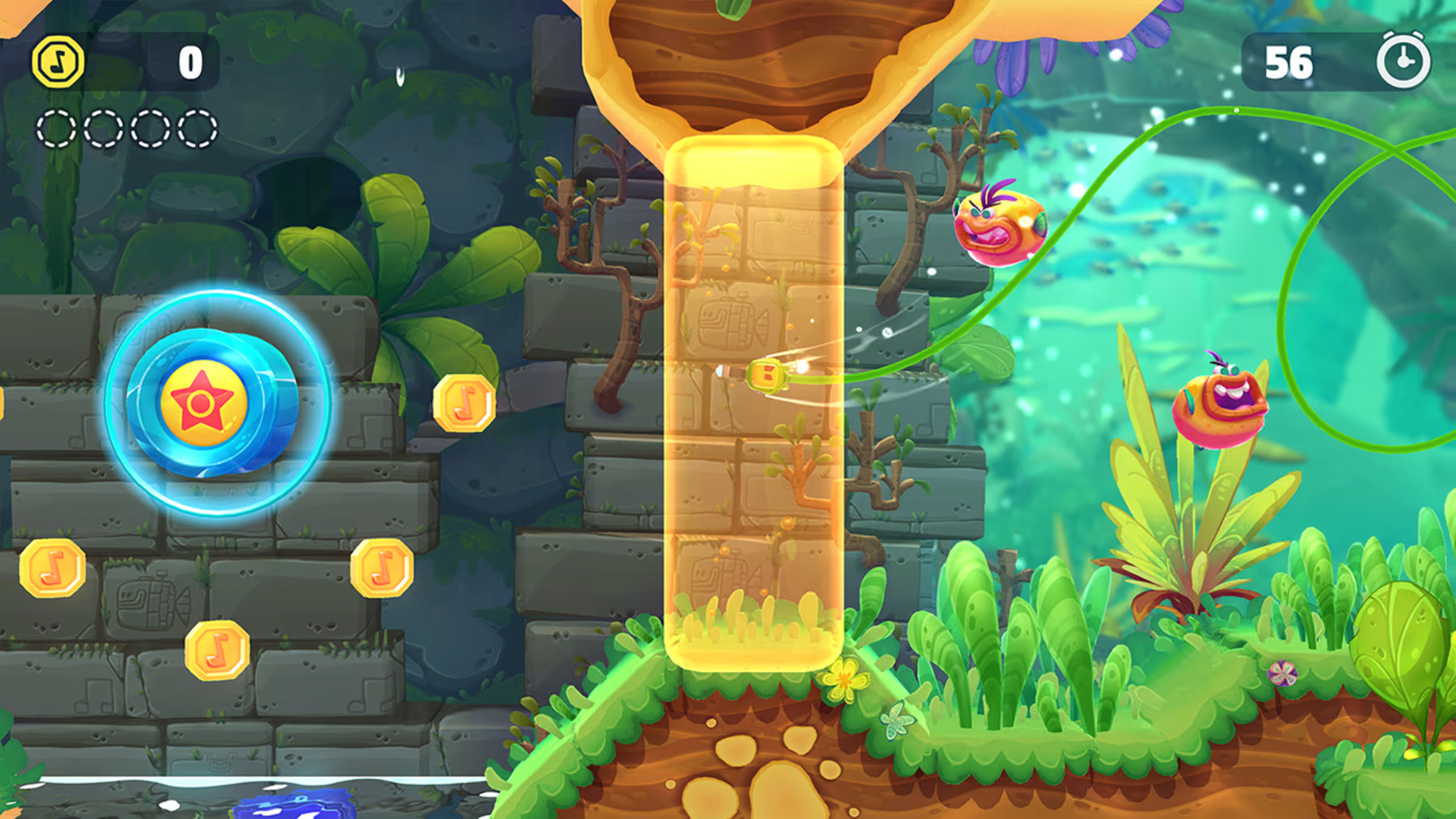
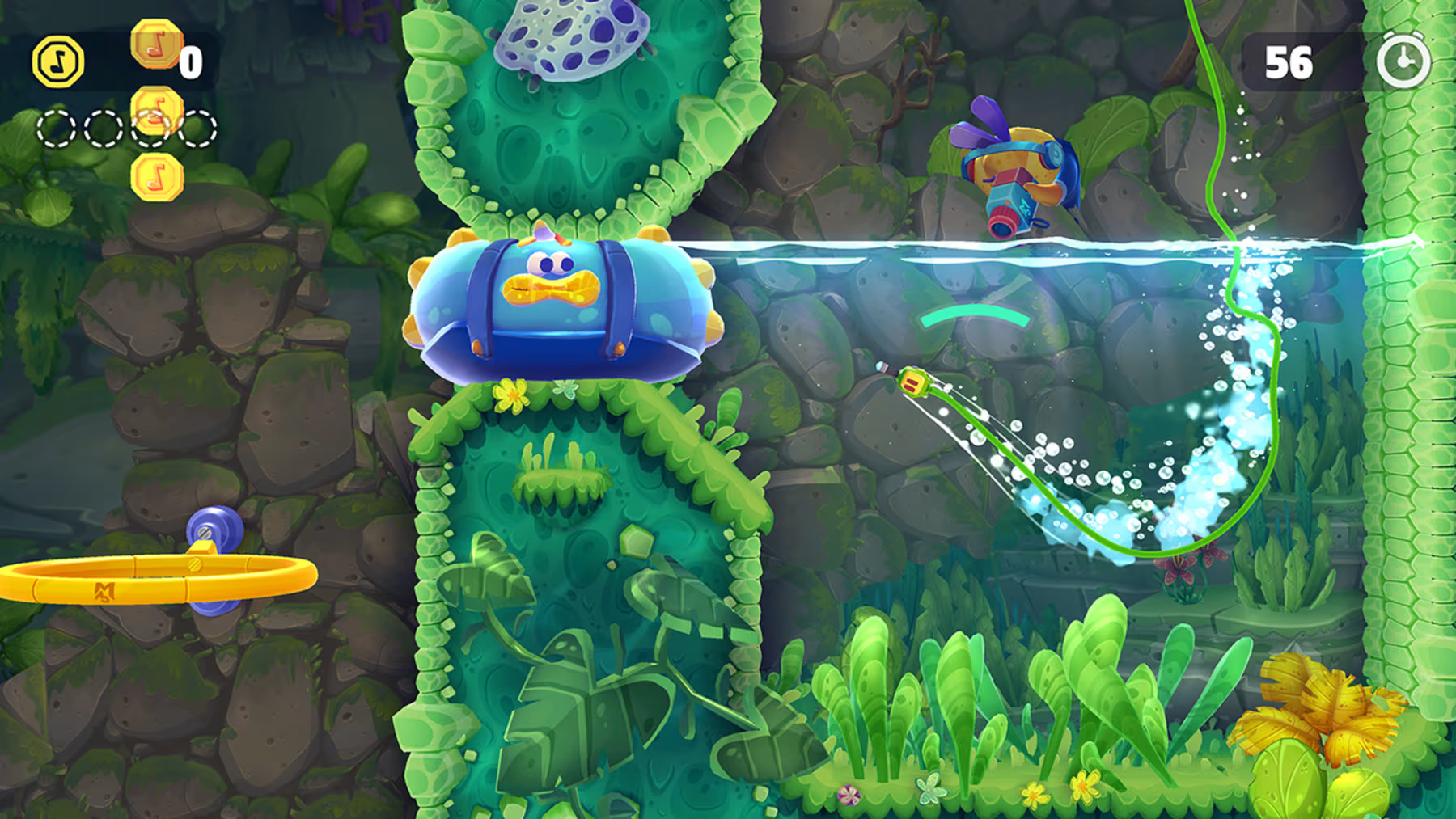
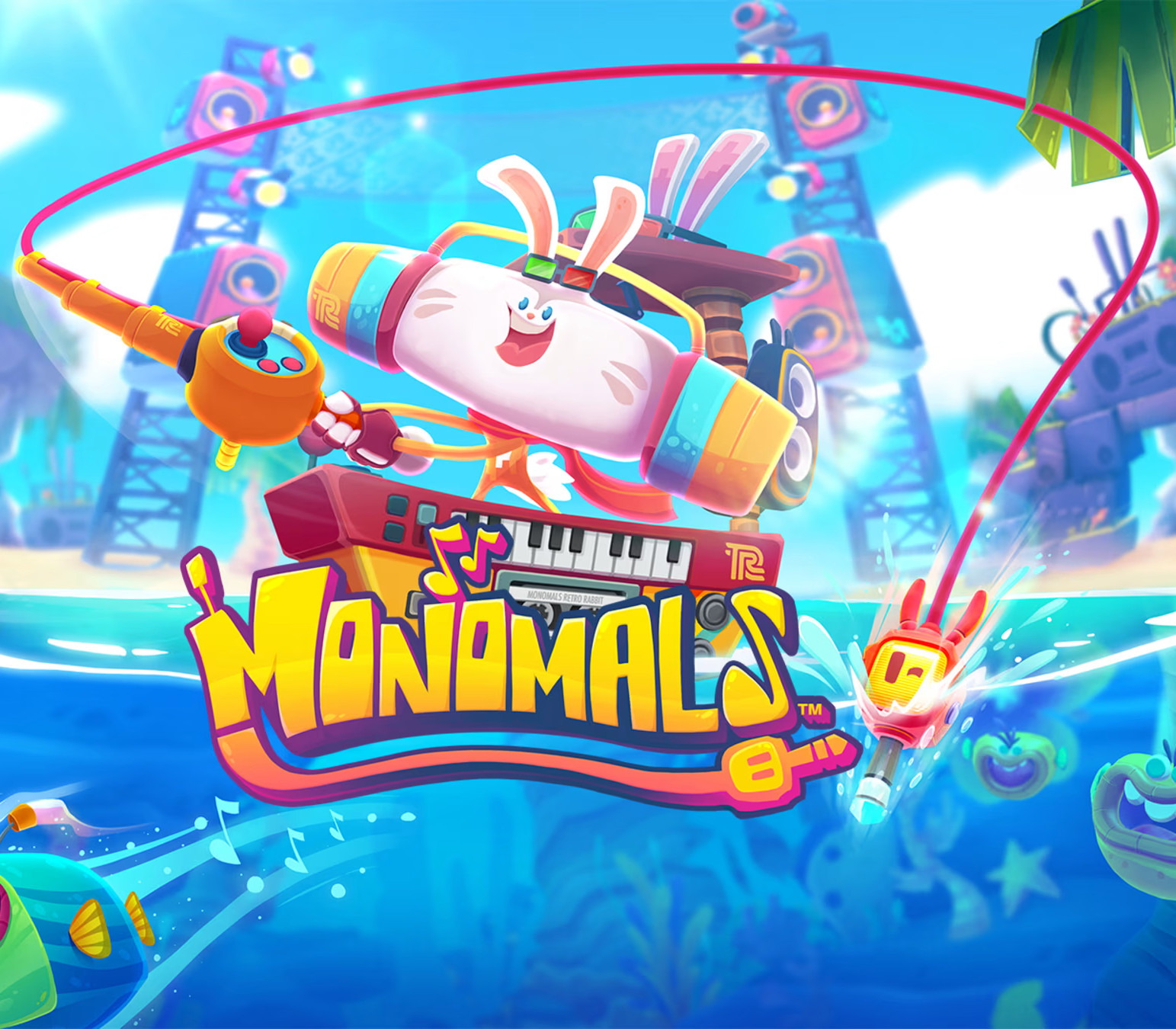
There's a big music contest going on amongst the world's best animal DJs! Armed with a big fishing rod and a plug, go fishing in deep waters to help the DJs catch all of the Monomals™, and create your very own music in the MonoMaker™! Features CATCH Choose your favorite animal DJ: Retro Rabbit, Funky Frog, Techno Tiger, Rocky Rhino, or MC Scratch. Explore 28 beautiful oceanic courses full of hazards and challenges Prepare for Arena Battles and catch tons of Monomals Discover dozens of collectibles and power-upsCOMPOSE Use the Monomals in the MonoMaker to create your own music Listen to your own music in your self-created playlist during your fishing adventures Switch instantly between music genres and listen to different styles of your music Create and use Monomal stamps for instant results! Literally unlimited hours of music making!COMPETE Compete in the offline Hot 99 chart and go platinum! Rate or be rated - share your music creations online for others to download! Join weekly online contests and become the best musician!

Monomals (without DE/NL/PL/AT) screenshotMonomals (without DE/NL/PL/AT) screenshotMonomals (without DE/NL/PL/AT) screenshotMonomals (without DE/NL/PL/AT) screenshotMonomals (without DE/NL/PL/AT) screenshotMonomals (without DE/NL/PL/AT) screenshot

How to redeem

  1. 1Check your Nintendo Switch account and the listed region before purchasing.
  2. 2Find your code and supplier activation instructions in your confirmed order.
  3. 3Open the redeem-code section on Nintendo Switch, enter the code and follow the platform’s prompts.

Supplier instructions

Select “Nintendo eShop” on the HOME Menu to launch the Nintendo eShop. Select the account you want to use. Select “Enter Code” on the left side of the screen. Enter the 16-character download code.Any letters and symbols not used with prepaid codes (i.e. O, I, Z, commas, hyphens, etc.) will be disabled from the on-screen keyboard. Select “Send” to confirm. The game will begin downloading once the code is confirmed.The game icon will appear on the HOME menu, with a download status bar. The status bar will disappear once the game download is complete.

You might also like