Get 10% back in Relic Coins on every order
Crash Team Rumble Deluxe Edition NA cover

PlayStation 5North America· Key

Crash Team Rumble Deluxe Edition NA

€15.74

+€1.57 cashback eligibility in Relic Coins

Check before you play

Platform
PlayStation 5
Region
North America
Product type
Key
Developer
Toys for Bob
Publisher
Activision Publishing Inc.
Supplier release date
2023-06-20
Genres
Action, Adventure

About this product

Includes: Base game Premium Battle Pass Unlock for Seasons 1 + 2* Digital Proto Pack. Includes: 8 ‘Blocky' hero skins 'Pixelated' Shadow 'Get On My Level' In-Game Victory Music 'Blocky' Hat 'Blocky' Backpack 'Blocky' Score FX Unique Banner Get ready to dash, jump, slide and bounce into an all-new way to Crash. Crash Team Rumble takes Crash Bandicoot in a brand new direction, placing the series’ iconic heroes and villains into a 4v4 team-based competition. Players will duke it out across diverse and dangerous maps as both teams race to be the first team to collect and bank enough Wumpa fruit to claim victory! Rise as a hero, or feed your inner villain across a wild and N.Sane cast of characters, each with their own unique skills and abilities. Teamwork is integral to every match, as players must work together to battle the opposing team, defend their own Wumpa Bank and capture key points around the map to boost their score. There’s more to come for Crash Team Rumble, with additional heroes, modes, maps, rewards and more coming soon!


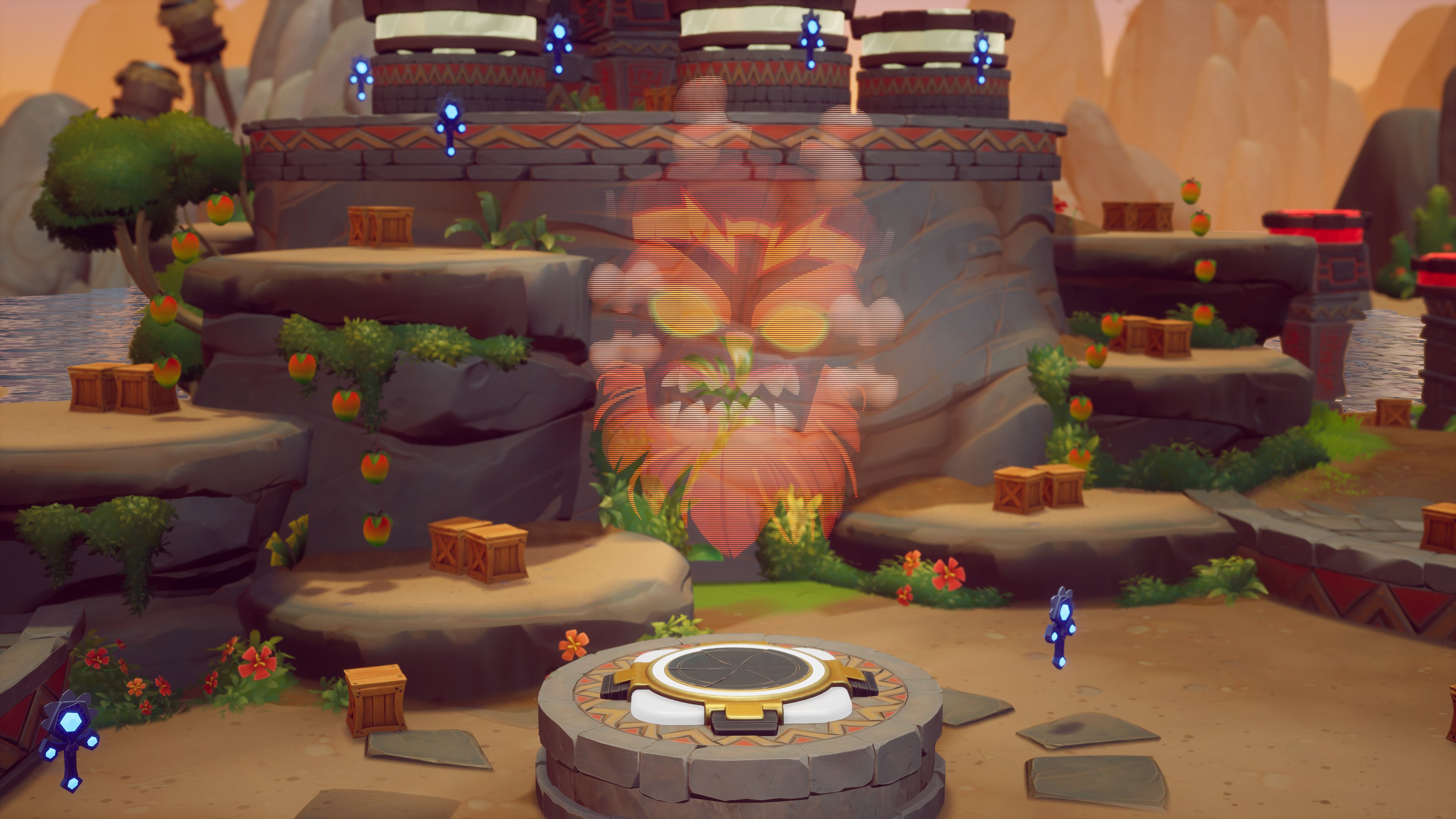
Crash Team Rumble Deluxe Edition NA screenshotCrash Team Rumble Deluxe Edition NA screenshotCrash Team Rumble Deluxe Edition NA screenshotCrash Team Rumble Deluxe Edition NA screenshot

How to redeem

  1. 1Check your PlayStation 5 account and the listed region before purchasing.
  2. 2Find your code and supplier activation instructions in your confirmed order.
  3. 3Open the redeem-code section on PlayStation 5, enter the code and follow the platform’s prompts.

Supplier instructions

In order to redeem Playstation Network Code please follow instruction below: Go to http://www.SonyEntertainmentNetwork.com Click "Manage Account" and sign in with your Sign-In ID(E-mail Address) and Password. Click on "Redeem Prepaid Card". Enter the code printed on the voucher or PlayStation Network Card and click "Continue". If the code is valid, you will be presented with a description of what the code will deliver to your account. Press "Redeem..." button to add the item or funds to your account.

You might also like