Get 10% back in Relic Coins on every order
Lesson Learned cover

Nintendo Switch Europe - All Countries· Key

Lesson Learned

€4.05

+€0.41 cashback eligibility in Relic Coins

Check before you play

Platform
Nintendo Switch
Region
Europe - All Countries
Product type
Key
Developer
MadGamesmith
Publisher
Gaming Factory
Supplier release date
2024-06-12
Genres
Adventure, Casual, Indie, Strategy

About this product

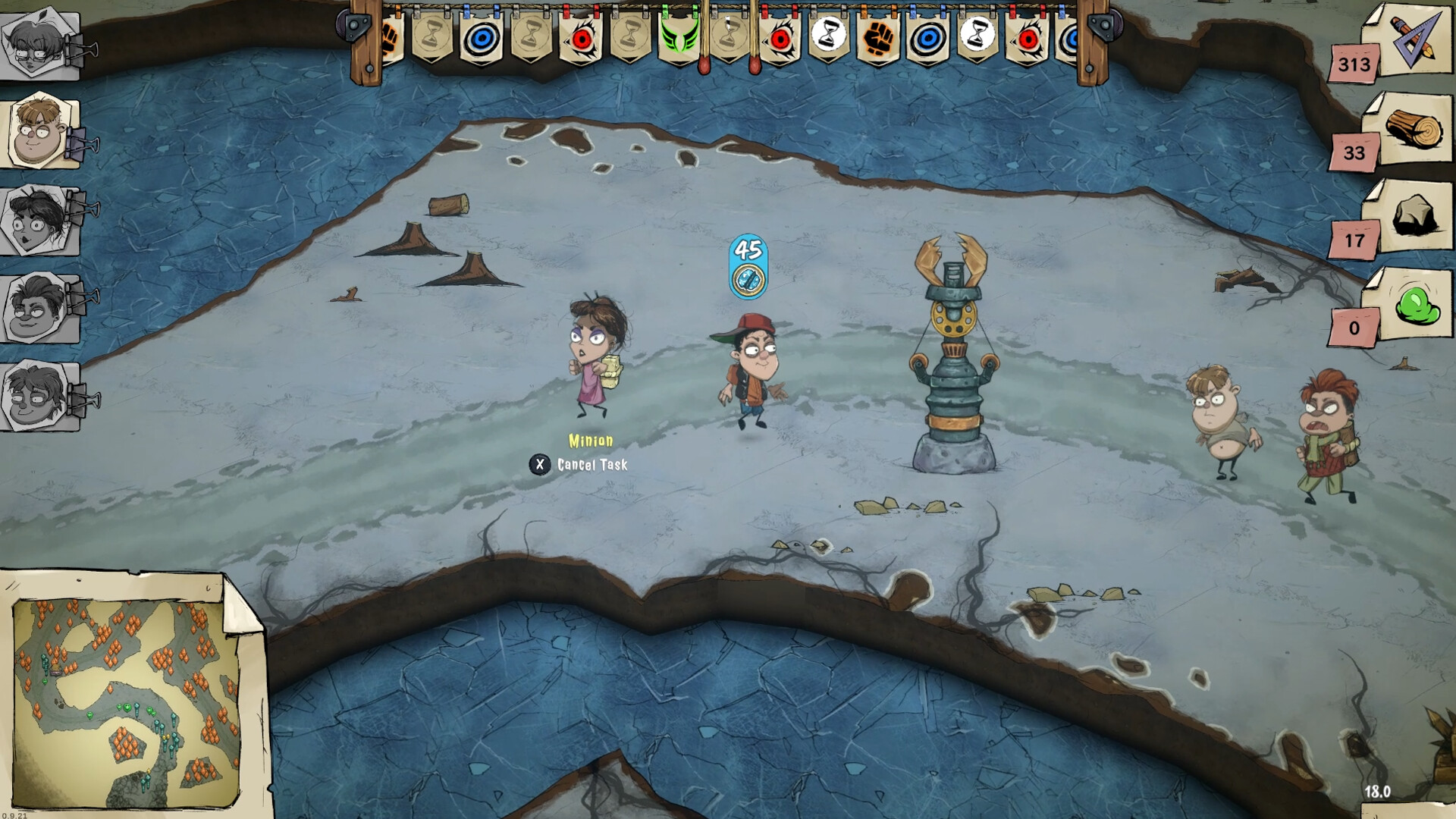
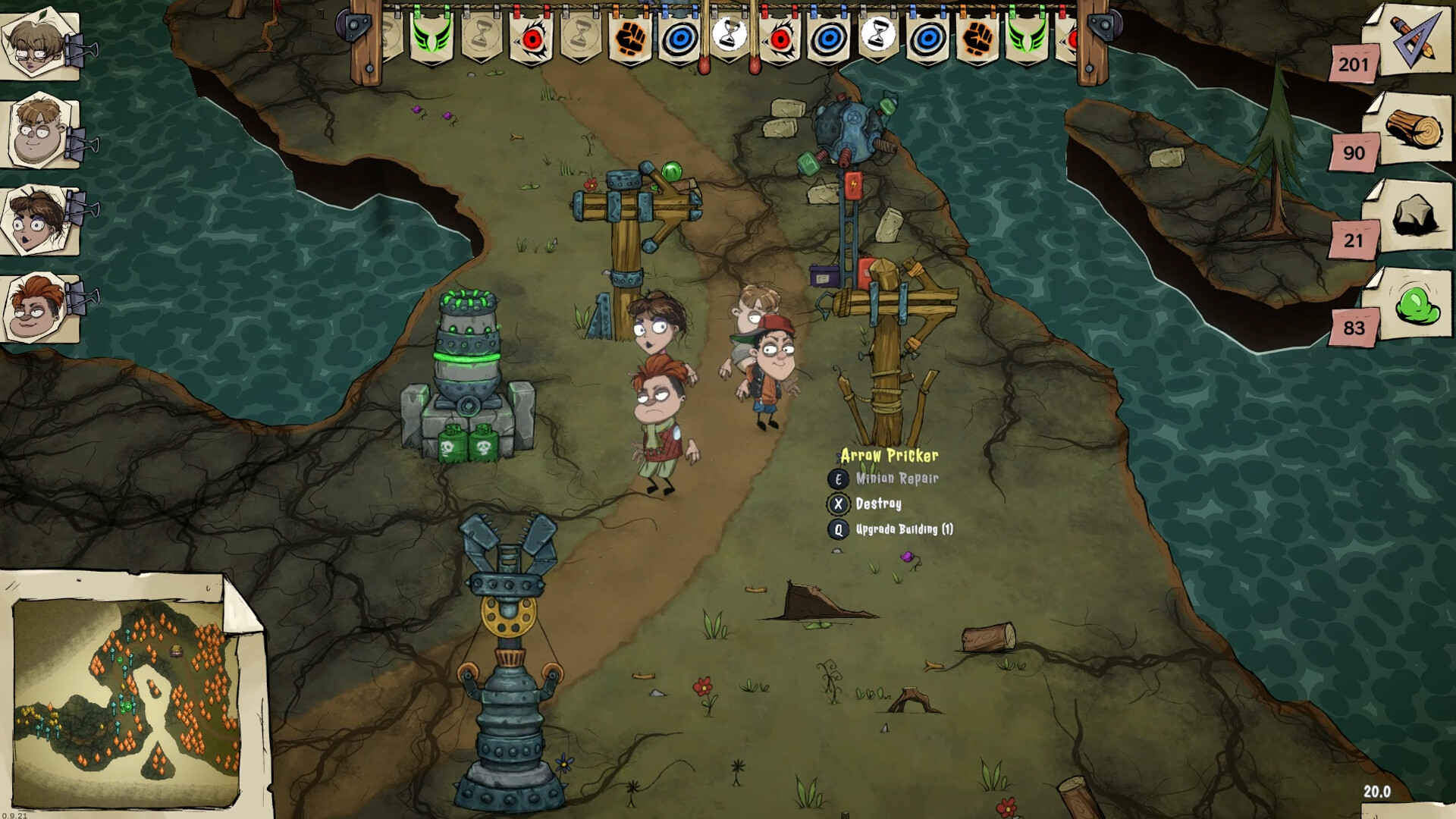
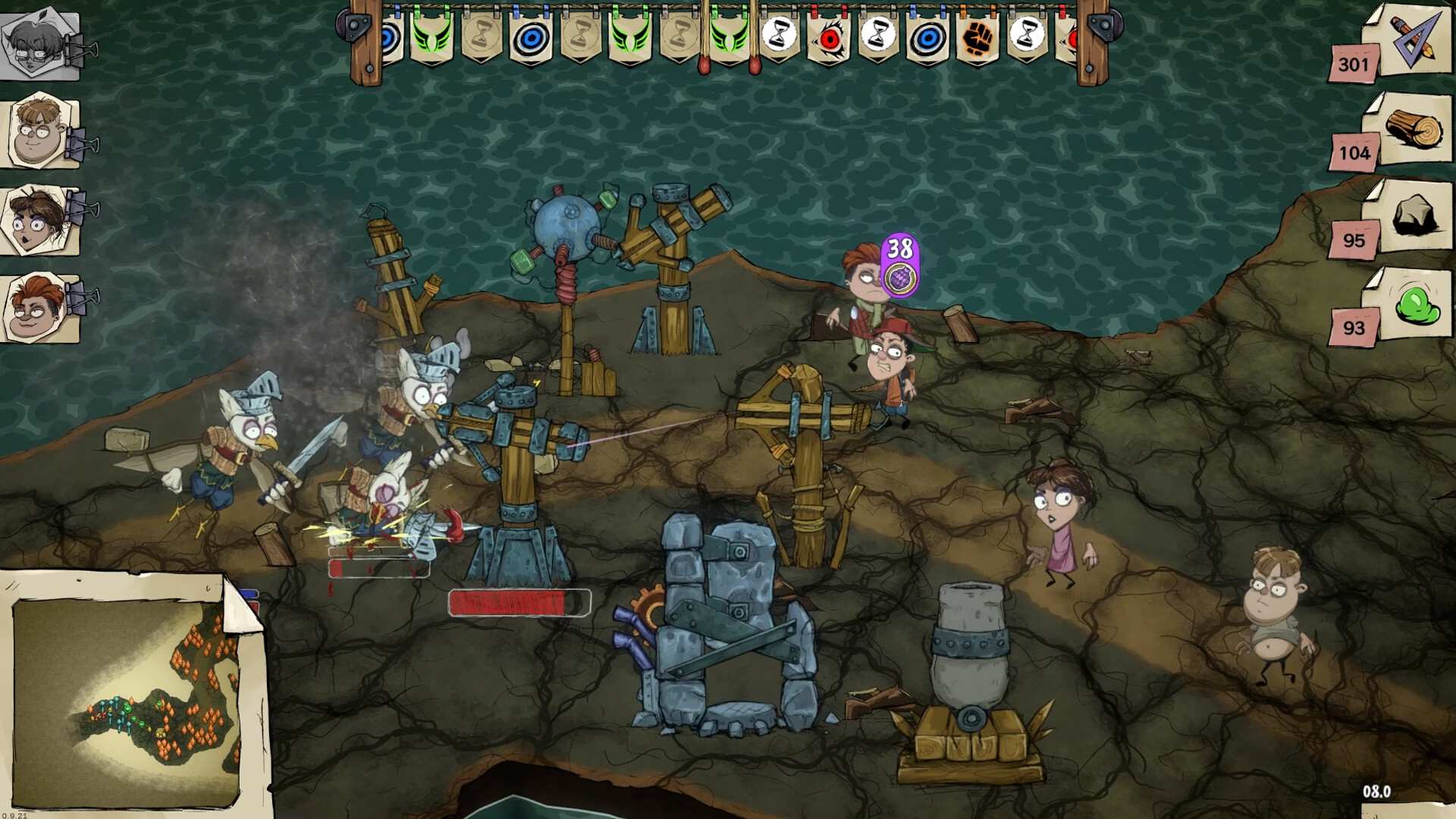
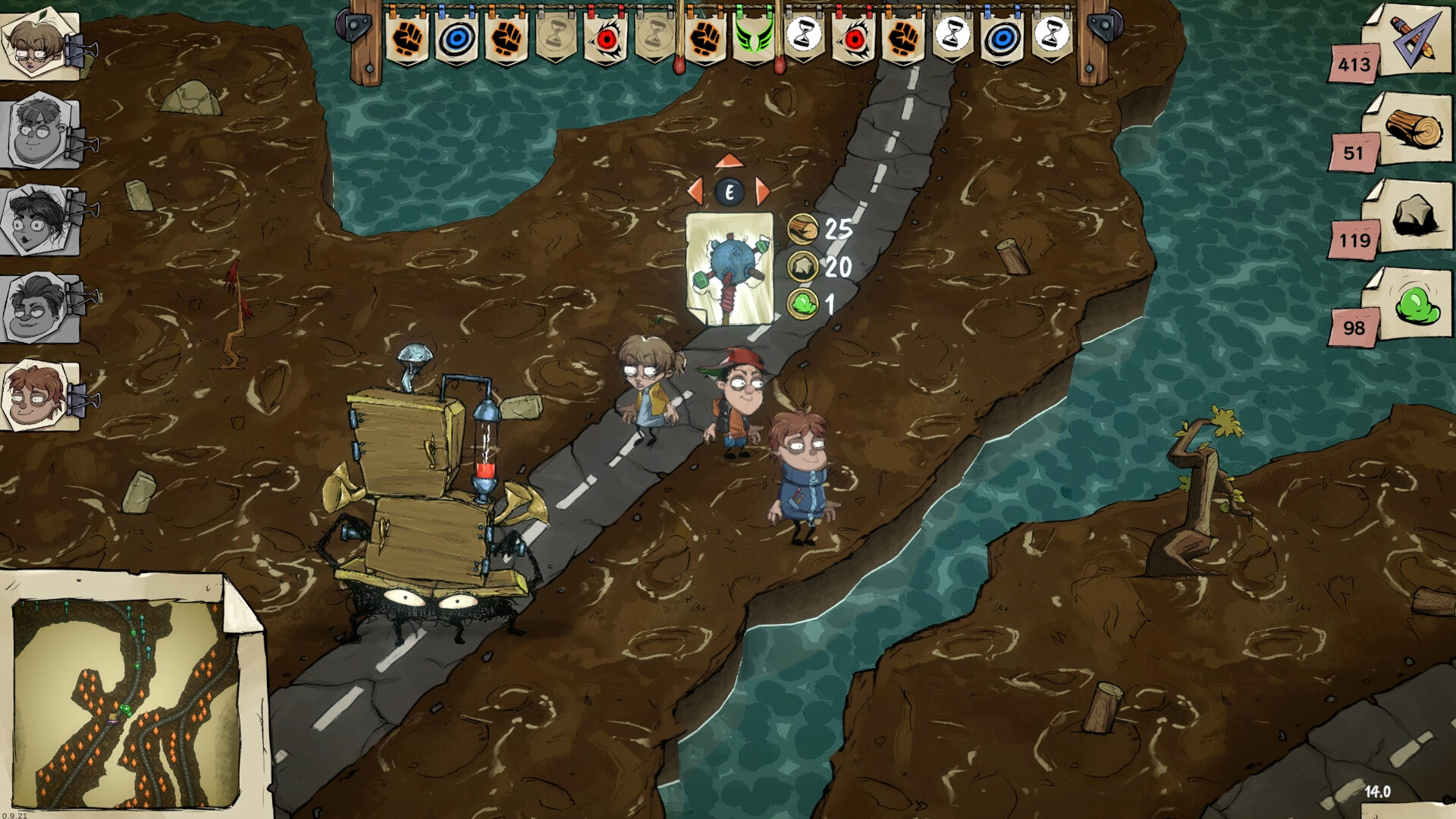
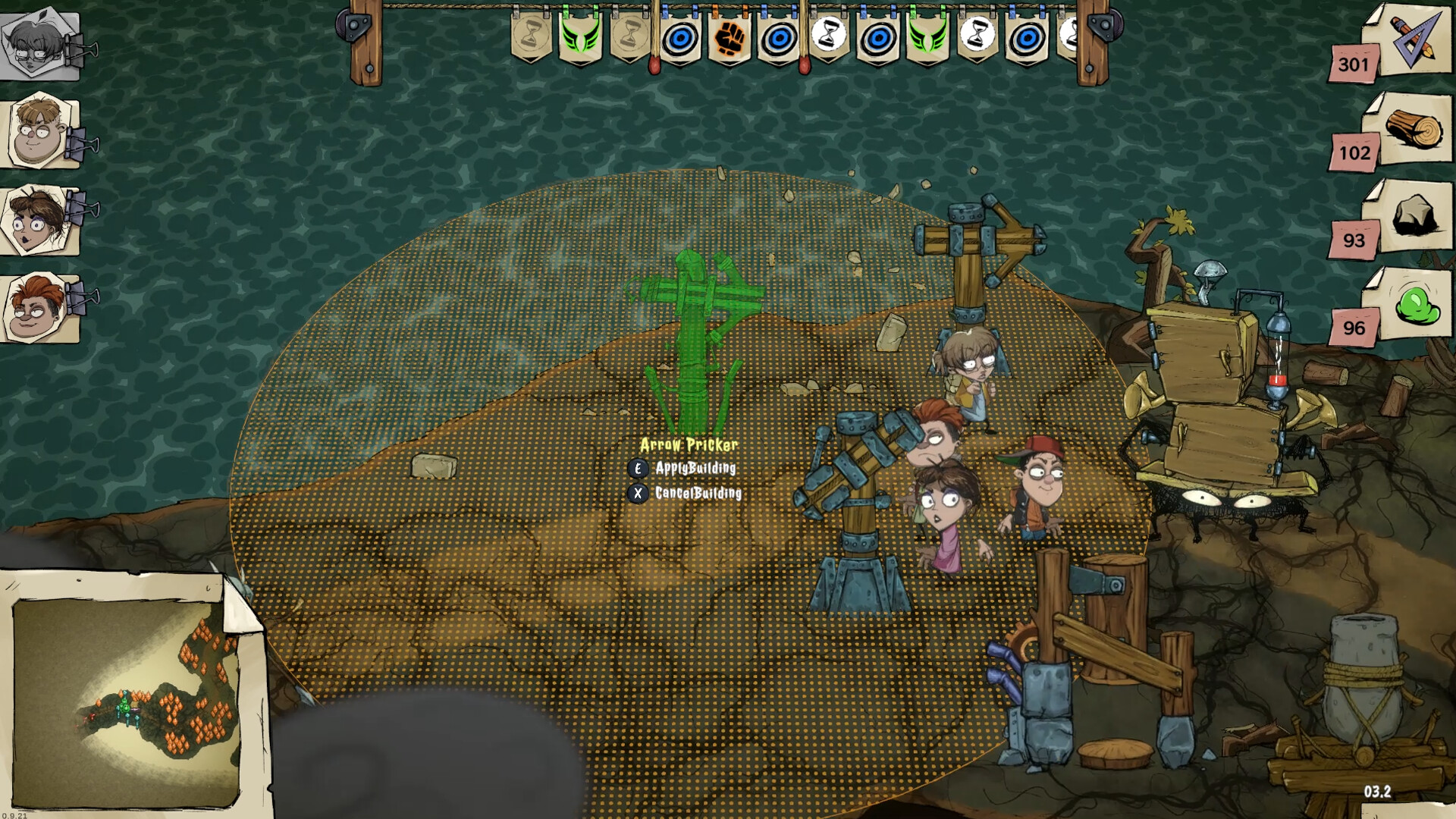
Help Frank on his journey through history and enter the bizarre world of dreams!Gather resources, gain allies, build towers and fend off waves of unique enemies. Face a horde of cavemen, a legion of French soldiers, or medieval knights. Free your classmates to expand your minions and use their help to get out of this fluttering sleep.

Classic tower defense

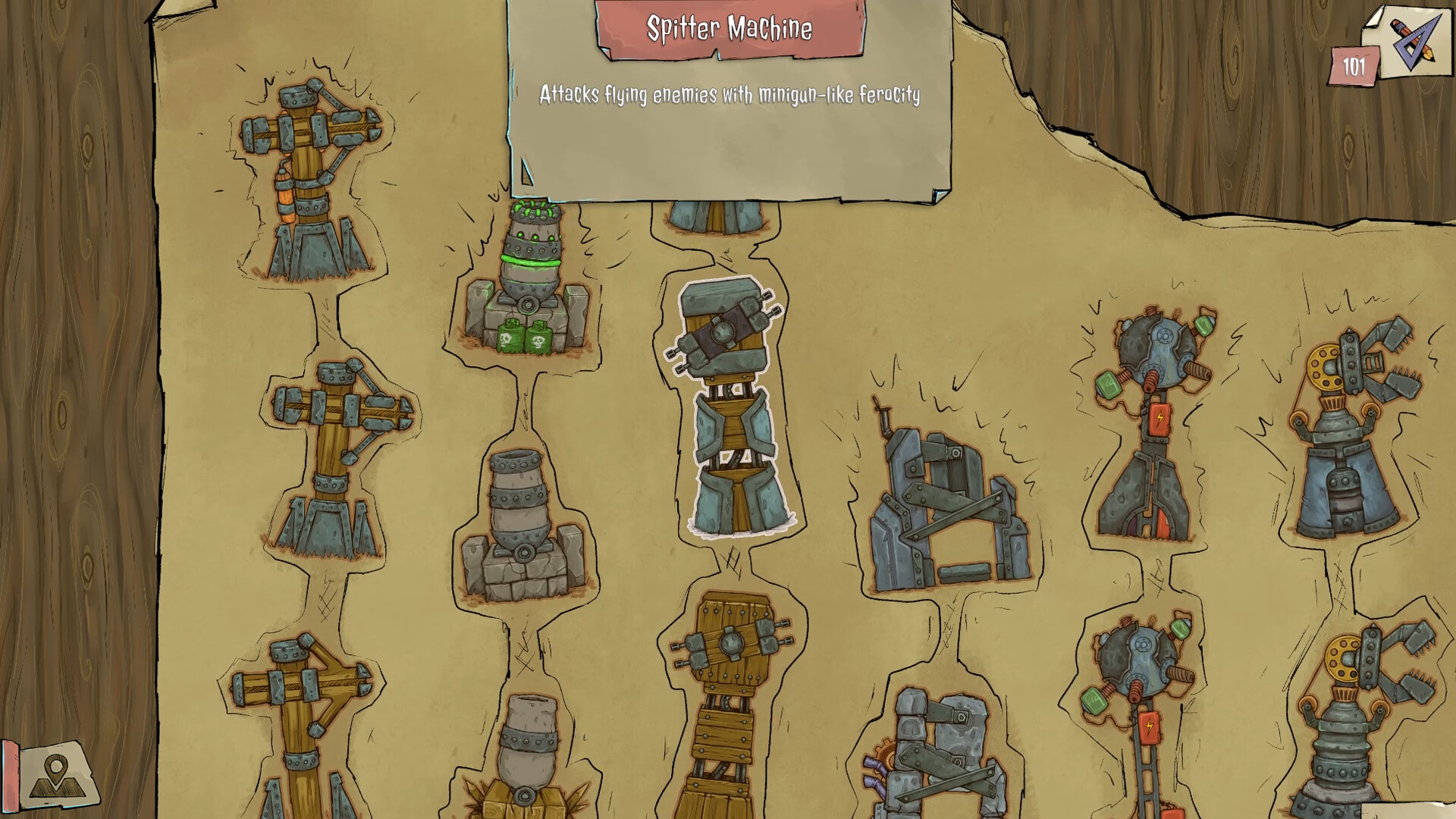
Where there are towers there must be waves of enemies! Travel through six different historical periods. On your way, you will encounter great warriors and leaders who have written themselves on the pages of history, of course in a slightly changed form. This world is full of strange and demonic creatures. TOWERS, UPGRADES, AND MINIONS Collect resources such as wood and stone to build and upgrade defensive towers. In addition to the slingshot, they will be your main defense against opponents. Use your helpers in battle, assign them simple tasks and defend your base!

Co-op and single-player game modes

Embark on this amazing adventure in this crazy world either solo or with a bunch of your best friends in split-screen co-op mode.

Lesson Learned screenshotLesson Learned screenshotLesson Learned screenshotLesson Learned screenshotLesson Learned screenshotLesson Learned screenshot

How to redeem

  1. 1Check your Nintendo Switch account and the listed region before purchasing.
  2. 2Find your code and supplier activation instructions in your confirmed order.
  3. 3Open the redeem-code section on Nintendo Switch, enter the code and follow the platform’s prompts.

Supplier instructions

Select “Nintendo eShop” on the HOME Menu to launch the Nintendo eShop. Select the account you want to use. Select “Enter Code” on the left side of the screen. Enter the 16-character download code.Any letters and symbols not used with prepaid codes (i.e. O, I, Z, commas, hyphens, etc.) will be disabled from the on-screen keyboard. Select “Send” to confirm. The game will begin downloading once the code is confirmed.The game icon will appear on the HOME menu, with a download status bar. The status bar will disappear once the game download is complete.

You might also like