Get 10% back in Relic Coins on every order
Assassin's Creed Chronicles: Russia Connect cover

UbisoftGlobal· Key

Assassin's Creed Chronicles: Russia Connect

€2.22

+€0.22 cashback eligibility in Relic Coins

Check before you play

Platform
Ubisoft
Region
Global
Product type
Key
Developer
Climax Studios
Publisher
Ubisoft Entertainment
Supplier release date
2016-02-09
Genres
Action, Adventure

About this product

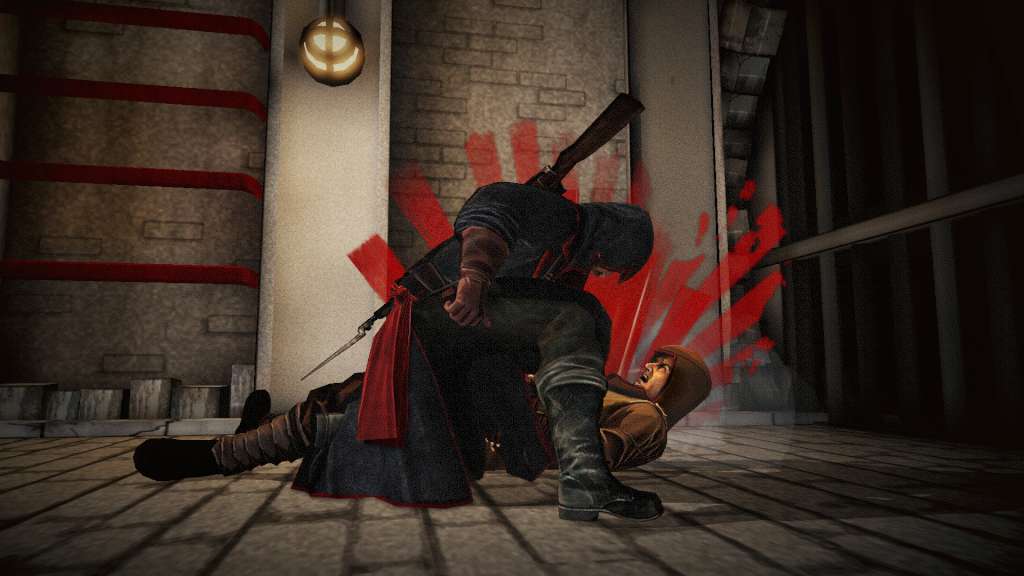
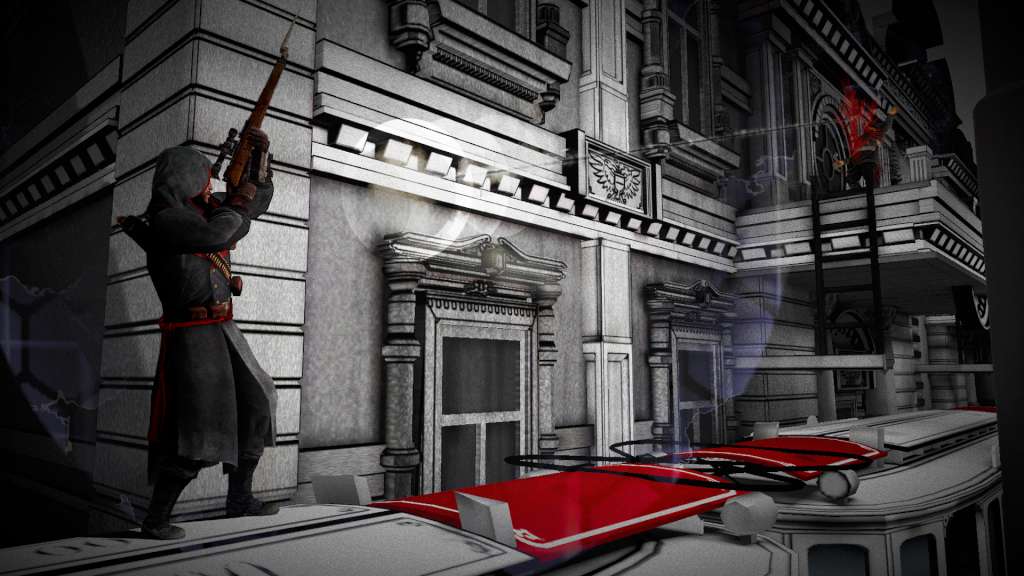
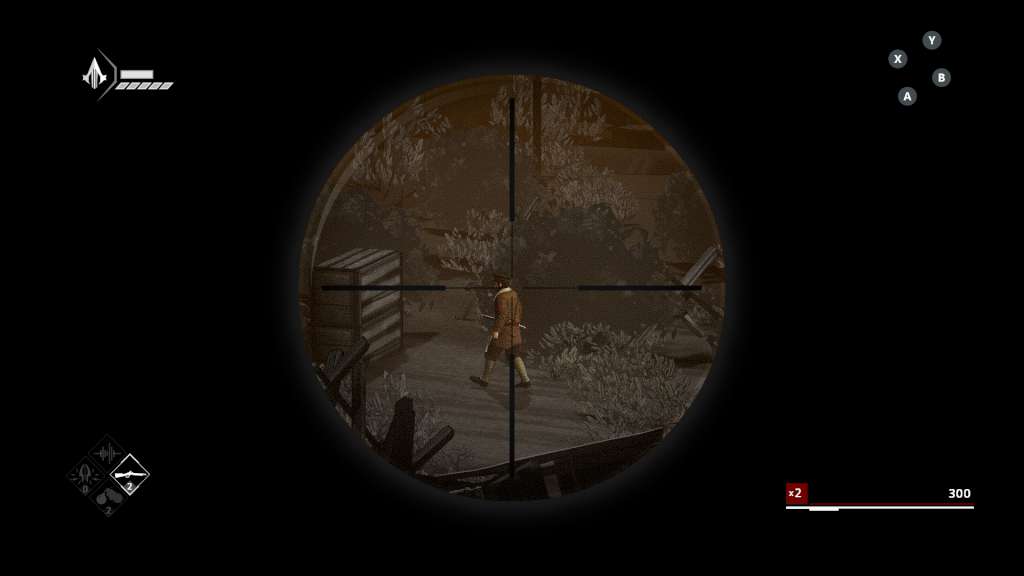
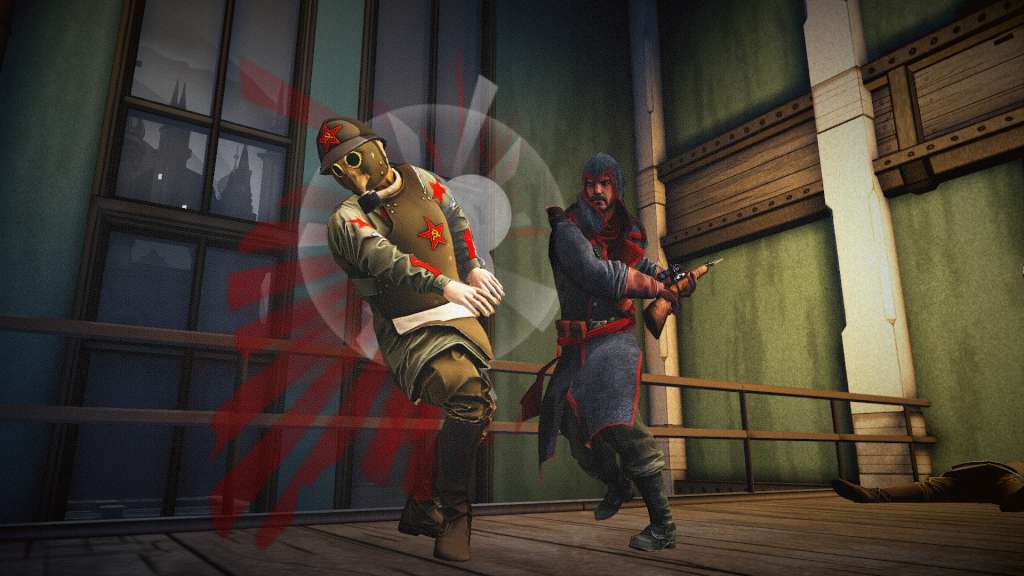
Join Nikolaï Orelov in his search for redemption as you journey through an iconic, propaganda art style Russia in 2.5D gameplay. Features Survive the aftermath of October Revolution.Dive into the middle of a major historical event served by iconic propaganda art style and its revolutionary symbolism. Jump on the famous trans-Siberian train, infiltrate the Kremlin and escape from Moscow! Experience the thrill of being a stealthy Assassin in a modern setting.Explore a new contemporary setting in the 20th century and its modern stealth systems, such as elevators, radios & trip wires. Interact with new vehicles like trucks, trains & tanks. Switch between two playable characters.Embody Nikolaï, snipe targets with his silenced rifle, detonate mines from a distance or get up close with its bayonet. Discover Nikolaï’s Mechanical Winch, a versatile tool that sends electric shocks.Play Anastasia, infiltrate narrow channels and discover her exclusive Helix Blade.


Assassin's Creed Chronicles: Russia Connect screenshotAssassin's Creed Chronicles: Russia Connect screenshotAssassin's Creed Chronicles: Russia Connect screenshotAssassin's Creed Chronicles: Russia Connect screenshotAssassin's Creed Chronicles: Russia Connect screenshotAssassin's Creed Chronicles: Russia Connect screenshot

How to redeem

  1. 1Check your Ubisoft account and the listed region before purchasing.
  2. 2Find your code and supplier activation instructions in your confirmed order.
  3. 3Open the redeem-code section on Ubisoft, enter the code and follow the platform’s prompts.

Supplier instructions

Go to: http://uplay.ubi.com and download Uplay client. Install Uplay Client on your PC. Start the application, login with your Account name and Password (create one if you don't have). Please follow these instructions to activate a new retail purchase on Uplay: Click the Settings Choose Activate Product Follow the onscreen instructions to complete the process.

You might also like