Get 10% back in Relic Coins on every order
Gnomes Garden cover

PlayStation 4Global· Account

Gnomes Garden

€8.79

+€0.88 cashback eligibility in Relic Coins

Check before you play

Platform
PlayStation 4
Region
Global
Product type
Account

This listing delivers an account, not a game key. Read the supplier’s conditions before purchasing.

Developer
Workroom7, Creobit
Publisher
8Floor
Supplier release date
2015-12-18
Genres
Indie, Casual

About this product

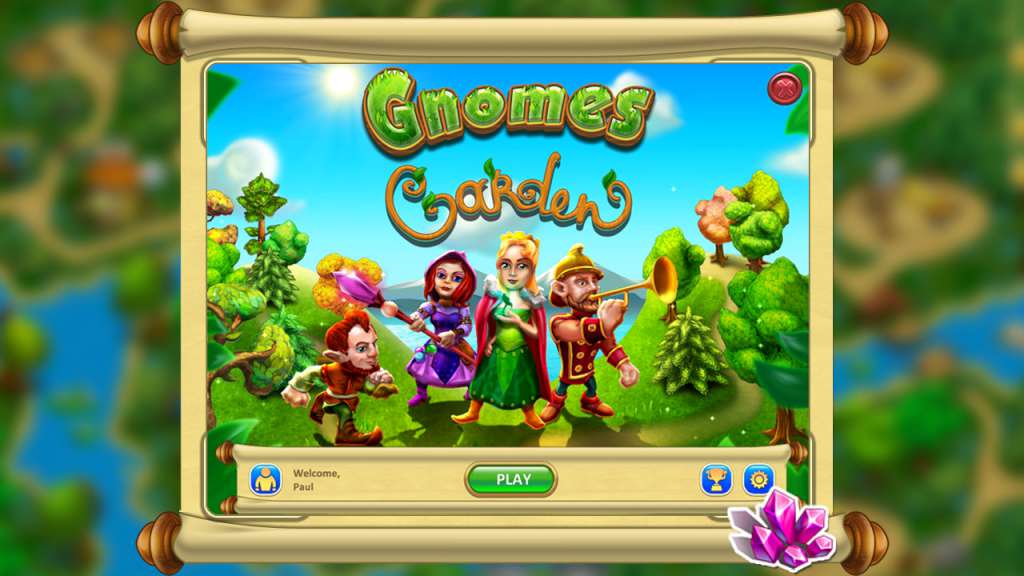
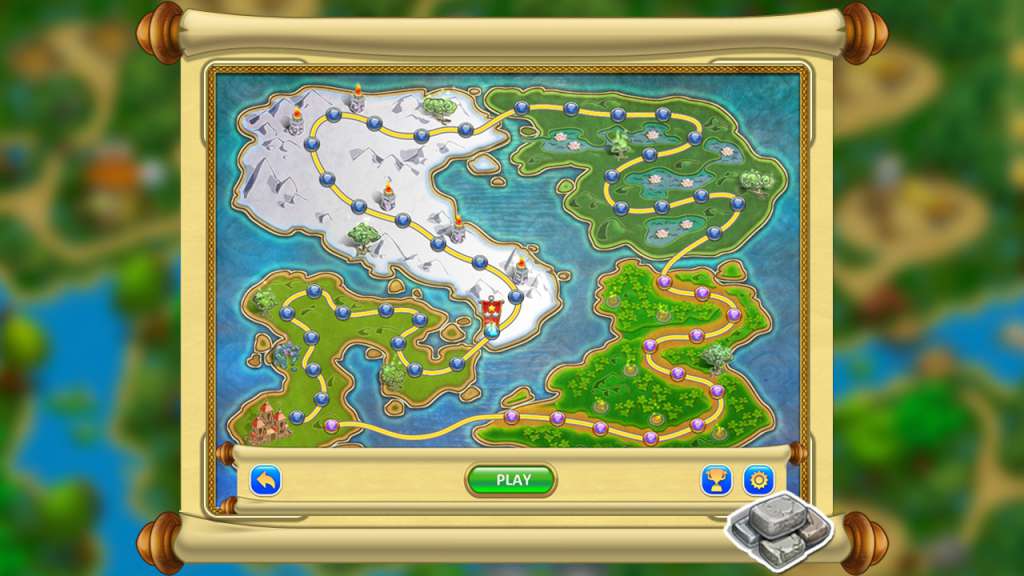
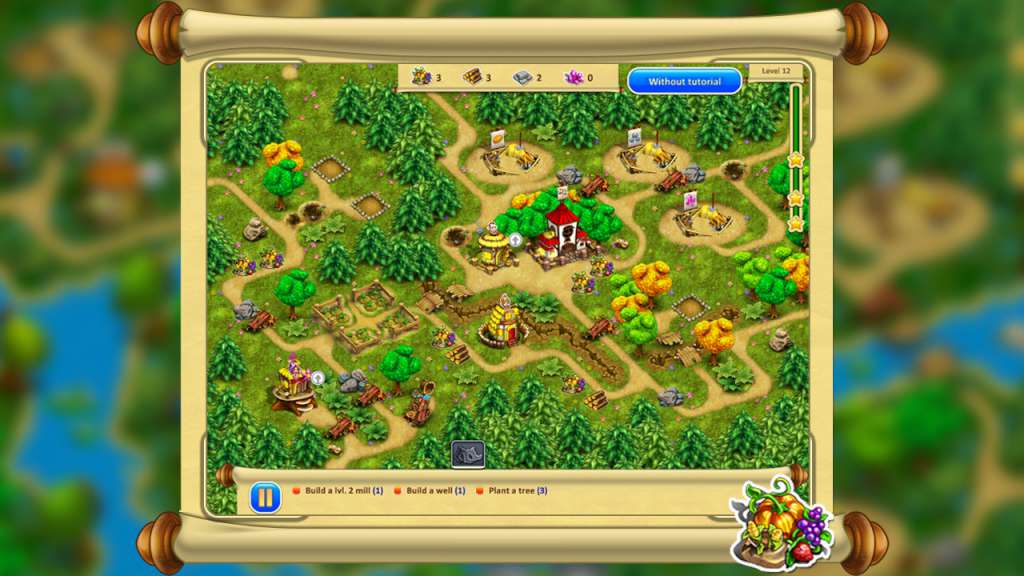
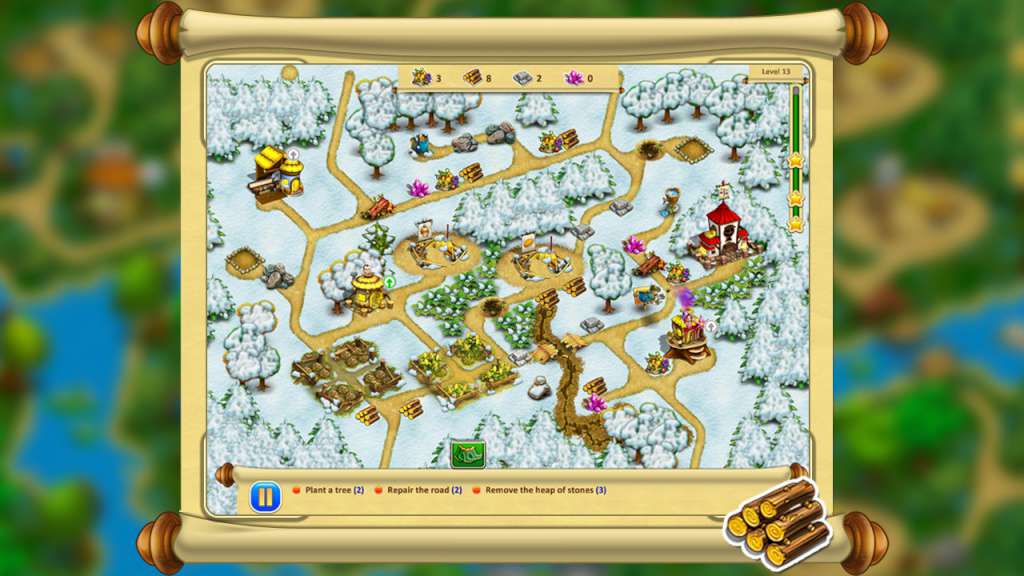
A wonderful garden had always brought joy to all the people of the kingdom and all the residents of the castle. But a dry summer withered the king’s beloved garden and the surrounding gardens of the kingdom alike. The ruler has fallen ill and the kingdom is in danger. Help the princess save the gardens and make the king better again. Construct buildings, remove obstacles, repair damaged bridges and restore the beauty of the royal garden. Head out with the gnomes on a journey in this exciting fantasy strategy game, Gnomes Garden! Over 40 beautiful levels await you, along with a multitude of varied quests, increasing difficulty, an upbeat plot, an extraordinary magical world and exciting gameplay for all ages. Construct buildings and manage resources, use powerful magic and restore ancient magical gardens. Easy-to-learn controls and a well-designed tutorial will help you quickly learn the basics of the game.

Gnomes Garden screenshotGnomes Garden screenshotGnomes Garden screenshotGnomes Garden screenshotGnomes Garden screenshotGnomes Garden screenshot

How to redeem

  1. 1Read the account conditions and regional restrictions before purchasing.
  2. 2Open your confirmed order in your Relic Key account to view the supplier’s account details.
  3. 3Follow the supplied sign-in and setup instructions. This is an account, not a redeemable key.

Supplier instructions

Go to: http://store.steampowered.com/ and download STEAM client Click "Install Steam" (from the upper right corner) Install and start application, login with your Account name and Password (create one if you don't have). Please follow these instructions to activate a new retail purchase on Steam: Launch Steam and log into your Steam account. Click the Games Menu. Choose Activate a Product on Steam... Follow the onscreen instructions to complete the process. After successful code verification go to the "MY GAMES" tab and start downloading.

You might also like