Get 10% back in Relic Coins on every order
Resident Evil 0 / Biohazard 0 HD Remaster Access cover

Nintendo SwitchGlobal· Key

Resident Evil 0 / Biohazard 0 HD Remaster Access

€15.55

+€1.56 cashback eligibility in Relic Coins

Check before you play

Platform
Nintendo Switch
Region
Global
Product type
Key
Developer
CAPCOM Co., Ltd.
Publisher
CAPCOM Co., Ltd.
Supplier release date
2019-05-21
Genres
Action, Horror, Third-Person Shooter
About this product

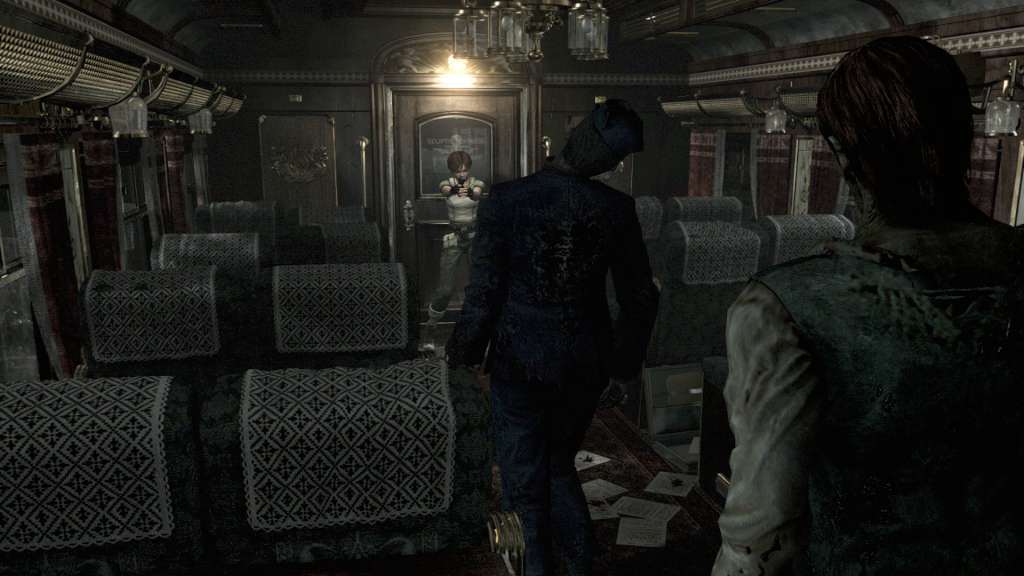
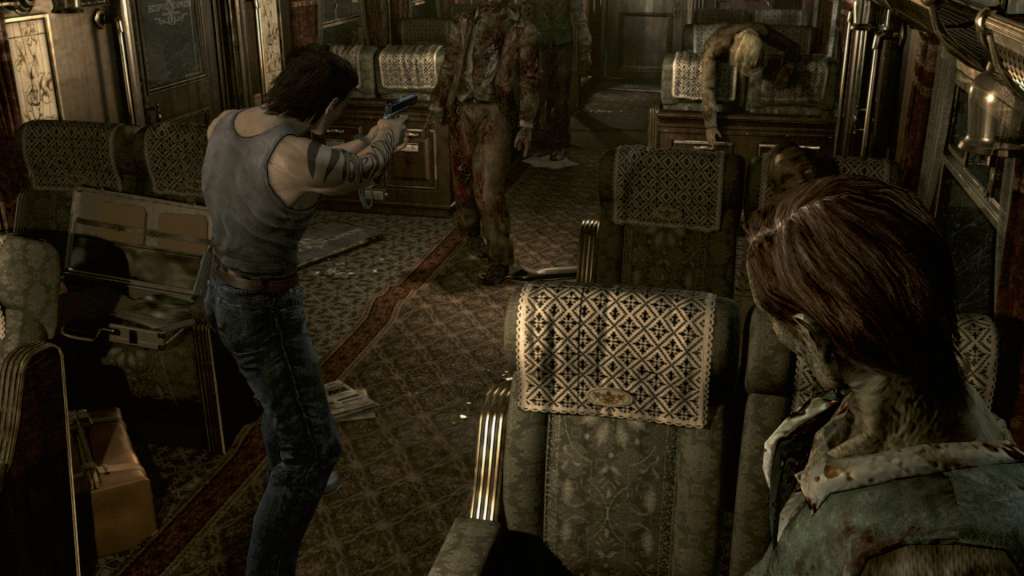
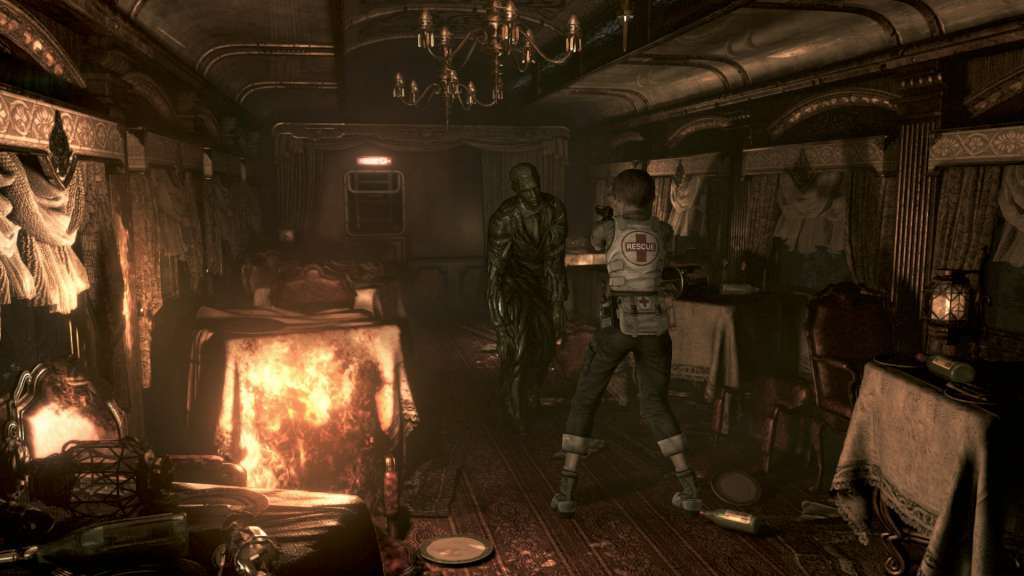
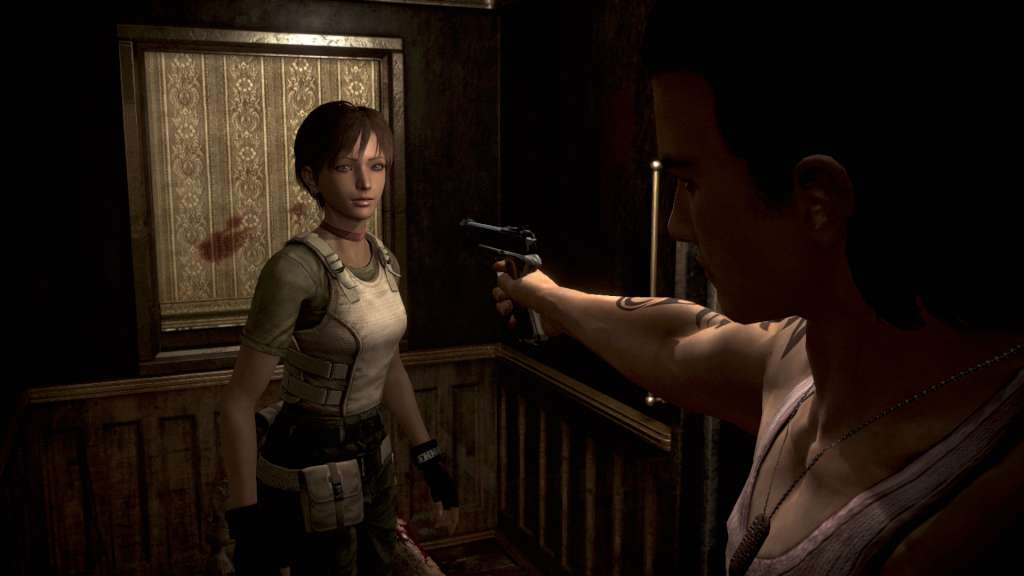
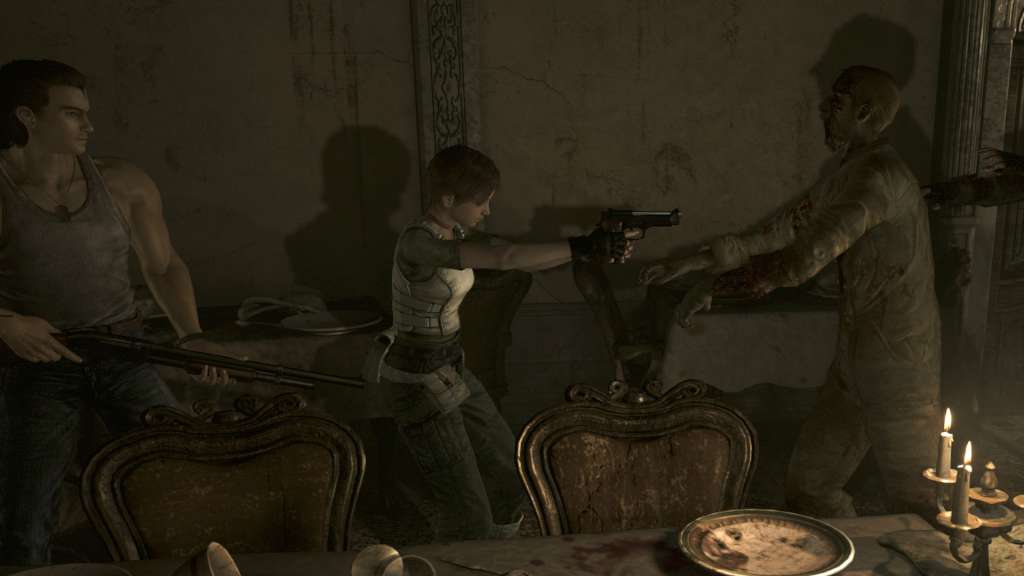
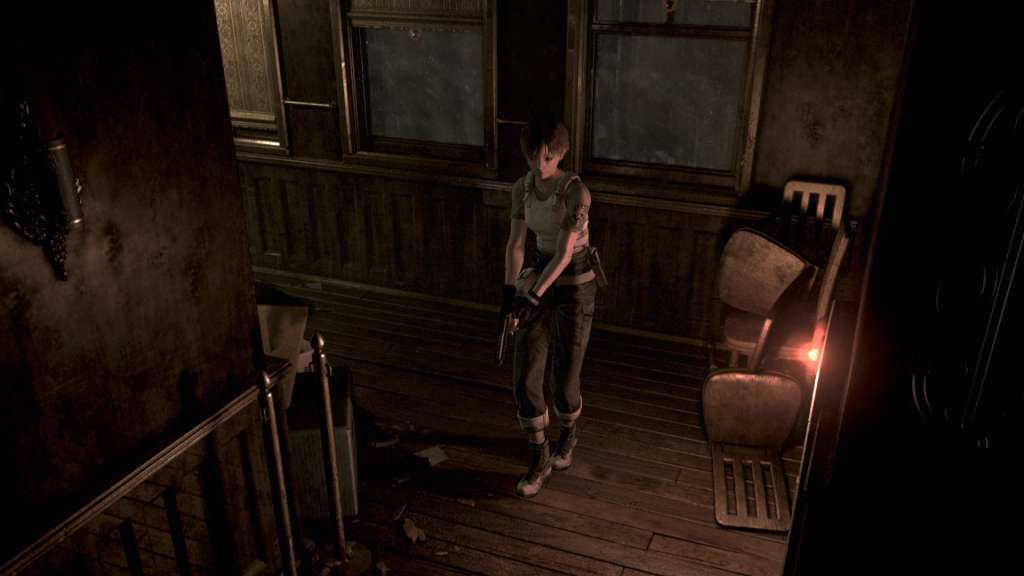
This entry in the Resident Evil series expands on and enriches the excitement and intrigue of the survival horror genre. Learn of the events that preceded the series' first game, and experience thrilling new gameplay systems as you alternate between its two playable characters to solve the mystery. In 1998, the American town of Raccoon City has been host to a series of strange and grisly murders. Rebecca Chambers, a new member of the elite special forces team known as S.T.A.R.S., has been dispatched along with the other Bravo Team members to investigate. Her search leads her to a train which has stopped in the middle of the forest. Little does she know, that this train is bound only for the realm of nightmares...

Resident Evil 0 / Biohazard 0 HD Remaster Access screenshotResident Evil 0 / Biohazard 0 HD Remaster Access screenshotResident Evil 0 / Biohazard 0 HD Remaster Access screenshotResident Evil 0 / Biohazard 0 HD Remaster Access screenshotResident Evil 0 / Biohazard 0 HD Remaster Access screenshotResident Evil 0 / Biohazard 0 HD Remaster Access screenshot

How to redeem

  1. 1Check your Nintendo Switch account and the listed region before purchasing.
  2. 2Find your code and supplier activation instructions in your confirmed order.
  3. 3Open the redeem-code section on Nintendo Switch, enter the code and follow the platform’s prompts.

Supplier instructions

Select “Nintendo eShop” on the HOME Menu to launch the Nintendo eShop. Select the account you want to use. Select “Enter Code” on the left side of the screen. Enter the 16-character download code.Any letters and symbols not used with prepaid codes (i.e. O, I, Z, commas, hyphens, etc.) will be disabled from the on-screen keyboard. Select “Send” to confirm. The game will begin downloading once the code is confirmed.The game icon will appear on the HOME menu, with a download status bar. The status bar will disappear once the game download is complete.

You might also like