Get 10% back in Relic Coins on every order
Adam Wolfe cover

PlayStation 4Global· Account

Adam Wolfe

€23.77

+€2.38 cashback eligibility in Relic Coins

Check before you play

Platform
PlayStation 4
Region
Global
Product type
Account

This listing delivers an account, not a game key. Read the supplier’s conditions before purchasing.

Developer
Mad Head Games
Publisher
Mad Head Games
Supplier release date
2024-02-16
Genres
Adventure, Casual, Hidden Object

About this product

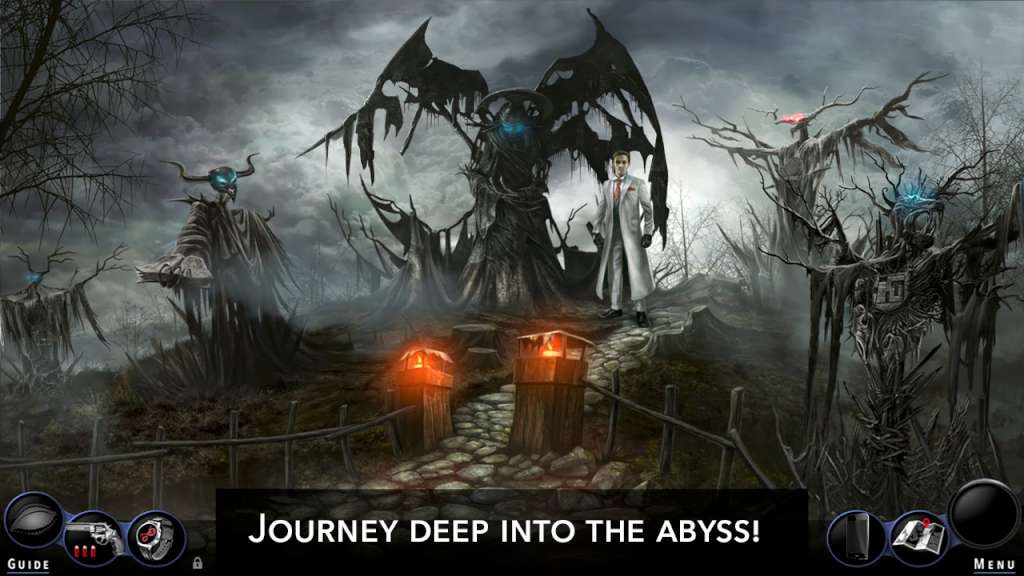
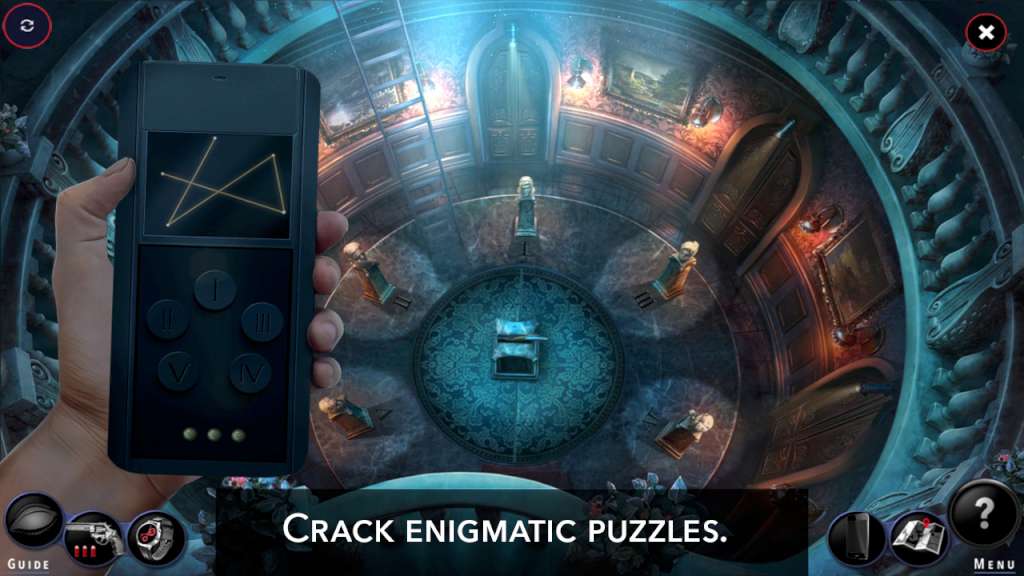
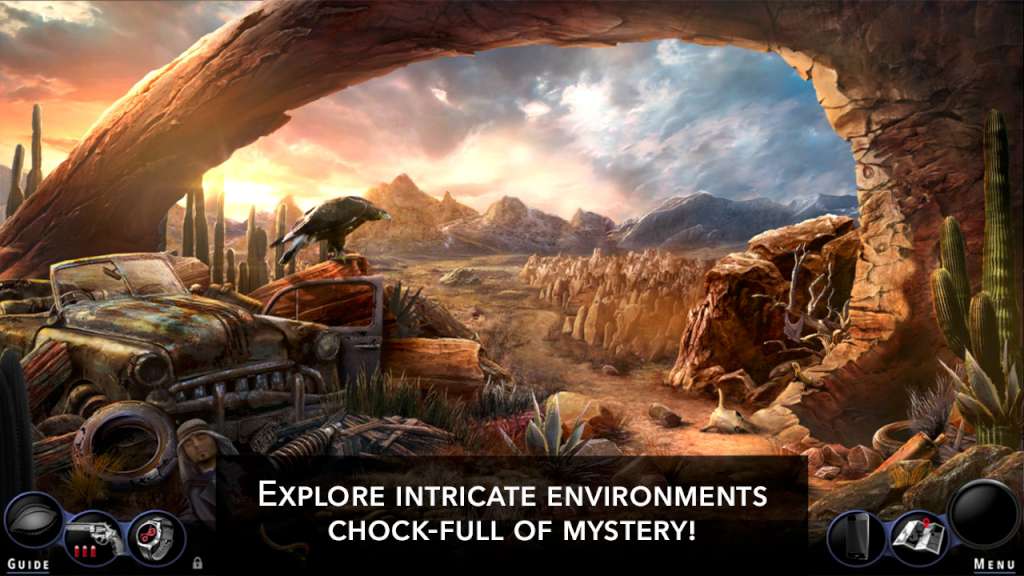
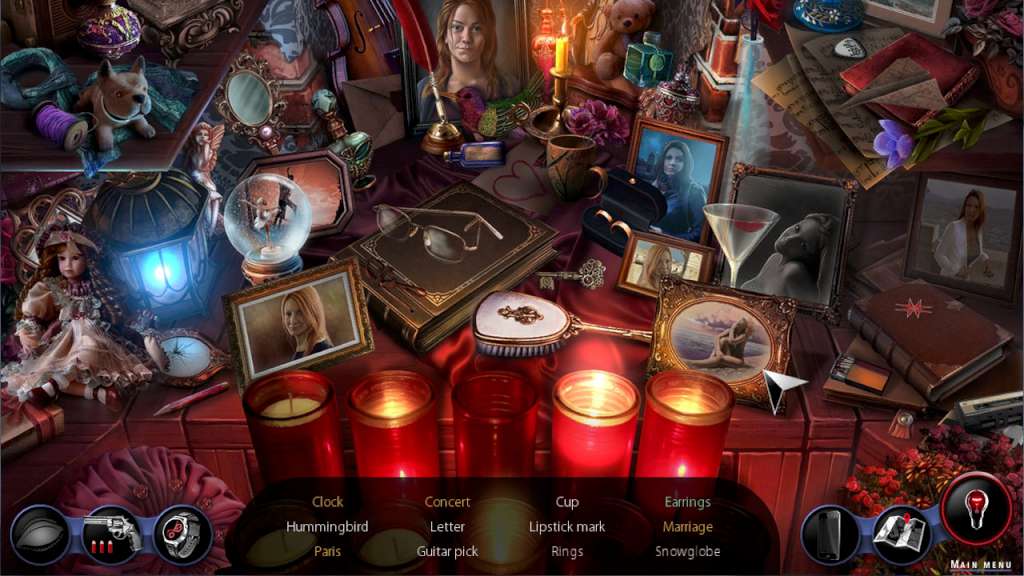
Discover a hidden world under the modern San Francisco as investigator of the paranormal, Adam Wolfe! Acting as Adam Wolfe, an investigator of the paranormal, you will discover a hidden world under the modern San Francisco. In this city, ghosts, artifacts, secret orders and curses are just some of the things that Adam will come across working on his most important case. Step into the shoes of Adam Wolfe, investigator of the supernatural. Driven by your sister’s mysterious disappearance, take to the brooding streets of San Francisco, where crime and paranormal occurrences intertwine in dark corners. Solving one mystery after another, slowly unravel a larger conspiracy that could lead you to your missing sibling, but may also drag you into the abyss forever. Use your wits, your detective instincts and, when all else fails, your six-shooter in this psychological thriller packed with more than 8 hours of challenging gameplay. Secret societies, unnatural afflictions and ancient covenants await you in Adam Wolfe's exciting 4 episodes! Become the Detective. Become Wolfe.


Adam Wolfe screenshotAdam Wolfe screenshotAdam Wolfe screenshotAdam Wolfe screenshotAdam Wolfe screenshot

How to redeem

  1. 1Read the account conditions and regional restrictions before purchasing.
  2. 2Open your confirmed order in your Relic Key account to view the supplier’s account details.
  3. 3Follow the supplied sign-in and setup instructions. This is an account, not a redeemable key.

Supplier instructions

Go to: http://store.steampowered.com/ and download STEAM client Click "Install Steam" (from the upper right corner) Install and start application, login with your Account name and Password (create one if you don't have). Please follow these instructions to activate a new retail purchase on Steam: Launch Steam and log into your Steam account. Click the Games Menu. Choose Activate a Product on Steam... Follow the onscreen instructions to complete the process. After successful code verification go to the "MY GAMES" tab and start downloading.

You might also like