Get 10% back in Relic Coins on every order
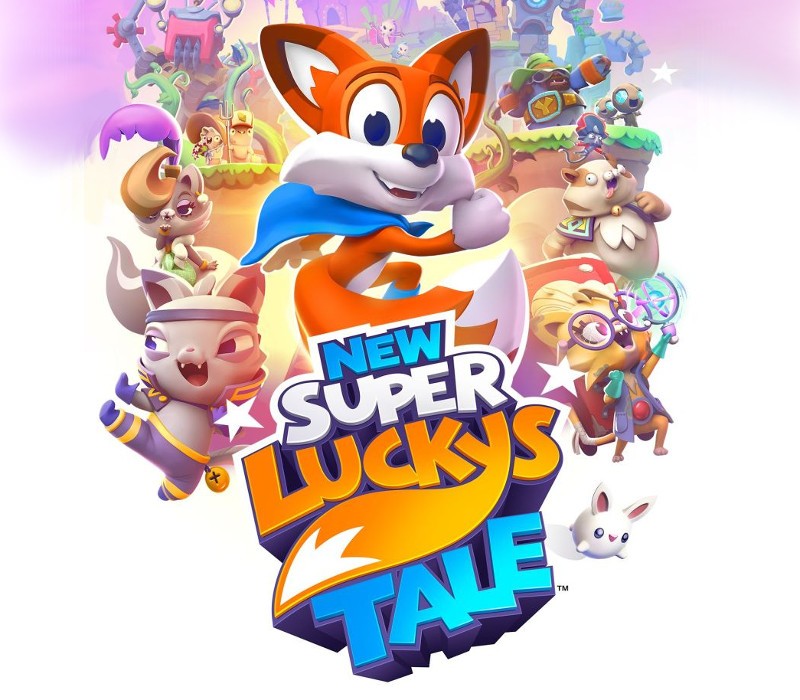
New Super Lucky's Tale Access cover

Nintendo SwitchGlobal· Key

New Super Lucky's Tale Access

€15.55

+€1.56 cashback eligibility in Relic Coins

Check before you play

Platform
Nintendo Switch
Region
Global
Product type
Key
Developer
Playful Corp.
Publisher
Playful Corp.
Supplier release date
2020-08-21
Genres
Action, Adventure, Platformer

About this product

Join Lucky on his thrilling journey through the Book of Ages, a magical artifact that opens doors to amazing worlds. Meet new friends, explore exciting lands, and recover the missing pages from the evil sorcerer Jinx and his villainous family, the dreaded Kitty Litter. Features Featuring a huge variety of gameplay, from expansive 3D hubs, to story-based adventure levels, 2D side-scrolling challenges, rewarding mini-games, mind-bending puzzles, and thrilling boss battles. Thousands of collectibles to gather, tons of rewarding secrets to discover, a cast of memorable characters, and an entire wardrobe of costumes for the stylish adventurer. Designed to delight and challenge players of all ages and skill levels. A complete re-imagining of the original Super Lucky's Tale, featuring redesigned and new levels, a fully rotatable camera, tighter movement control, and major overhauls to nearly every other aspect, including the story, cinematics, music, and more. Jump, burrow, and tail swipe your way to victory in this love letter to classic 3D platformers!

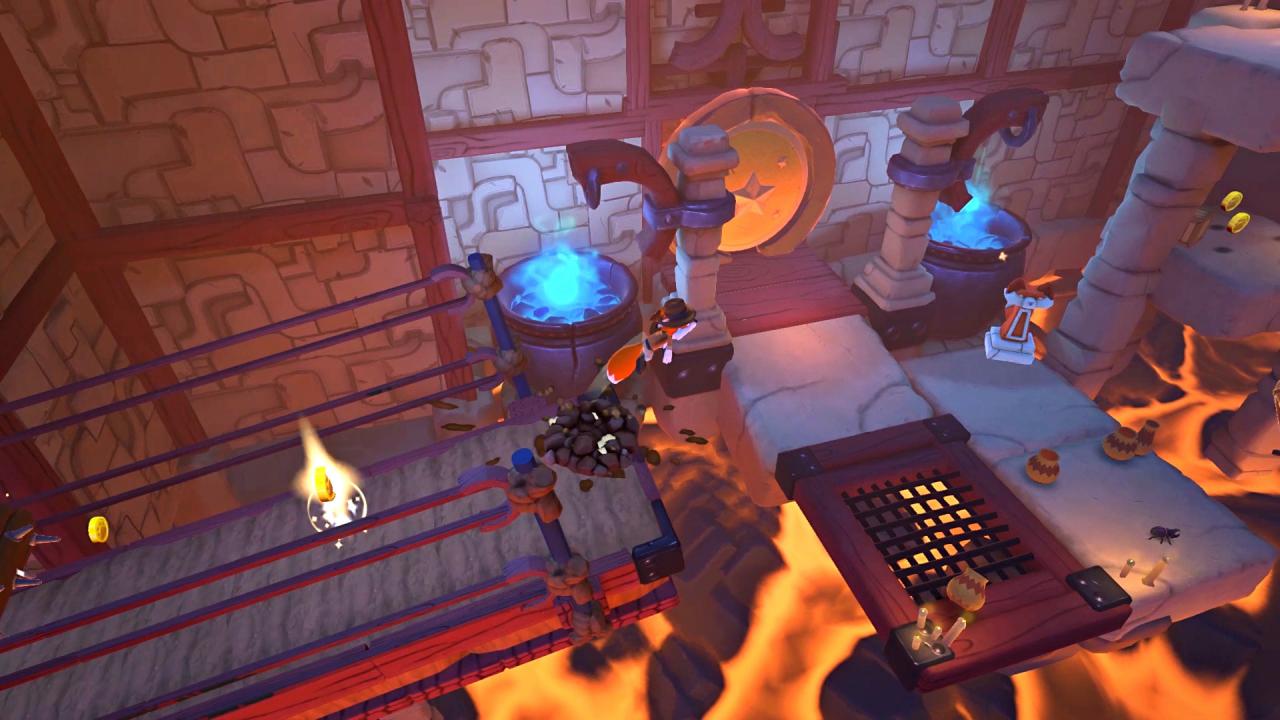
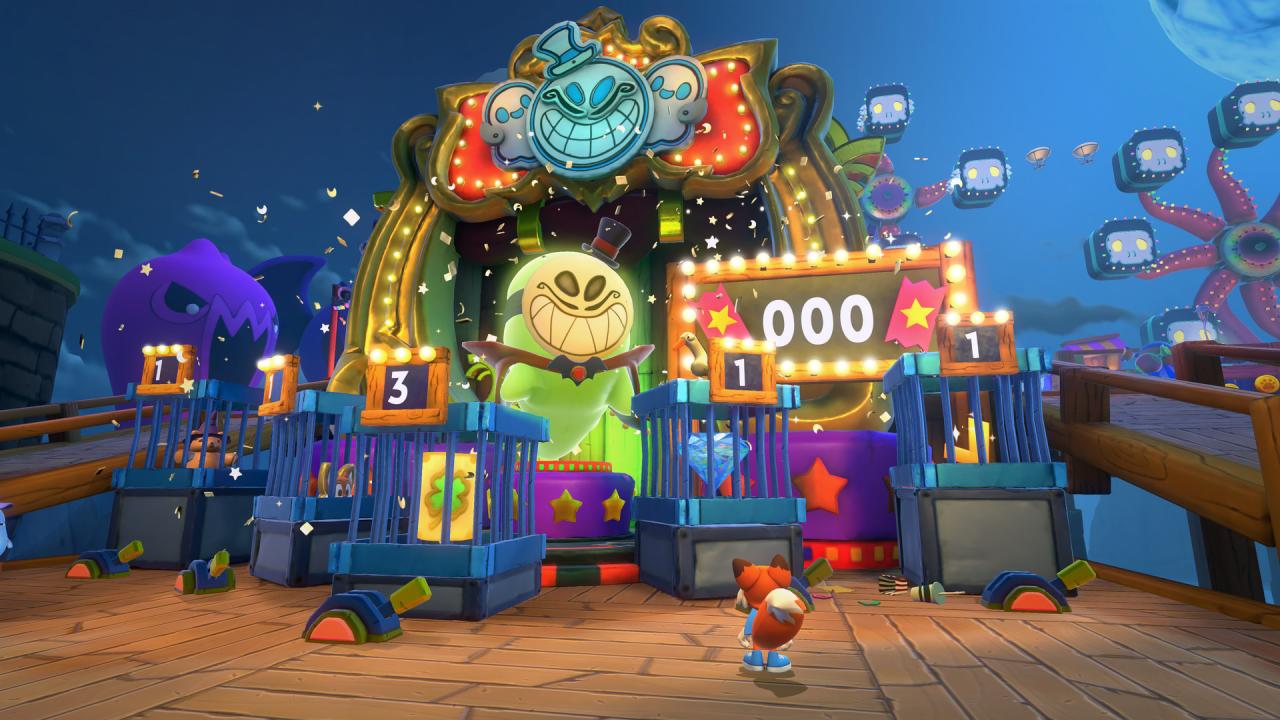
New Super Lucky's Tale Access screenshotNew Super Lucky's Tale Access screenshotNew Super Lucky's Tale Access screenshotNew Super Lucky's Tale Access screenshotNew Super Lucky's Tale Access screenshotNew Super Lucky's Tale Access screenshot

How to redeem

  1. 1Check your Nintendo Switch account and the listed region before purchasing.
  2. 2Find your code and supplier activation instructions in your confirmed order.
  3. 3Open the redeem-code section on Nintendo Switch, enter the code and follow the platform’s prompts.

Supplier instructions

Select “Nintendo eShop” on the HOME Menu to launch the Nintendo eShop. Select the account you want to use. Select “Enter Code” on the left side of the screen. Enter the 16-character download code.Any letters and symbols not used with prepaid codes (i.e. O, I, Z, commas, hyphens, etc.) will be disabled from the on-screen keyboard. Select “Send” to confirm. The game will begin downloading once the code is confirmed.The game icon will appear on the HOME menu, with a download status bar. The status bar will disappear once the game download is complete.

You might also like