Get 10% back in Relic Coins on every order
PAW Patrol Mighty Pups Save Adventure Bay Access cover

Nintendo SwitchGlobal· Key

PAW Patrol Mighty Pups Save Adventure Bay Access

€15.55

+€1.56 cashback eligibility in Relic Coins

Check before you play

Platform
Nintendo Switch
Region
Global
Product type
Key
Developer
DRAKHAR STUDIO
Publisher
Outright Games LLC
Supplier release date
2020-11-06
Genres
Action, Adventure, Co-op

About this product

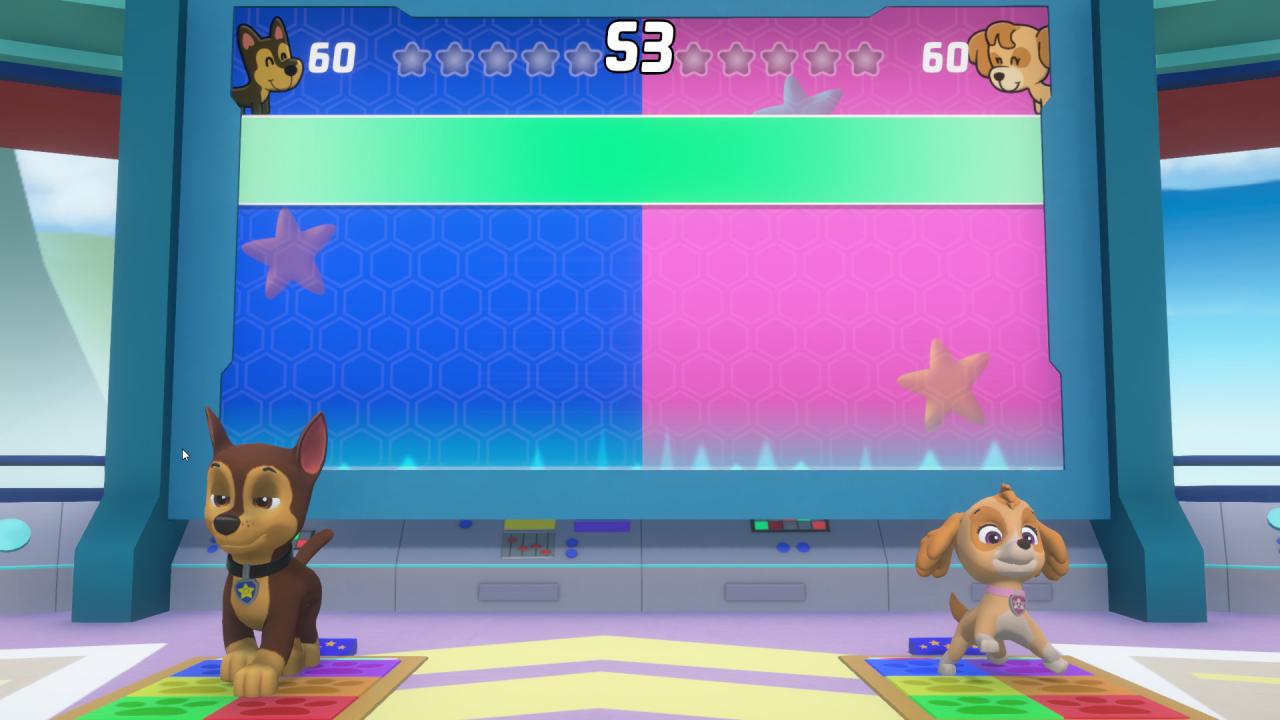
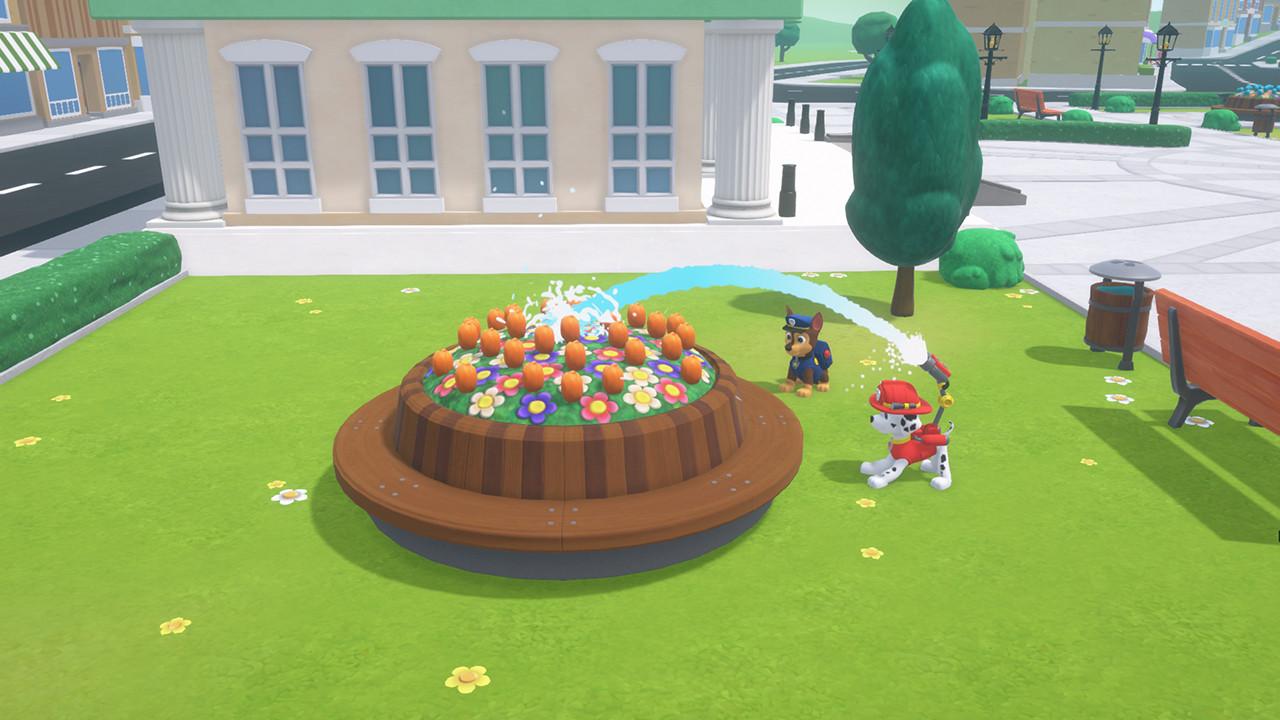
A fallen meteor has given the pups mighty powers – and left Adventure Bay in a mighty mess. Now it’s up to you and the Pups to use their powers, rescue skills, and gadgets to make the town PAWsome again! Embark on super-heroic missions with the Mighty Pups and Chase’s Super Speed, Marshall’s Mighty Heat, Skye’s Whirlwind Power, and the whole mighty PAW Patrol team. Explore the town and journey to Jake’s snowboarding resort, Tracker’s jungle, and beyond, as you work together to rescue friends. So, head to the Lookout and get ready for Mighty action! After you’re done saving the day, get playful with Pup-Pup Boogie, jump rope, and more fun activities side-quests. And bring a friend along in 2-player co-op mode. Mighty Pups, GO!

PAW Patrol Mighty Pups Save Adventure Bay Access screenshotPAW Patrol Mighty Pups Save Adventure Bay Access screenshotPAW Patrol Mighty Pups Save Adventure Bay Access screenshotPAW Patrol Mighty Pups Save Adventure Bay Access screenshotPAW Patrol Mighty Pups Save Adventure Bay Access screenshot

How to redeem

  1. 1Check your Nintendo Switch account and the listed region before purchasing.
  2. 2Find your code and supplier activation instructions in your confirmed order.
  3. 3Open the redeem-code section on Nintendo Switch, enter the code and follow the platform’s prompts.

Supplier instructions

Go to: http://store.steampowered.com/ and download STEAM client Click "Install Steam" (from the upper right corner) Install and start application, login with your Account name and Password (create one if you don't have). Please follow these instructions to activate a new retail purchase on Steam: Launch Steam and log into your Steam account. Click the Games Menu. Choose Activate a Product on Steam... Follow the onscreen instructions to complete the process. After successful code verification go to the "MY GAMES" tab and start downloading.

You might also like