Get 10% back in Relic Coins on every order
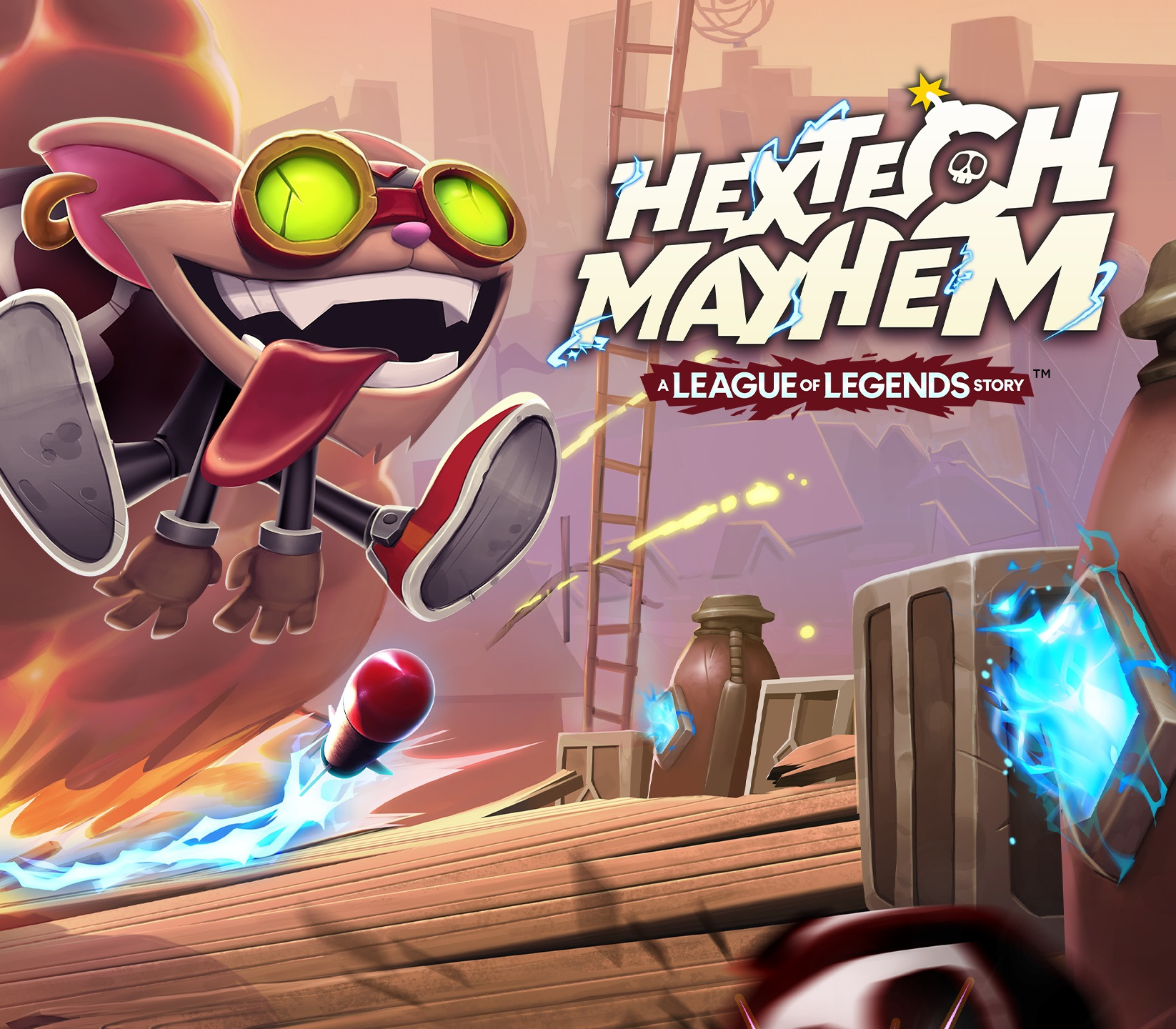
Hextech Mayhem: A League of Legends Story cover

Nintendo SwitchUnited States· Key

Hextech Mayhem: A League of Legends Story

€5.09

+€0.51 cashback eligibility in Relic Coins

Check before you play

Platform
Nintendo Switch
Region
United States
Product type
Key
Developer
Choice Provisions
Publisher
Riot Forge
Supplier release date
2021-11-16
Genres
Action, Indie, Platformer

About this product

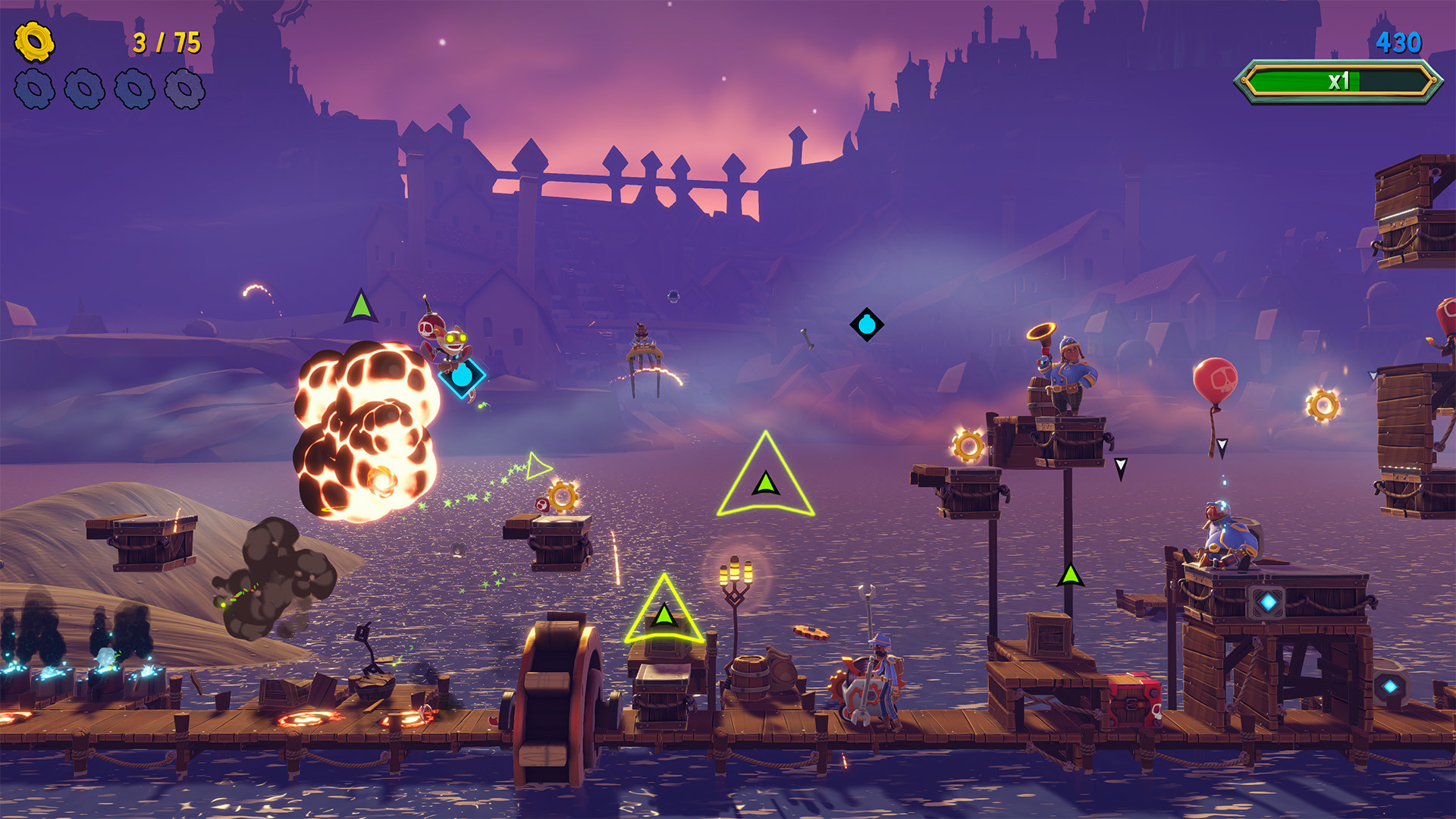
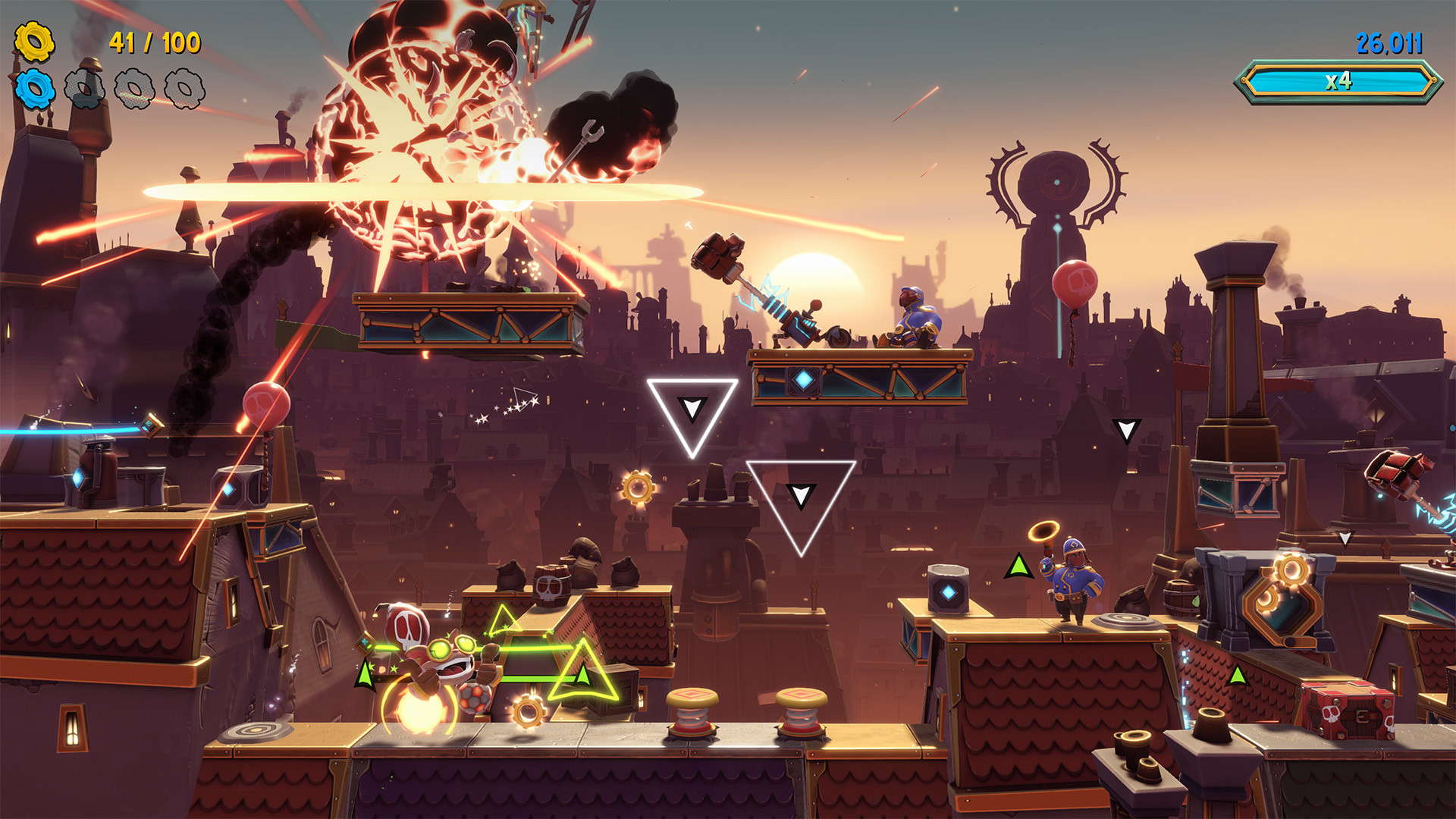
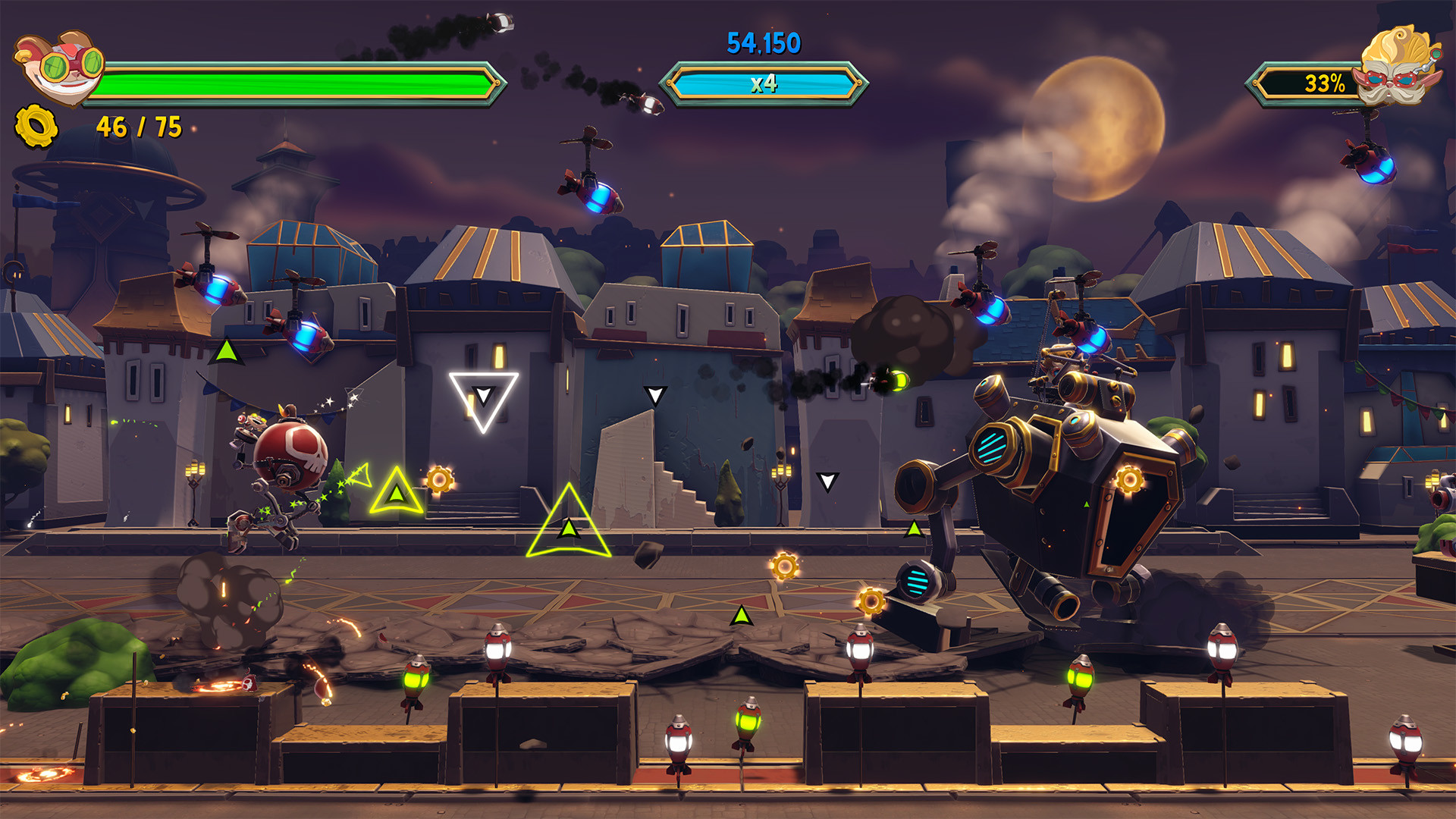
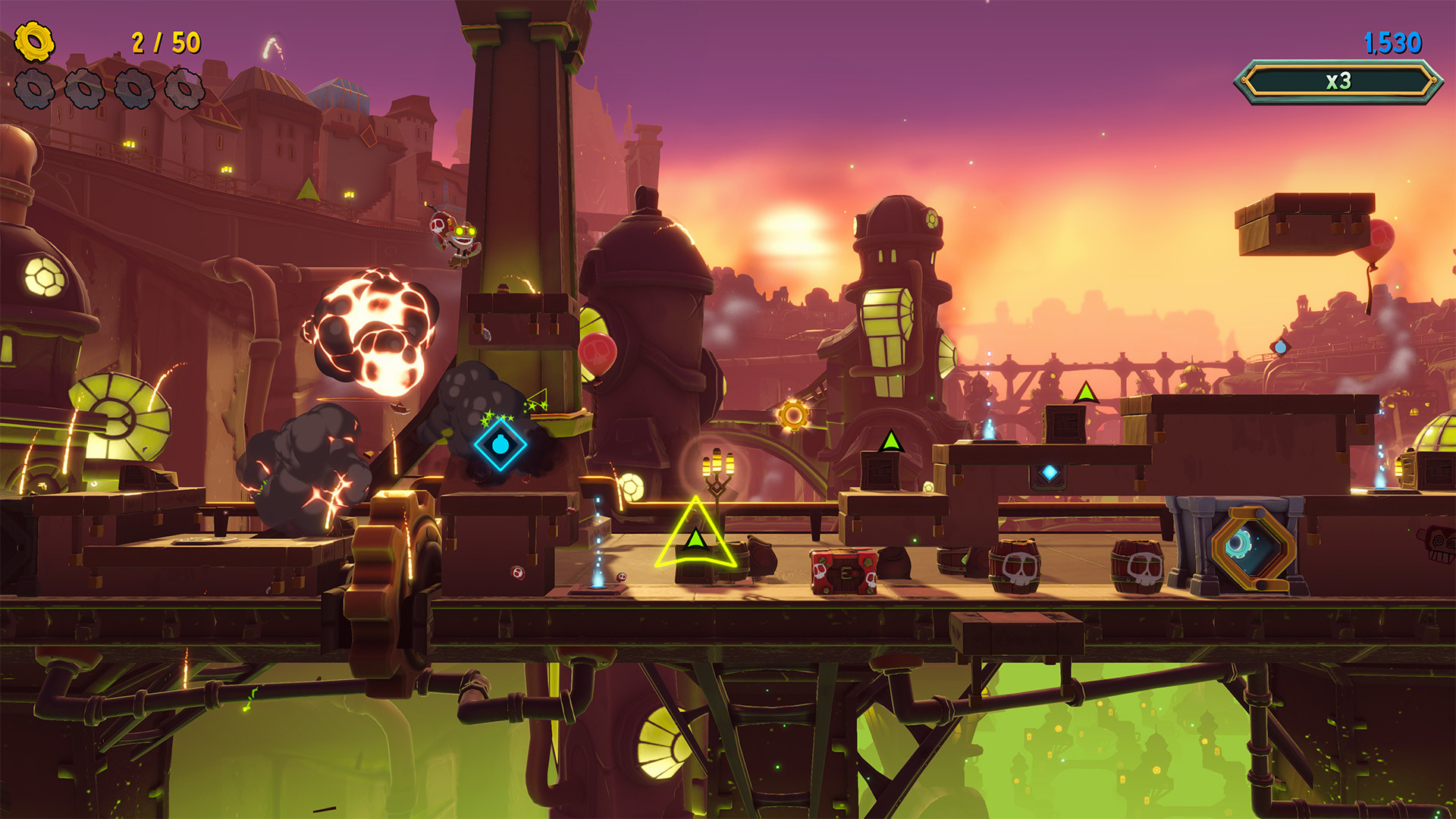
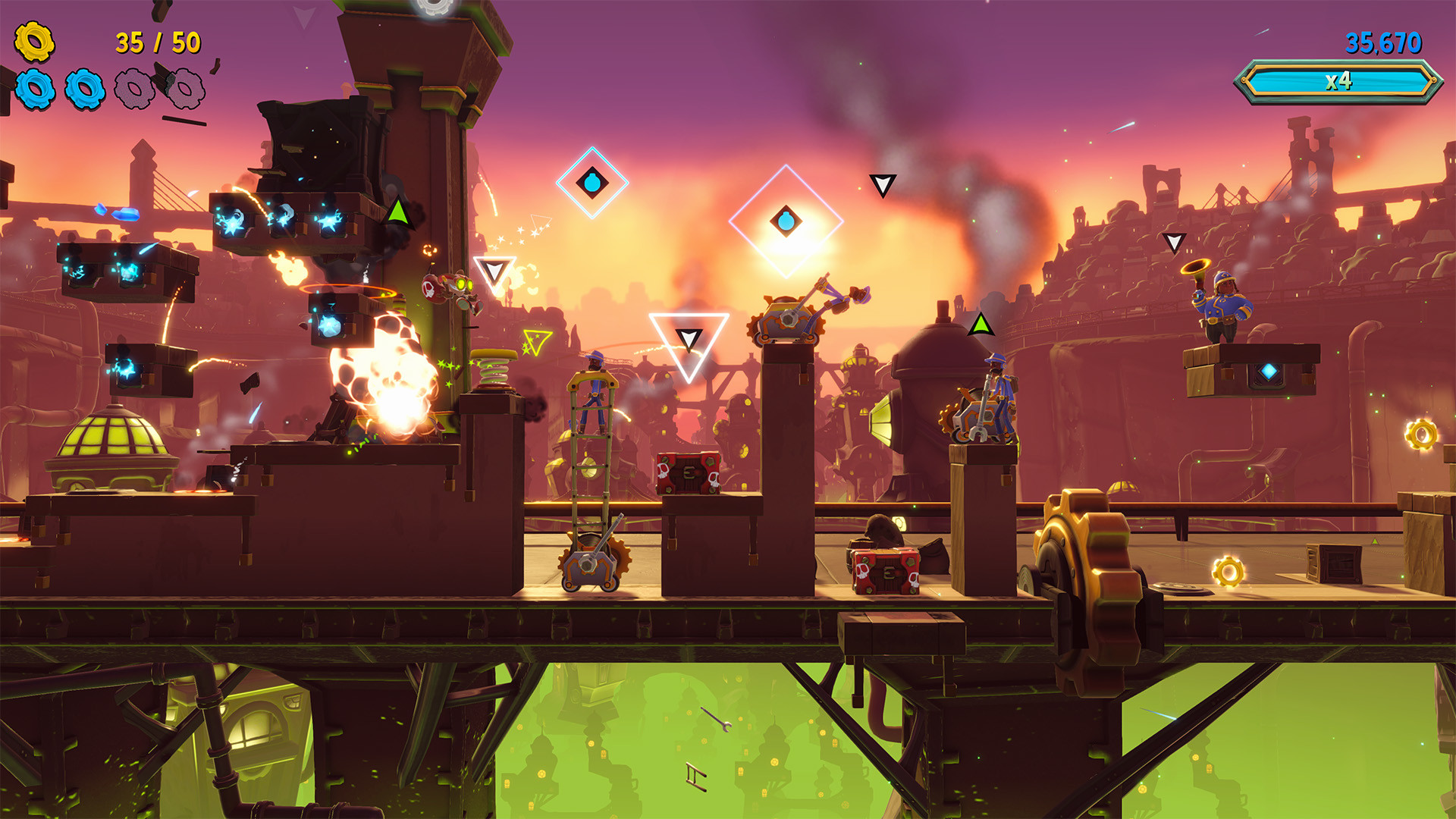
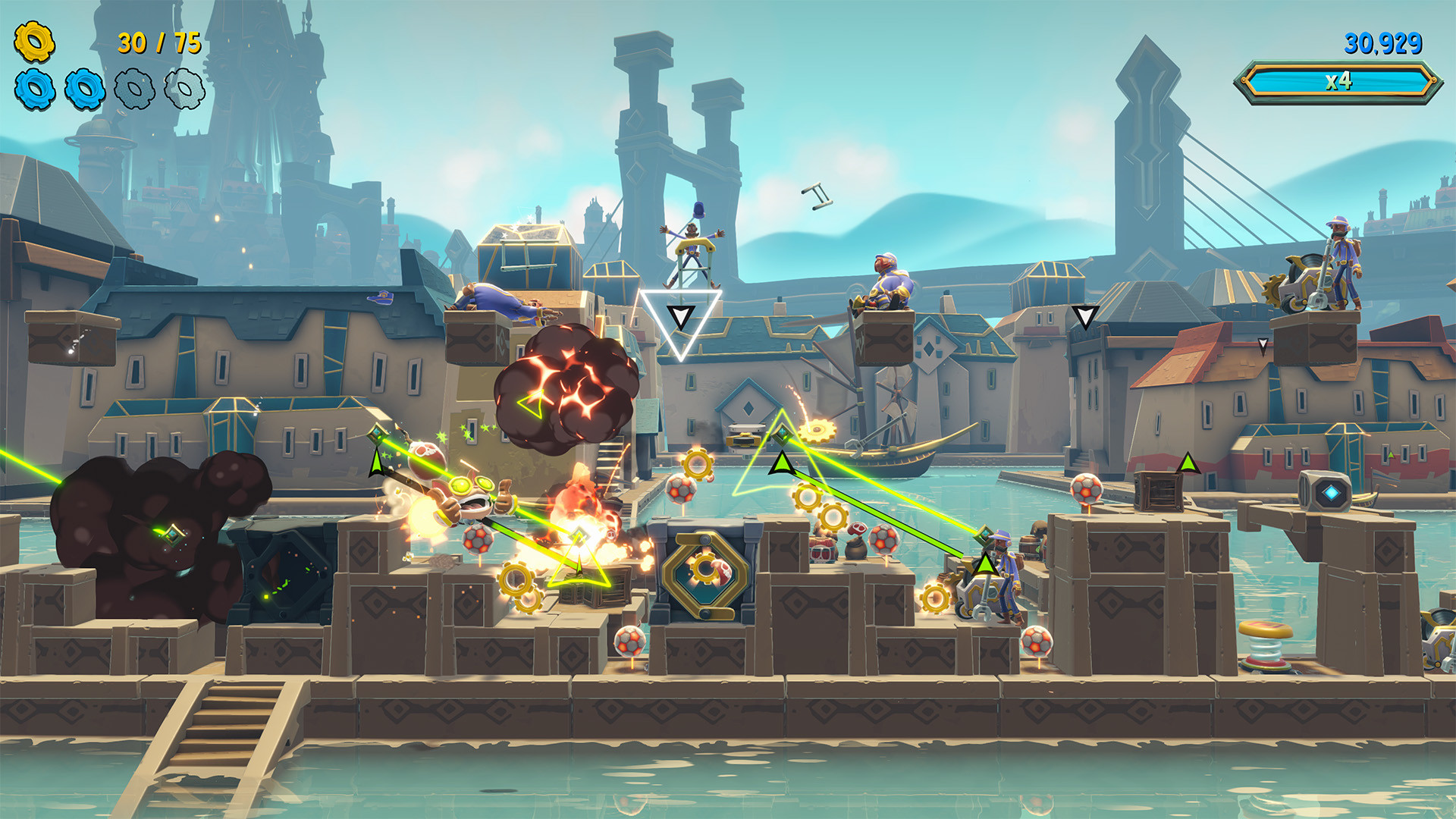
In this fast-paced rhythm runner, every action has an explosive reaction and no amount of mayhem is too much. Take on the role of yordle and Hexplosives expert Ziggs as you rampage through the neighborhoods of Piltover. Bomb, bounce, and bop to the beat of the music to avoid obstacles, disarm enemies, and light fuses to achieve maximum chaos. Cause musical mayhem while outrunning no-fun-allowed Heimerdinger in your quest to build the greatest bomb the world has ever seen!Use the Freestyle Mayhem System to create spontaneous blasts and grab bonus points… all while dodging the fun police and showing them what they’re really missing.Leave no fuse unlit in Hextech Mayhem: A League of Legends Story.

Hextech Mayhem: A League of Legends Story screenshotHextech Mayhem: A League of Legends Story screenshotHextech Mayhem: A League of Legends Story screenshotHextech Mayhem: A League of Legends Story screenshotHextech Mayhem: A League of Legends Story screenshotHextech Mayhem: A League of Legends Story screenshot

How to redeem

  1. 1Check your Nintendo Switch account and the listed region before purchasing.
  2. 2Find your code and supplier activation instructions in your confirmed order.
  3. 3Open the redeem-code section on Nintendo Switch, enter the code and follow the platform’s prompts.

Supplier instructions

Select “Nintendo eShop” on the HOME Menu to launch the Nintendo eShop. Select the account you want to use. Select “Enter Code” on the left side of the screen. Enter the 16-character download code.Any letters and symbols not used with prepaid codes (i.e. O, I, Z, commas, hyphens, etc.) will be disabled from the on-screen keyboard. Select “Send” to confirm. The game will begin downloading once the code is confirmed.The game icon will appear on the HOME menu, with a download status bar. The status bar will disappear once the game download is complete.

You might also like