Get 10% back in Relic Coins on every order
Pro Fishing Simulator cover

PlayStation 4Global· Account

Pro Fishing Simulator

€4.10

+€0.41 cashback eligibility in Relic Coins

Check before you play

Platform
PlayStation 4
Region
Global
Product type
Account

This listing delivers an account, not a game key. Read the supplier’s conditions before purchasing.

Developer
Sanuk Games
Publisher
Bigben Interactive
Supplier release date
2019-02-19
Genres
Simulation

About this product

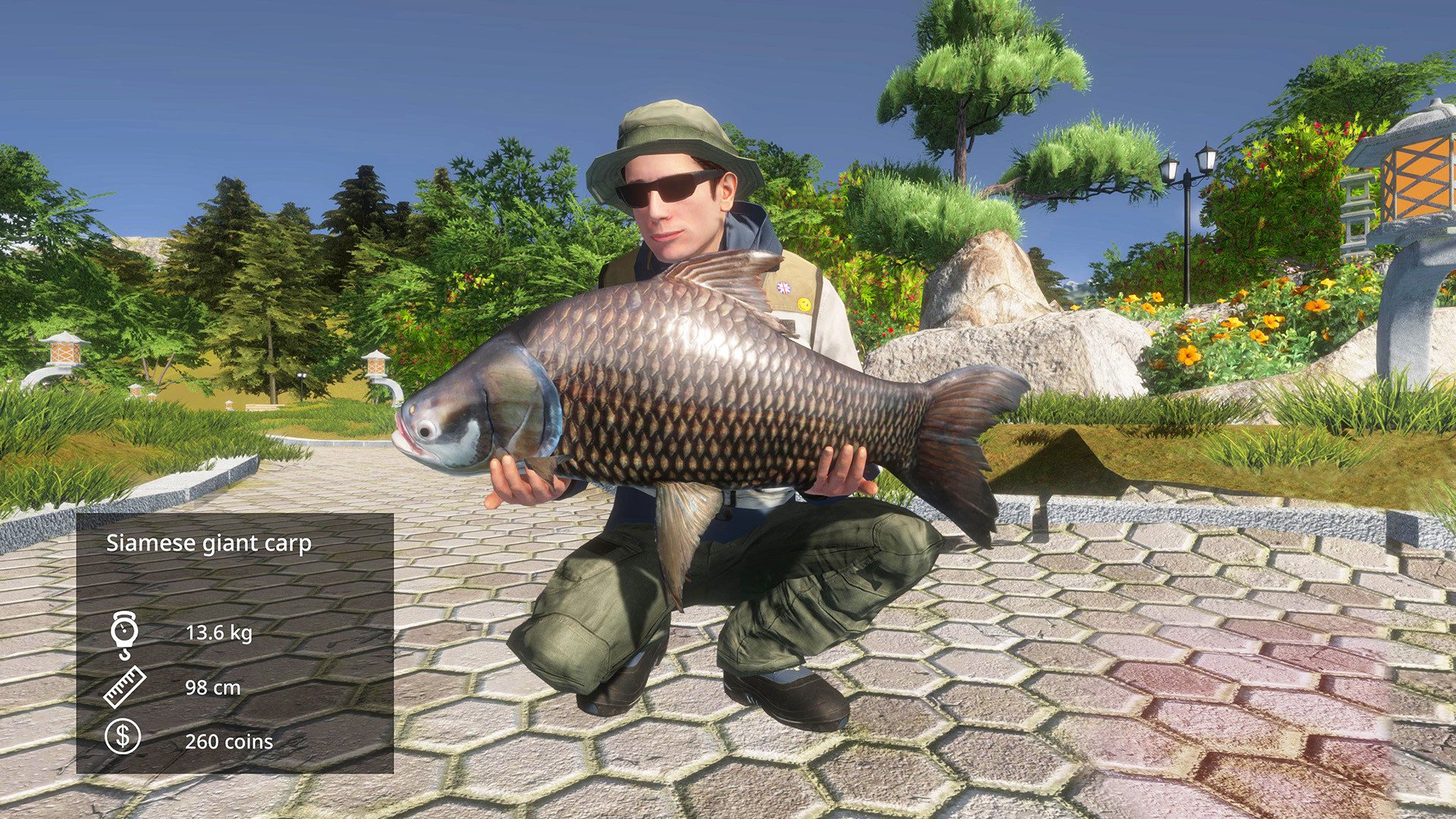
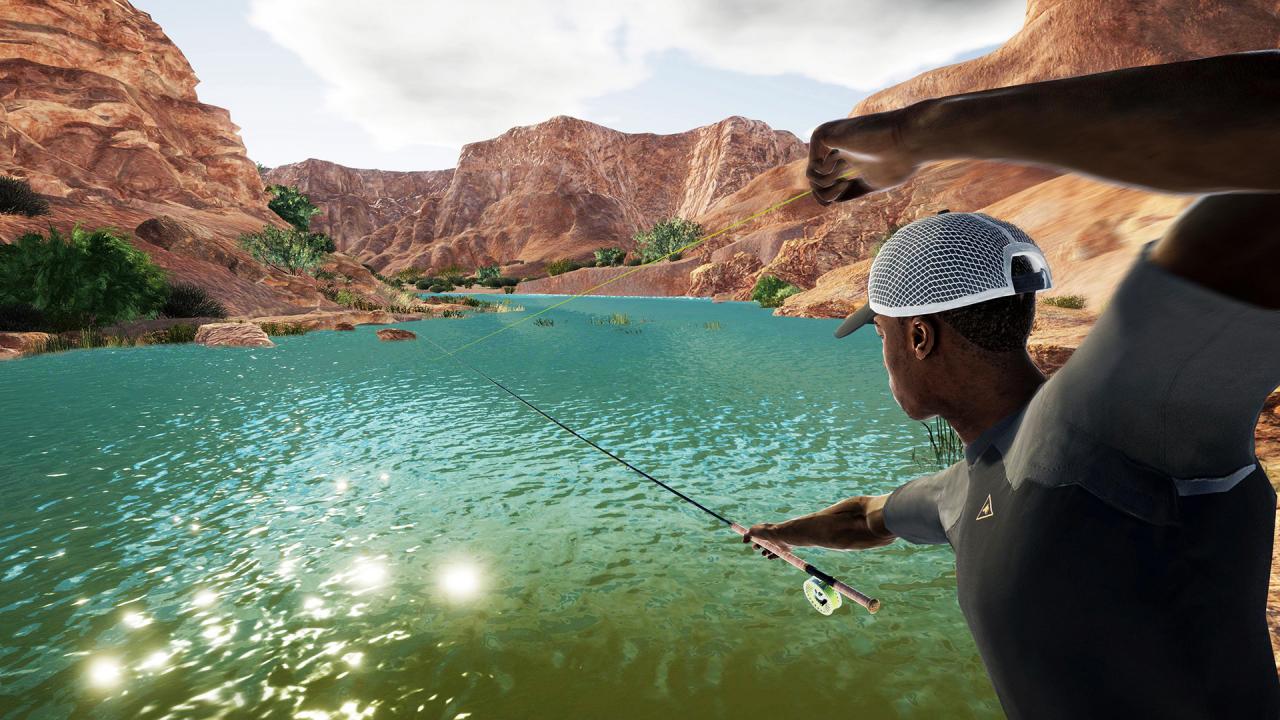
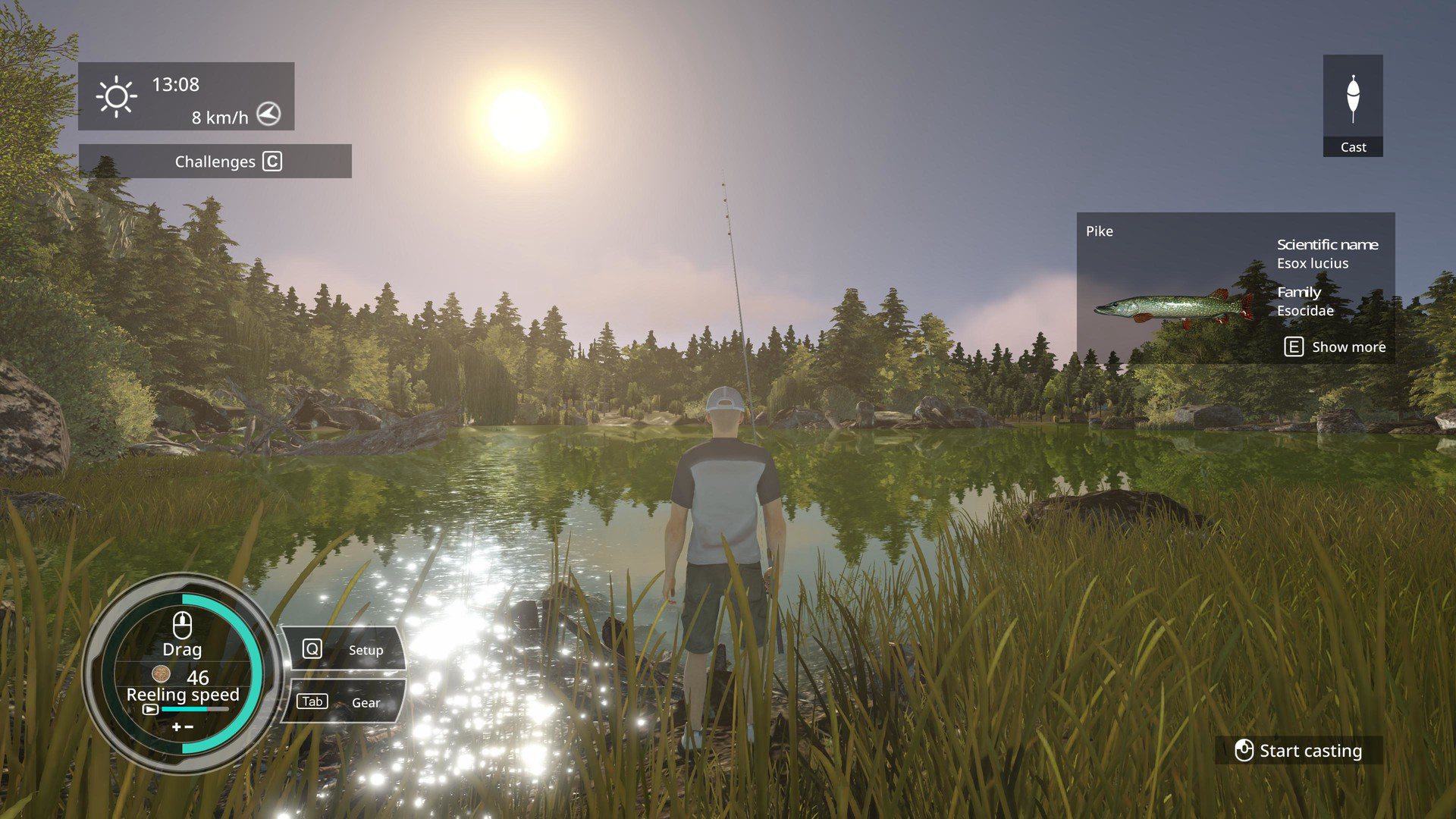
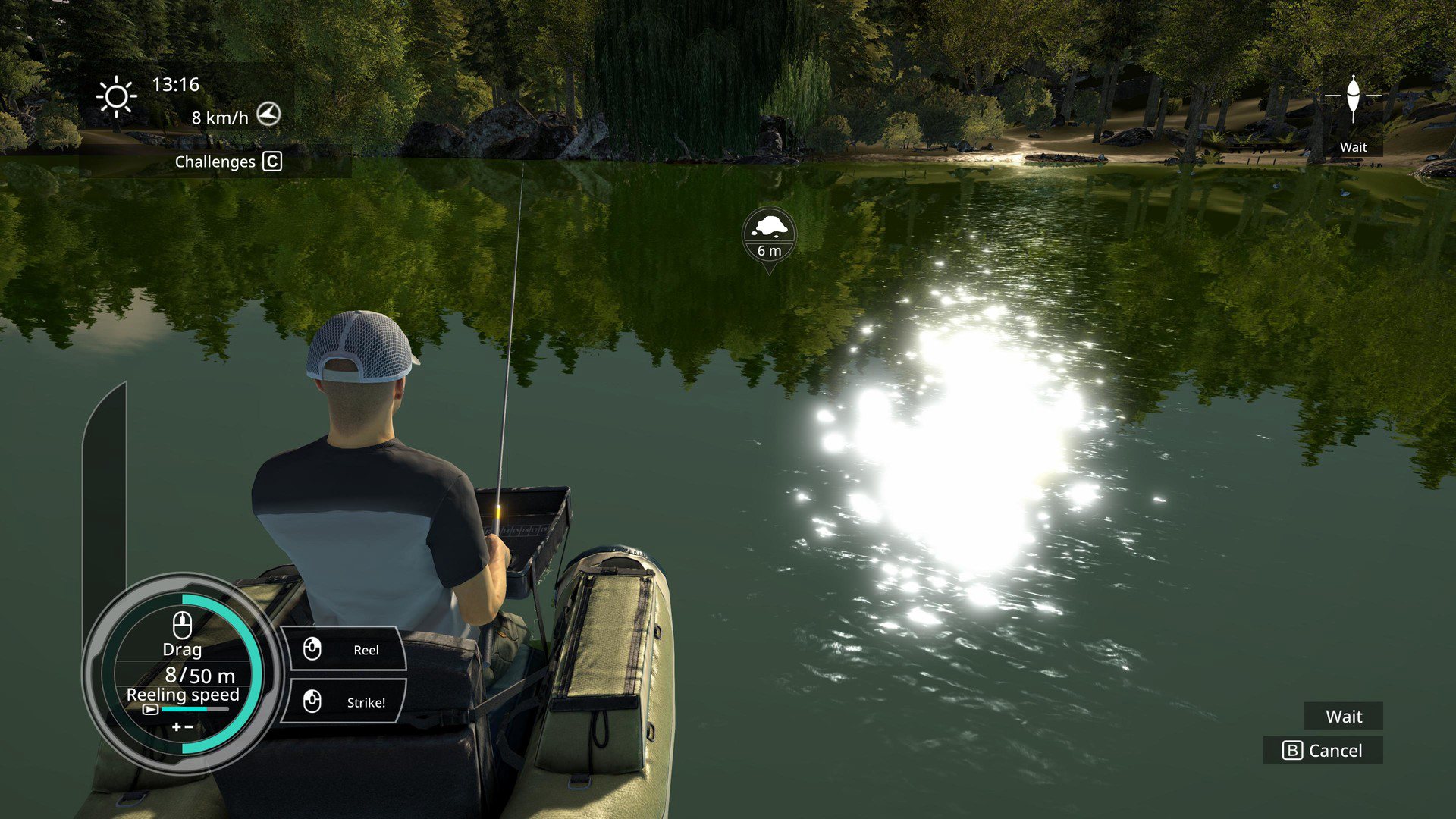
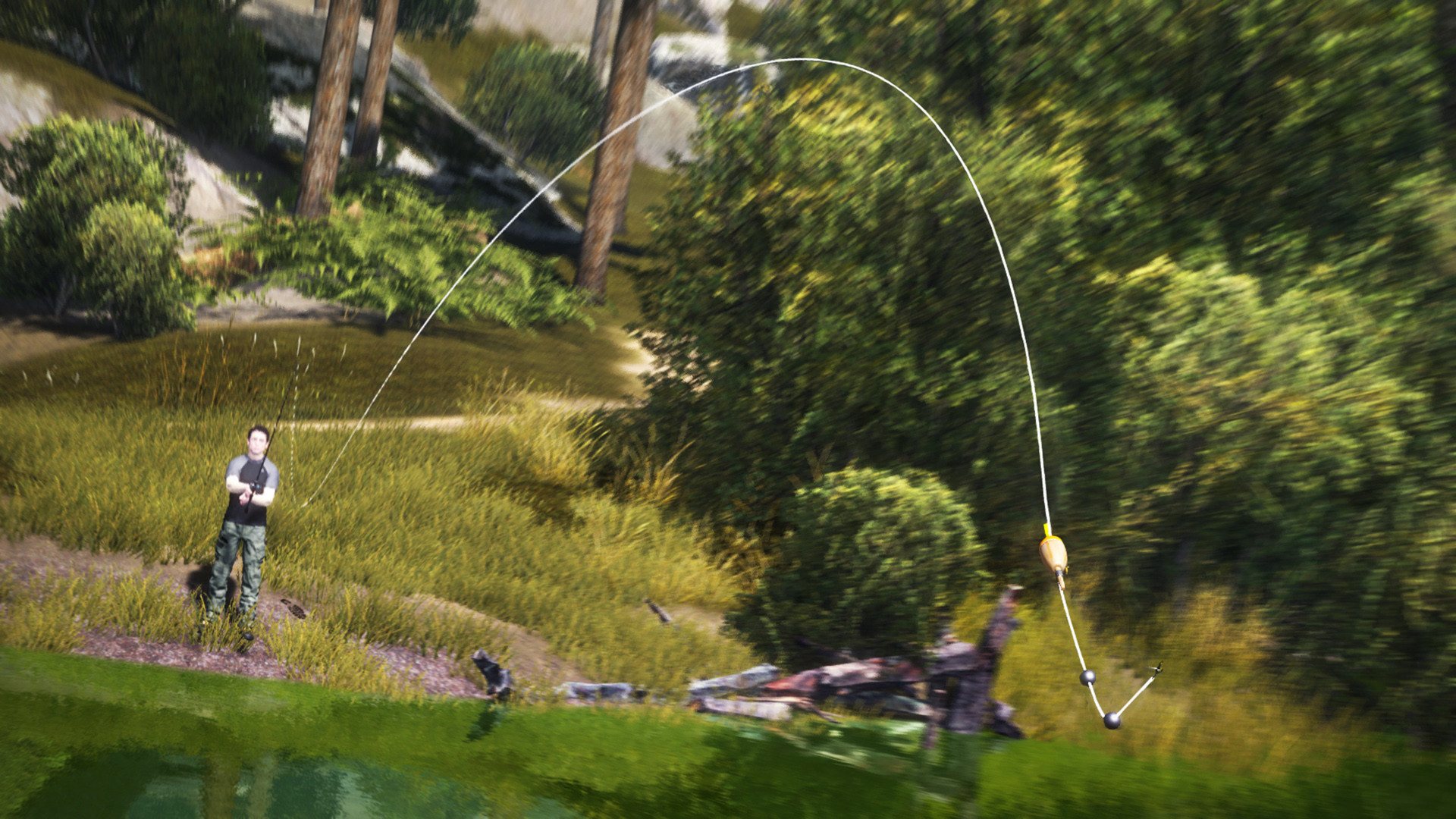
Pro Fishing Simulator is an authentic sport fishing simulation for both beginners and avid anglers. Freely explore the most beautiful fishing spots in the world and reel in the best catches by combining technique and the best official equipment. Features Travel across 9 fishing areas based on real places around the world – from Corsica to the Black Forest and Colorado. Master 6 fishing techniques with different gameplay: fly-fishing, lure fishing, boat fishing... Catch 79 types of fish with realistic behaviour. Hundreds of pieces of equipment from official brands to win and combine: Vision, JMC, KastKing, 13 Fishing, Lew’s, Strike King… Tutorials adapted to all levels, a fish wiki to learn more about each type of fish and over 100 challenges to tackle. Weekly and seasonal challenges.


Pro Fishing Simulator screenshotPro Fishing Simulator screenshotPro Fishing Simulator screenshotPro Fishing Simulator screenshotPro Fishing Simulator screenshotPro Fishing Simulator screenshot

How to redeem

  1. 1Read the account conditions and regional restrictions before purchasing.
  2. 2Open your confirmed order in your Relic Key account to view the supplier’s account details.
  3. 3Follow the supplied sign-in and setup instructions. This is an account, not a redeemable key.

Supplier instructions

Go to: http://store.steampowered.com/ and download STEAM client Click "Install Steam" (from the upper right corner) Install and start application, login with your Account name and Password (create one if you don't have). Please follow these instructions to activate a new retail purchase on Steam: Launch Steam and log into your Steam account. Click the Games Menu. Choose Activate a Product on Steam... Follow the onscreen instructions to complete the process. After successful code verification go to the "MY GAMES" tab and start downloading.

You might also like