
Steam· Key
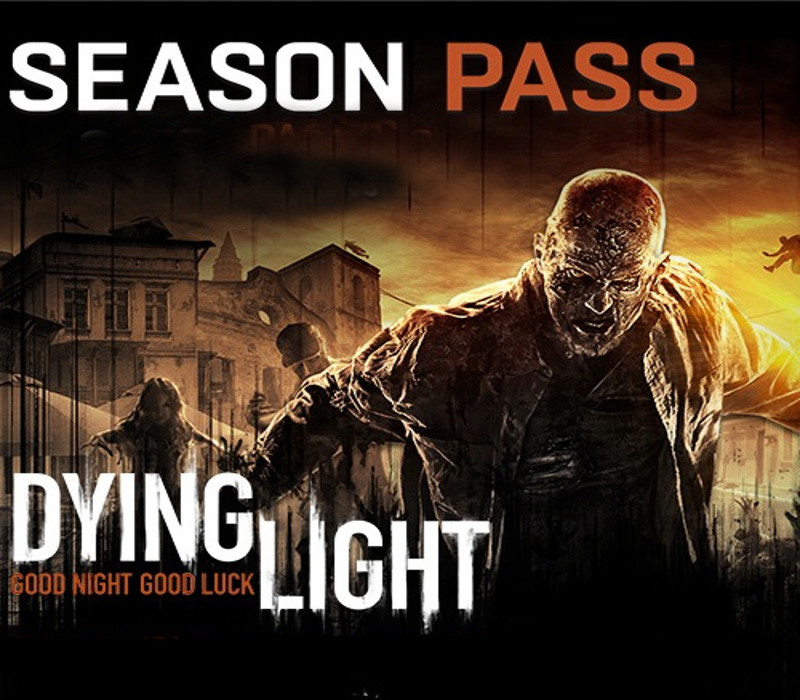
Dying Light - Season Pass
€2.93
+€0.29 cashback eligibility in Relic Coins
Check before you play
- Platform
- Steam
- Product type
- Key
- Developer
- Techland
- Publisher
- Techland
- Supplier release date
- 2015-01-27
- Genres
- Action, RPG
Steam· Key
€2.93
+€0.29 cashback eligibility in Relic Coins
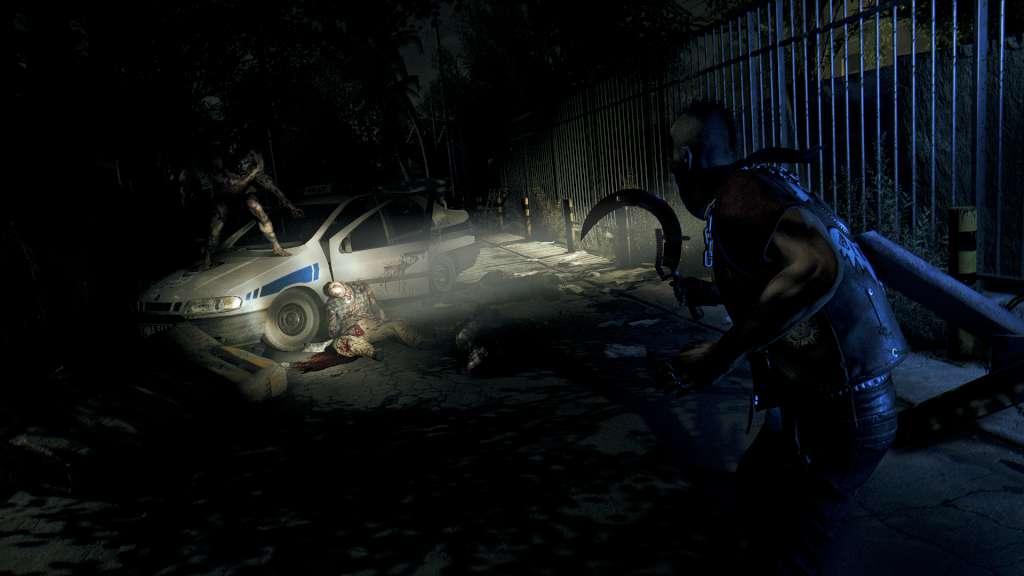
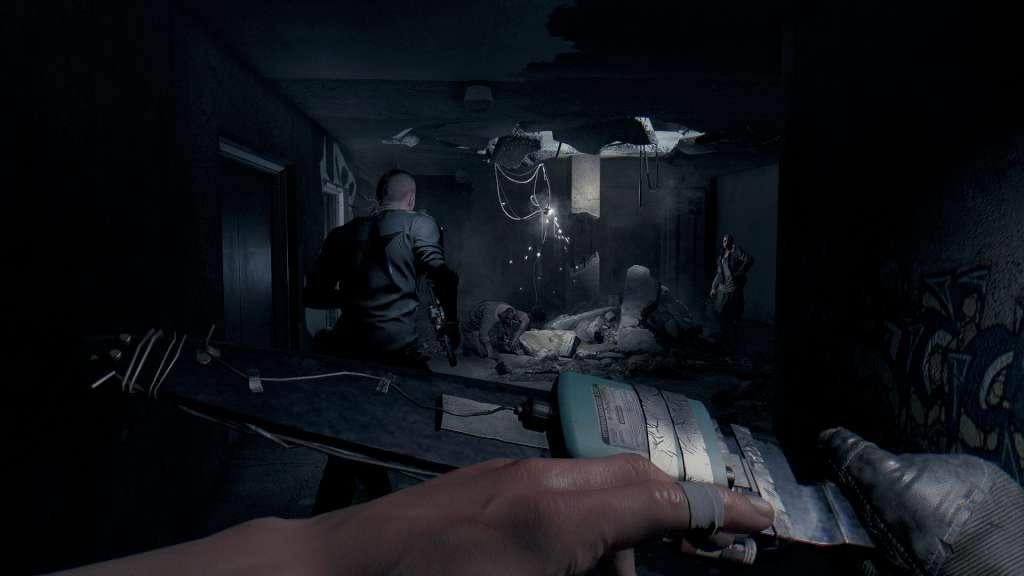
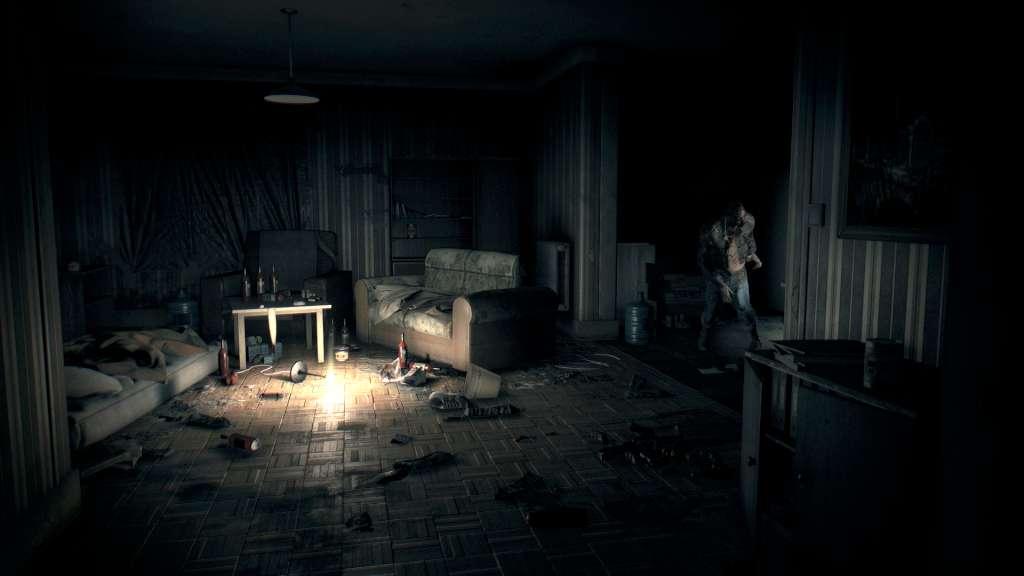
Season PassGo outside Harran for more fun! Get the Season Pass and receive the fourth content drop – Dying Light: The Following – completely free (when it launches). In this story-based expansion, you leave the urban area and explore a dangerous countryside jam-packed with mysterious characters, deadly new weapons, and unexpected quests. Take the wheel of a dirt buggy, get your tires smeared with zombie blood, and experience Dying Light’s creative brutality in high gear. On top of that, you can enjoy the three Season Pass DLC packs right now. Put your skills to the ultimate test in the exclusive Cuisine & Cargo challenge missions, get your hands on additional weapons and skins, and take part in The Bozak Horde - a competitive game mode for the very best survivors.Dying LightDying Light is a first-person, action survival game set in a vast open world. Roam a city devastated by a mysterious epidemic, scavenging for supplies and crafting weapons to help defeat the hordes of flesh-hungry enemies the plague has created. At night, beware the Infected as they grow in strength and even more lethal nocturnal predators leave their nests to feed on their prey.



Go to: http://store.steampowered.com/ and download STEAM client Click "Install Steam" (from the upper right corner) Install and start application, login with your Account name and Password (create one if you don't have). Please follow these instructions to activate a new retail purchase on Steam: Launch Steam and log into your Steam account. Click the Games Menu. Choose Activate a Product on Steam... Follow the onscreen instructions to complete the process. After successful code verification go to the "MY GAMES" tab and start downloading.