Get 10% back in Relic Coins on every order
Worbital cover

Nintendo SwitchEurope· Key

Worbital

€3.91

+€0.39 cashback eligibility in Relic Coins

Check before you play

Platform
Nintendo Switch
Region
Europe
Product type
Key
Developer
Team Jolly Roger
Publisher
Team Jolly Roger, Advanced Interactive Gaming
Supplier release date
2019-01-31
Genres
Action, Strategy, Indie, Co-op

About this product

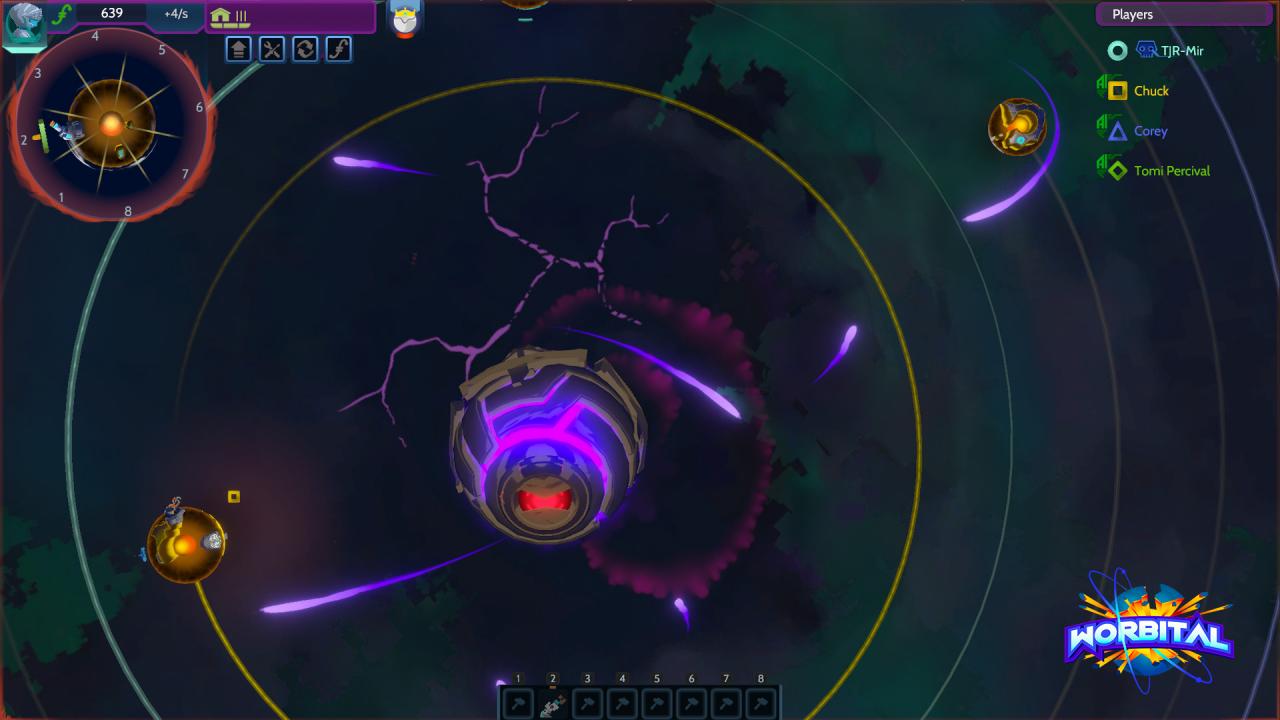
Break the Space! Worbital is space war in real-time with tension-filled gameplay and gravitational destruction. Each player commandeers a planet, building support structures and increasingly powerful weapons. Use your weaponry to destroy enemy planets and wreak total havoc to the solar system. The goal: be the last civilization standing! Worbital Features INTERPLANETARY ARTILLERY WARFAREExploit the shifting gravity by maneuvering your shots across space to inflict maximum damage on the enemy. Sling asteroids, create black holes, make it rain with solar flares! COSMIC CHAOSPlanets blow up. They might take other planets with them. Then the sun explodes. Then the real fun begins. PREPARATION, BUILDING, TACTICSRailguns, Lasers, World Rammers, Magnets, Orbit Boosters, Shield Defenses, Attack Ships, Colonizers… Pick your loadout from dozens of unique weapons! 100% PSEUDO-SCIENTIFICALLY ACCURATEOr: How we learned to stop worrying about realism and love the mayhem. HYPE-FILLED OBLITERATION OF YOUR CLOSE AND DISTANT FRIENDSMake your opponents scream with perfectly-timed attacks and defenses, and hope they’re still your friends the next day. Game Modes Online Multiplayer Split-Screen Multiplayer (gamepad required for each player!) Single Player Skirmish Single Player Campaign Custom Rules Match

Worbital screenshotWorbital screenshotWorbital screenshotWorbital screenshotWorbital screenshotWorbital screenshot

How to redeem

  1. 1Check your Nintendo Switch account and the listed region before purchasing.
  2. 2Find your code and supplier activation instructions in your confirmed order.
  3. 3Open the redeem-code section on Nintendo Switch, enter the code and follow the platform’s prompts.

Supplier instructions

Go to: http://store.steampowered.com/ and download STEAM client Click "Install Steam" (from the upper right corner) Install and start application, login with your Account name and Password (create one if you don't have). Please follow these instructions to activate a new retail purchase on Steam: Launch Steam and log into your Steam account. Click the Games Menu. Choose Activate a Product on Steam... Follow the onscreen instructions to complete the process. After successful code verification go to the "MY GAMES" tab and start downloading.

You might also like