Get 10% back in Relic Coins on every order
Crosshair X cover

Epic GamesGlobal· Account

Crosshair X

€3.99

+€0.40 cashback eligibility in Relic Coins

Check before you play

Platform
Epic Games
Region
Global
Product type
Account

This listing delivers an account, not a game key. Read the supplier’s conditions before purchasing.

Developer
CenterPoint Gaming
Publisher
CenterPoint Gaming
Supplier release date
2020-08-17
Genres
Action, Adventure, Indie

About this product

Get a competitive edge by customizing your crosshair to be clear and precise on every game you play. You can start out with a featured pro Crosshair or a community design, then make adjustments to create a custom gaming solution that takes your aim to the next level. Features Community: Explore thousands of designs created by the Crosshair X community Designer: Easy to use sliders let you adjust all features of your crosshair Exclusive Fullscreen with Game Bar Extension: Game bar is a trusted and secure game overlay platform that is built by Microsoft for PC gamers. This is by far the safest and most secure way to overlay games. Share: Share your favorite designs with your friends Images: Upload any image you want to overlay as a Crosshair Toggle: Toggle the visibility of your crosshair with many different mouse states and keyboard shortcuts Positions: Display your crosshair on any monitor and manage saved positions for different games Export: Save your crosshair to your computer as a .PNG or .SVG Customization Options: Lines: Opacity, Length, Width, Offset, Color, Blur, Rotation Center dot: Opacity, Size, Color, Blur Outlines: Opacity, Thickness, Color, Blur T-Shape: Remove top Crosshair arm never, always, or only when firing Bloom: Make the crosshair spread apart when firing Location: Adjust the X and Y coordinates of the crosshair

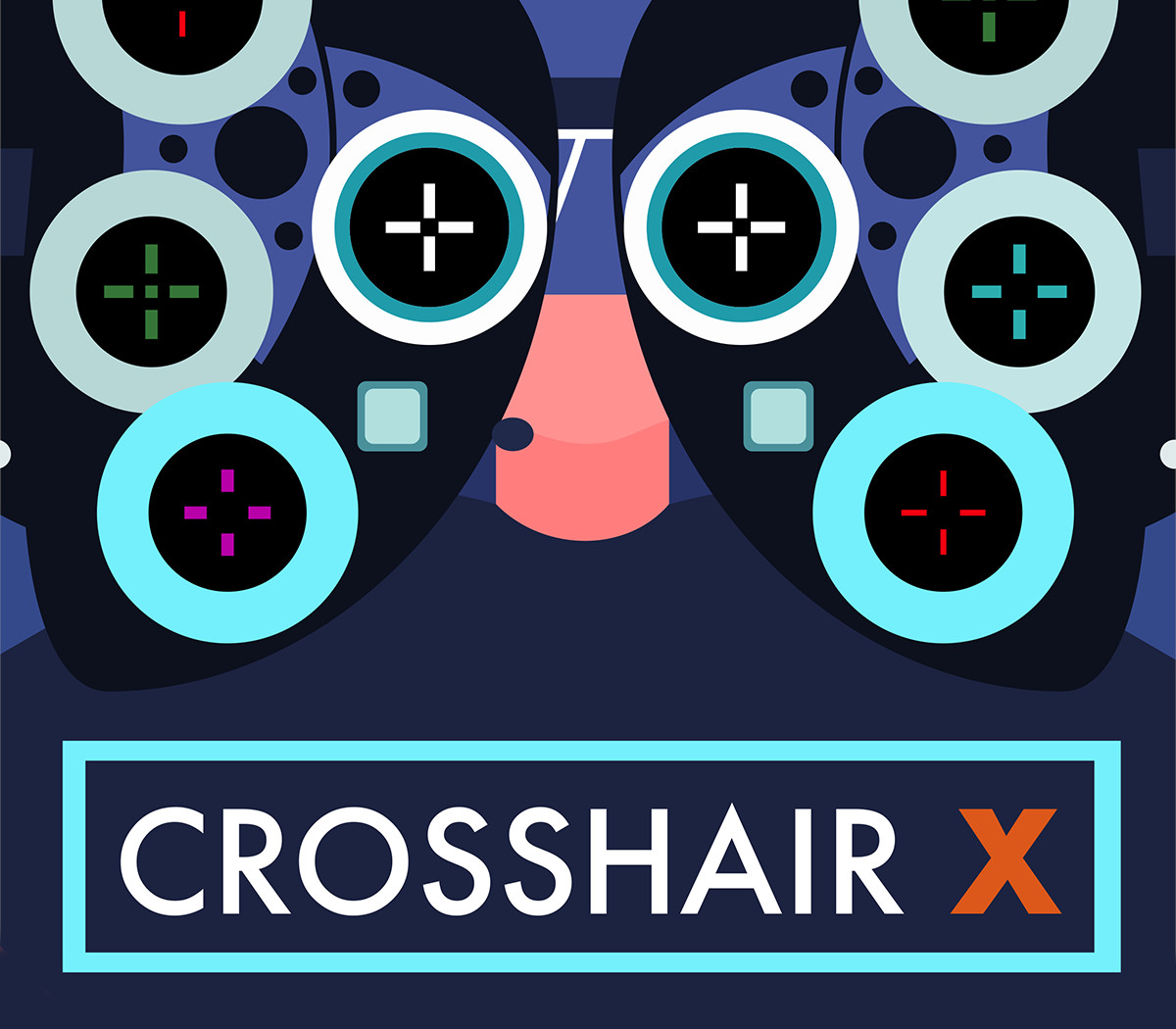
Crosshair X screenshotCrosshair X screenshotCrosshair X screenshotCrosshair X screenshotCrosshair X screenshot

How to redeem

  1. 1Read the account conditions and regional restrictions before purchasing.
  2. 2Open your confirmed order in your Relic Key account to view the supplier’s account details.
  3. 3Follow the supplied sign-in and setup instructions. This is an account, not a redeemable key.

Supplier instructions

Use the credentials you received (directly or via an external website) and log into the account. Make sure that the content on the account is correct (correct edition of the game, no playtime etc) Change the credentials to make the account your own: Change the email Change the password Add 2FA The account should be used as a way of accessing the game/content you are interested in. It is not recommended to use it as your main account, as you might have issues with making purchases on it.

You might also like