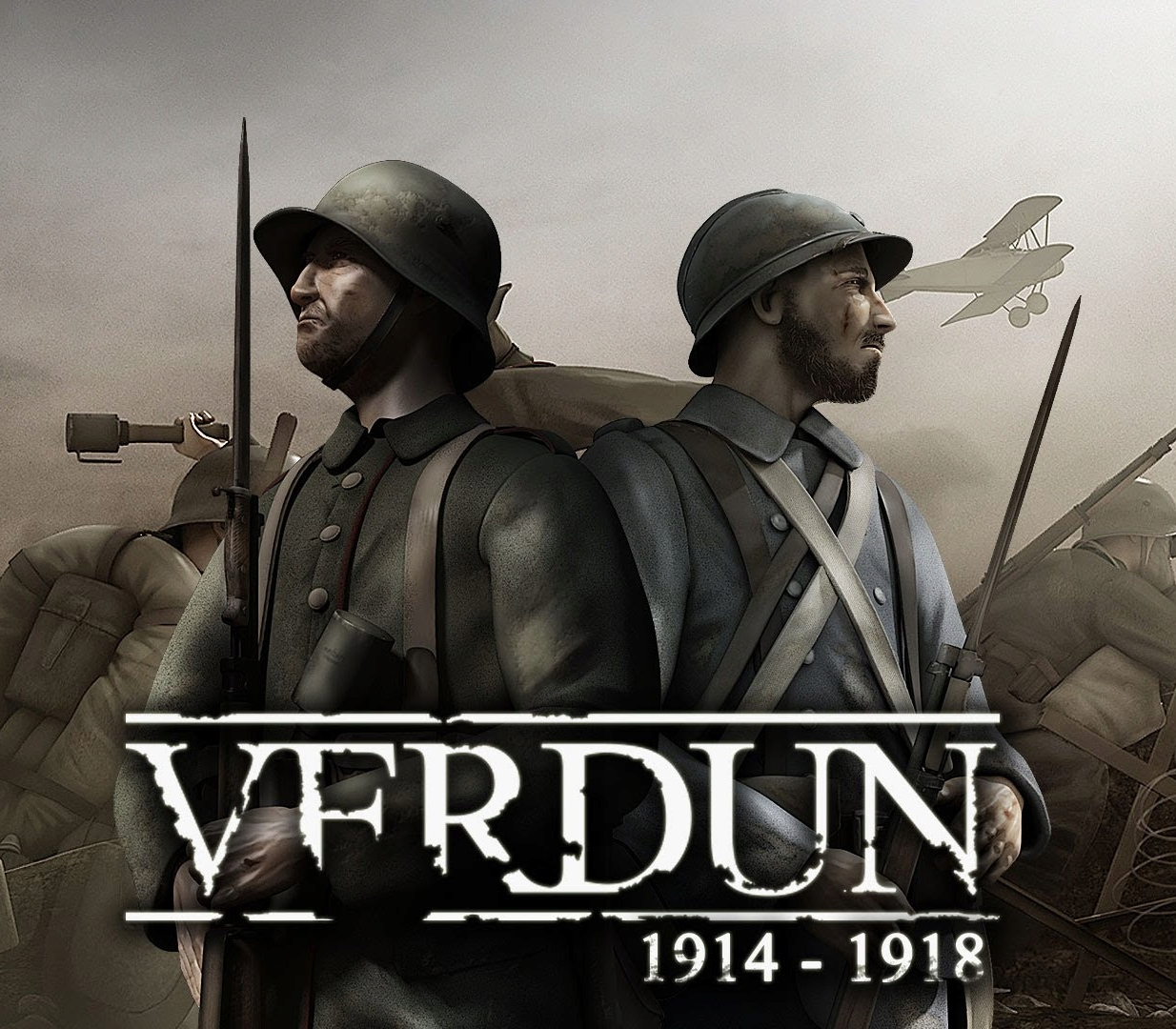
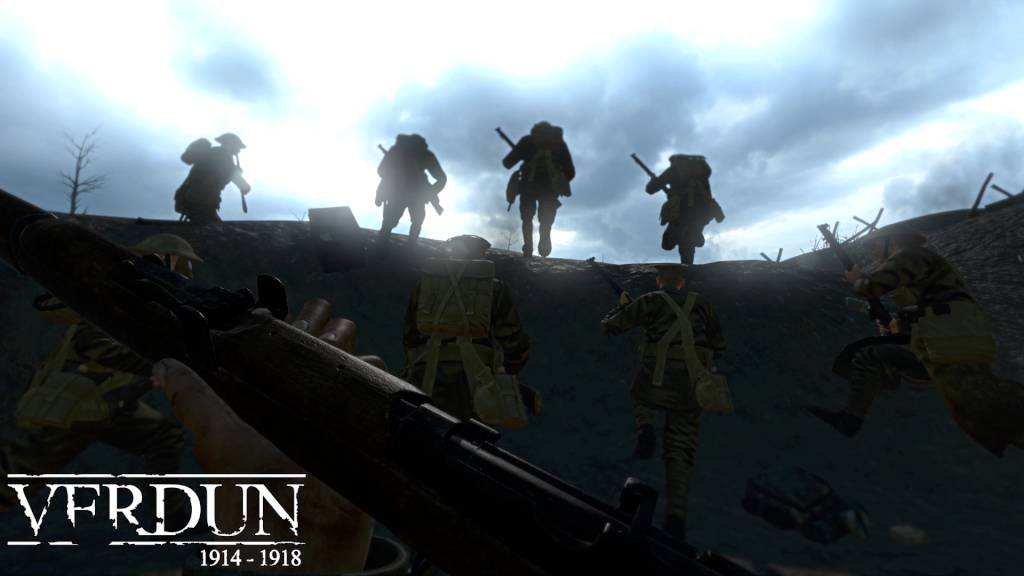
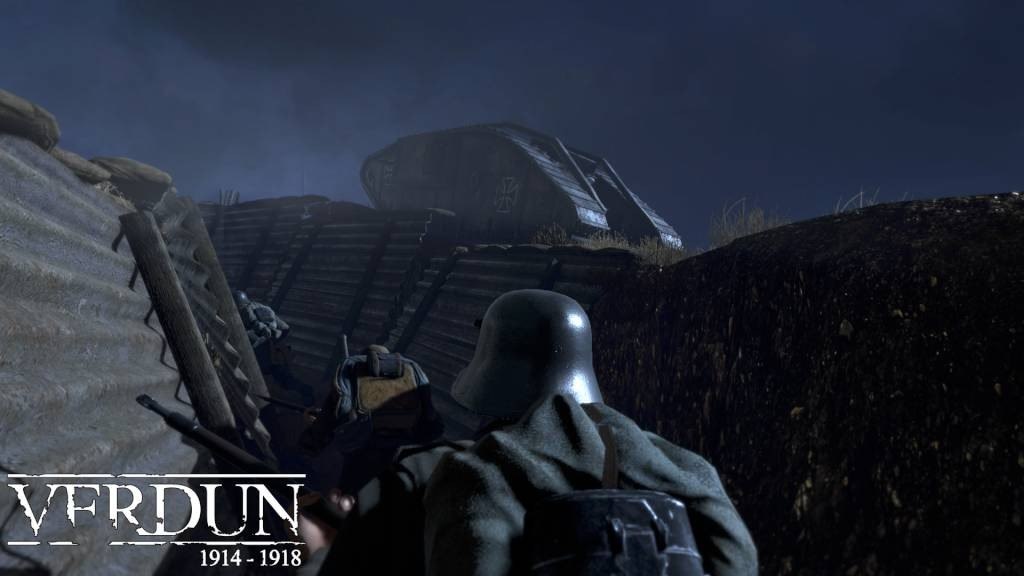
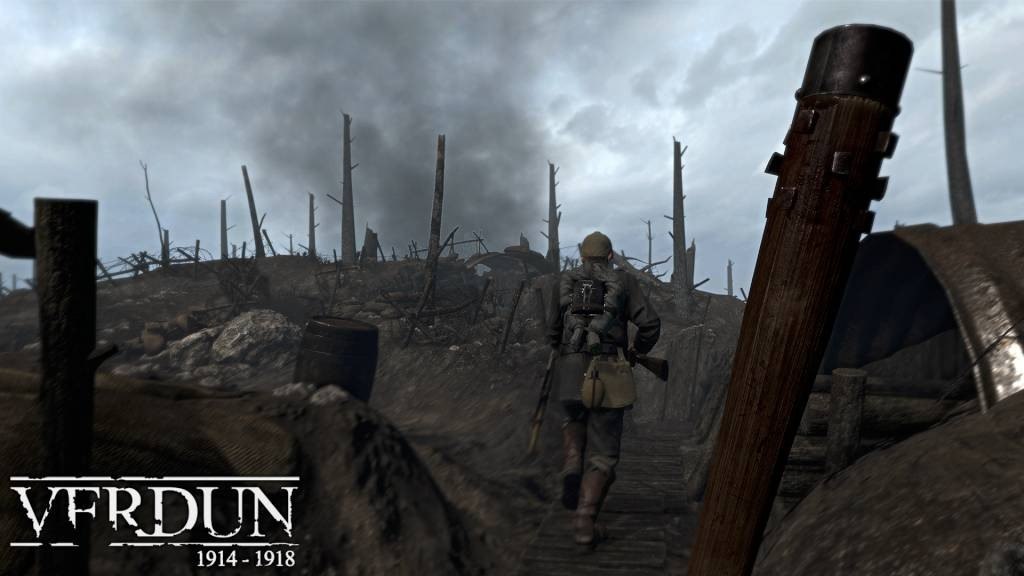
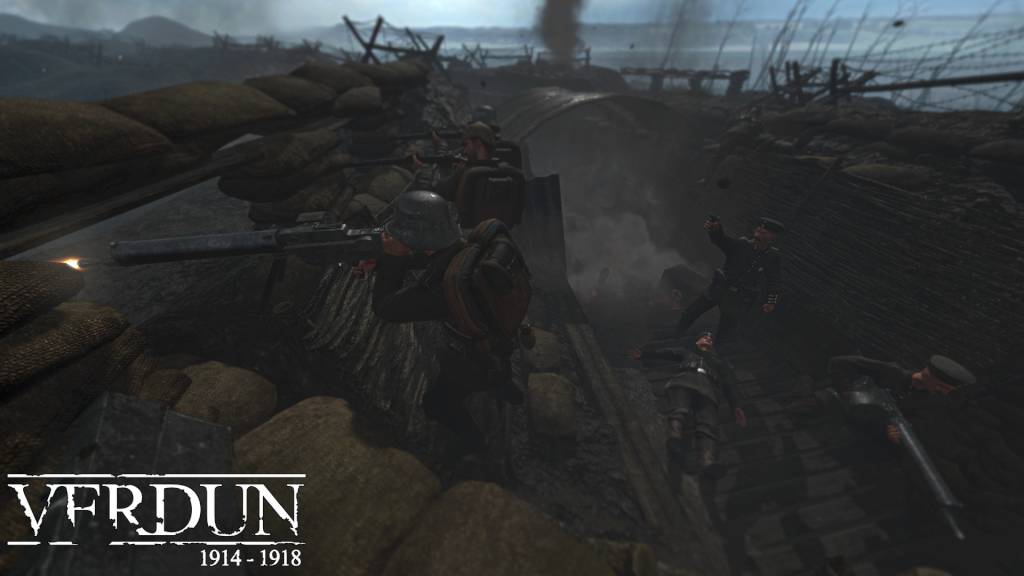
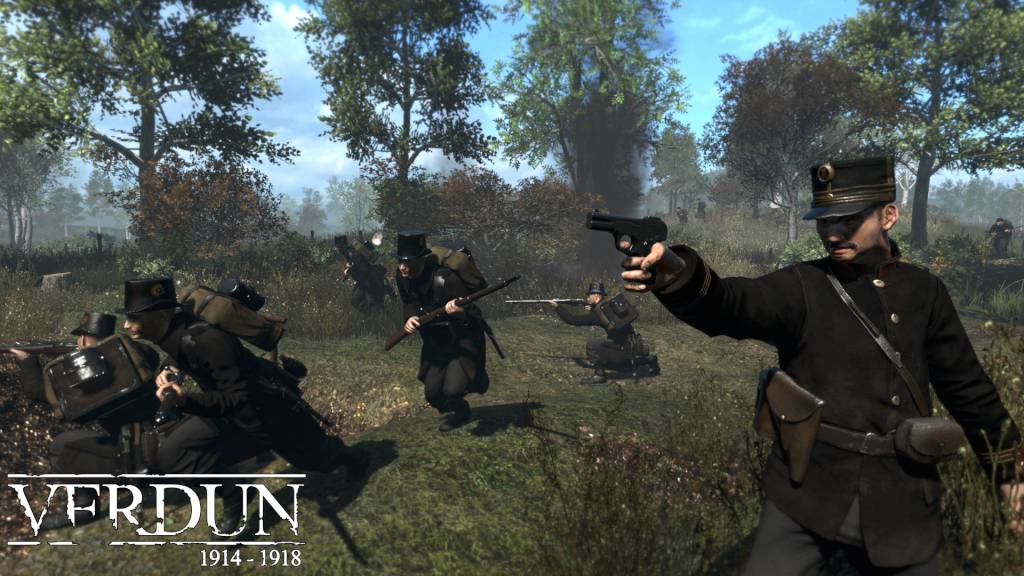
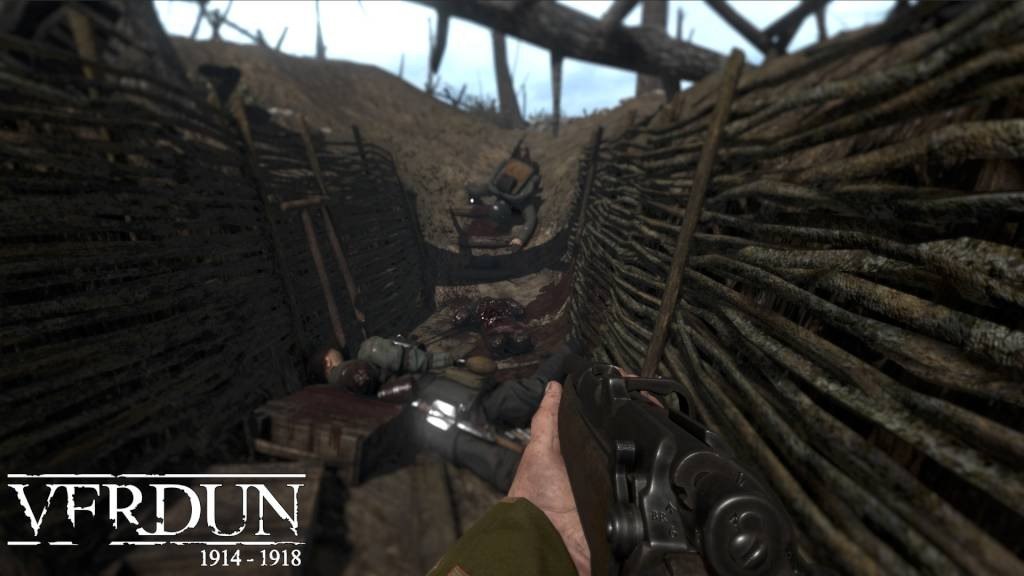
Verdun is the first multiplayer FPS set in a realistic World War One setting. The merciless trench warfare offers a unique battlefield experience, immersing you and your squad into intense battles of attack and defense. The game takes place on the western front between 1914 and 1918, in one of the bloodiest conflicts in world history. The developers were inspired by the infamous Battle of Verdun in 1916. The game offers 4 distinct game-modes: Frontlines, Attrition, Rifle Deathmatch, and Squad Defense. There are also many historically accurate features such as realistic WW1 weaponry, authentic uniforms, horrendous gore, and maps based on the real battlefields of France and Belgium. Features Realistic World War 1 gameplay: Authentic weaponry with realistic bullet physics, skill based weapon handling, gore, poisonous gas with a claustrophobic gas mask experience, gore and artillery barrages Tactical squad-based FPS: Unique squad leveling system, distinct squad types and roles, voice chat True trench warfare: Real-time dynamic frontline with momentum-based attack and counter-attack gameplay Authentic World War 1 setting: Typical WW1 music and style, historical battlefields set on the Western Front Challenging game modes: Team-based Frontline, tactical Attrition, skill-based Rifle Deathmatch and desperate survival in Squad Defense