
MS Store (PC)Americas· Key
Xbox Game Pass for - 1 Month Windows 10 (NON-STACKABLE)
€14.69
+€1.47 cashback eligibility in Relic Coins
Check before you play
- Platform
- MS Store (PC)
- Region
- Americas
- Product type
- Key
- Genres
- Subscription
MS Store (PC)Americas· Key
€14.69
+€1.47 cashback eligibility in Relic Coins
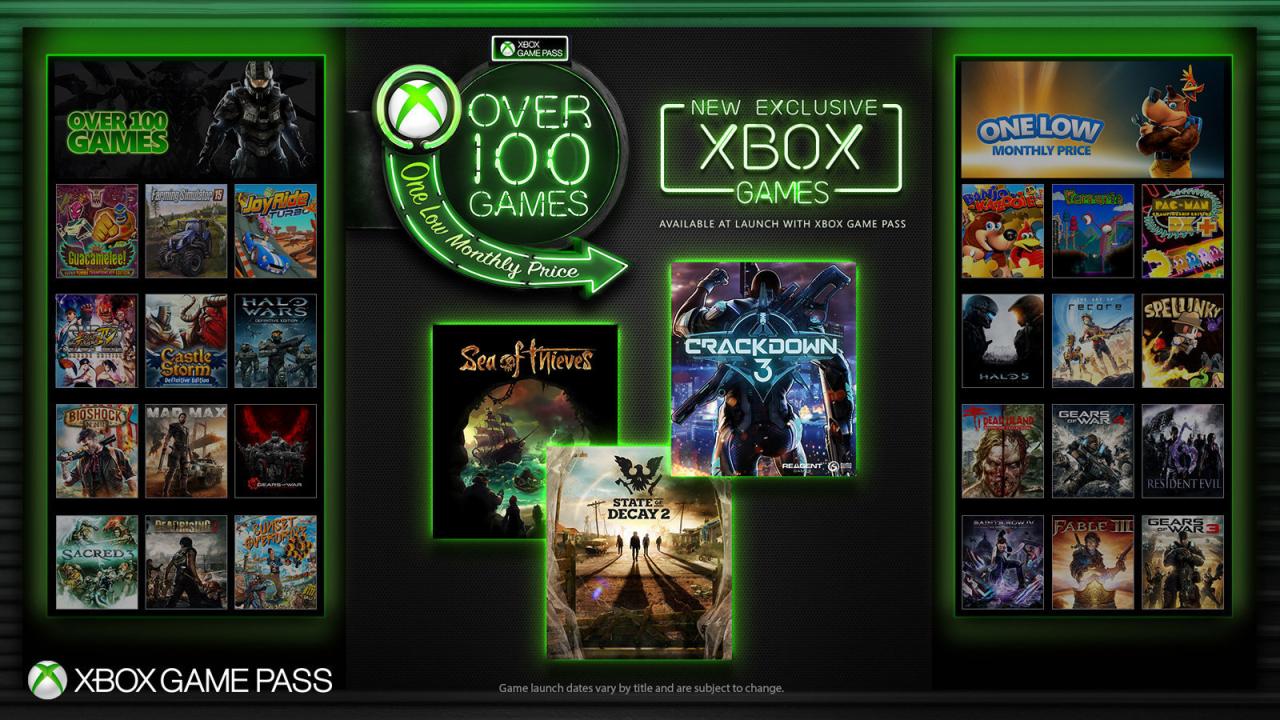
Those codes cannot be "stacked" - in case of multiple purchased codes make sure to use them month after month, not all at the same time. Unlimited access to over 100 high-quality PC games on Windows 10. With games added all the time, you’ll always have something new to play. You can find the list of available titles https://www.xbox.com/en-US/xbox-game-pass/games?=pcgames Features High-quality PC gamesEpic expeditions, perplexing mysteries, inspiring contests. And with games being added all the time, there’s always something to play. Made for PCExplore a deep library of PC-first games and play all-new games from Xbox Game Studios the day they launch. Connect and playSee what your friends are playing and chat with them while you play. Advanced features let you keep the conversation going from game to game.
Select the Start button, then select Xbox. Sign in. If you don’t have a Microsoft account, sign up. If you’ve ever installed games from the Windows Store, use the same Microsoft account here. Select My games. Games you have on that device will appear there. Click on Find games in the Store. Select Redeem code option and enter your xxxxx-xxxxx-xxxxx-xxxxx-xxxxx key.