
OtherEurope· Gift
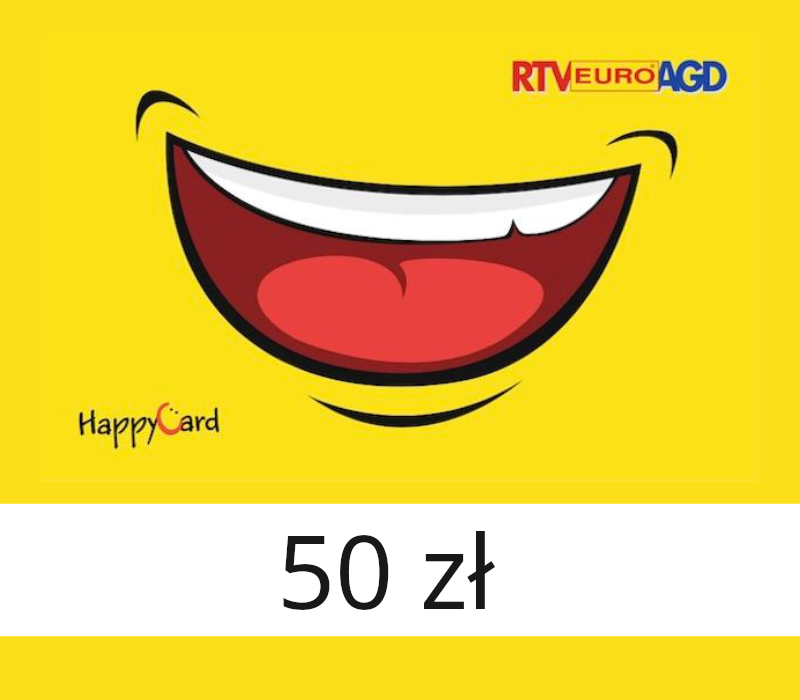
RTV Euro AGD 50 zł Gift Card PL
€16.75
+€1.68 cashback eligibility in Relic Coins
Check before you play
- Region
- Europe
- Product type
- Gift
OtherEurope· Gift
€16.75
+€1.68 cashback eligibility in Relic Coins
Give your loved one a dream gift! The Euro Gift Card can be used in all RTV EURO AGD stores and on the website. It is perfect for any occasion - the person receiving it will decide what will bring them the greatest joy! In stationary stores as well as in the online store, the card can be combined with other payment methods. Key features Pay conveniently for purchases both offline in the store and online over the internet. Use it multiple times until the funds are exhausted; you can also pay the remaining amount in another form. Send it electronically or as a gift elegantly packaged in a case.

How to use it? A maximum of 15 Euro Gift Cards can be used during one payment, both in a physical store and online. The card can be used multiple times, until the funds are used up or until the expiry date. In the case of choosing products with a value higher than the card face value, the Customer is obliged to pay the difference. To make a payment in the online store, the 21-digit card number and PIN code must be used. The card cannot be exchanged for cash. The gift card can be combined with other promotions if the promotion regulations do not exclude payment with a gift card. The balance of funds and expiry date can be checked on the https://www.euro.com.pl/cms/karta-podarunkowa.bhtmlafter entering the card number. When paying with Electronic Gift Cards in physical Euro stores, the Customer has 2 payment options: May have a digital card May pay with a card in a physical store using a smartphone – Downloads a PDF file from the mail or phone app, approaches the cashier and shows the card barcode. Then the cashier uses a scanner to read the barcode displayed on the smartphone. The code displayed on the smartphone must be visible to the scanner. It may have a card in printed form. It is important that it is in actual size, such as the downloaded PDF format.