Get 10% back in Relic Coins on every order
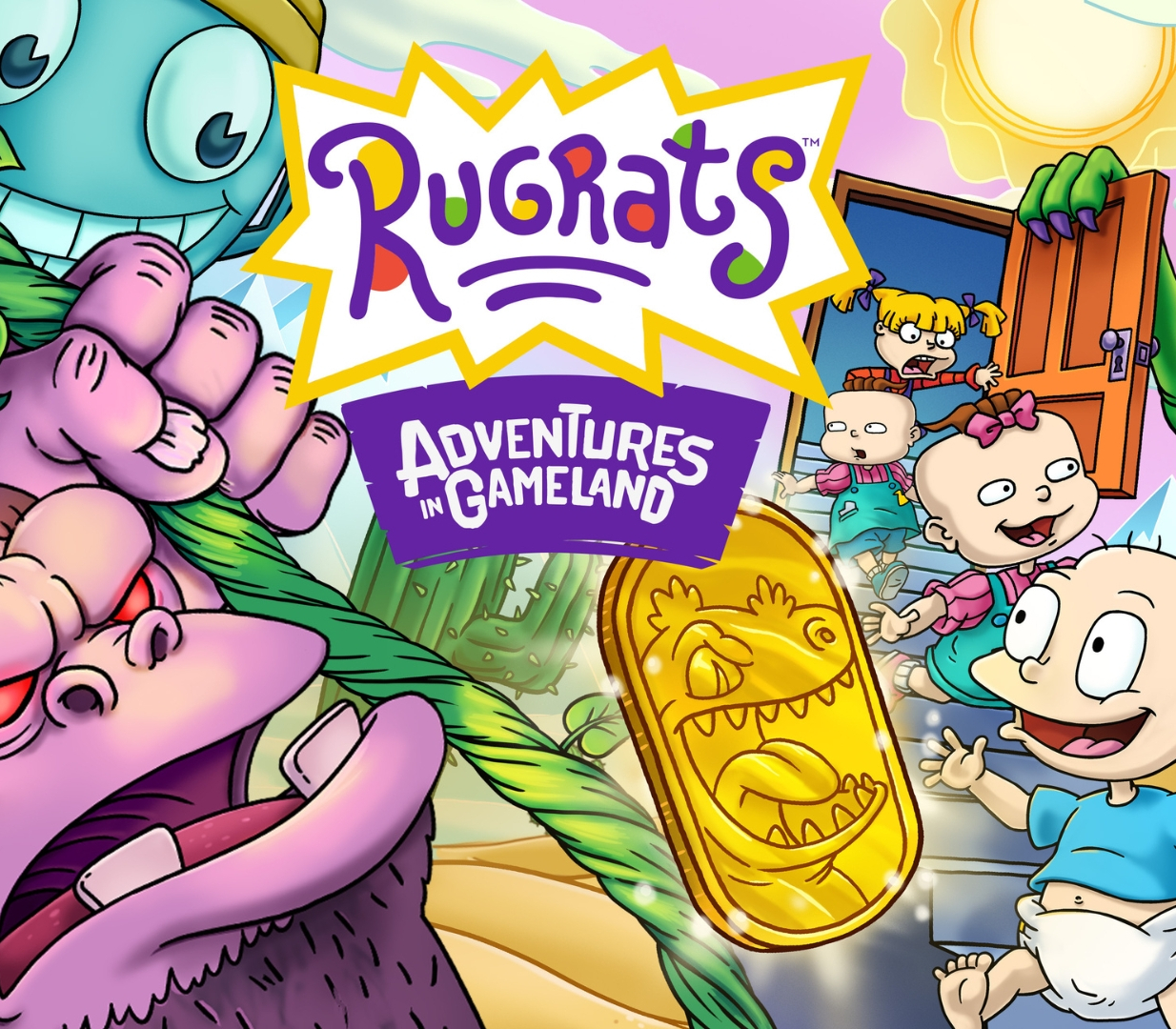
Rugrats: Adventures in Gameland cover

PlayStation 5Europe· Key

Rugrats: Adventures in Gameland

€16.24

+€1.62 cashback eligibility in Relic Coins

Check before you play

Platform
PlayStation 5
Region
Europe
Product type
Key
Developer
The MIX Games
Publisher
The MIX Games
Supplier release date
2024-09-10
Genres
Action, Adventure, Indie, Platformer, Co-op

About this product

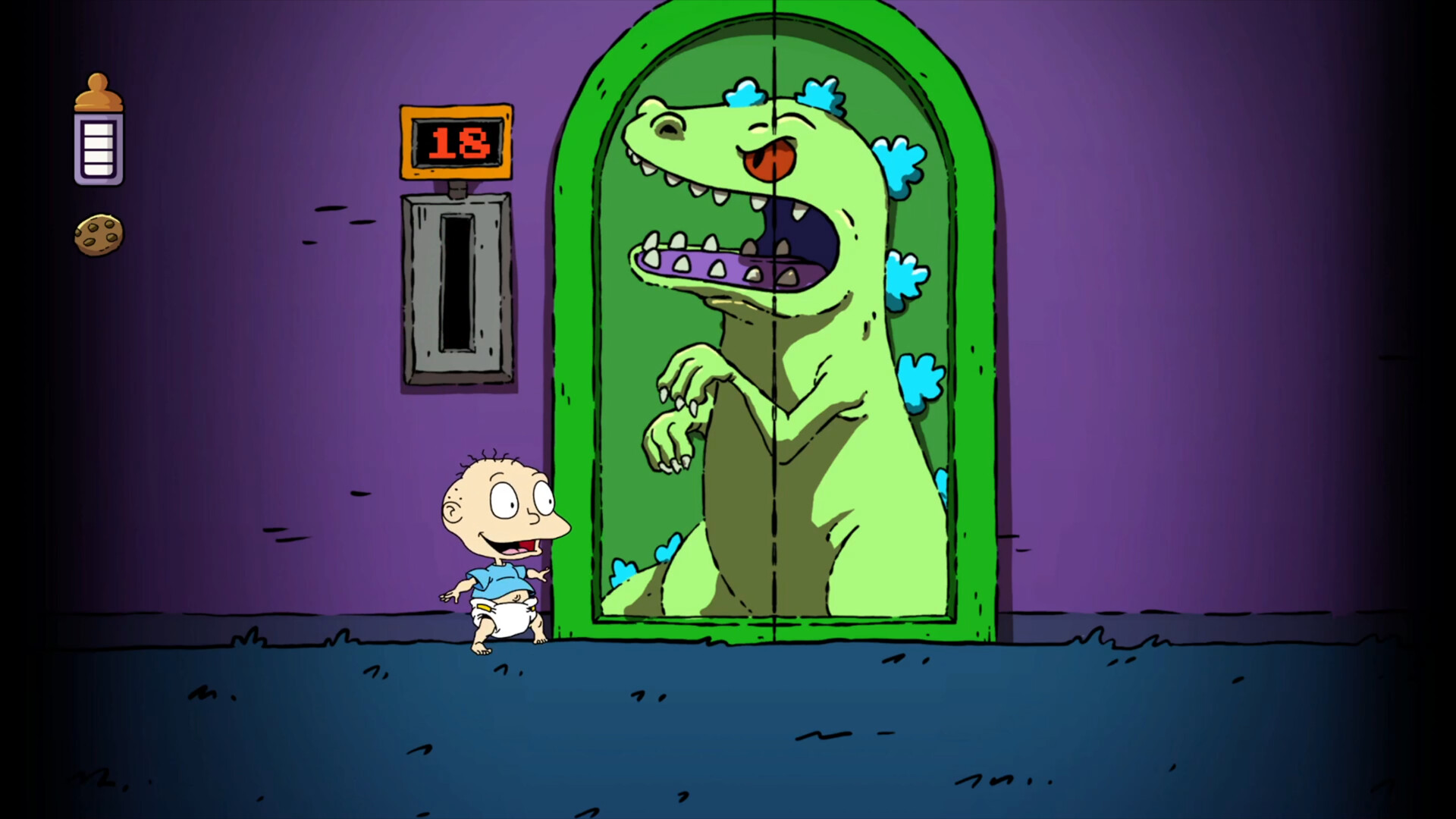
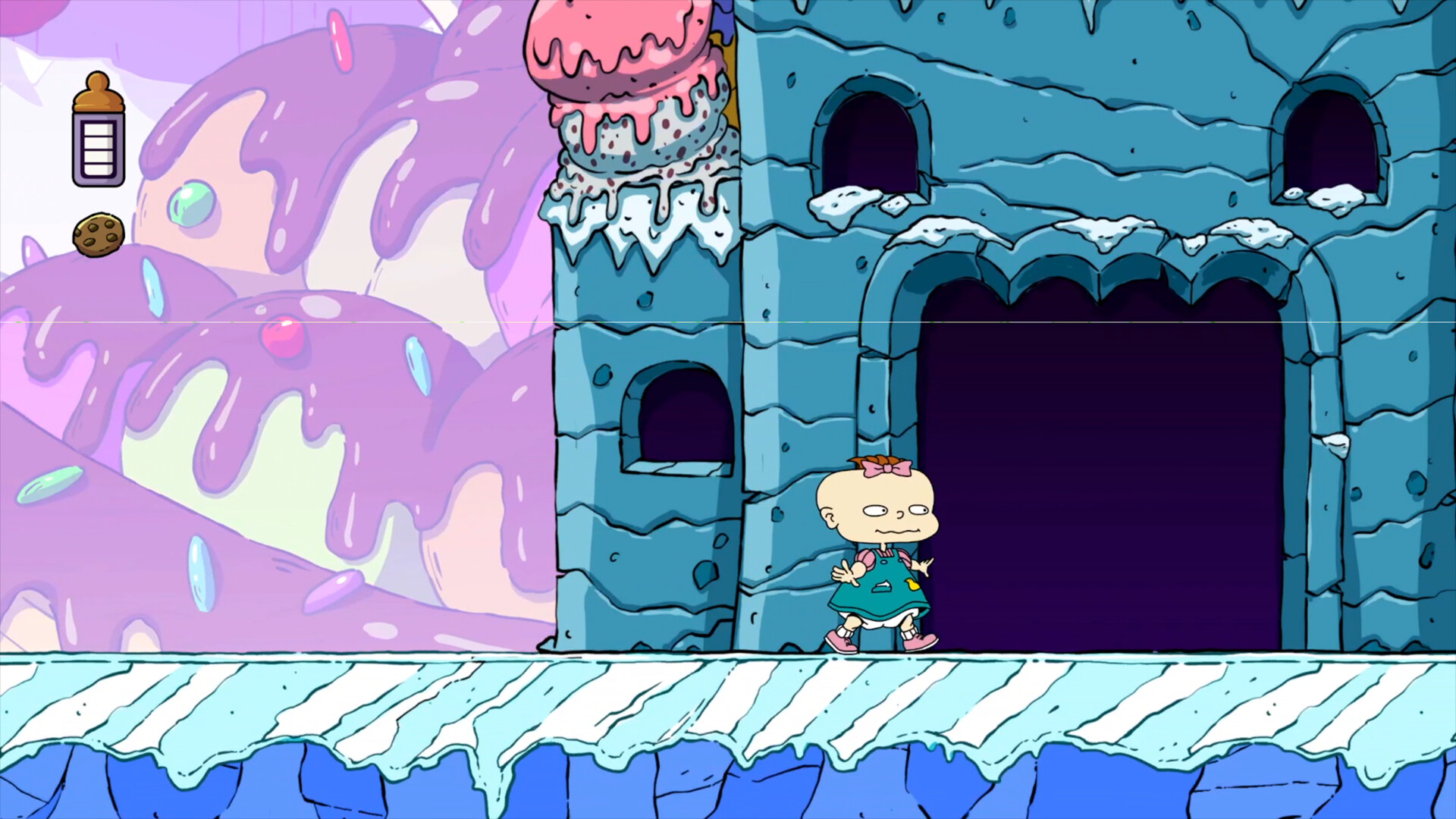
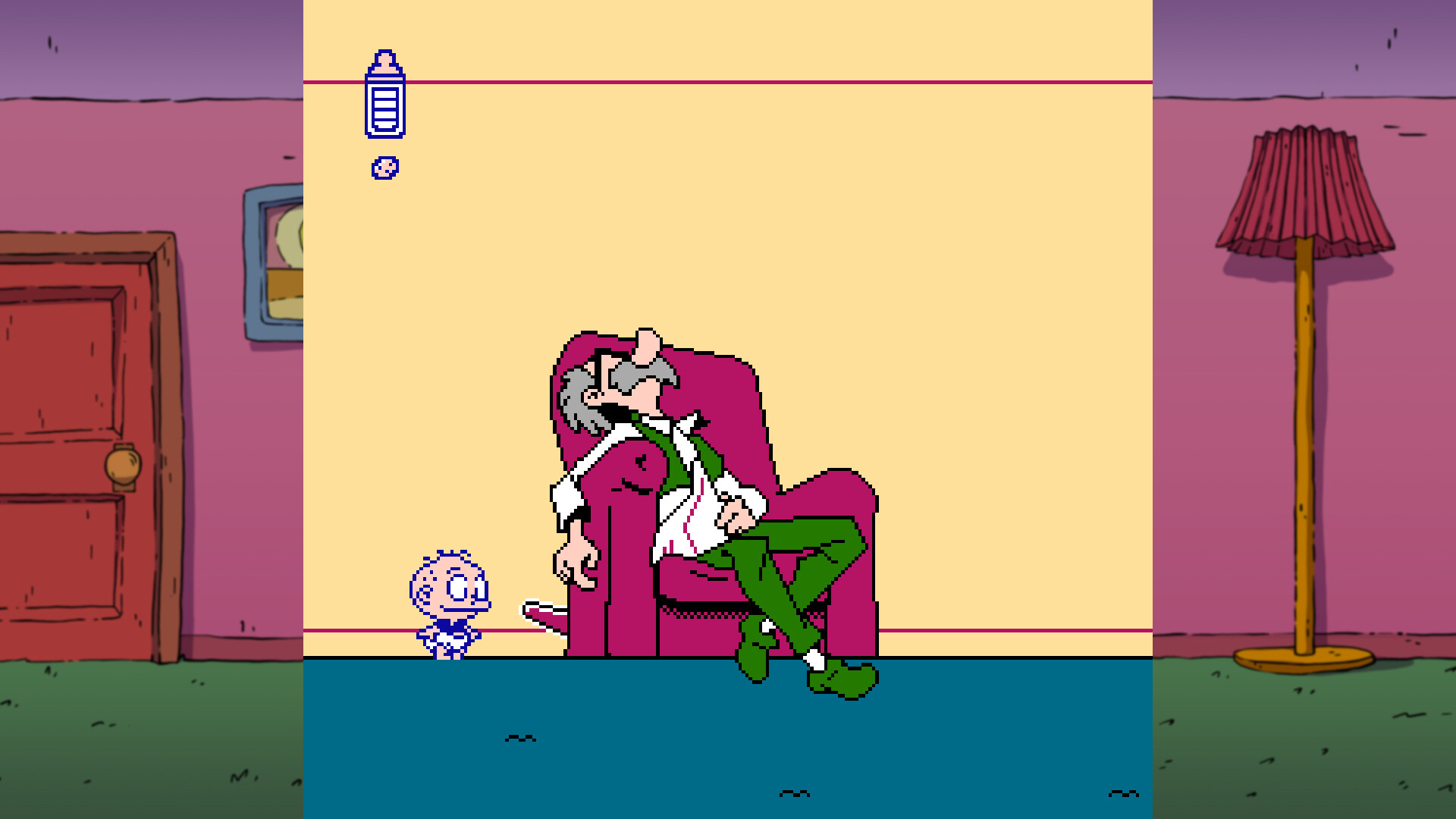
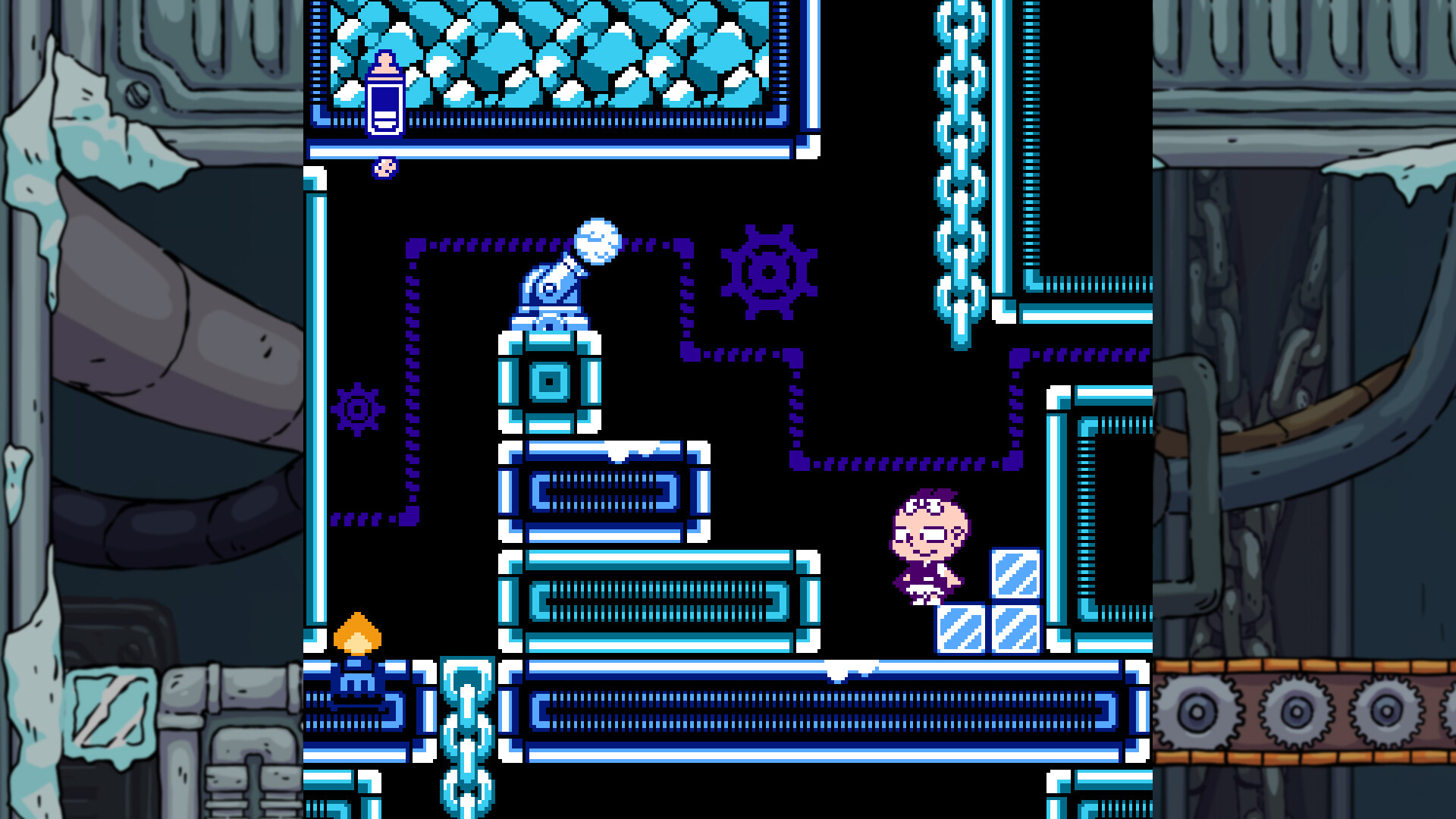
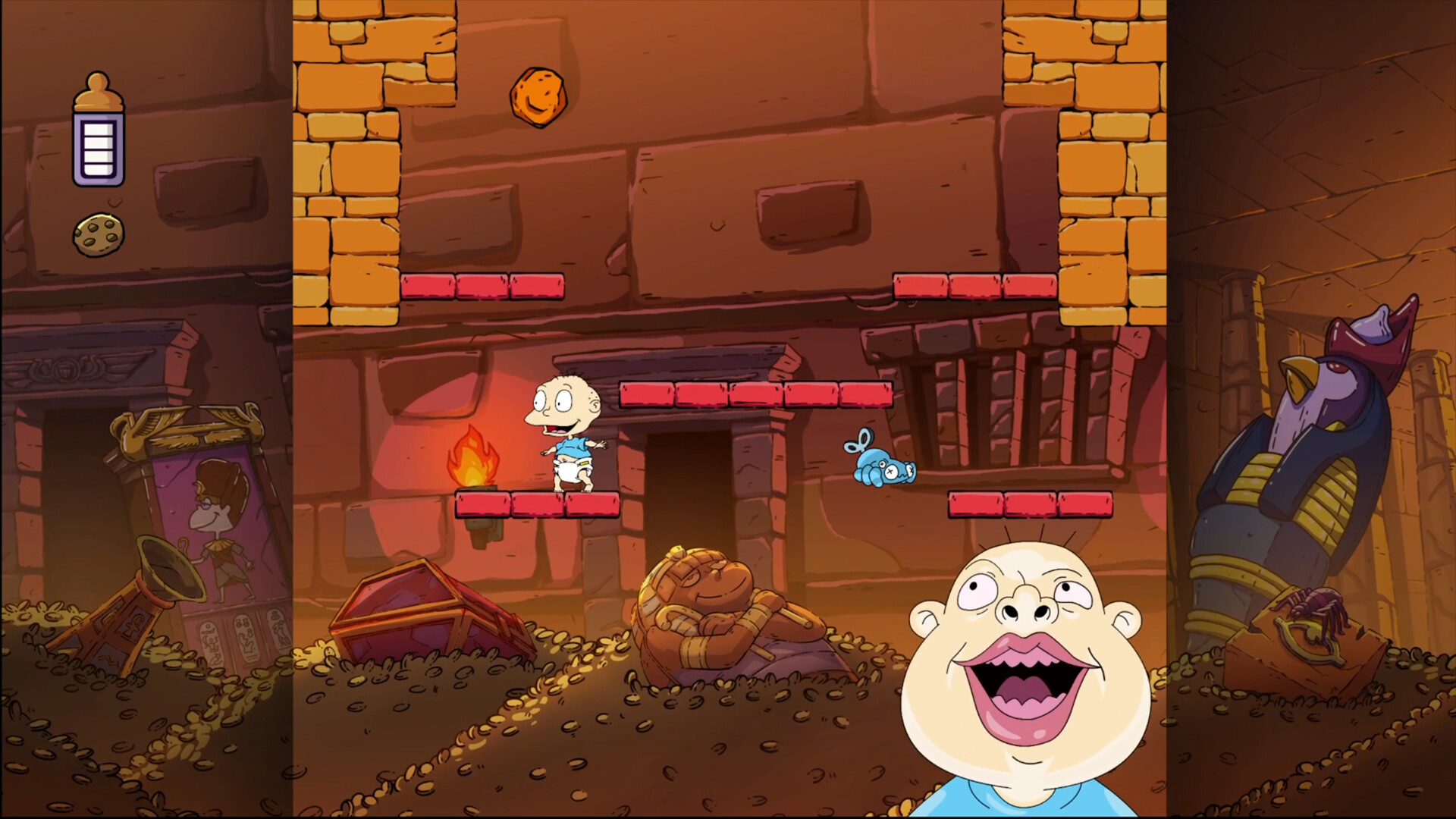
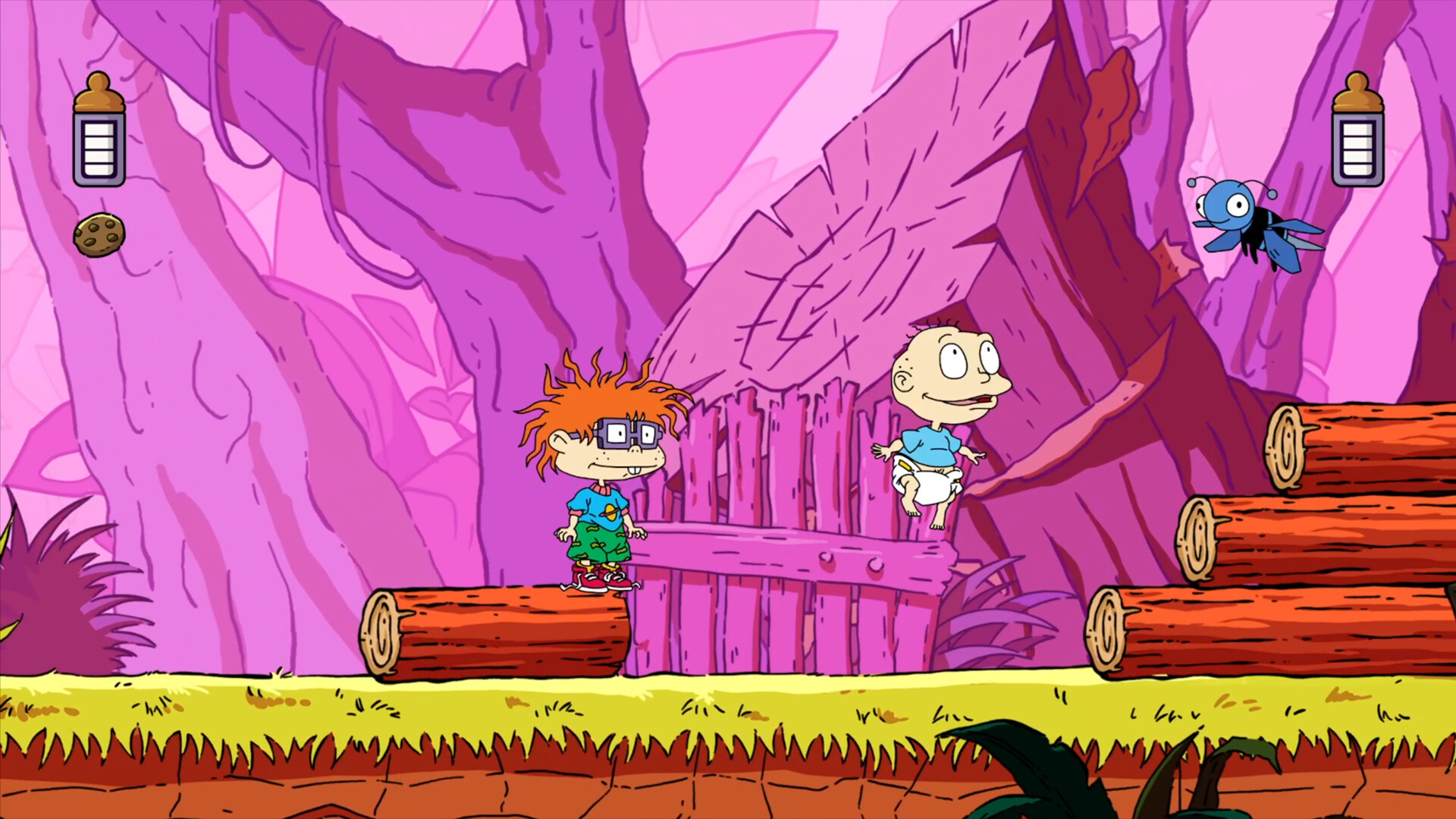
Everyone's favorite babies are back in action! When Tommy, Chuckie, Phil and Lil see a commercial for the new Reptar video game, they pretend that they're in a video game of their own. Through the power of imagination, the babies transform Tommy's house into a video game world full of action, excitement, and adventure. Toggle between beautiful 8-bit and HD art, select your favorite baby and play this neo-retro platformer! Rugrats: Adventures in Gameland can be played solo, or team up with a friend for some two-player co-op fun!A baby's gotta do what a baby's gotta do! Features of Rugrats: Adventures in Gameland 4 playable babies with unique abilities: Tommy, Chuckie, Phil and Lil! Progress by grabbing Bottles, Cookies, Reptar Coins and more! Play solo or in co-op, where babies need to stick together to win. Toggle between nostalgic 8-bit or beautiful HD graphics. Use your trusty screwdriver to enter engaging boss fights with familiar faces.

Rugrats: Adventures in Gameland screenshotRugrats: Adventures in Gameland screenshotRugrats: Adventures in Gameland screenshotRugrats: Adventures in Gameland screenshotRugrats: Adventures in Gameland screenshotRugrats: Adventures in Gameland screenshot

How to redeem

  1. 1Check your PlayStation 5 account and the listed region before purchasing.
  2. 2Find your code and supplier activation instructions in your confirmed order.
  3. 3Open the redeem-code section on PlayStation 5, enter the code and follow the platform’s prompts.

Supplier instructions

In order to redeem Playstation Network Code please follow instruction below: Go to http://www.SonyEntertainmentNetwork.com Click "Manage Account" and sign in with your Sign-In ID(E-mail Address) and Password. Click on "Redeem Prepaid Card". Enter the code printed on the voucher or PlayStation Network Card and click "Continue". If the code is valid, you will be presented with a description of what the code will deliver to your account. Press "Redeem..." button to add the item or funds to your account.

You might also like