Get 10% back in Relic Coins on every order
Darksiders III cover

Epic GamesGlobal· Account

Darksiders III

€7.33

+€0.73 cashback eligibility in Relic Coins

Check before you play

Platform
Epic Games
Region
Global
Product type
Account

This listing delivers an account, not a game key. Read the supplier’s conditions before purchasing.

Developer
Gunfire Games
Publisher
THQ Nordic
Supplier release date
2018-11-27
Genres
Action, Adventure, RPG

About this product

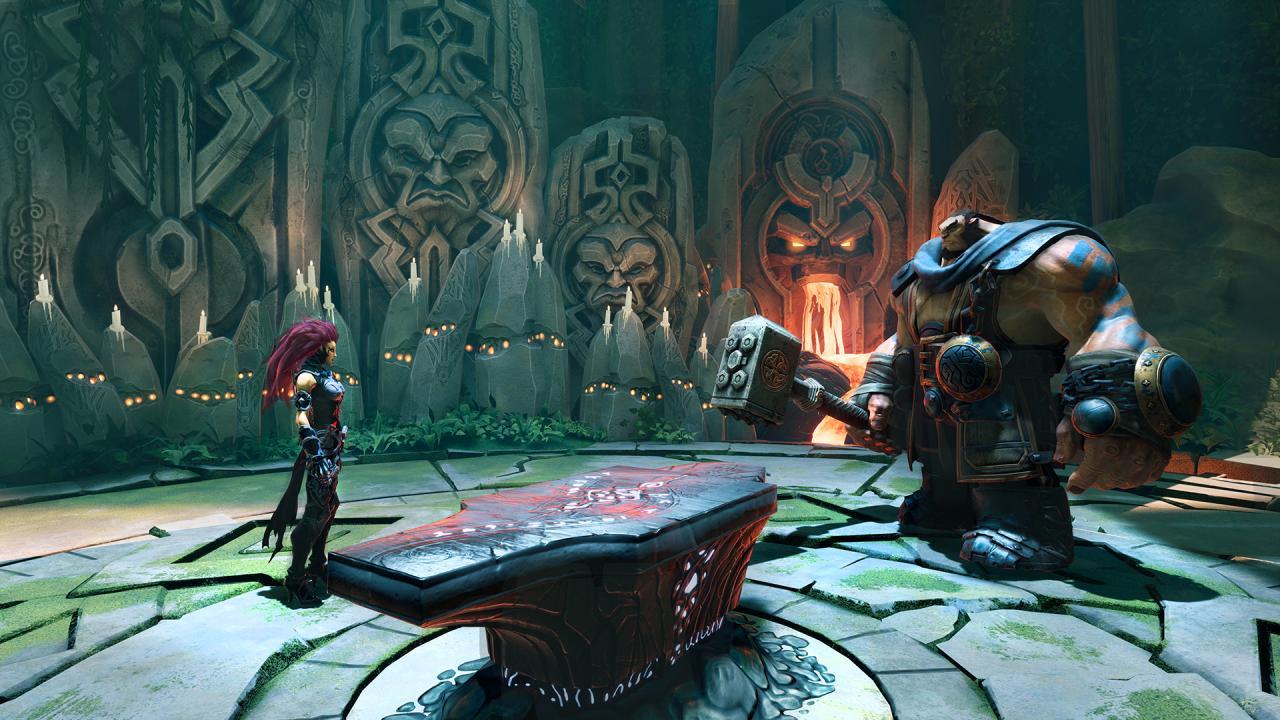
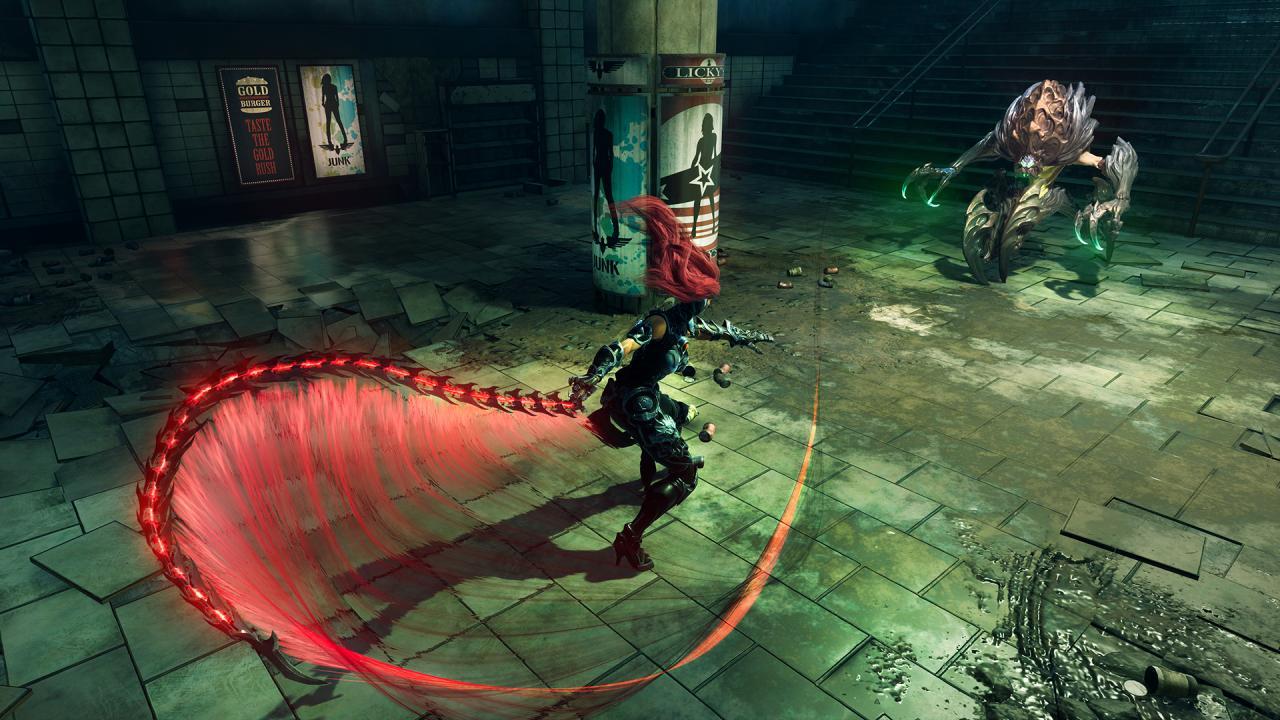
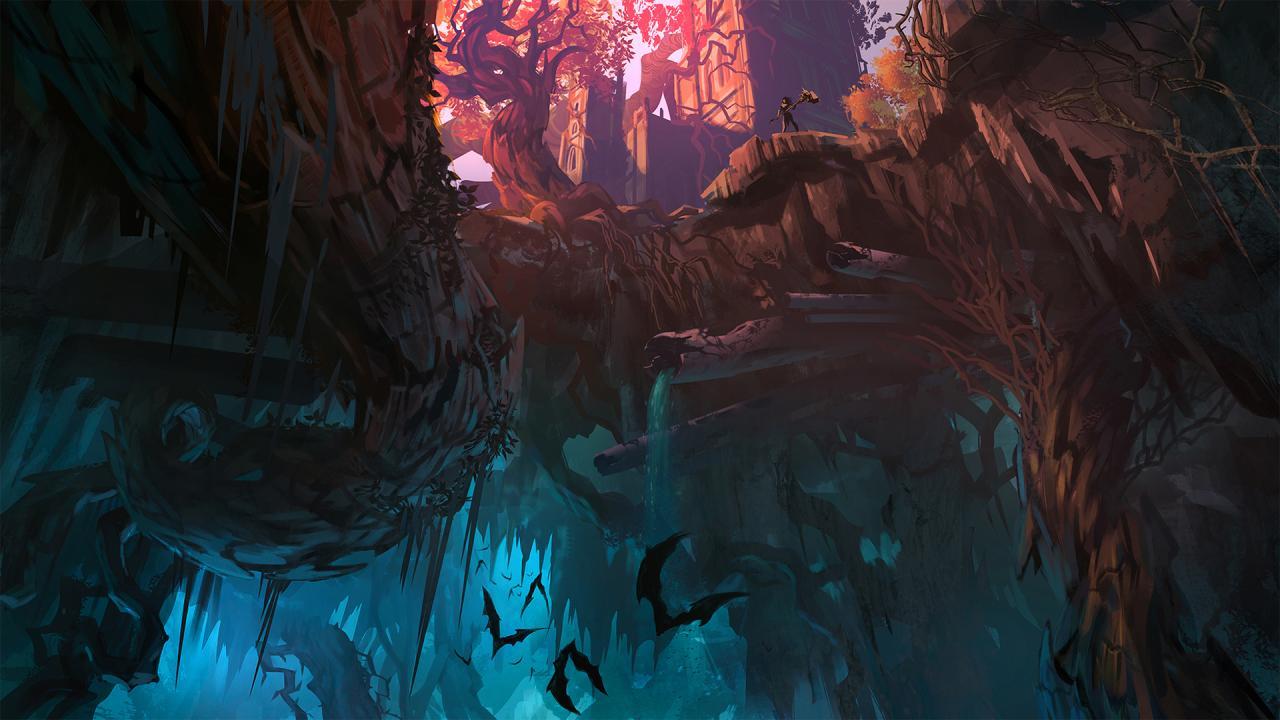
Return to an apocalyptic Earth in Darksiders III, a hack-n-slash Action Adventure where players assume the role of FURY in her quest to hunt down and dispose of the Seven Deadly Sins. The most unpredictable and enigmatic of the Four Horsemen, FURY must succeed where many have failed – to bring balance to the forces that now ravage Earth. Darksiders III is the long-anticipated, third chapter in the critically-acclaimed Darksiders franchise. Features Play as FURY - a mage who must rely on her whip and magic to restore the balance between good and evil on Earth! Harness FURY’s magic to unleash her various forms – each granting her access to new weapons, moves and traversal abilities. Explore an open-ended, living, free-form game world in which FURY moves back and forth between environments to uncover secrets while advancing the story. Defeat the Seven Deadly Sins and their servants who range from mystical creatures to degenerated beings. Sit in awe of Darksiders signature art style – expansive post-apocalyptic environments that take the player from the heights of heaven to the depths of hell, dilapidated by war and decay and overrun by nature.

Darksiders III screenshotDarksiders III screenshotDarksiders III screenshotDarksiders III screenshotDarksiders III screenshot

How to redeem

  1. 1Read the account conditions and regional restrictions before purchasing.
  2. 2Open your confirmed order in your Relic Key account to view the supplier’s account details.
  3. 3Follow the supplied sign-in and setup instructions. This is an account, not a redeemable key.

Supplier instructions

Go to: http://store.steampowered.com/ and download STEAM client Click "Install Steam" (from the upper right corner) Install and start application, login with your Account name and Password (create one if you don't have). Please follow these instructions to activate a new retail purchase on Steam: Launch Steam and log into your Steam account. Click the Games Menu. Choose Activate a Product on Steam... Follow the onscreen instructions to complete the process. After successful code verification go to the "MY GAMES" tab and start downloading.

You might also like