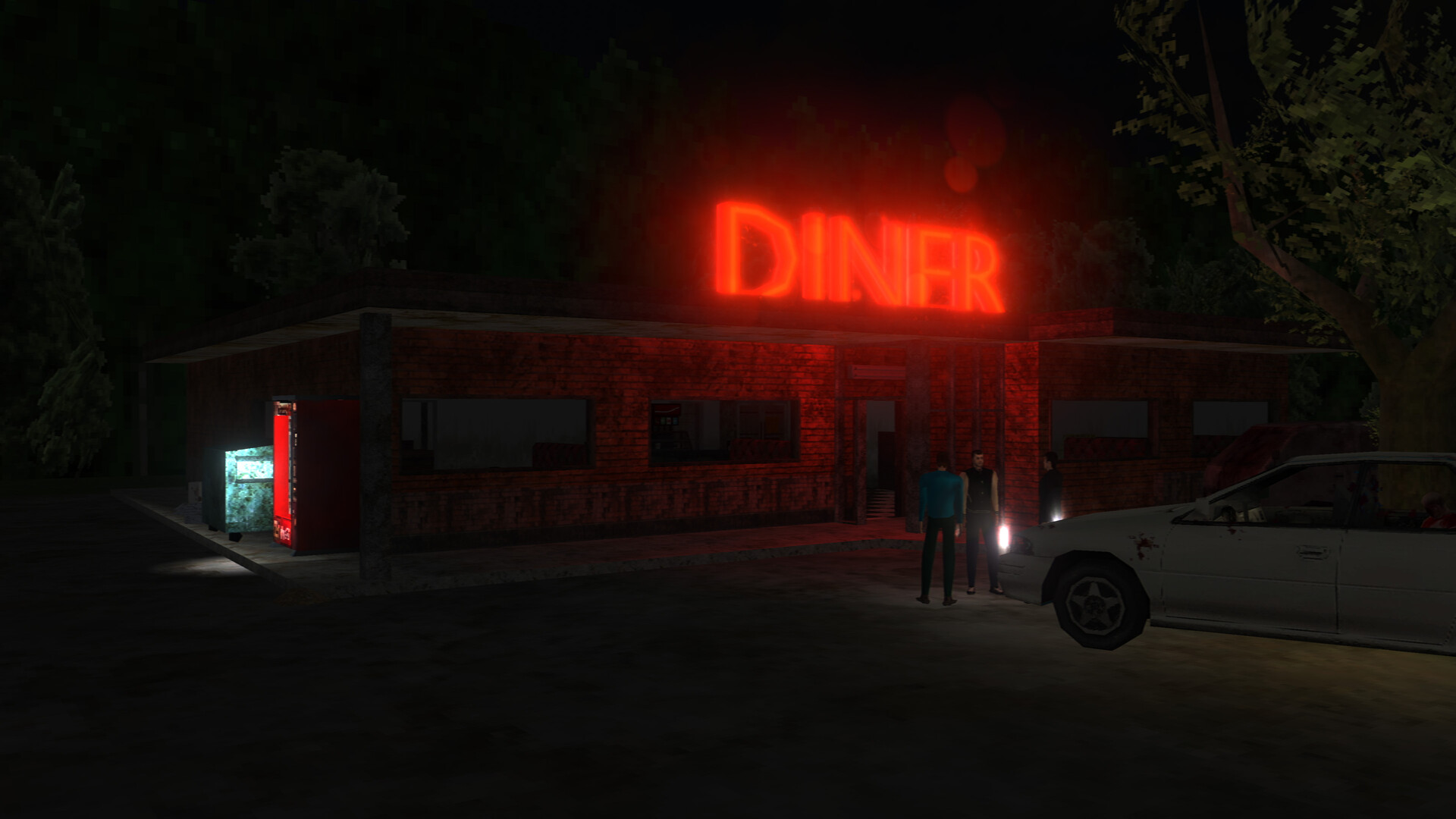
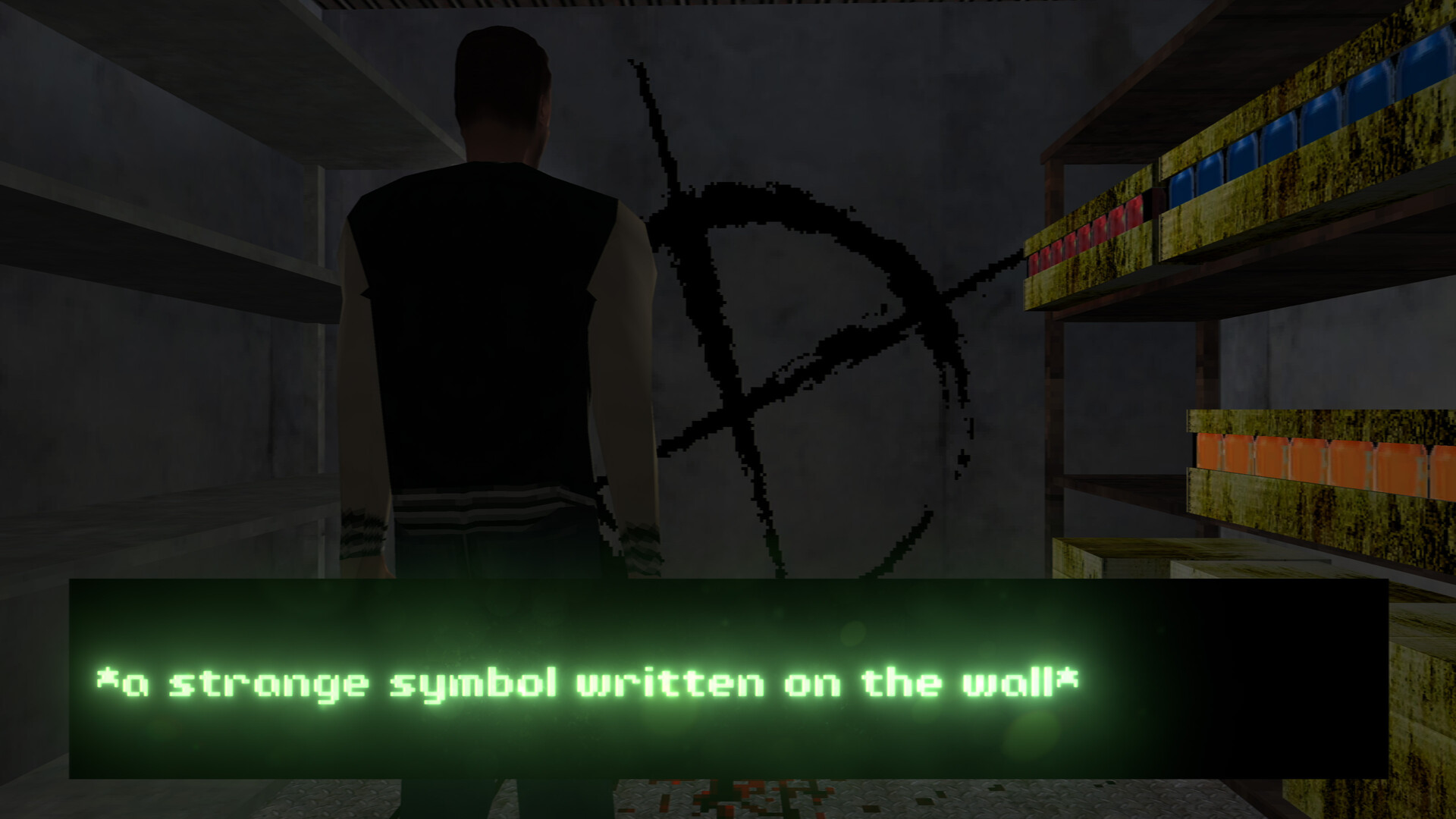
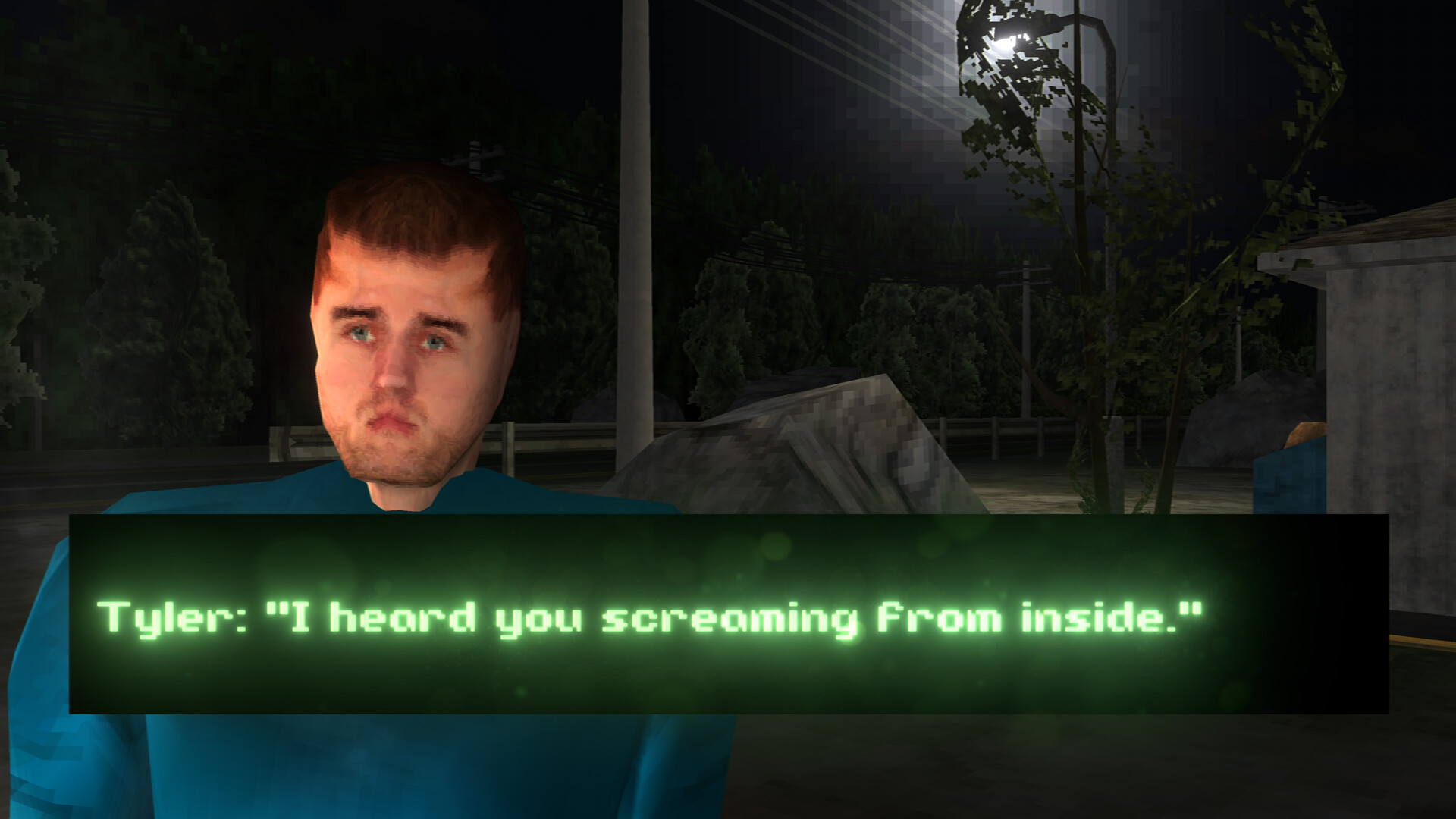
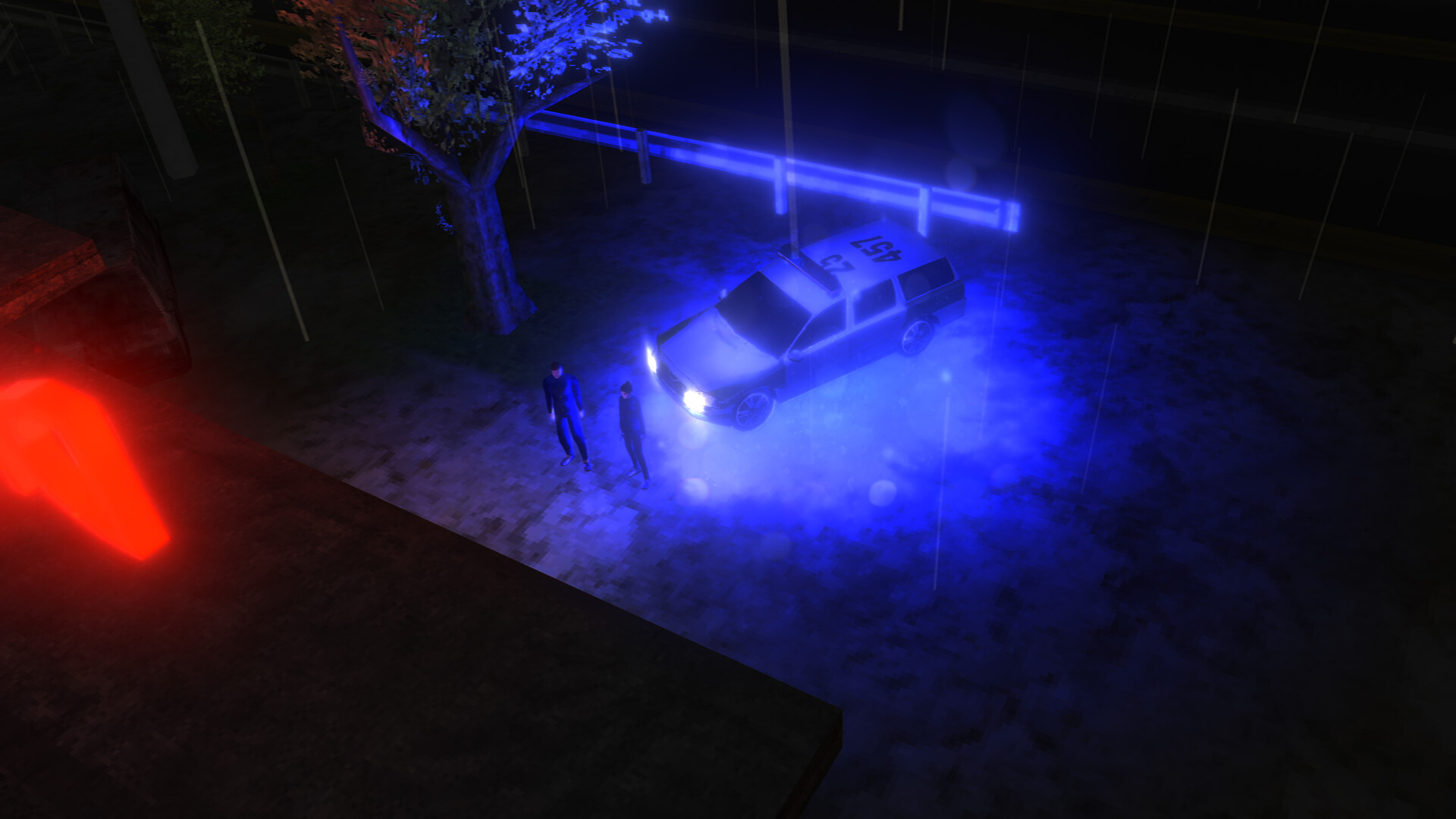
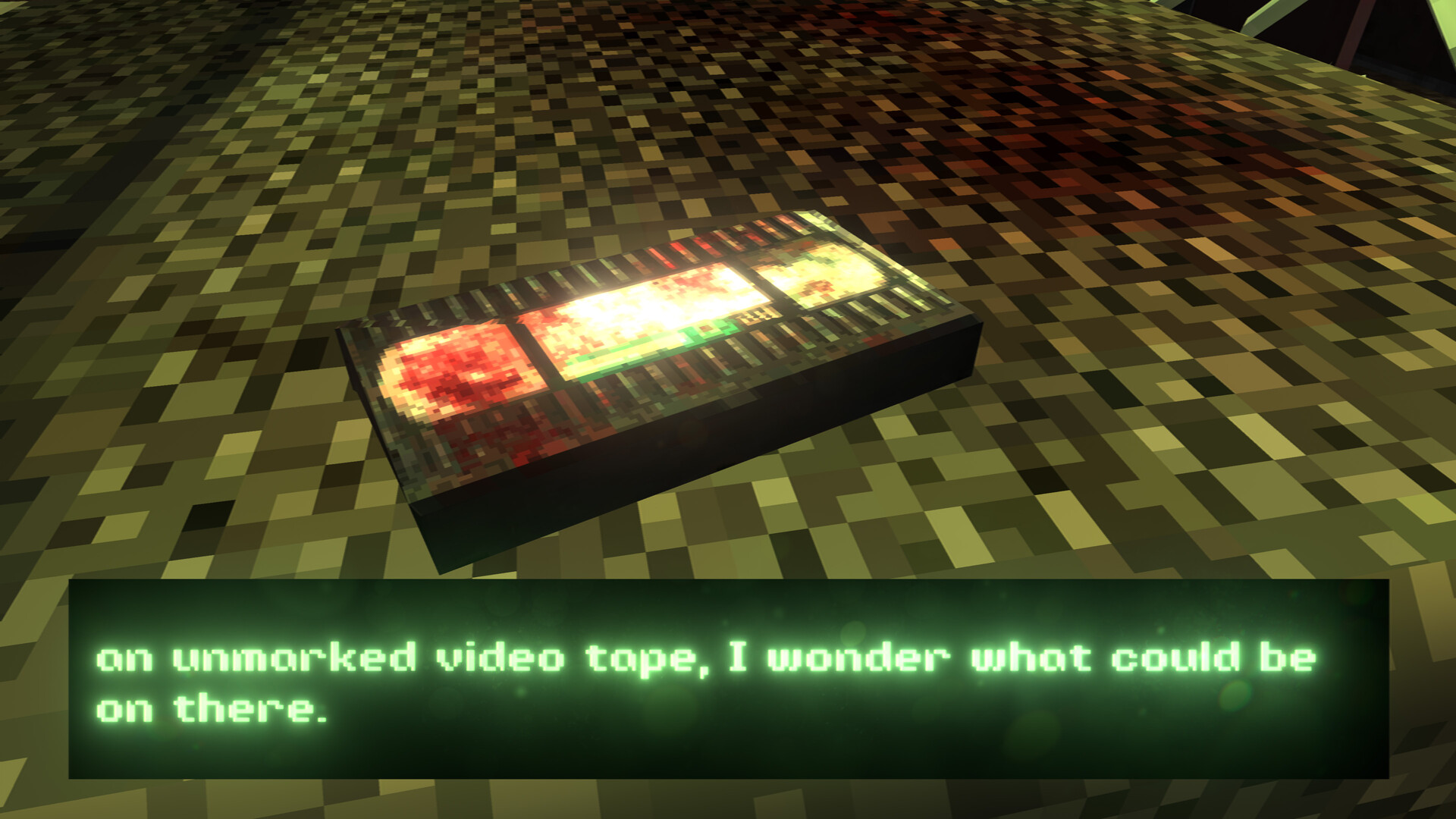
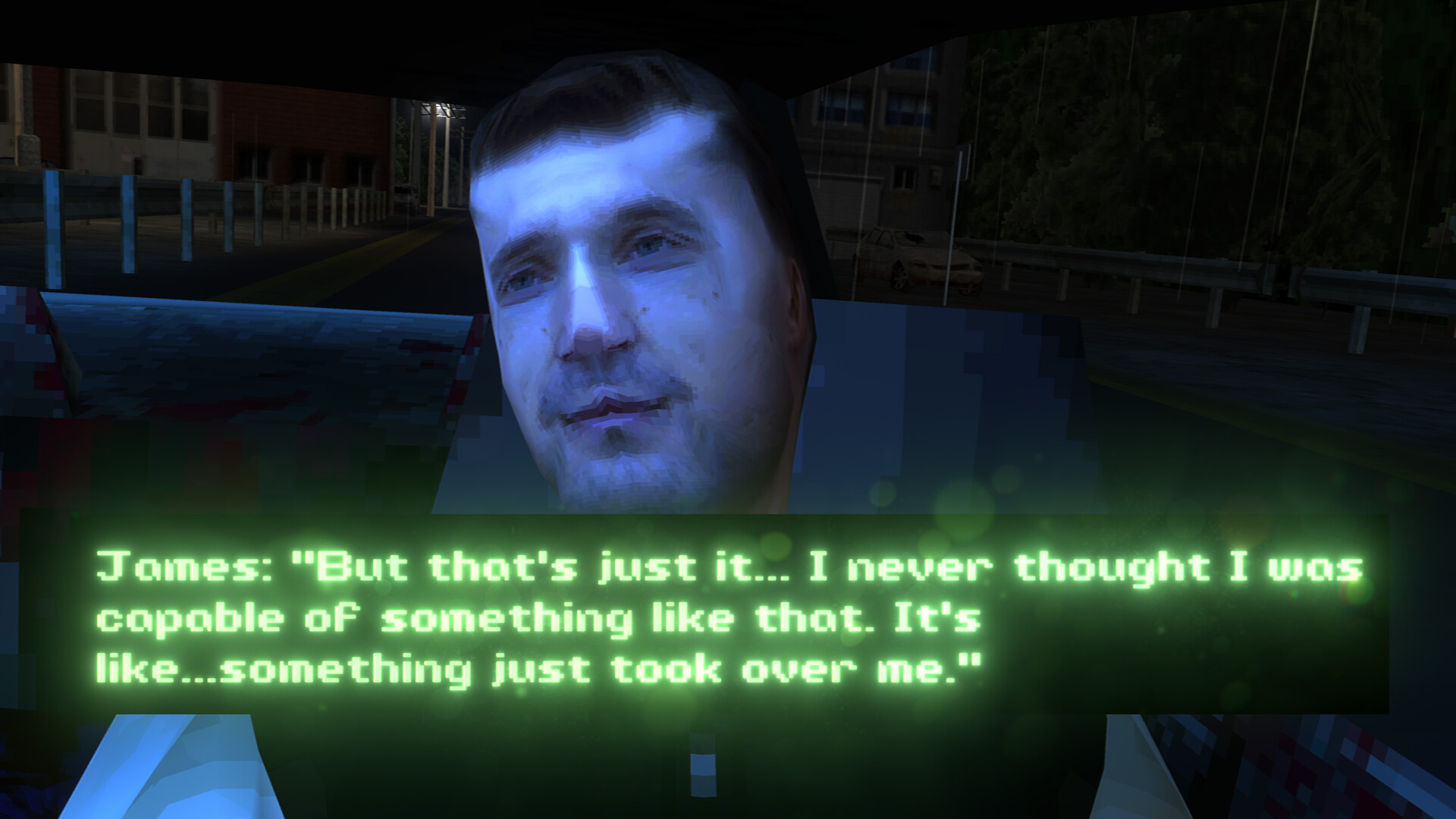
Third Person Survival Horror Game-play interspersed with Cinematic Cutscenes with an engaging storyline. Experience a spine-chilling psychological horror adventure Unravel a gripping story with captivating cutscenes Choose from four vintage retro styles to customize the game's atmosphere Encounter survival horror elements, jump scares, and psychological twists Inspired by the legendary work of Akira Yamaoka and Takayoshi Sato in Silent Hill 2 Perfect for fans of retro indie horror and those seeking a haunting and immersive gaming experience. Get ready for a heart-pounding third person horror experience, best played at night. in this psychological horror experience you'll join three friends who are excited to see their favourite band, only to encounter a hitchhiker on a desolate highway. As the miles pass by, the hitchhiker's unsettling presence becomes sinister, and their true identity is shrouded in darkness. Will you be able to make it to the end of the road and survive? The soundtrack compliments and that heightens the suspense during the unsettling gameplay sections, this game is sure to keep you on the edge of your seat. So turn off the lights, put on your headphones, and prepare for a truly memorable horror adventure. Whether you're a supporter of indie horror developers or enjoy streaming spine-chilling games online, DON'T LET HIM IN is a perfect addition to your collection. Don't miss out on this immersive horror experience that will keep you guessing until the very end.