Get 10% back in Relic Coins on every order
One Piece Pirate Warriors 3 cover

PlayStation 4Global· Account

One Piece Pirate Warriors 3

€20.10

+€2.01 cashback eligibility in Relic Coins

Check before you play

Platform
PlayStation 4
Region
Global
Product type
Account

This listing delivers an account, not a game key. Read the supplier’s conditions before purchasing.

Developer
KOEI TECMO GAMES CO., LTD.
Publisher
BANDAI NAMCO Entertainment
Supplier release date
2015-08-28
Genres
Action, Adventure, Anime

About this product

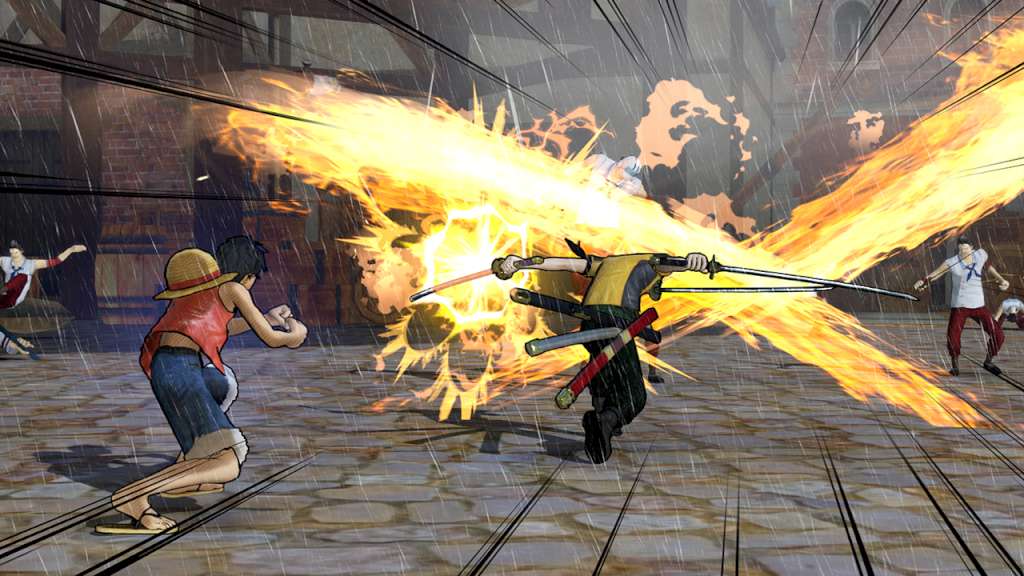
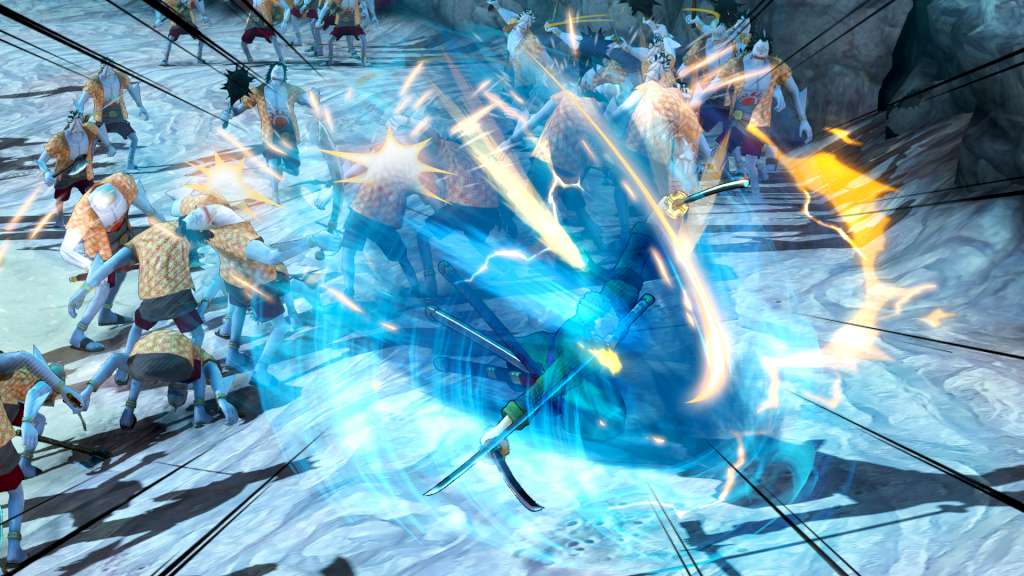
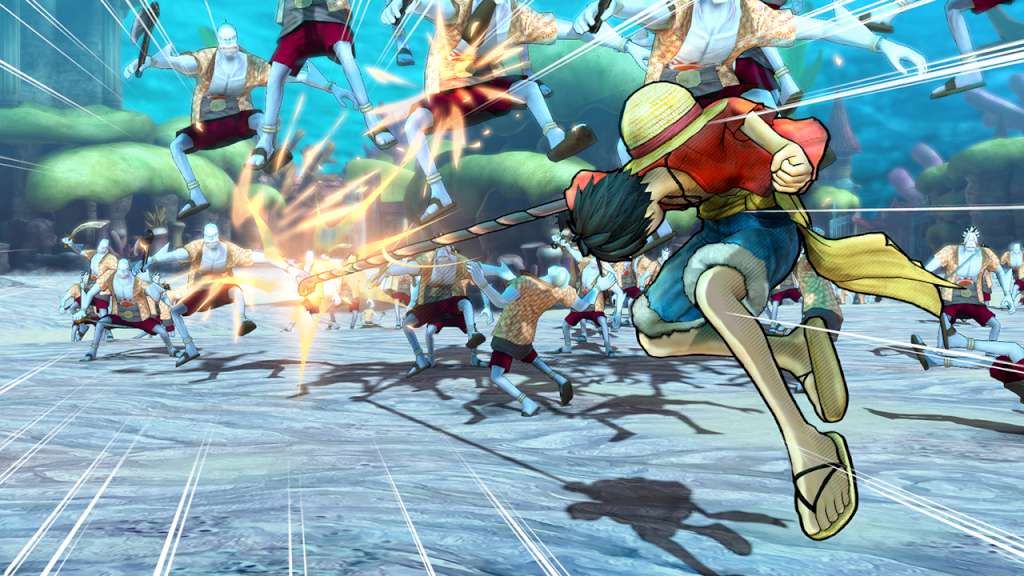
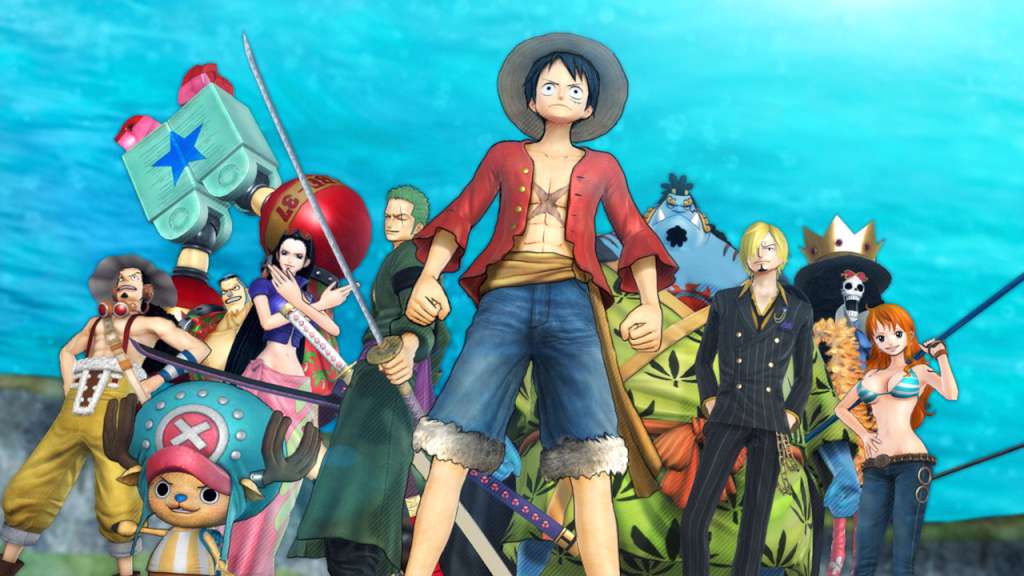
ADVENTURES OF LUFFY AND HIS STRAW HAT CREW ARE COMING TO PC! Enjoy the original story of ONE PIECE from Fuschia village, where everything has started, to the kingdom of Dressrosa, a mysterious island dominated by the evil Donquixote.Doflamingo. Will your resolution be strong enough to defeat the most dangerous pirates, including Doflamingo and many more? Gather every member of the Straw Hat Crew, like in the original story, sail to the most emblematic places and enter the most epic battles: Marineford, Fish-Man Island, Punk Hazard and Dressrosa! Features Higher quality graphics and animation: the One Piece universe has never been depicted so faithfully Number of Popular characters weaving the stories greatly increased: Sabo, Doflamingo, Fujitora and many more! Improved gameplay and incredible new co-op actions More action than ever in the latest installment of the PIRATE WARRIORS series, created by KOEI TECMO GAMES and BANDAI NAMCO Entertainment.


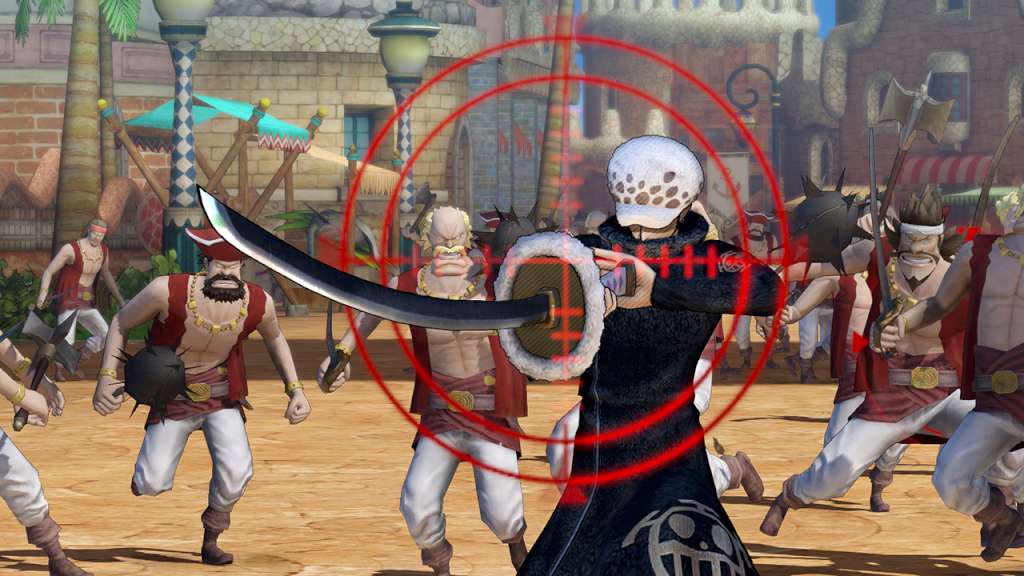
One Piece Pirate Warriors 3 screenshotOne Piece Pirate Warriors 3 screenshotOne Piece Pirate Warriors 3 screenshotOne Piece Pirate Warriors 3 screenshotOne Piece Pirate Warriors 3 screenshotOne Piece Pirate Warriors 3 screenshot

How to redeem

  1. 1Read the account conditions and regional restrictions before purchasing.
  2. 2Open your confirmed order in your Relic Key account to view the supplier’s account details.
  3. 3Follow the supplied sign-in and setup instructions. This is an account, not a redeemable key.

Supplier instructions

Go to: http://store.steampowered.com/ and download STEAM client Click "Install Steam" (from the upper right corner) Install and start application, login with your Account name and Password (create one if you don't have). Please follow these instructions to activate a new retail purchase on Steam: Launch Steam and log into your Steam account. Click the Games Menu. Choose Activate a Product on Steam... Follow the onscreen instructions to complete the process. After successful code verification go to the "MY GAMES" tab and start downloading.

You might also like