Get 10% back in Relic Coins on every order
Final Fantasy VIII Remastered cover

PlayStation 4Global· Account

Final Fantasy VIII Remastered

€11.66

+€1.17 cashback eligibility in Relic Coins

Check before you play

Platform
PlayStation 4
Region
Global
Product type
Account

This listing delivers an account, not a game key. Read the supplier’s conditions before purchasing.

Developer
Square Enix
Publisher
Square Enix
Supplier release date
2019-09-03
Genres
Adventure, RPG, Anime

About this product

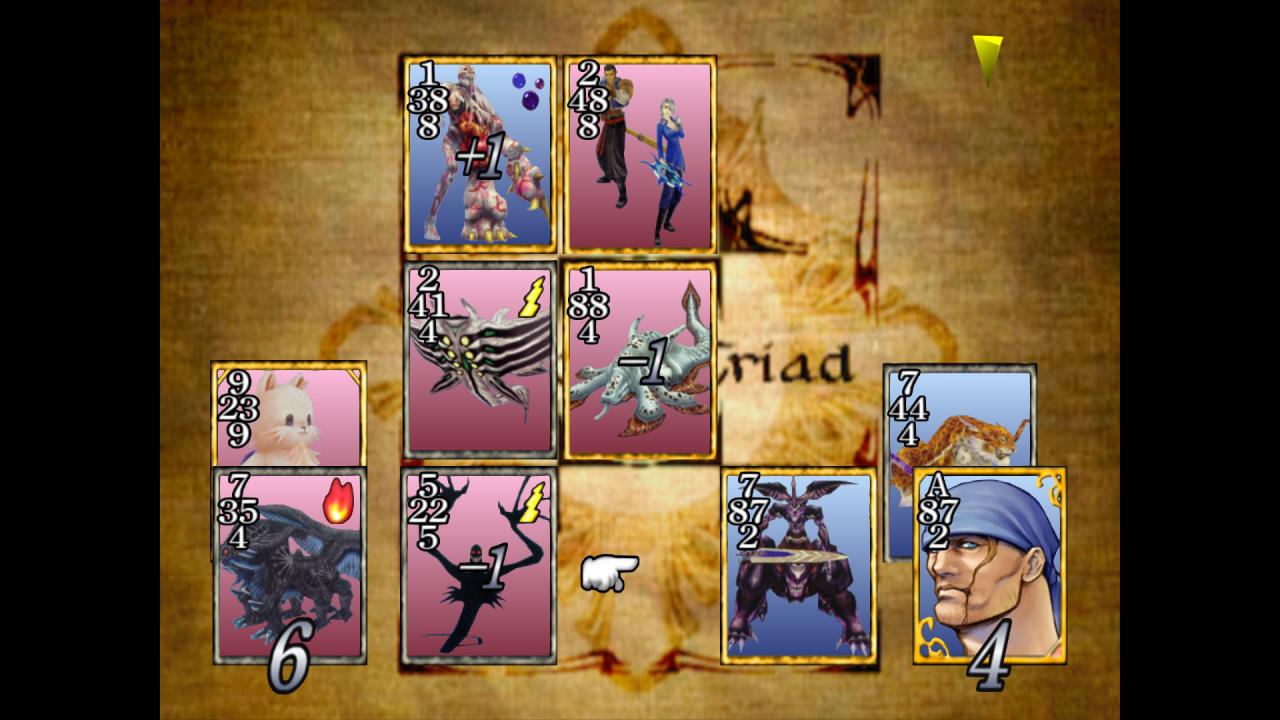
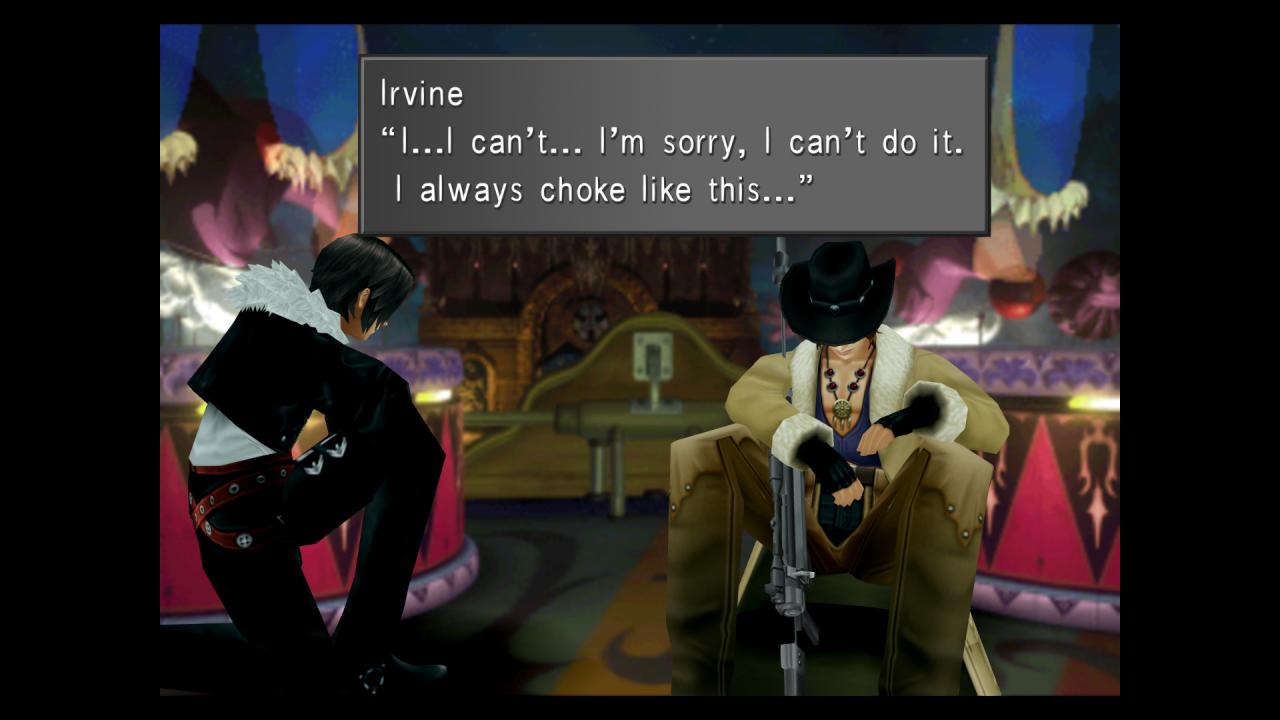
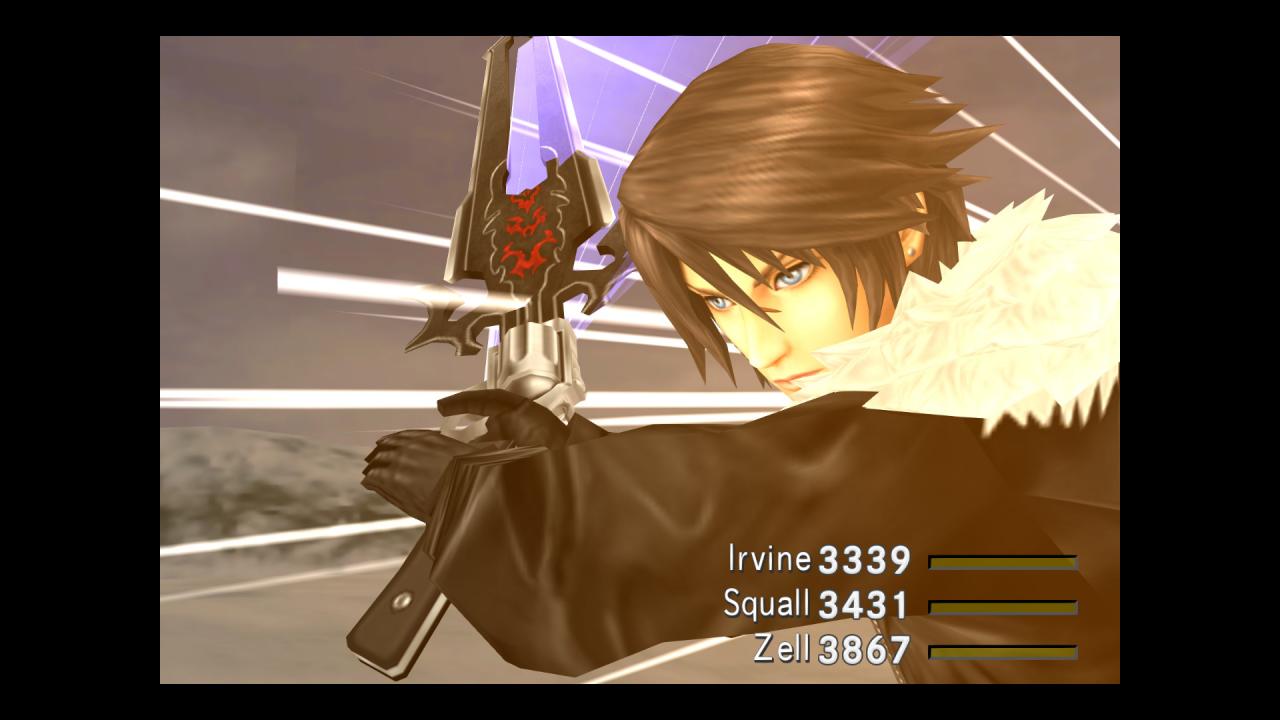
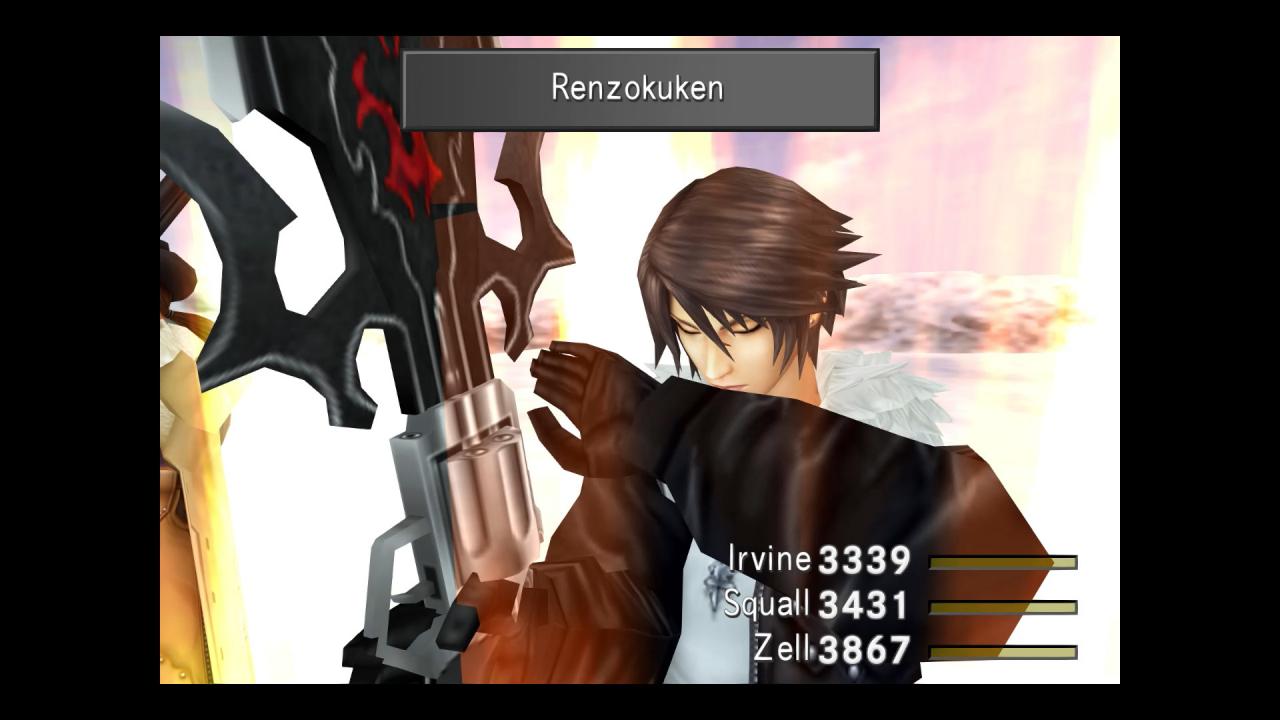
This product is a remaster of FINAL FANTASY VIII, featuring multiple enhancements including additional options to customise your gameplay experience and difficulty. It is a time of war.The Republic of Galbadia, under the influence of the sorceress Edea, mobilises its great armies against the other nations of the world.Squall and other members of SeeD, an elite mercenary force, join hands with Rinoa, a resistance fighter, to fight against Galbadia's tyrannical rule and to prevent Edea from fulfilling her ultimate goal. Features Battle assist options (HP, ATB gauge, and Limit Break boosts) Game speed boost (x3) No random encounters Obtain all items and abilities Max G.F. levels, currency (gil), and spells Obtain all Limit Breaks and cards

Final Fantasy VIII Remastered screenshotFinal Fantasy VIII Remastered screenshotFinal Fantasy VIII Remastered screenshotFinal Fantasy VIII Remastered screenshotFinal Fantasy VIII Remastered screenshotFinal Fantasy VIII Remastered screenshot

How to redeem

  1. 1Read the account conditions and regional restrictions before purchasing.
  2. 2Open your confirmed order in your Relic Key account to view the supplier’s account details.
  3. 3Follow the supplied sign-in and setup instructions. This is an account, not a redeemable key.

Supplier instructions

Go to: http://store.steampowered.com/ and download STEAM client Click "Install Steam" (from the upper right corner) Install and start application, login with your Account name and Password (create one if you don't have). Please follow these instructions to activate a new retail purchase on Steam: Launch Steam and log into your Steam account. Click the Games Menu. Choose Activate a Product on Steam... Follow the onscreen instructions to complete the process. After successful code verification go to the "MY GAMES" tab and start downloading.

You might also like