Get 10% back in Relic Coins on every order
Star Wars Jedi Knight II: Jedi Outcast cover

Nintendo SwitchEurope· Key

Star Wars Jedi Knight II: Jedi Outcast

€7.76

+€0.78 cashback eligibility in Relic Coins

Check before you play

Platform
Nintendo Switch
Region
Europe
Product type
Key
Developer
Raven Software
Publisher
LucasArts
Supplier release date
2003-09-16
Genres
Action

About this product

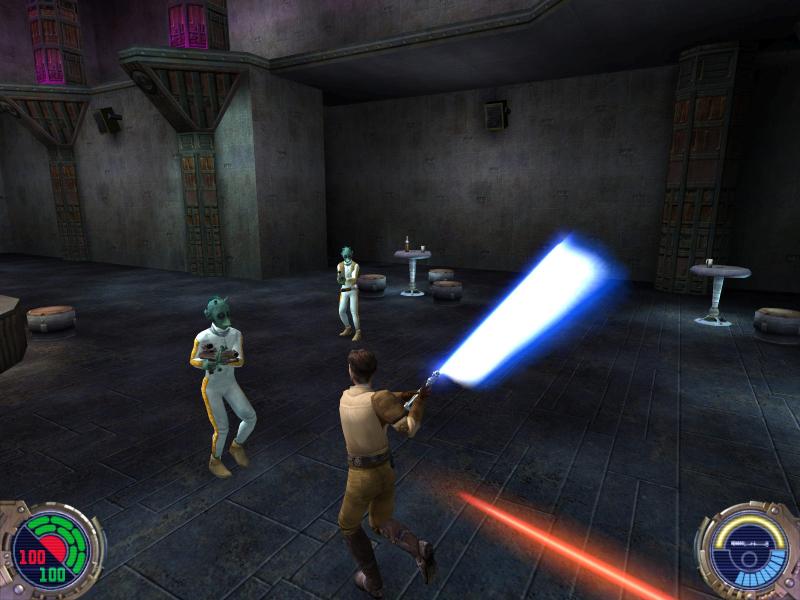
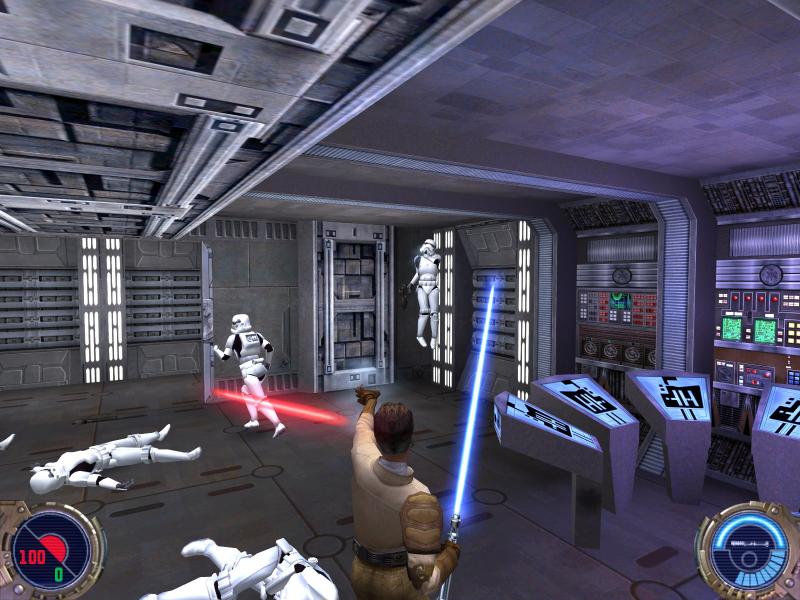
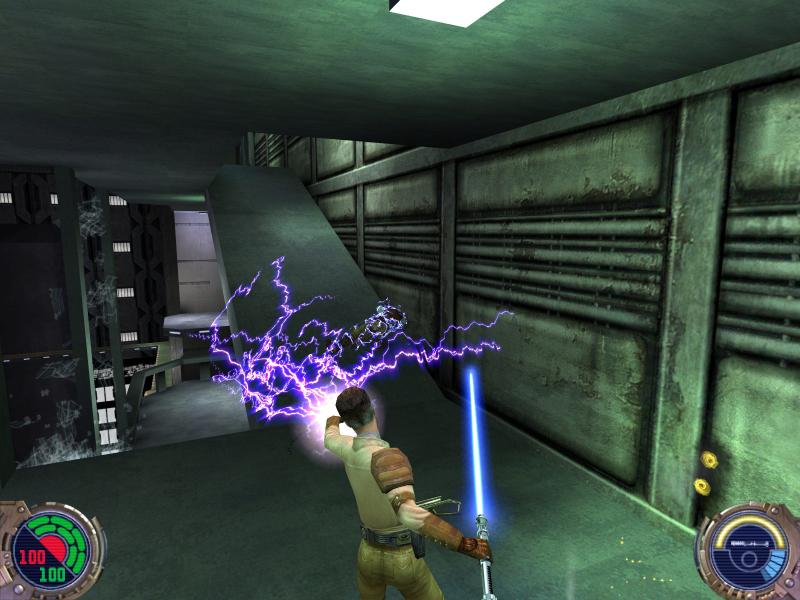
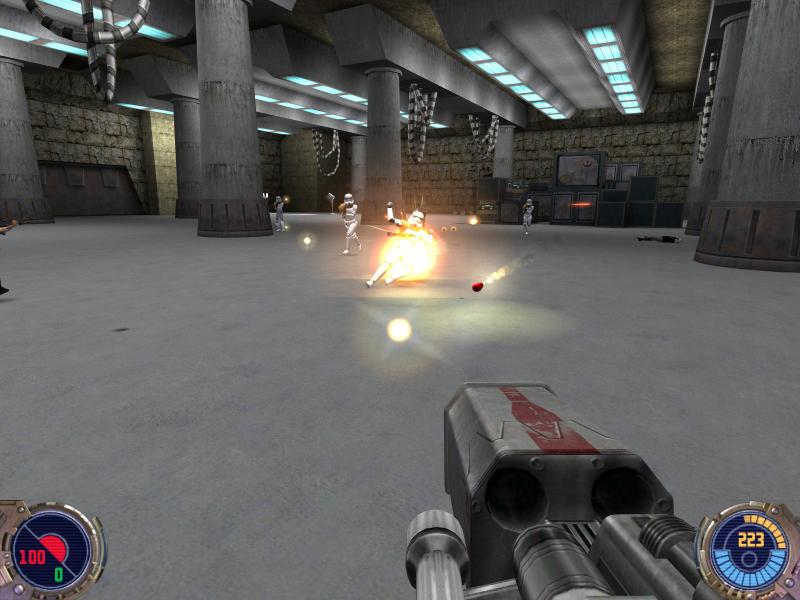
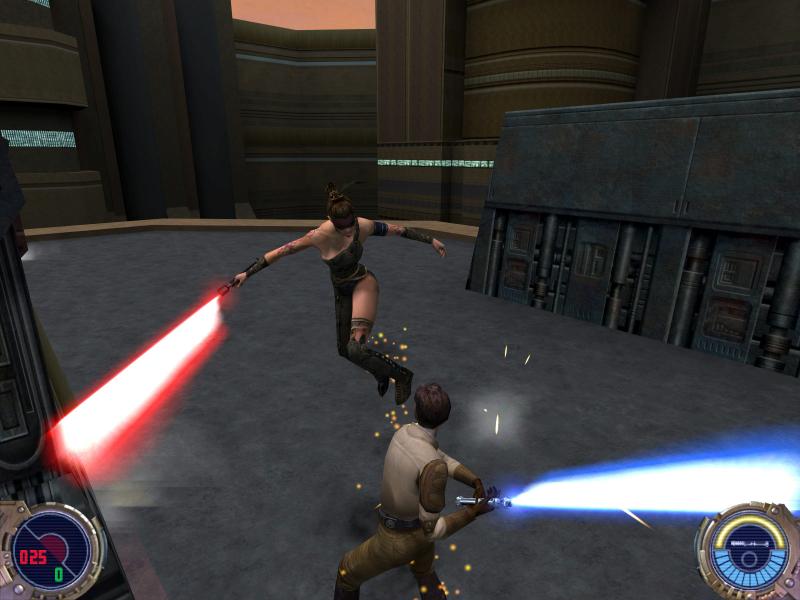
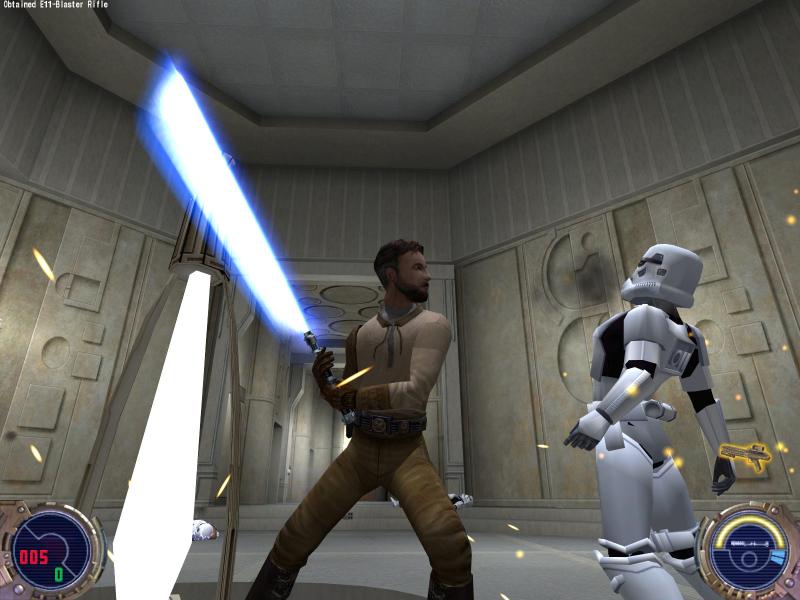
The Legacy of Star Wars Dark Forces™ and Star Wars® Jedi Knight lives on in the intense first-person action of Jedi Outcast. Features As Kyle Katarn, agent of the New Republic, use your Lightsaber and the full power of the Force to combat a new evil plaguing the galaxy. Wield over 8 Force abilities including the Jedi Mind Trick, Force Lightning and Force Grip. Choose wisely from an arsenal of 13 weapons including disruptor rifle, thermal detonators, trip mines and Wookiee bowcaster. Play on-line with 2-32 players or against a variety of AI Bots - and gain an additional 7 Force powers. Test your skills in 24 single-player missions and in 6 different types of multiplayer games including Jedi Master, Holocron, Capture the Ysalamiri, Duel, Deathmatch and Capture the Flag. Interact with legendary Star Wars characters such as Luke Skywalker and Lando Calrissian (featuring the voice of Billy Dee Williams as Lando.) Developed by critically acclaimed Raven Studios and powered by the Quake III Arena engine.

Star Wars Jedi Knight II: Jedi Outcast screenshotStar Wars Jedi Knight II: Jedi Outcast screenshotStar Wars Jedi Knight II: Jedi Outcast screenshotStar Wars Jedi Knight II: Jedi Outcast screenshotStar Wars Jedi Knight II: Jedi Outcast screenshotStar Wars Jedi Knight II: Jedi Outcast screenshot

How to redeem

  1. 1Check your Nintendo Switch account and the listed region before purchasing.
  2. 2Find your code and supplier activation instructions in your confirmed order.
  3. 3Open the redeem-code section on Nintendo Switch, enter the code and follow the platform’s prompts.

Supplier instructions

Select “Nintendo eShop” on the HOME Menu to launch the Nintendo eShop. Select the account you want to use. Select “Enter Code” on the left side of the screen. Enter the 16-character download code.Any letters and symbols not used with prepaid codes (i.e. O, I, Z, commas, hyphens, etc.) will be disabled from the on-screen keyboard. Select “Send” to confirm. The game will begin downloading once the code is confirmed.The game icon will appear on the HOME menu, with a download status bar. The status bar will disappear once the game download is complete.

You might also like