Get 10% back in Relic Coins on every order
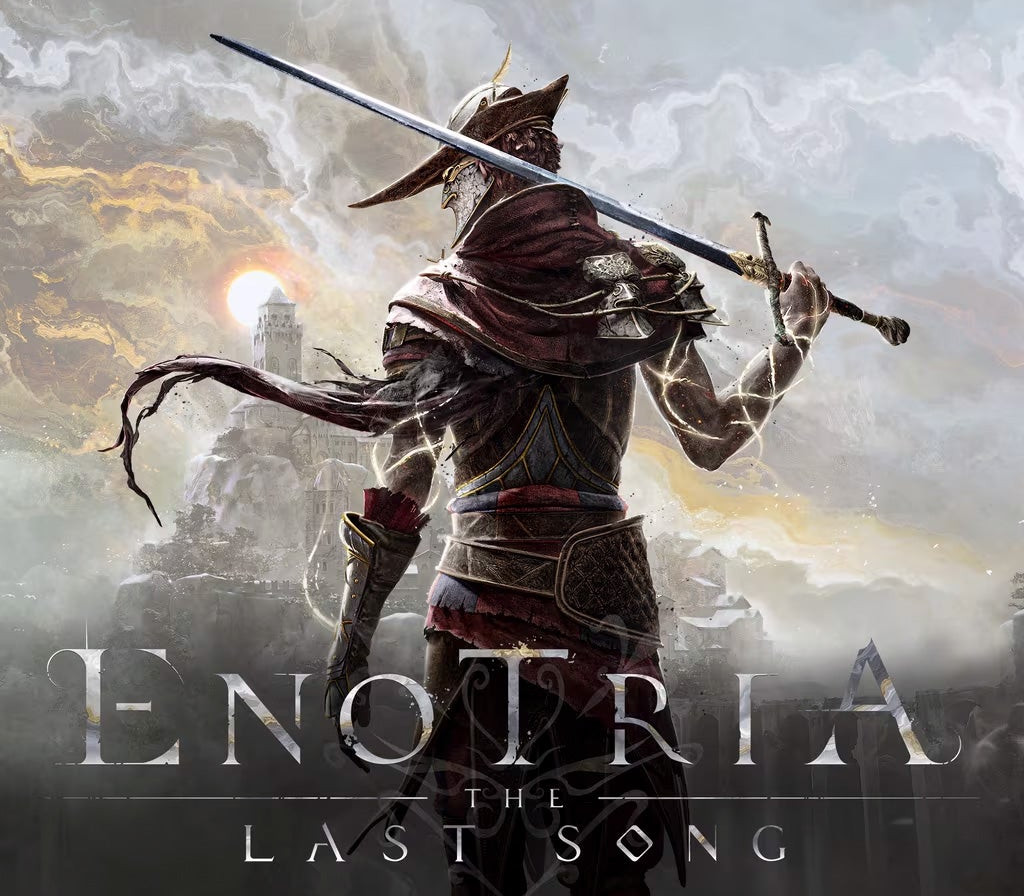
Enotria: The Last Song cover

Xbox Series X|SGlobal· Account

Enotria: The Last Song

€17.83

+€1.78 cashback eligibility in Relic Coins

Check before you play

Platform
Xbox Series X|S
Region
Global
Product type
Account

This listing delivers an account, not a game key. Read the supplier’s conditions before purchasing.

Developer
Jyamma Games
Publisher
Jyamma Games Srl
Supplier release date
2024-09-19
Genres
Action, Adventure, Indie, RPG

About this product

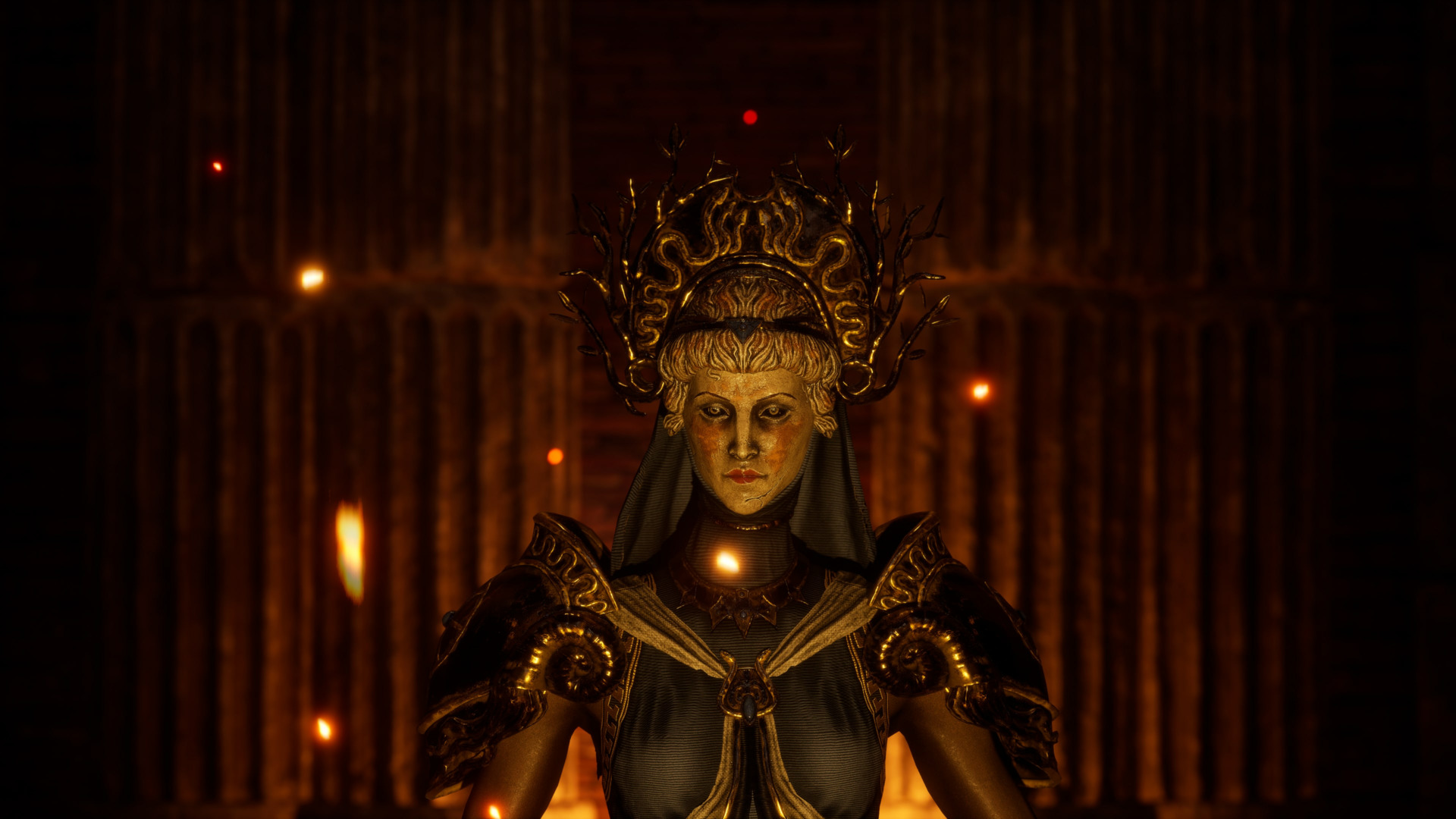
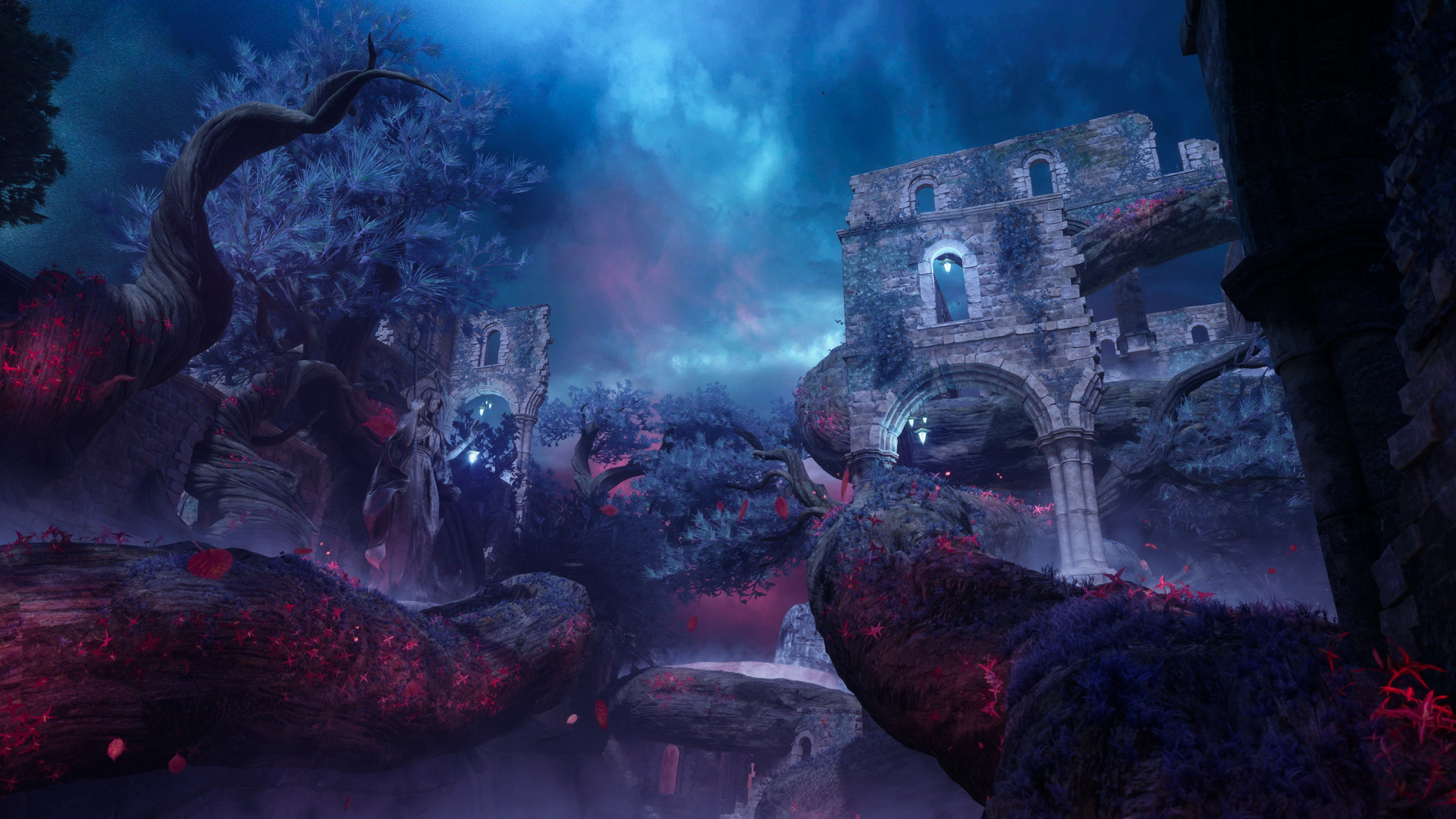
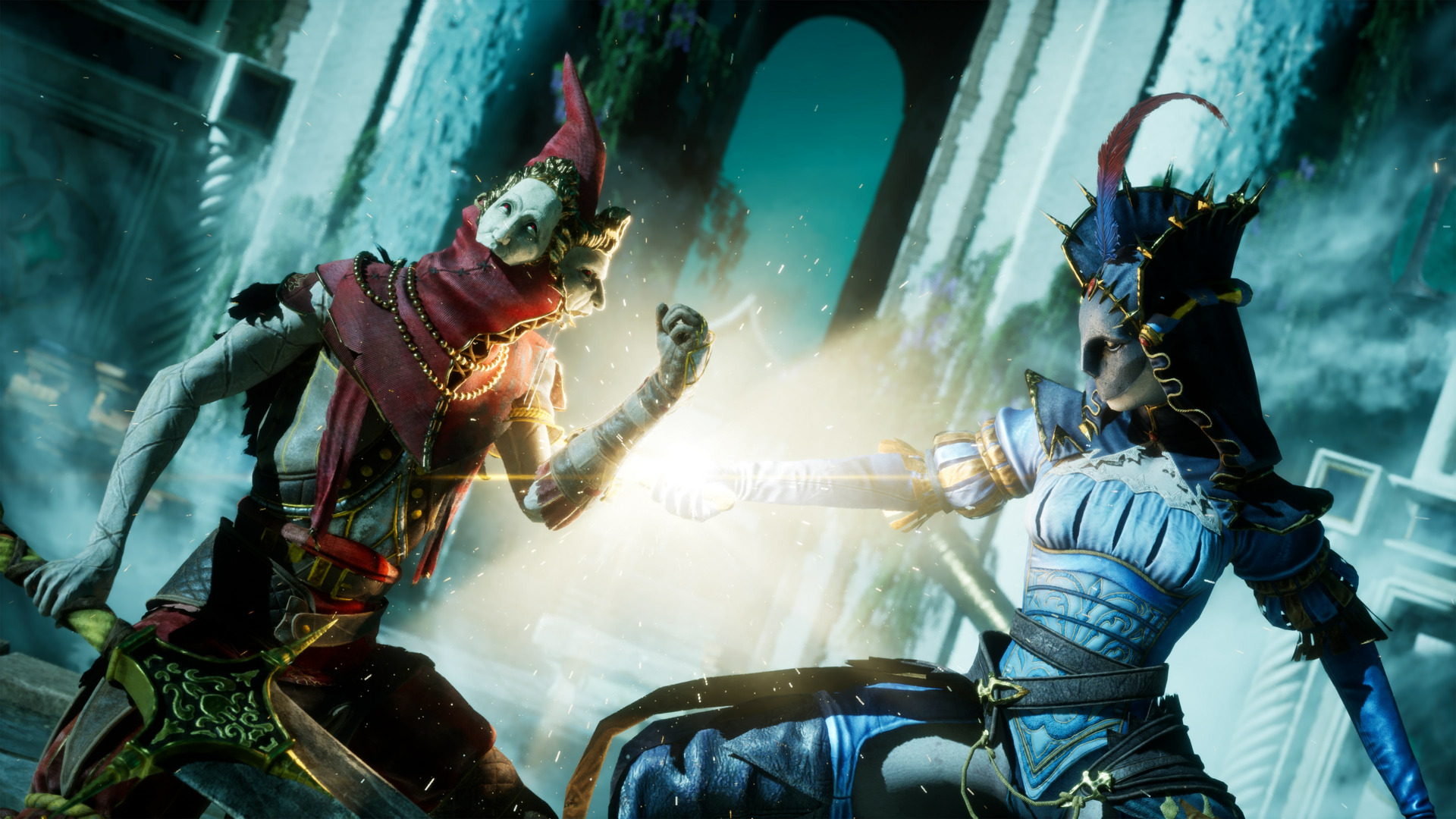
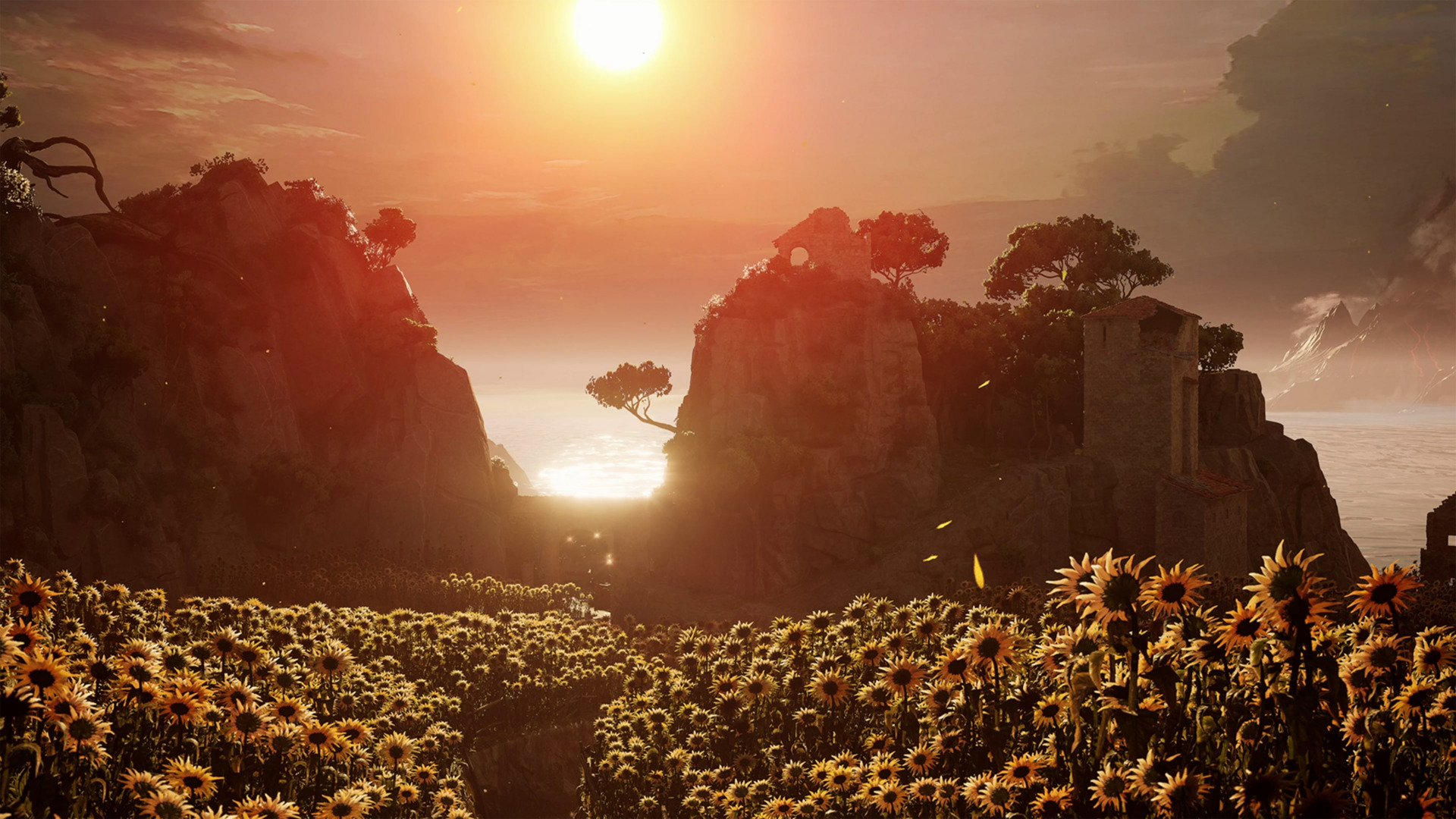
Enotria: The Last Song is an Action RPG SoulsLike set in a fantasy world based off Italian folklore and culture.It aims to take the genre in a new direction, with a vibrant and sun-lit world based off Italian summer where the gameplay allows you to alter the world & enemies in systemic ways.It is defined as a Souls-Like but unlike other souls-likes we are depicting a world based off Italian summer colours, as we call it, ''Summer-Soul''.The objective is to bring italian rich past and culture to the fore in a new way that is appealing to the broader public.What we need to convey from the art direction is the colours, vibrancy and general feeling of visiting Italy.Enotria: The Last Song wants to capture the heart & soul of souls-likes fanbase, with rewarding exploration, diverse player builds, varied enemy designs while giving a unique twist.With Ardore, the player always has access to different strategies, allowing them to influence enemies behaviors, dynamically alter the world around them, solve puzzles & harness the very elements of Enotria.

Enotria: The Last Song screenshotEnotria: The Last Song screenshotEnotria: The Last Song screenshotEnotria: The Last Song screenshotEnotria: The Last Song screenshot

How to redeem

  1. 1Read the account conditions and regional restrictions before purchasing.
  2. 2Open your confirmed order in your Relic Key account to view the supplier’s account details.
  3. 3Follow the supplied sign-in and setup instructions. This is an account, not a redeemable key.

Supplier instructions

Use the credentials you received (directly or via an external website) and log into the account. Make sure that the content on the account is correct (correct edition of the game, no playtime etc.) Add the purchased account to your console and set it as Xbox home account: Purchased account has to be added as a new user, not as a guest30 Xbox Series X S How to Make Account Primary! Change the credentials to make the account your own: Change the email Change the password Add 2FANOTE: Applying any changes to the purchased account, such as adding a payment method or changing the region, may result in the account being banned. In such cases, no refund is applicable. Once the account is added to your console (as a Xbox home account), download the game and switch back to the account you would like to play from. This way your progress will be saved on the account you are using.* The account should be used as a way of accessing the game/content you are interested in. It is not recommended to use it as your main account, as you might have issues with making purchases on it. *Note: Some content available in the Special Editions like in-game currency, skins, bonuses etc. may not be accessible from your main account.

You might also like