Get 10% back in Relic Coins on every order
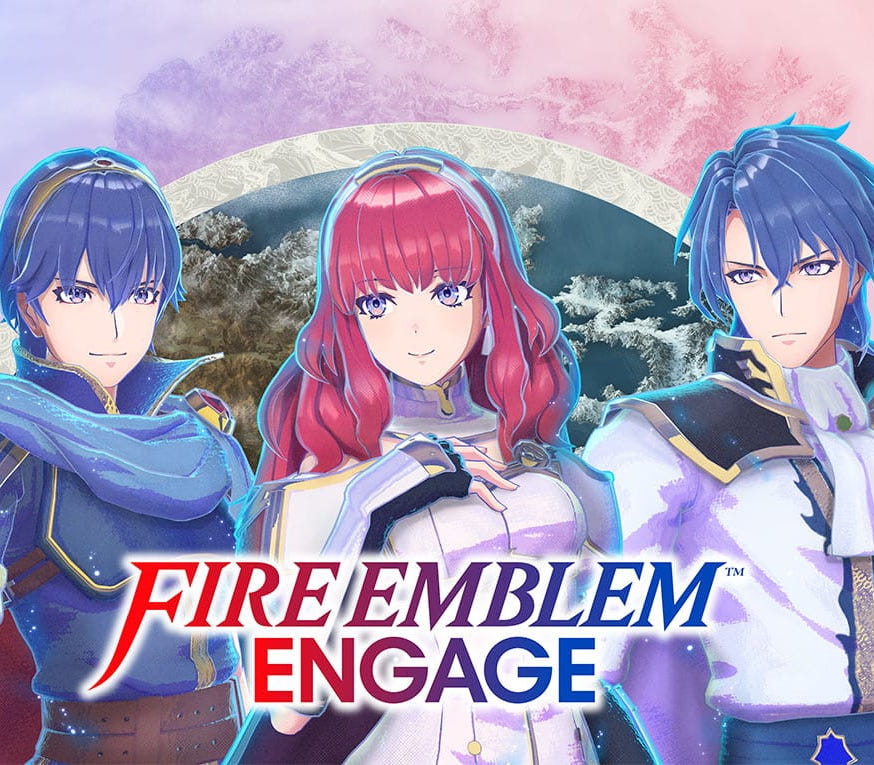
Fire Emblem Engage cover

Nintendo SwitchAmericas· Key

Fire Emblem Engage

€52.67

+€5.27 cashback eligibility in Relic Coins

Check before you play

Platform
Nintendo Switch
Region
Americas
Product type
Key
Developer
Intelligent Systems
Publisher
Nintendo
Supplier release date
2023-01-20
Genres
Action, Adventure, Anime, Open World, Story rich, Strategy, RPG

About this product

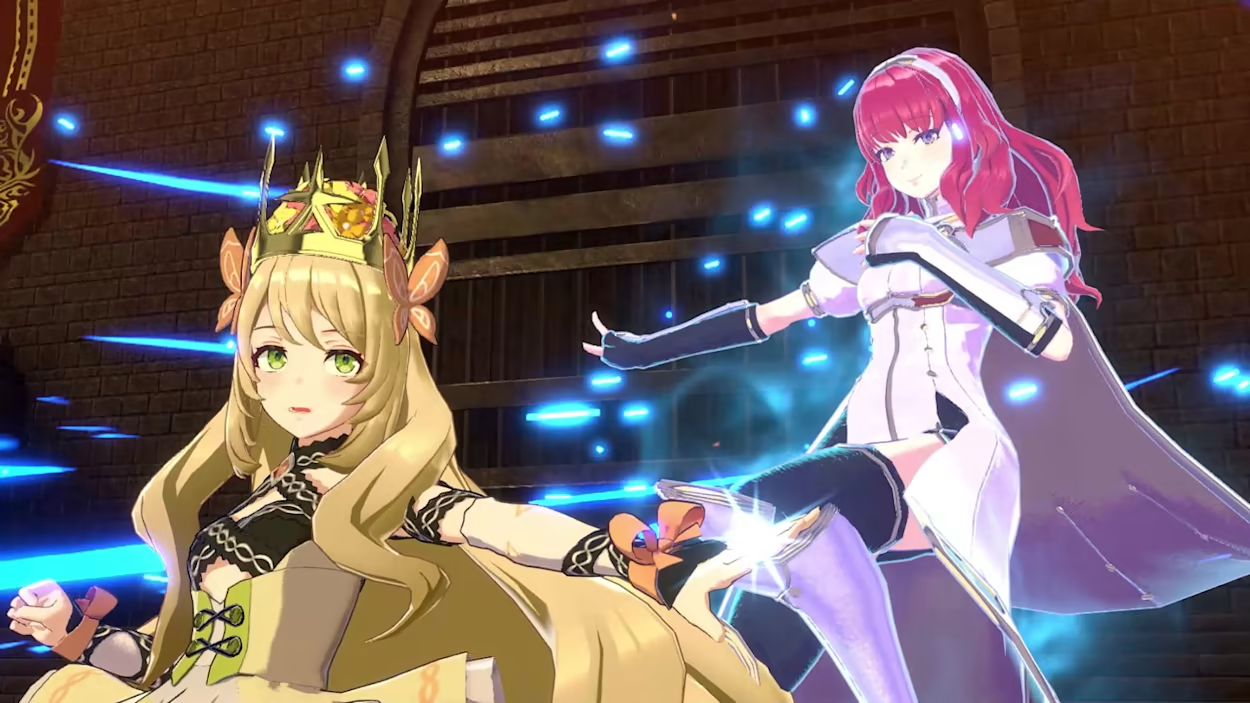
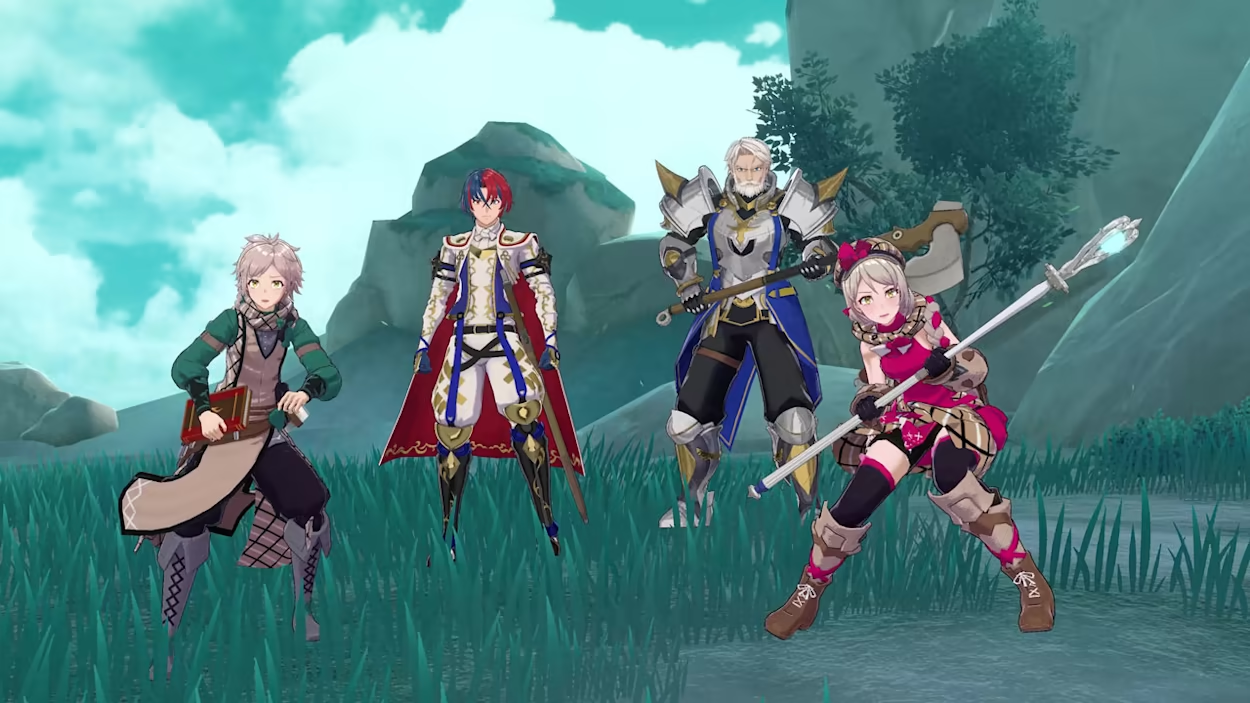
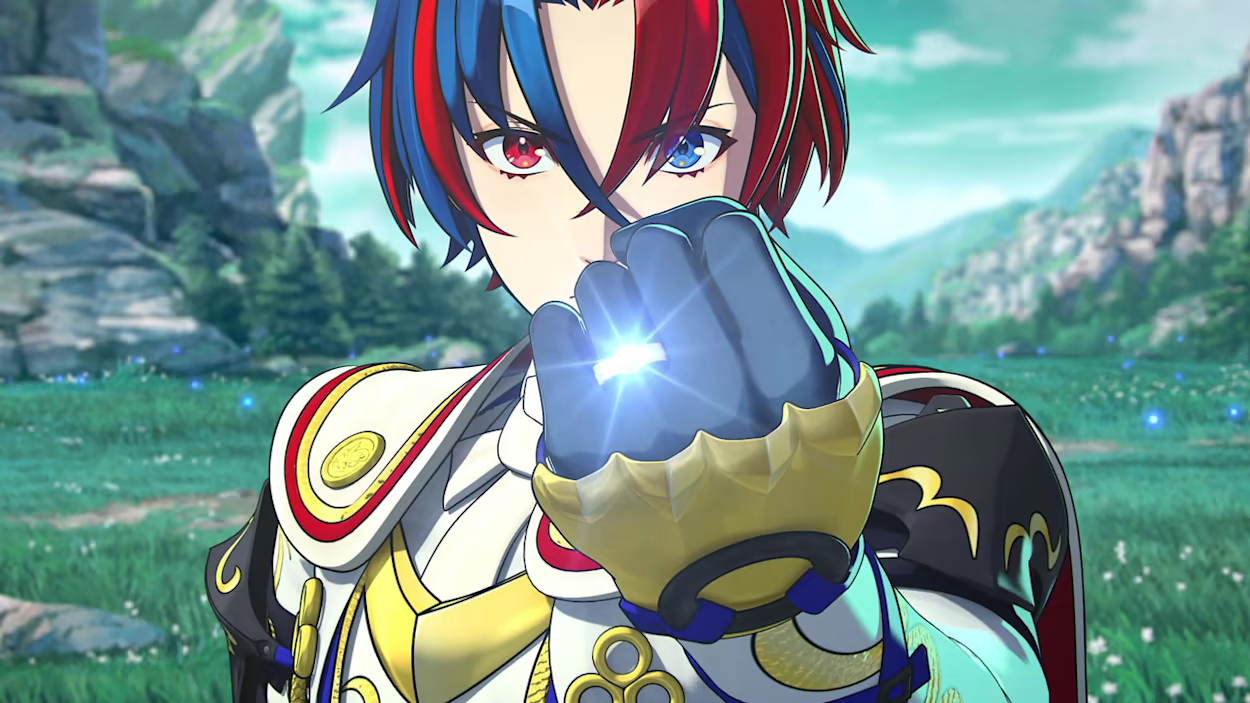
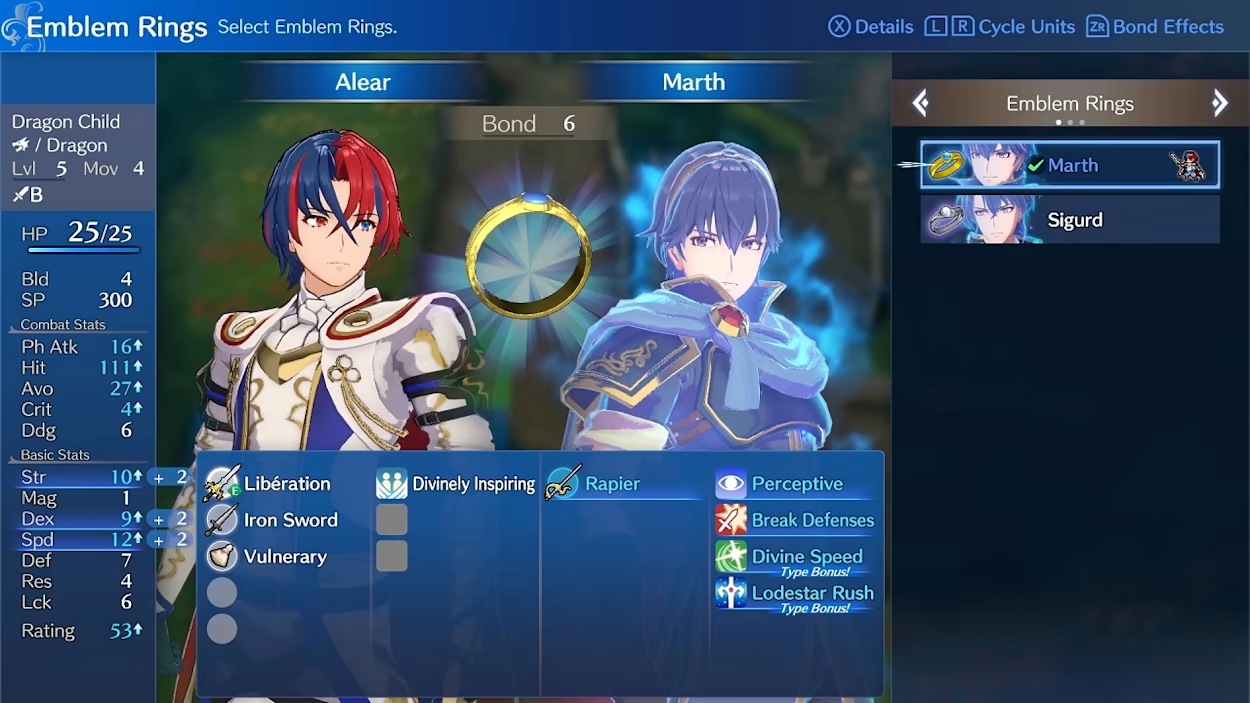
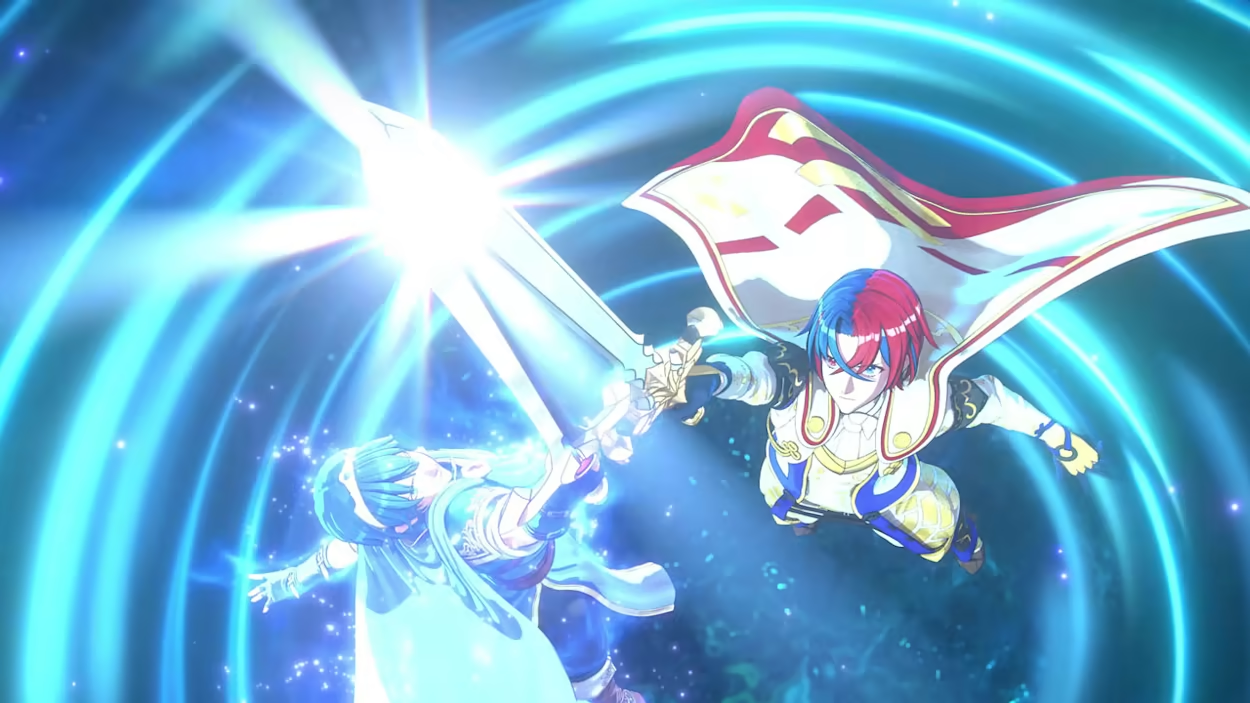
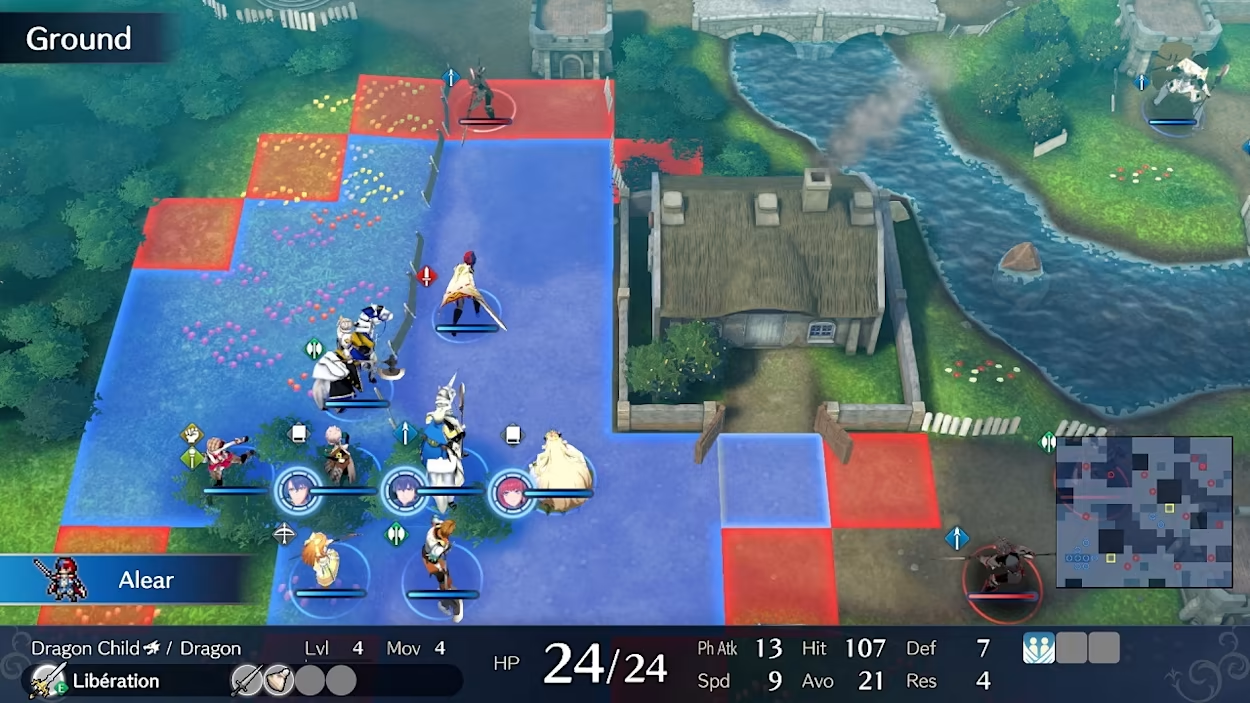
The Divine Dragon awakens In a war against the Fell Dragon, four kingdoms worked together with heroes from other worlds to seal away this great evil. One-thousand years later, this seal has weakened and the Fell Dragon is about to reawaken. As a Divine Dragon, use rich strategies and robust customization to meet your destiny—to collect 12 Emblem Rings and bring peace back to the Continent of Elyos. Features Team up with iconic heroes from past Fire Emblem gamesSummon valiant heroes like Marth and Celica with the power of Emblem Rings and add their power to yours in this brand-new Fire Emblem story. Engage in a new style of combatAside from merging appearances, Engaging lets you use weapons, skills, and more from these legends during battle. The turn-based, tactical battle is back with the brand-new Engage system to add more layers to the strategy. Welcome to SomnielExplore the paradise of Somniel, your base of operations, located in the sky above the continent of Elyos. It hosts a variety of facilities and activities for the player to prepare for upcoming battles and strengthen bonds.

Fire Emblem Engage screenshotFire Emblem Engage screenshotFire Emblem Engage screenshotFire Emblem Engage screenshotFire Emblem Engage screenshotFire Emblem Engage screenshot

How to redeem

  1. 1Check your Nintendo Switch account and the listed region before purchasing.
  2. 2Find your code and supplier activation instructions in your confirmed order.
  3. 3Open the redeem-code section on Nintendo Switch, enter the code and follow the platform’s prompts.

Supplier instructions

Select “Nintendo eShop” on the HOME Menu to launch the Nintendo eShop. Select the account you want to use. Select “Enter Code” on the left side of the screen. Enter the 16-character download code.Any letters and symbols not used with prepaid codes (i.e. O, I, Z, commas, hyphens, etc.) will be disabled from the on-screen keyboard. Select “Send” to confirm. The game will begin downloading once the code is confirmed.The game icon will appear on the HOME menu, with a download status bar. The status bar will disappear once the game download is complete.

You might also like