Get 10% back in Relic Coins on every order
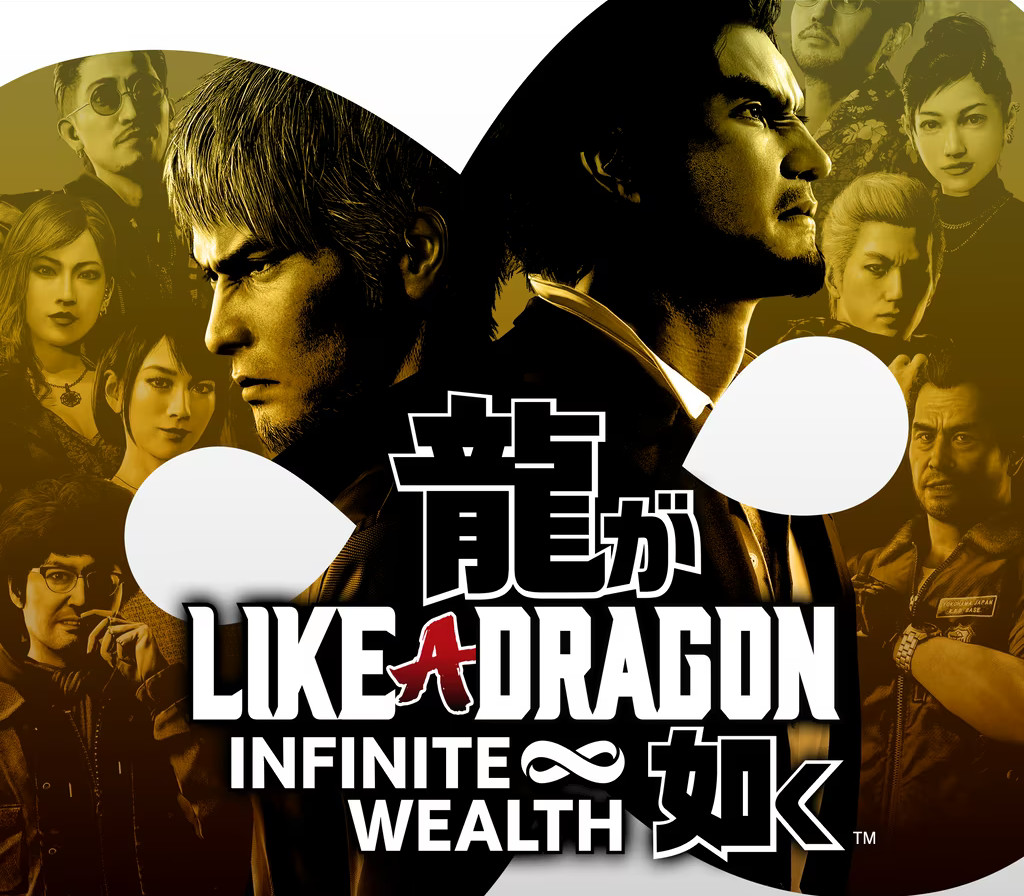
Like a Dragon: Infinite Wealth cover

Xbox OneGlobal· Account

Like a Dragon: Infinite Wealth

€30.45

+€3.05 cashback eligibility in Relic Coins

Check before you play

Platform
Xbox One
Region
Global
Product type
Account

This listing delivers an account, not a game key. Read the supplier’s conditions before purchasing.

Developer
Ryu Ga Gotoku Studio
Publisher
SEGA
Supplier release date
2024-01-26
Genres
Action, Adventure, Story rich, RPG

About this product

Epic emotional drama

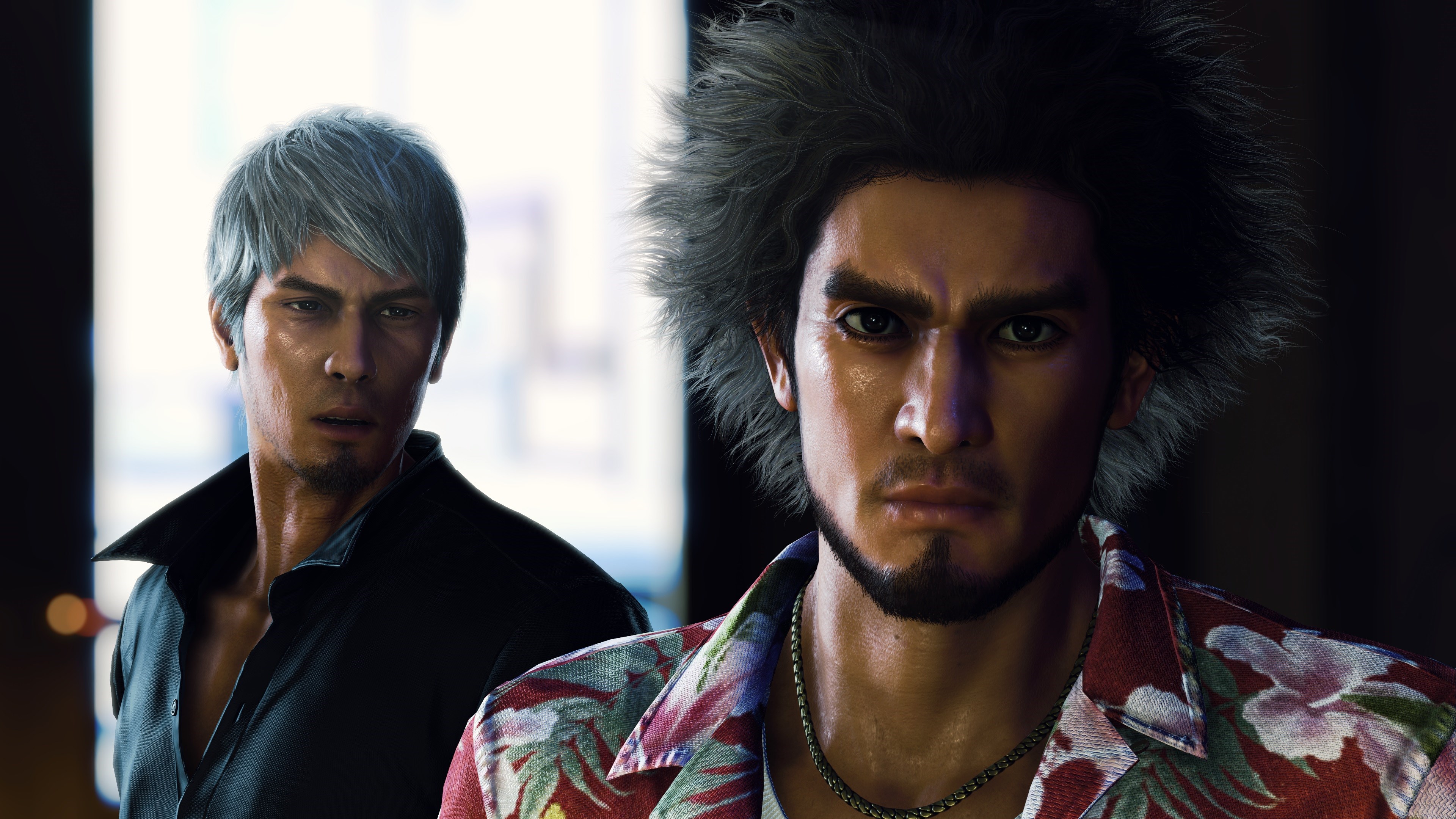
Two larger-than-life heroes brought together by the hand of fate, or perhaps something more sinister… Ichiban Kasuga, an unstoppable underdog who’s no stranger to crawling up from rock bottom, and Kazuma Kiryu, a broken man facing down his last days.

Best-in-class rpg action

Experience one-of-a-kind combat with dynamic, fast-paced RPG battles where the battlefield becomes your weapon, and anything goes. Adapt your party’s skills to the situation with outlandish jobs and customizations to strategically subdue enemies with over-the-top moves. INFINITE ADVENTURE Live it up in Japan and explore all that Hawaii has to offer in an adventure so big it spans the Pacific. Unforgettable moments await at every step of the journey with a unique mix of quests and activities to enjoy at your leisure.

Like a Dragon: Infinite Wealth screenshotLike a Dragon: Infinite Wealth screenshotLike a Dragon: Infinite Wealth screenshotLike a Dragon: Infinite Wealth screenshotLike a Dragon: Infinite Wealth screenshot

How to redeem

  1. 1Read the account conditions and regional restrictions before purchasing.
  2. 2Open your confirmed order in your Relic Key account to view the supplier’s account details.
  3. 3Follow the supplied sign-in and setup instructions. This is an account, not a redeemable key.

Supplier instructions

Use the credentials you received (directly or via an external website) and log into the account. Make sure that the content on the account is correct (correct edition of the game, no playtime etc.) Add the purchased account to your console and set it as Xbox home account: Purchased account has to be added as a new user, not as a guest30 Xbox Series X S How to Make Account Primary! Change the credentials to make the account your own: Change the email Change the password Add 2FANOTE: Applying any changes to the purchased account, such as adding a payment method or changing the region, may result in the account being banned. In such cases, no refund is applicable. Once the account is added to your console (as a Xbox home account), download the game and switch back to the account you would like to play from. This way your progress will be saved on the account you are using.* The account should be used as a way of accessing the game/content you are interested in. It is not recommended to use it as your main account, as you might have issues with making purchases on it. *Note: Some content available in the Special Editions like in-game currency, skins, bonuses etc. may not be accessible from your main account.

You might also like